
1. Sarrera
Thank you for choosing the BINNUNE 2.4GHz Wireless Gaming Headset. This manual provides detailed instructions to help you set up, operate, and maintain your headset for an optimal gaming and audio experience across various platforms including PS5, PS4, PC, Mac, and mobile devices via Bluetooth.
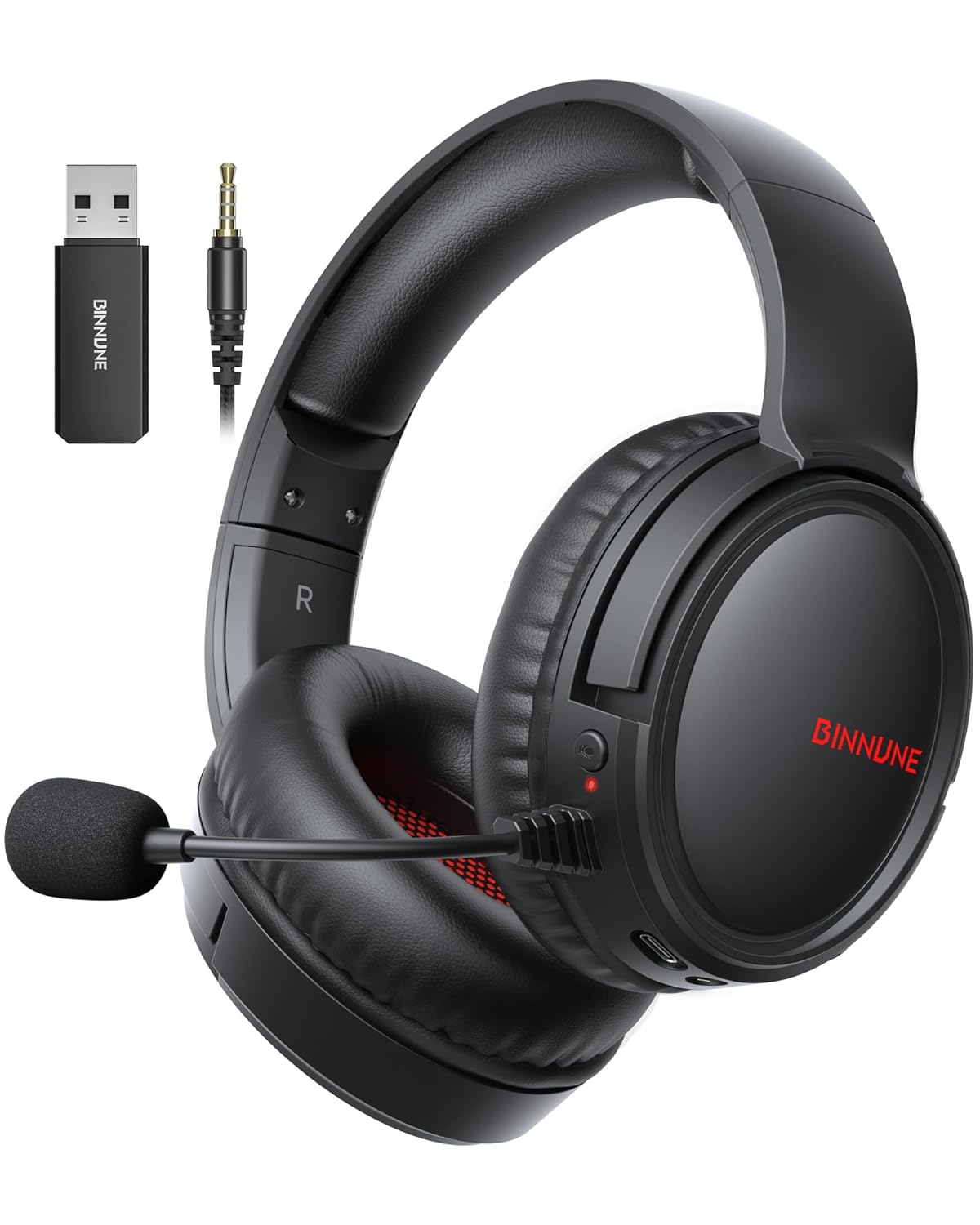
Figure 1: BINNUNE Wireless Gaming Headset (Model BW02-BT) with included accessories.
2. Zer dago kutxan
- BINNUNE Wireless Gaming Headset (BW02-BT)
- 2.4 GHz-ko USB Donglea
- 3.5 mm-ko audio kablea
- USB-C kargatzeko kablea
- Erabiltzailearen eskuliburua

Figure 2: All components included with your BINNUNE Gaming Headset.
3. Produktua amaitu daview eta Kontrolak
Familiarize yourself with the headset's controls and ports for seamless operation.
- Mikrofonoa: Dual beamforming microphones with rotatable design for clear communication. Features ENC noise-canceling technology.
- USB-C ataka: Entzungailua kargatzeko.
- 3.5 mm-ko audio-konexioa: Gailu bateragarrietara kable bidezko konexiorako.
- LED adierazlea: Displays power status, charging status, and connection mode.
- Pizteko botoia: Eduki sakatuta pizteko/itzaltzeko.
- Bolumen-gurpila: Audioaren bolumena doitzen du.
- Mututu botoia: Mikrofonoa isilarazi/aktibatzen du.
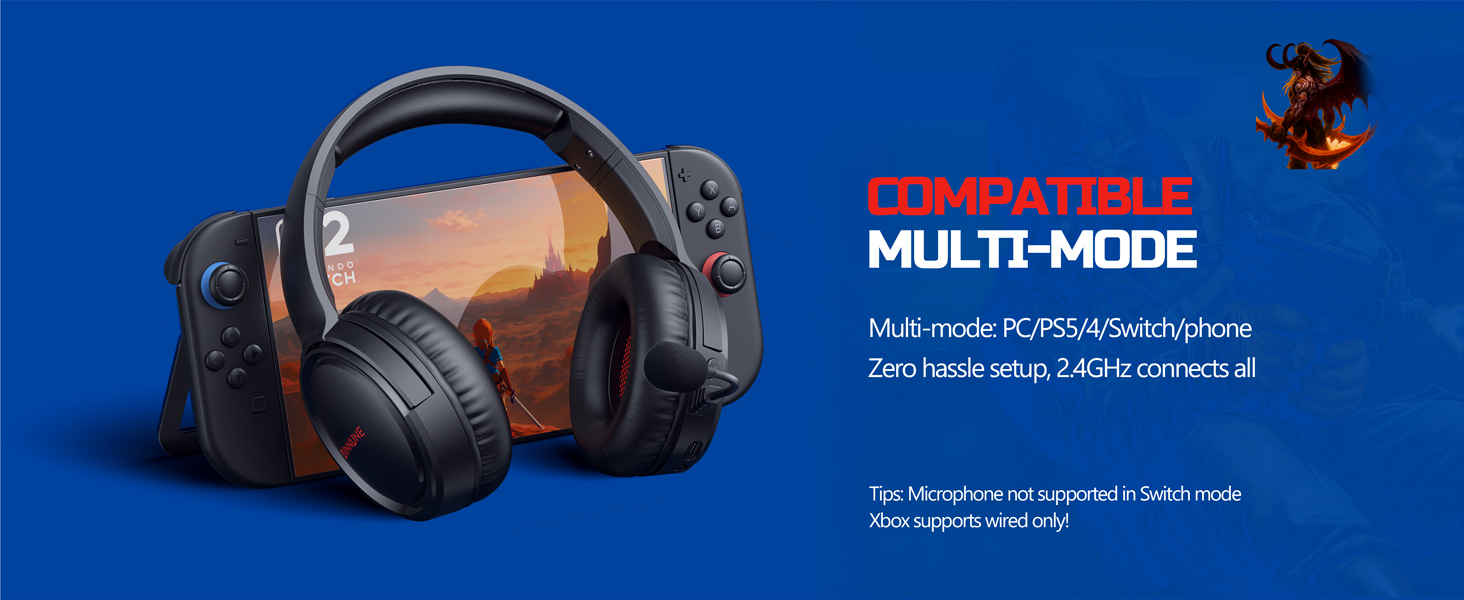
Figure 3: Key controls and ports on the BINNUNE Wireless Gaming Headset.
1 bideoa: Aurrerapen azkar batview of the BINNUNE Gaming Headset's features and controls.
4. Konfigurazioa eta konexioa
4.1 Hasierako karga
Before first use, fully charge your headset. Connect the USB-C charging cable to the headset's USB-C port and the other end to a USB power source. The LED indicator will show charging status and turn off when fully charged. A full charge takes approximately 6 hours.

Figure 4: The headset offers up to 40 hours of battery life on a single charge.
4.2 2.4GHz Wireless Connection (USB Dongle)
This mode provides ultra-low latency audio (≤38ms) for gaming on PS5, PS4, PC, and Mac.
- Plug the 2.4GHz USB dongle into an available USB port on your PS5/4, PC, or Mac.
- Power on your BINNUNE headset by pressing and holding the power button.
- The headset will automatically connect to the dongle. The LED indicator will show a stable light when connected.
Oharra: The microphone is not available when connected to Nintendo Switch in 2.4GHz mode. Not compatible with XBOX.

Figure 5: The 2.4GHz USB dongle ensures a fast and stable connection.
4.3 Bluetooth konexioa
Use Bluetooth mode for mobile phones, tablets, iPads, and other smart devices.
- Ziurtatu entzungailua piztuta dagoela.
- Zure gailuan, joan Bluetooth ezarpenetara eta gaitu Bluetooth.
- Select "BINNUNE BW02-BT" from the list of available devices to pair.
- The LED indicator will flash during pairing and show a stable light once connected.
Oharra: Bluetooth mode is not compatible with PS5/4. The microphone is not available when connected to Nintendo Switch in Bluetooth mode.
4.4 Kable bidezko konexioa (3.5 mm-ko audio kablea)
For devices that do not support wireless connectivity or when battery is low.
- Konektatu 3.5 mm-ko audio-kablearen mutur bat entzungailuen 3.5 mm-ko audio-hartuneari.
- Connect the other end to the 3.5mm audio port on your gaming device (e.g., PS5/4 controller, PC, phone).
Oharra: The microphone may not be available on some devices when using the wired connection.

Figure 6: Multiplatform compatibility of the BINNUNE headset across 2.4G, Bluetooth, and Wired modes.
Video 2: Demonstrating the multi-mode connectivity of BINNUNE Gaming Headsets for PS4/PS5/PC.
5. Funtzionamendu-argibideak
5.1 Piztu/Itzali
Press and hold the Power Button for 3 seconds to turn the headset on or off. The LED indicator will light up or turn off accordingly.
5.2 Bolumen kontrola
Rotate the Volume Wheel up (+) to increase volume or down (-) to decrease volume.
5.3 Mikrofonoaren erabilera
The headset features a rotatable microphone. Flip the microphone down to use it. Press the Mute Button to toggle microphone mute on or off. The ENC noise-canceling technology helps ensure clear voice transmission.
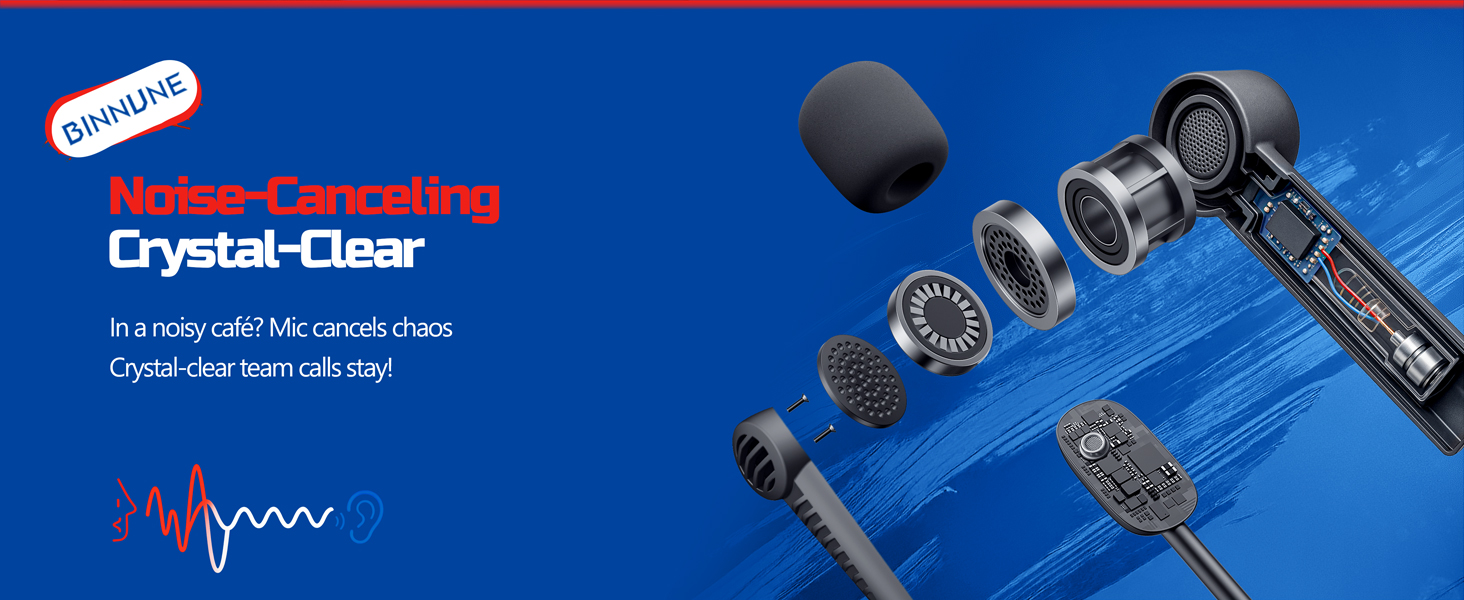
Figure 7: The noise-canceling microphone ensures crystal-clear voice calls by reducing background noise.
5.4 Moduen artean aldatzea
The headset supports seamless switching between 2.4GHz and Bluetooth modes. Refer to section 4 for specific connection steps for each mode. The headset prioritizes the 2.4GHz connection when the dongle is active.
6. Mantentzea
- Garbiketa: Erabili zapi leun eta lehor bat entzungailuak garbitzeko. Saihestu garbitzaile edo disolbatzaile urratzaileak erabiltzea.
- Biltegiratzea: Gorde entzungailuak leku fresko eta lehor batean, eguzki-argitik eta muturreko tenperaturetatik babestuta.
- Bateria zaintzea: Bateriaren iraupena luzatzeko, saihestu entzungailuak maiz erabat deskargatzea. Kargatu aldizka, denbora luzez erabiltzen ez badituzu ere.
7. Arazoak
| Arazoa | Kausa posiblea | Irtenbidea |
|---|---|---|
| Ez dago soinurik entzungailutik. | Headset not powered on, low battery, incorrect connection mode, volume too low. | Ensure headset is on and charged. Check connection mode (2.4GHz/Bluetooth/Wired). Increase volume. |
| Mikrofonoa ez dabil. | Microphone muted, incorrect input device selected on computer/console, compatibility issue in certain modes. | Unmute microphone. Check audio settings on your device to ensure BINNUNE headset is selected as input. Note mode limitations (e.g., Switch, some wired connections). |
| Cannot connect via 2.4GHz dongle. | Donglea ez dago behar bezala sartuta, interferentziak, entzungailuak dongletik urrunegi. | Ensure dongle is fully inserted. Move closer to the dongle. Try a different USB port. |
| Ezin da Bluetooth bidez konektatu. | Aurikularrak ez daude parekatze moduan, gailua Bluetooth itzalita, beste gailu batera konektatuta dago dagoeneko. | Ensure headset is discoverable. Turn Bluetooth on your device. Disconnect from other devices. |
8. Zehaztapenak
| Ezaugarri | Xehetasuna |
|---|---|
| Ereduaren izena | BW02-BT |
| Konektibitate Teknologia | Wireless (2.4GHz, Bluetooth 5.3), Wired (3.5mm Jack) |
| Audio kontrolatzailearen tamaina | 50 mm |
| Maiztasun Erantzuna | 20 Hz - 20,000 Hz |
| Sentikortasuna | 96 dB |
| Audio Latency (2.4GHz) | 32 Milliseconds (≤38ms advertised) |
| Bateriaren iraupena | Gehienez 40 ordu |
| Kargatzeko Denbora | 6 ordu |
| Mikrofonoa | Dual Beamforming with ENC Noise-Canceling |
| Materiala | Plastic (Headset), Leather (Ear Cushions) |
| Pisua | 13.4 ontza |
| Gailu bateragarriak | Gaming Consoles (PS4, PS5), PC, Mac, Telephones, Laptops, Desktops |
9. Bermea eta Laguntza
BINNUNE products are manufactured with high-quality standards. For any product-related inquiries, technical support, or warranty claims, please refer to the official BINNUNE store or contact their customer service directly.
Bisitatu BINNUNE Store on Amazon informazio eta laguntza gehiago lortzeko.