
Z-EDGE U28I4K
Z-EDGE U28I4K 4K Monitorearen Erabiltzaile Eskuliburua
28-inch IPS, 144Hz Refresh Rate, Ultra HD 3840x2160 Gaming Monitor
1. Sarrera
This user manual provides detailed instructions for the setup, operation, maintenance, and troubleshooting of your Z-EDGE U28I4K 4K Monitor. Please read this manual thoroughly before using the product to ensure proper functionality and to prevent damage.
Produktuaren Ezaugarriak:
- 4K UHD Bereizmena (3840x2160): Delivers stunningly clear and lifelike images with exceptional detail.
- 144Hz-ko freskatze-tasa eta 1ms-ko erantzun-denbora: Ensures smooth, crisp visuals and reduces motion blur, ideal for gaming.
- IPS panela: 178° zabala eskaintzen du viewing angles and consistent, accurate color reproduction.
- HDR10 Technology: Enhances picture quality with deeper blacks and brighter whites.
- Konektibitate-aukera anitz: Two HDMI inputs and two DisplayPort inputs for versatile device connection.
- Begiak zaintzeko teknologia: Features low blue light and flicker-free technology to reduce eye strain.
- VESA muntaia bateragarria: Supports 100x100mm VESA mounting for flexible installation.
2. Paketearen edukia
Please check the package contents upon unboxing. If any items are missing or damaged, contact Z-EDGE customer support.
- Z-EDGE U28I4K 4K Monitor
- Monitorearen euskarria (oinarria eta lepoa)
- Energia egokitzailea eta energia kablea
- HDMI kablea
- DisplayPort kablea
- Erabiltzailearen eskuliburua
- Screws and Screwdriver for stand assembly
3. Konfigurazioa
3.1 Standa muntatzea
- Carefully remove the monitor from its packaging, keeping it protected on a soft, flat surface.
- Attach the stand neck to the monitor's rear panel using the provided screws. Ensure it is securely fastened.
- Connect the stand base to the stand neck and tighten the thumb screw or use the provided screwdriver to secure it.
- Gently place the assembled monitor on a stable, flat desk.

3.2 Gailu batera konektatzea
The Z-EDGE U28I4K monitor supports multiple input types. Choose the appropriate cable for your device.
- HDMI konexioa: Connect one end of the HDMI cable to the HDMI port on your computer/device and the other end to an HDMI input port (HDMI 1 or HDMI 2) on the monitor.
- DisplayPort konexioa: Connect one end of the DisplayPort cable to the DisplayPort on your computer/device and the other end to a DisplayPort input port (DP 1 or DP 2) on the monitor.
- Audio irteera: Connect external speakers or headphones to the 3.5mm audio output jack on the monitor if desired.

3.3 Energia-konexioa
Connect the power adapter to the DC 12V input on the monitor, then plug the power cable into a wall outlet.
Important: Use only the power adapter provided with your monitor.
4. Monitorea funtzionatzea
4.1 Piztu/Itzali
Press the power button located on the back or bottom of the monitor to turn it on or off. The power indicator light will illuminate when the monitor is on.
4.2 Pantailan bistaratzeko (OSD) menua
The OSD menu allows you to adjust various monitor settings. Navigate the menu using the buttons typically found on the back or bottom right of the monitor.
OSD ezarpen arruntak:
- Distira/Kontrastea: Doitu luminantzia orokorra eta kontraste-erlazioa.
- Kolore ezarpenak: Aldatu kolore-tenperatura, gamma eta banakako RGB mailak.
- Sarrera iturria: Manually select between HDMI 1, HDMI 2, DP 1, or DP 2.
- Irudi modua: Select preset display modes (e.g., Standard, Game, Movie, Text).
- Response Time/Overdrive: Adjust the pixel response time for faster transitions.
- FreeSync/Adaptive Sync: Enable or disable adaptive synchronization technology.
- Argi urdin baxua: Murriztu argi urdinaren igorpena begi-nekea gutxitzeko.
- Keinurik gabekoa: Ensure the display is free from visible flickering.
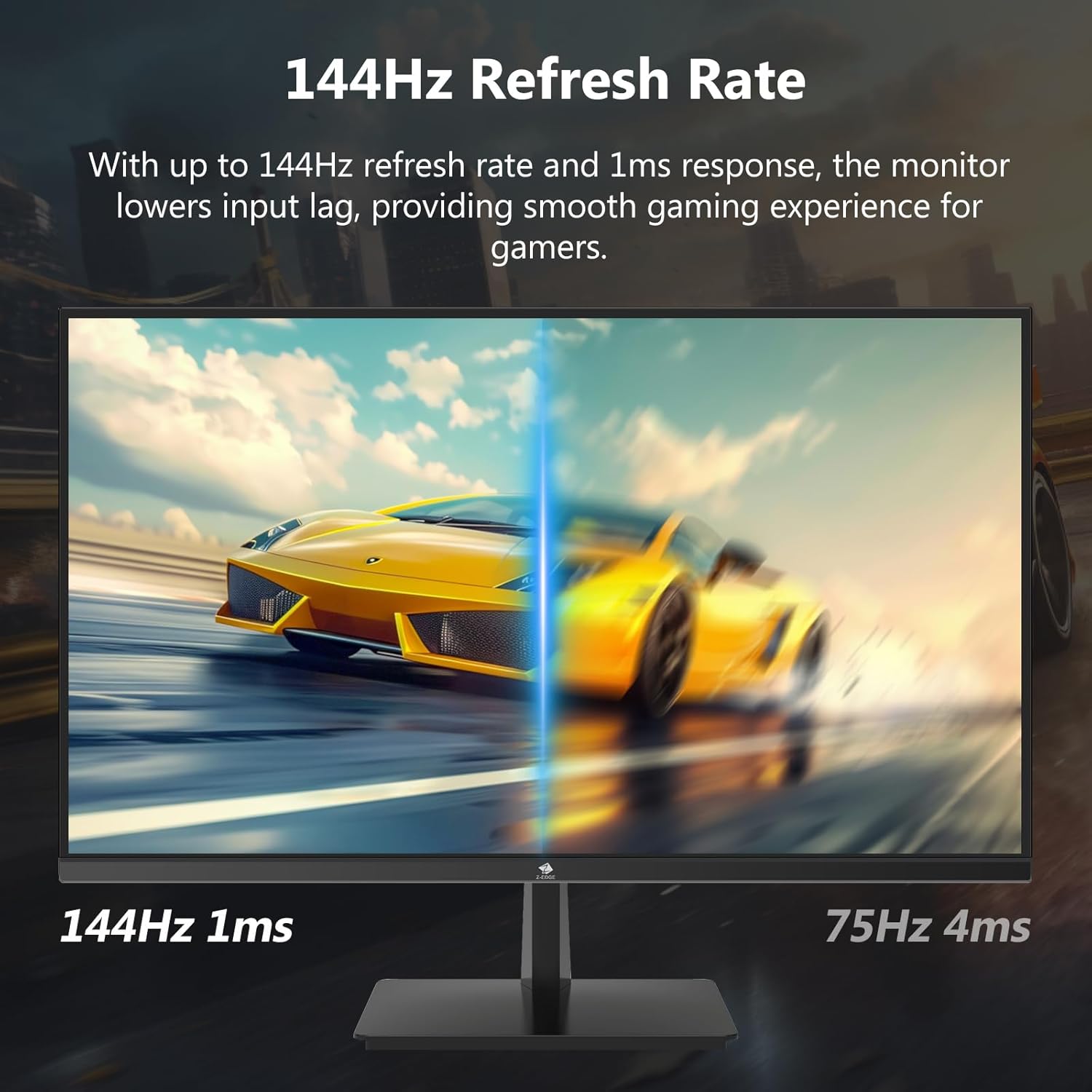

4.3 Freskatze-tasa eta erantzun-denbora
The monitor supports up to a 144Hz refresh rate and 1ms response time for optimal performance in fast-paced applications and gaming.
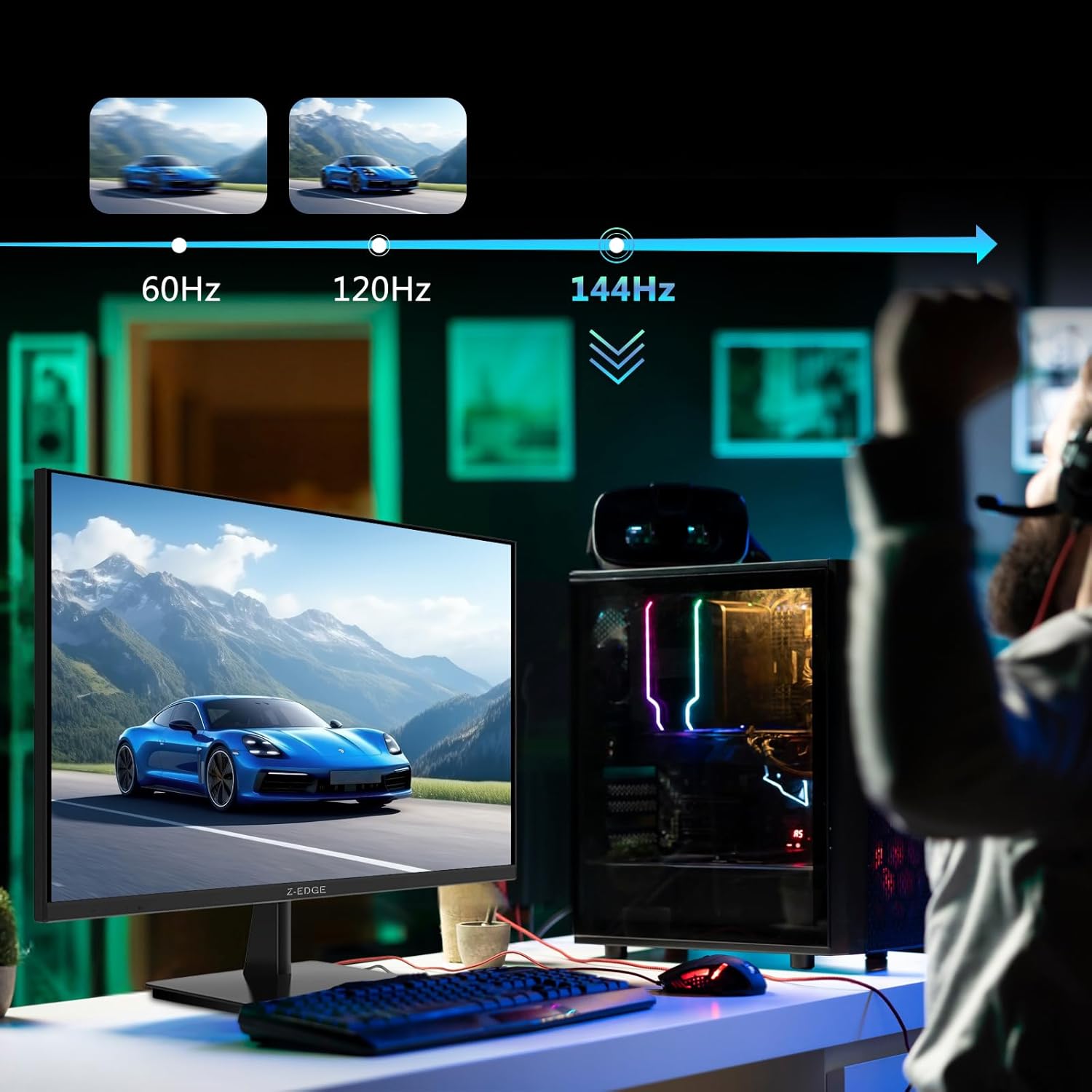

5. Mantentzea
5.1 Monitorea garbitzea
- Deskonektatu beti monitorearen entxufea korrontetik garbitu aurretik.
- Erabili lipurrik gabeko zapi leun bat dampUrarekin edo pantaila-garbitzaile ez-urratzaile batekin garbitu.
- Ez ihinztatu garbitzailea zuzenean pantailan.
- Saihestu bentzenoa, mehetzailea, amoniakoa edo garbitzaile urratzaileak erabiltzea, hauek monitorearen gainazala kaltetu baitezakete.
5.2 Biltegiratzea
When storing the monitor for an extended period, ensure it is powered off and disconnected from all cables. Store it in a cool, dry place, preferably in its original packaging to protect it from dust and physical damage.
6. Arazoak
| Arazoa | Kausa posiblea | Irtenbidea |
|---|---|---|
| Botererik ez | Elikatze-kablea ez dago konektatuta; Entxufea akastuna; Elikatze-egokigailua akastuna. | Ensure power cable is securely connected to monitor and outlet. Test outlet with another device. Contact support if adapter is suspected faulty. |
| Seinalerik ez | Input cable not connected; Incorrect input source selected; Computer/device not outputting signal. | Check HDMI/DisplayPort cable connections. Select correct input source via OSD menu. Restart computer/device. |
| Pantaila keinukaria | Loose cable connection; Refresh rate mismatch; DCR (Dynamic Contrast Ratio) enabled. | Ensure cables are firmly connected. Adjust refresh rate in display settings. Disable DCR in OSD menu. |
| Poor Image Quality (Blurry/Distorted) | Incorrect resolution; Cable quality; Graphics driver issues. | Set display resolution to 3840x2160. Try a different high-quality cable. Update graphics drivers. |
| No Audio from Monitor | Volume too low; Incorrect audio output selected on computer; External speakers not connected/powered. | Increase monitor volume via OSD. Select monitor as audio output device in OS settings. Ensure external speakers are connected and powered. |
If the problem persists after trying these solutions, please contact Z-EDGE customer support.
7. Zehaztapenak
| Ezaugarri | Xehetasuna |
|---|---|
| Modelo zenbakia | U28I4K |
| Pantailaren tamaina | 28 hazbete |
| Panel mota | IPS |
| Ebazpena | 3840x2160 (4K UHD) |
| Freskatze tasa | 144Hz |
| Erantzun Denbora | 1 ms (MPRT) |
| Distira | 300 cd/m² |
| Kontraste-erlazioa | 1000:1 |
| Koloreen euskarria | 16.7 milioi kolore (8 biteko) |
| Viewangelua | 178° (H/B) |
| HDR euskarria | HDR10 |
| Konektibitatea | 2x HDMI 2.1, 2x DisplayPort 1.4, 1x Audio Out (3.5mm) |
| VESA mendia | 100x100mm |
| Neurriak (euskarriarekin) | 19 x 64 x 46 cm |
| Pisua (zutiluarekin) | 5.96 kg |
| Potentzia Sarrera | DC 12V |
8. Bermea eta Laguntza
8.1 Bermearen informazioa
Z-EDGE products typically come with a limited manufacturer's warranty. Please refer to the warranty card included in your product packaging or visit the official Z-EDGE webwebgunean bermearen baldintza zehatzak ikusteko. Gorde erosketa-agiria erosketaren frogagiri gisa bermearen erreklamazioetarako.
8.2 Bezeroarentzako laguntza
For technical assistance, troubleshooting, or warranty inquiries, please contact Z-EDGE customer support:
- Webgunea: www.z-edge.com (Check for support contact details, FAQs, and driver downloads)
- Posta elektronikoa: Jo ezazu ofiziala webwebgunean laguntza-helbide elektroniko eguneratuena lortzeko.
- Telefonoa: Jo ezazu ofiziala webwebgunean laguntza-telefono zenbaki eguneratuena aurkitzeko.
When contacting support, please have your monitor's model number (U28I4K) and serial number ready.
Ask a question about this manual
Ask about setup, troubleshooting, compatibility, parts, safety, or missing instructions. Manuals+ will review the question and use this page’s manual context to help answer it.