
Sarrera
The CORSAIR iCUE Link RX120 RGB 120mm PWM Fans are designed to provide superior airflow and vibrant RGB lighting for your PC system. Featuring a groundbreaking design, these fans deliver high performance with low noise levels, thanks to Magnetic Dome bearings. The iCUE Link technology simplifies connectivity, allowing multiple fans to connect seamlessly with a single cable to the included iCUE Link System Hub. This manual provides essential information for the proper setup, operation, and maintenance of your RX120 RGB fans.

Figure 1: CORSAIR iCUE Link RX120 RGB 120mm PWM Fans (White, Triple Pack)
Kutxan dagoena
Your CORSAIR iCUE Link RX120 RGB Starter Kit includes the following components:
- 3 x CORSAIR iCUE Link RX120 RGB 120mm PWM Fans
- 1 x CORSAIR iCUE Link System Hub
- Muntatzeko Torlojuak
- iCUE Link Bridge Connectors
- Dokumentazioa (Hasierako Gida Azkarra, Segurtasun Informazioa)
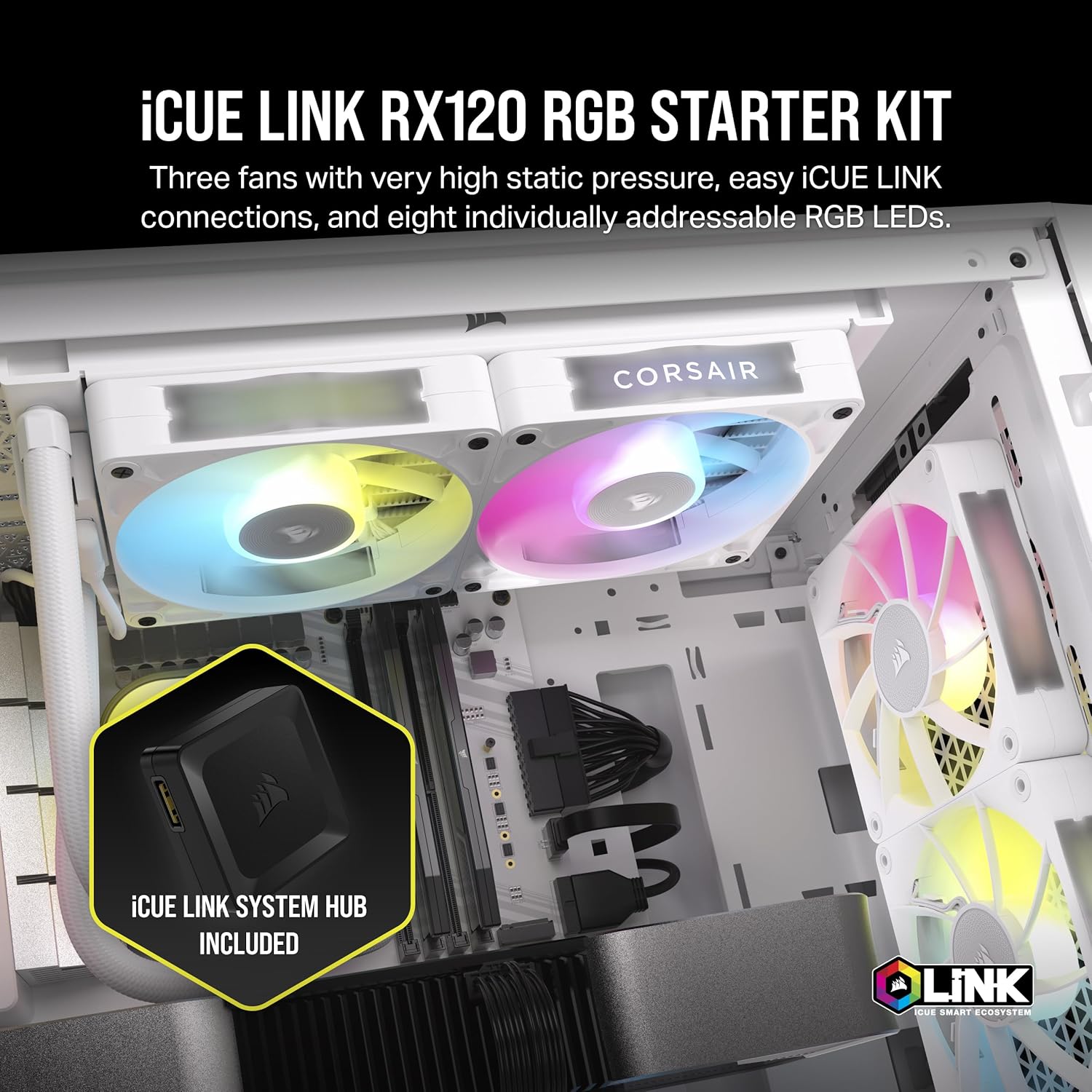
Figure 2: Components included in the iCUE Link RX120 RGB Starter Kit.

Figure 3: Retail packaging of the CORSAIR iCUE Link RX120 RGB Starter Kit.
Konfigurazioa
1. Instalazio fisikoa
- Mounting Fans: Securely attach the RX120 RGB fans to your PC case or radiator using the provided mounting screws. Ensure proper airflow direction for optimal cooling.
- iCUE Link Connection: Connect the fans to each other using the included iCUE Link bridge connectors. This allows for a simplified daisy-chain setup, reducing cable clutter. Connect the last fan in the chain to the iCUE Link System Hub using a single iCUE Link cable.
- System Hub Connection: Connect the iCUE Link System Hub to your motherboard via a USB 2.0 header and to your power supply via a SATA power connector.

Figure 4: Simplified iCUE Link daisy-chain connection for multiple fans.

Figure 5: The iCUE Link System Hub for centralized control.
2. Softwarearen konfigurazioa
Download and install the latest version of CORSAIR iCUE software from the official CORSAIR webgunea (www.corsair.com/icue). The iCUE software allows you to control fan speeds, monitor temperatures, and customize RGB lighting effects.
1. bideoa: Berriroview demonstrating the installation and RGB features of the iCUE RX120 fans.
Funtzionamendu-argibideak
1. Fan Speed Control (PWM)
The RX120 RGB fans support PWM (Pulse-Width Modulation) control, allowing for precise adjustment of fan speeds up to 2,100 RPM. This can be configured through the CORSAIR iCUE software to balance cooling performance and noise levels. The fans also feature a Zero RPM mode for virtual silence at low loads.

Figure 6: Fan features including PWM control, AirGuide Technology, and Zero RPM mode.
2. RGB argiztapenaren pertsonalizazioa
Each RX120 RGB fan is equipped with eight individually addressable RGB LEDs, allowing for extensive customization of lighting effects. Use the CORSAIR iCUE software to select from various lighting presets, create custom patterns, and synchronize lighting with other iCUE-compatible components. The fans also feature a built-in side window and detachable decorative side plates for enhanced visual appeal and customization.
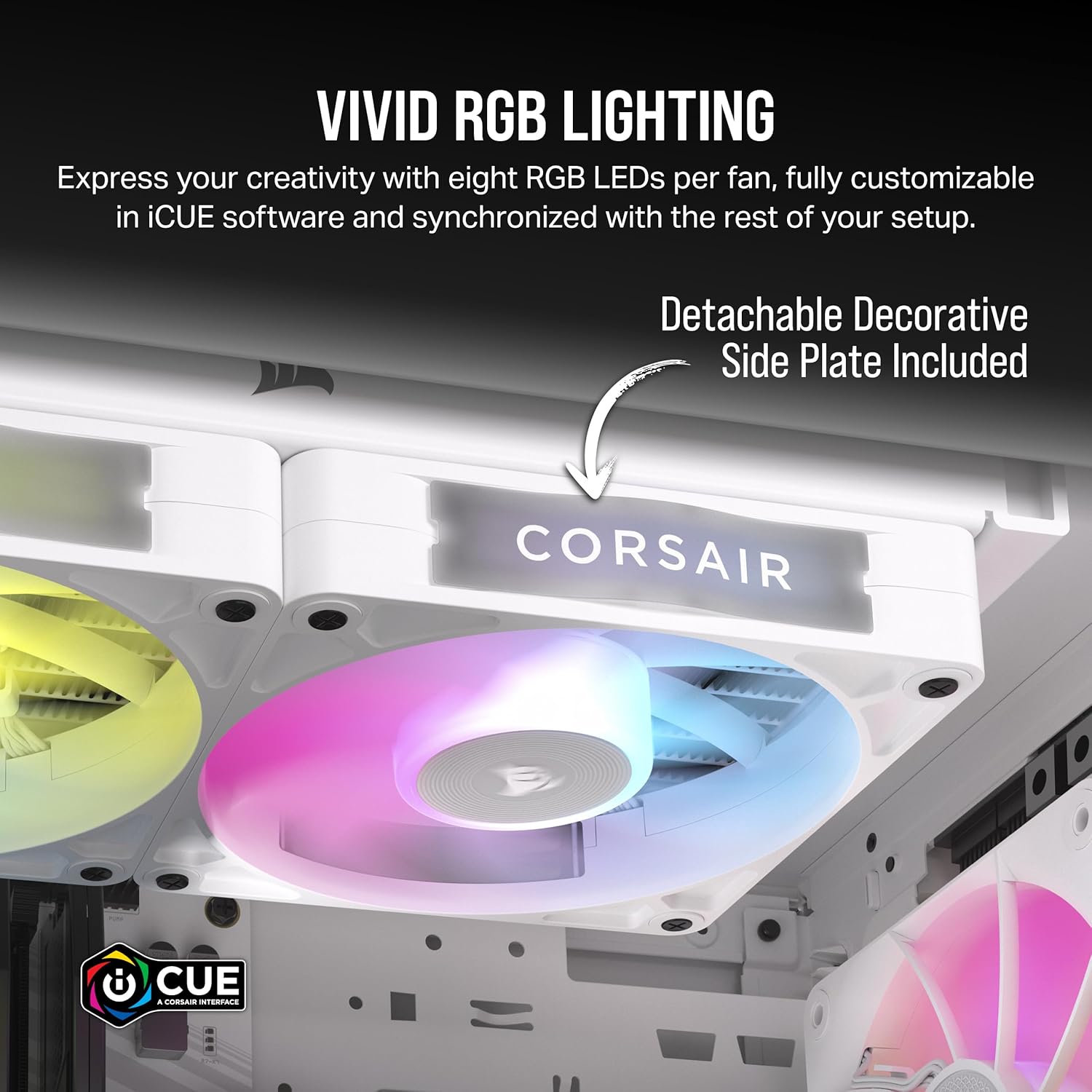
Figure 7: Customizable RGB lighting and detachable side plates.

Figure 8: CORSAIR iCUE software interface for RGB lighting control.
2. bideoa: Erabiltzaile batek berriroview erakutsiasing the RGB lighting effects of the CORSAIR iCUE Link RX120 fans.
Mantentzea
To ensure optimal performance and longevity of your CORSAIR iCUE Link RX120 RGB fans, regular maintenance is recommended:
- Garbiketa: Periodically clean the fan blades and frame to remove dust buildup. Use a soft brush or compressed air. Ensure the system is powered off before cleaning.
- Bearing Care: The Magnetic Dome bearings are designed for high longevity and low noise, requiring no user maintenance. Avoid disassembling the fan.

Figure 9: Magnetic Dome Bearing technology for durability and quiet operation.

Figure 10: Close-up of the Magnetic Dome Bearing.
Arazoak konpontzea
- Haizagailuak ez dira biratzen: Ensure the iCUE Link System Hub is correctly connected to both the motherboard USB 2.0 header and the power supply SATA connector. Verify all iCUE Link cables are securely connected between fans and the hub.
- RGB argiztapena ez dabil/okerra: Check the iCUE software for proper fan detection and lighting configuration. Ensure the iCUE Link System Hub firmware is up to date. Re-seat all iCUE Link cables.
- Gehiegizko zarata: While RX120 fans are designed for quiet operation, ensure they are securely mounted and not vibrating against the case. Check for any obstructions to the fan blades. Adjust fan curves in iCUE software to lower RPMs if noise is a concern.
Video 3: A comparison video between QX120 and RX120 fans, which may offer insights into features and potential differences in behavior.
Zehaztapenak
| Ezaugarri | Zehaztapena |
|---|---|
| Marka | Kortsarioa |
| Eredua | RX120 RGB |
| Fan Tamaina | 120 mm |
| Fan Mota | PWM Controlled |
| Gehienezko biraketa-abiadura | 2100 RPM |
| Aire Fluxuaren Ahalmena | 74.2 CFM |
| Presio estatikoa | 4.38 mm-H2O |
| Zarata Maila | 36 Decibels (Max) |
| Errodamendu mota | Magnetic Dome Bearing |
| RGB Argiztapena | 8 Individually Addressable LEDs |
| Konektibitatea | iCUE Link System |
| Potentzia-konektorea | 4-Pin (via iCUE Link Hub) |
| liburukiatage | 12 Volt |
| Wattage | 7.92 watt |
| Materiala | Copper (likely referring to internal components) |

Figure 11: Optimized blade shape and fan housing for maximum airflow efficiency.

Figure 12: CORSAIR AirGuide Technology with anti-vortex vanes.
Bermea eta Laguntza
Bermearen informazioa
The CORSAIR iCUE Link RX120 RGB fans come with a 5 urteko fabrikatzailearen bermeaGorde erosketaren egiaztagiria bermearen erreklamazioetarako.
Bezeroarentzako Arreta
For further assistance, technical support, or warranty inquiries, please visit the official CORSAIR support webwebgunean edo jarri harremanetan bezeroarentzako arreta-zerbitzuarekin:
- CORSAIR Support Webgunea: www.corsair.com/support
- iCUE Software Download: www.corsair.com/icue