
1. Sarrera
Thank you for choosing the NGS Roller Furia 1 portable speaker. This device is designed to provide high-quality audio with advanced features such as Bluetooth 5.0 connectivity, True Wireless Stereo (TWS) functionality, RGB lighting, and IPX6 water resistance. This manual provides essential information for the safe and efficient use of your speaker.
2. Paketearen edukia
Mesedez, egiaztatu paketea elementu hauek dituen:
- NGS Roller Furia 1 Portable Speaker
- USB motako C kargatzeko kablea
- Eramateko uhala
- Argibide eskuliburua (dokumentu hau)
3. Produktua amaitu daview
Ezagutu bozgorailuen osagaiak eta kontrolak.
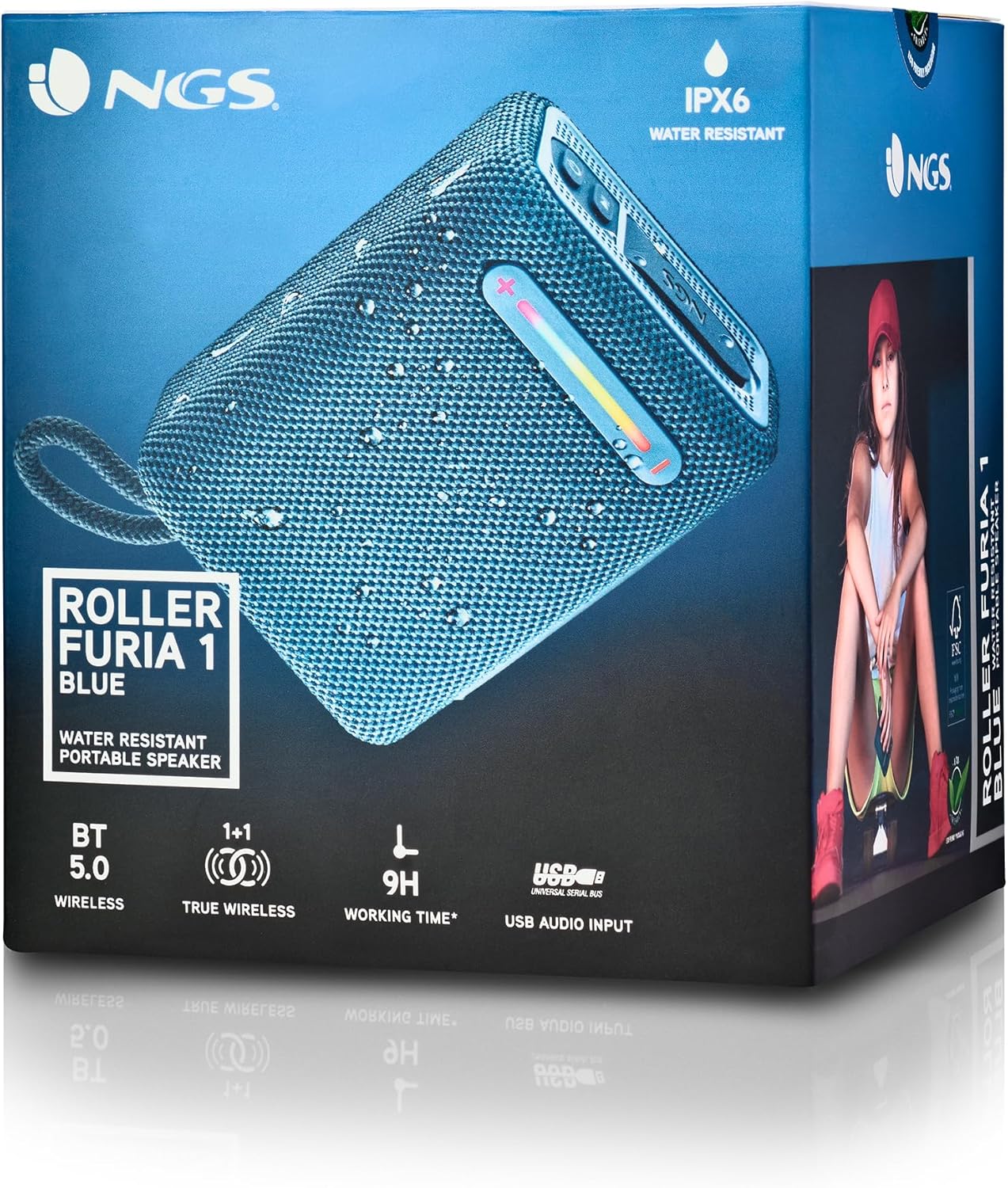
Irudi honek xehetasunak eskaintzen ditu view of the NGS Roller Furia 1 speaker, indicating its approximate dimensions (10cm length, 7.5cm height) and labeling the USB input and AUX input ports. It also highlights the RGB light strip and the power button.
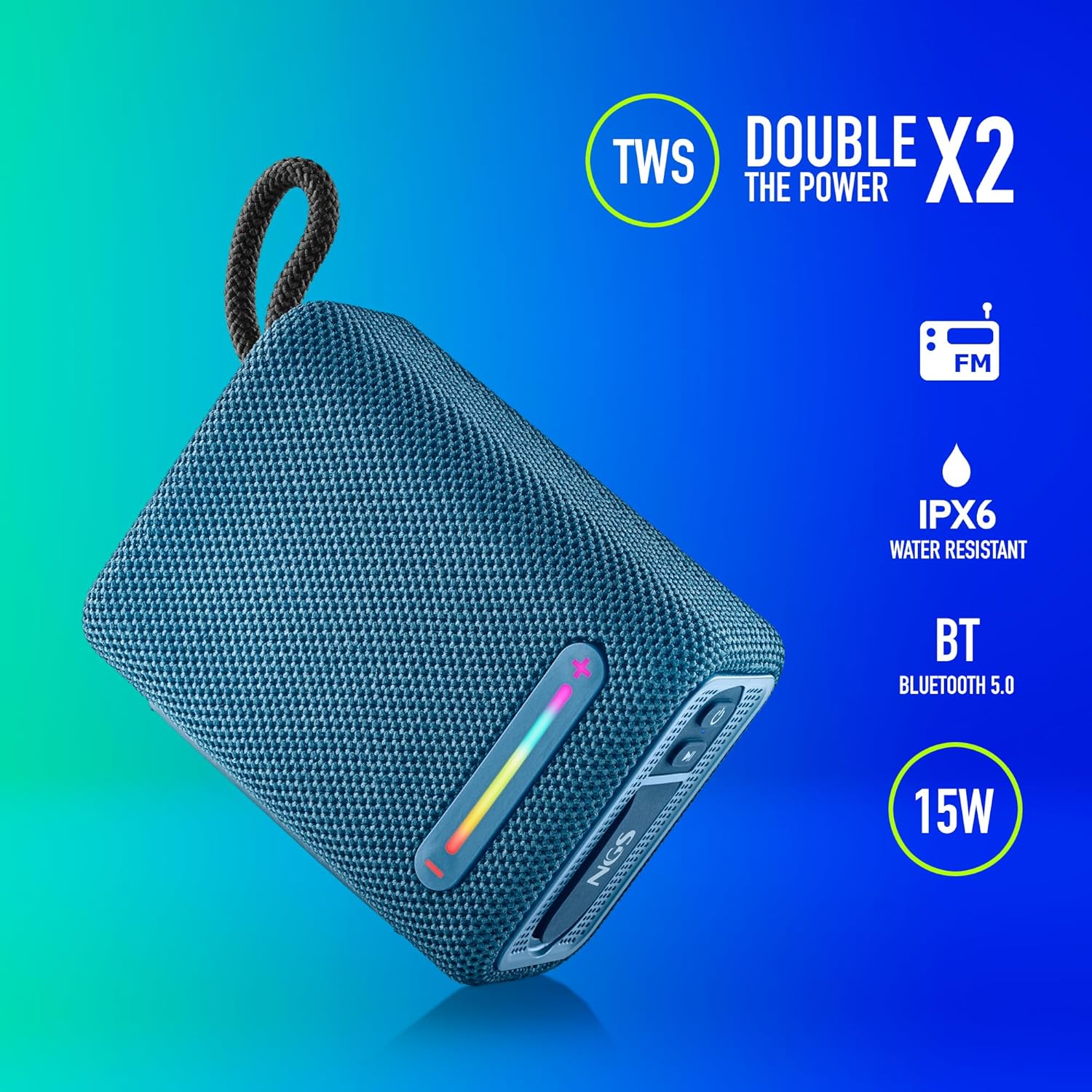
This image illustrates the NGS Roller Furia 1 Blue speaker from an angled view, emphasizing its key features: True Wireless Stereo (TWS) for pairing two speakers, IPX6 water resistance, Bluetooth 5.0 connectivity, and 15 Watts of audio power.
Kontrolak eta Portuak:
- Pizteko botoia: Press and hold to turn the speaker on or off. Short press to play/pause audio.
- Bolumena igotzeko / Hurrengo abestiaren botoia (+): Sakatu labur bolumena igotzeko. Sakatu luze hurrengo abestira salto egiteko.
- Bolumena Jaisteko / Aurreko Pistaren Botoia (-): Sakatu labur bolumena jaisteko. Sakatu luze aurreko abestira joateko.
- Modu botoia (M): Short press to switch between Bluetooth, USB, and AUX input modes.
- RGB argiaren botoia: Press to cycle through different RGB light modes or turn them off.
- USB sarrerako ataka: For playing audio from USB memory devices (up to 32GB).
- AUX sarrerako ataka: For connecting external audio devices via a 3.5mm audio cable (not included).
- USB motako C kargatzeko ataka: Bozgorailuen barneko bateria kargatzeko.
4. Konfigurazioa
4.1 Bozgorailua kargatzea
- Konektatu emandako USB C motako kargatzeko kablea bozgorailuaren kargatzeko atakara.
- Konektatu kablearen beste muturra USB elikatze-egokitzaile batera (ez dago barne) edo ordenagailuaren USB atakara.
- The charging indicator light will illuminate. Once fully charged, the light will change or turn off (refer to the speaker's LED behavior).
- A full charge provides approximately 9 hours of playback at 50% volume.
4.2 Piztu/Itzaltzea
- Pizteko, eduki sakatuta Pizteko botoia until you hear an audible prompt and the indicator lights illuminate.
- Itzaltzeko, luze sakatu Pizteko botoia again until you hear an audible prompt and the indicator lights turn off.
5. Funtzionamendu-argibideak
5.1 Bluetooth parekatzea
- Ensure the speaker is powered on and in Bluetooth mode (the indicator light will flash, indicating it's ready for pairing). If not, press the Modu botoia (M) Bluetooth modura aldatzeko.
- Zure gailu mugikorrean, gaitu Bluetootha eta bilatu eskuragarri dauden gailuak.
- Hautatu "NGS ROLLER FURIA 1" gailuen zerrendatik.
- Behin parekatuta, bozgorailuak baieztapen entzungarri bat igortzen du, eta Bluetooth adierazlearen argia keinu egiteari utziko dio eta finko mantenduko da.
- Bozgorailuak automatikoki saiatuko da azken parekatutako gailura berriro konektatzen pizten denean.
5.2 Benetako Haririk gabeko Estereoa (TWS) Parekatzea
TWS allows you to pair two NGS Roller Furia 1 speakers together for a stereo sound experience.
- Ensure both NGS Roller Furia 1 speakers are powered on and in Bluetooth pairing mode (indicator lights flashing).
- On one of the speakers (this will be the primary speaker), double-press the Modu botoia (M). The speaker will emit a sound, indicating it's searching for another TWS speaker.
- The two speakers will automatically connect to each other. Once connected, you will hear a confirmation sound, and the indicator light on the primary speaker will flash slowly, while the secondary speaker's light will remain solid.
- Orain, konektatu zure gailu mugikorra bozgorailu nagusira Bluetooth bidez, 5.1 atalean azaltzen den bezala.
5.3 USB erreprodukzioa
- Insert a USB memory device (up to 32GB) containing MP3 audio files into the USB Input Port.
- Bozgorailuak automatikoki USB modura aldatuko da eta audioa erreproduzitzen hasiko da. Bestela, sakatu botoia Modu botoia (M) USB modua hautatzeko.
- Erabili Bolumena igo (+) eta Bolumena jaitsi (-) buttons for track control and volume adjustment.
5.4 AUX sarrera
- Connect one end of a 3.5mm audio cable (not included) to the AUX Input Port on the speaker.
- Konektatu kablearen beste muturra kanpoko gailuaren audio irteerako konektorera.
- The speaker will automatically switch to AUX mode. If not, press the Modu botoia (M) AUX modua hautatzeko.
- Kontrolatu erreprodukzioa eta bolumena kanpoko gailutik.
5.5 RGB argi-modu
The speaker features an integrated RGB light strip.
- Sakatu RGB argiaren botoia to cycle through various light patterns and colors.
- Jarraitu botoia sakatuta argiak itzaltzeko.
5.6 Volume Control and Call Management
- Bolumenaren doikuntza: Sakatu laburra Bolumena igo (+) or Bolumena jaitsi (-) botoiak.
- Deia erantzun/amaitu: When a call comes in while connected via Bluetooth, short press the Pizteko botoia to answer or end the call.
- Deia baztertu: Luze sakatu Pizteko botoia jasotako dei bat ukatzeko.
6. Mantentzea
6.1 Garbiketa
- Garbitu bozgorailua zapi leun eta lehor batekin.
- Do not use abrasive cleaners, alcohol, benzene, or other chemical solvents, as these may damage the surface or components.
6.2 Biltegiratzea
- Gorde bozgorailua leku fresko eta lehor batean, eguzki-argitik eta muturreko tenperaturetatik babestuta.
- Denbora luzez gordetzen baduzu, kargatu bateria aldian-aldian bere iraupena mantentzeko.
6.3 Urarekiko Erresistentzia (IPX6)
- The NGS Roller Furia 1 is IPX6 water resistant, meaning it can withstand powerful water jets. It is suitable for outdoor use and can resist rain or splashes.
- Ez sartu bozgorailua uretan.
- Ensure the rubber flap covering the ports is securely closed to maintain water resistance.
7. Arazoak
| Arazoa | Kausa posiblea | Irtenbidea |
|---|---|---|
| Bozgorailua ez da pizten. | Bateria agortuta dago. | Kargatu bozgorailua emandako USB C motako kablea erabiliz. |
| Soinurik ez. | Volume is too low or muted. Incorrect input mode. Device not paired. | Increase volume on speaker and connected device. Press the Modu botoia (M) to select the correct input. Re-pair the Bluetooth device. |
| Bluetooth parekatzeak huts egiten du. | Bozgorailua ez dago parekatze moduan. Gailua urrunegi dago. Interferentziak. | Ensure speaker is in pairing mode (flashing light). Move device closer (within 10m). Turn off other Bluetooth devices. |
| TWS parekatzeak huts egin du. | Speakers are too far apart. One speaker is already paired to a device. | Ensure both speakers are close to each other. Disconnect any Bluetooth devices from both speakers before initiating TWS pairing. |
| Soinu distortsioa. | Volume too high. Low battery. | Jaitsi bolumena. Kargatu bozgorailua. |
8. Zehaztapenak
| Ezaugarri | Xehetasuna |
|---|---|
| Ereduaren izena | Roller Furia 1 |
| Modelo zenbakia | ELEC-SPK-0865 |
| Marka | NGS |
| Konektibitate Teknologia | Bluetooth 5.0, Laguntzailea, USB |
| Bozgorailuaren irteera potentzia | 15 Watt |
| Maiztasun Erantzuna | 2480 MHz |
| Seinaleen eta zarataren arteko erlazioa | 80 dB |
| Uraren Erresistentzia Balorazioa | IPX6 |
| Bateria mota | 3.7V / 2500mAh litiozko bateria |
| Bateriaren batez besteko bizitza | Gehienez 9 ordu (% 50 bolumenarekin) |
| Wireless Range | Gehienez 10 metro |
| USB euskarria | Up to 32GB memory devices |
| Neurriak (L x W x H) | 5D x 9.9W x 7.5H centimetres (approximate) |
| Materiala | Stoff (Fabric) |
9. Bermea eta Laguntza
The NGS Roller Furia 1 portable speaker comes with a limited warranty. Please refer to the warranty card included in your package or visit the official NGS webwebgunean bermearen baldintza zehatzak ikusteko.
For technical support, troubleshooting assistance, or inquiries about your product, please contact NGS customer service through their official webgunea edo zure produktuaren dokumentazioan emandako harremanetarako informazioa.