
1. Sarrera
This manual provides detailed instructions for the setup, operation, maintenance, and troubleshooting of your Arducam USB 3.0 Camera. Please read this manual thoroughly before using the product to ensure optimal performance and longevity.
2. Produktua amaitu daview
2.1. Zer dago kutxan
- 1 x IMX283 USB3.0 Camera Module with Metal Case
- 1 x 1m USB A to Type-C Cable
2.2. Ezaugarri nagusiak
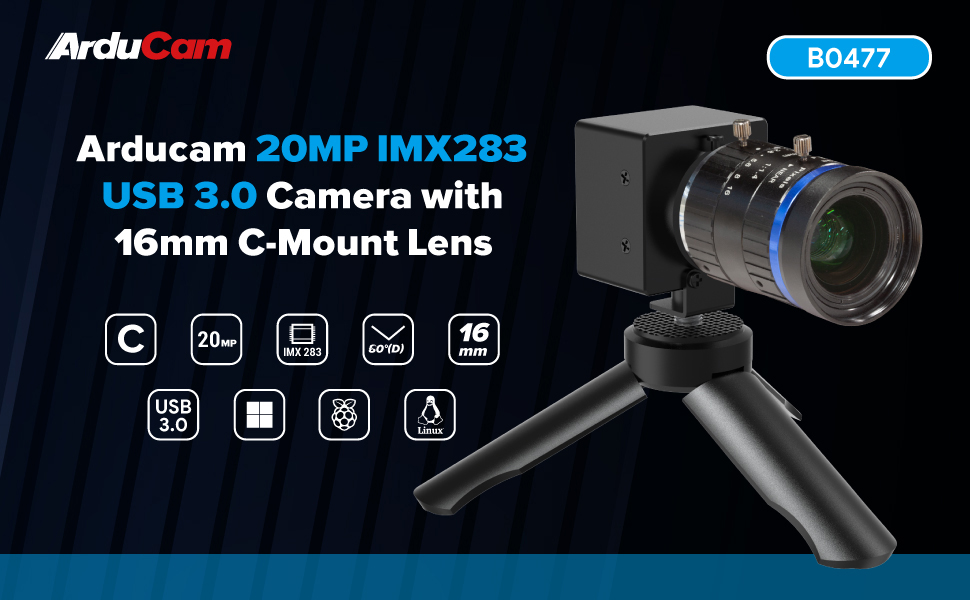
- Superior Imaging: Utilizes a 1-inch IMX283 CMOS sensor, achieving a maximum still resolution of 5472x3648 pixels.
- Flexible Frame Rates: Supports programmable frame rates, reaching up to 120fps at 720p resolution.
- Irudien tratamendu aurreratua: Features proprietary on-board ISP for image enhancement, including de-Bayer, gamma correction, BLC, AE, AWB, CCM, and RGB2YUV conversion.
- Telephoto Precision: Equipped with a 16mm C-mount lens, offering a 60° diagonal field of view (DFOV).
- Konektatu eta erabili diseinua: Encased in a durable metal housing, designed for easy plug-and-play operation.
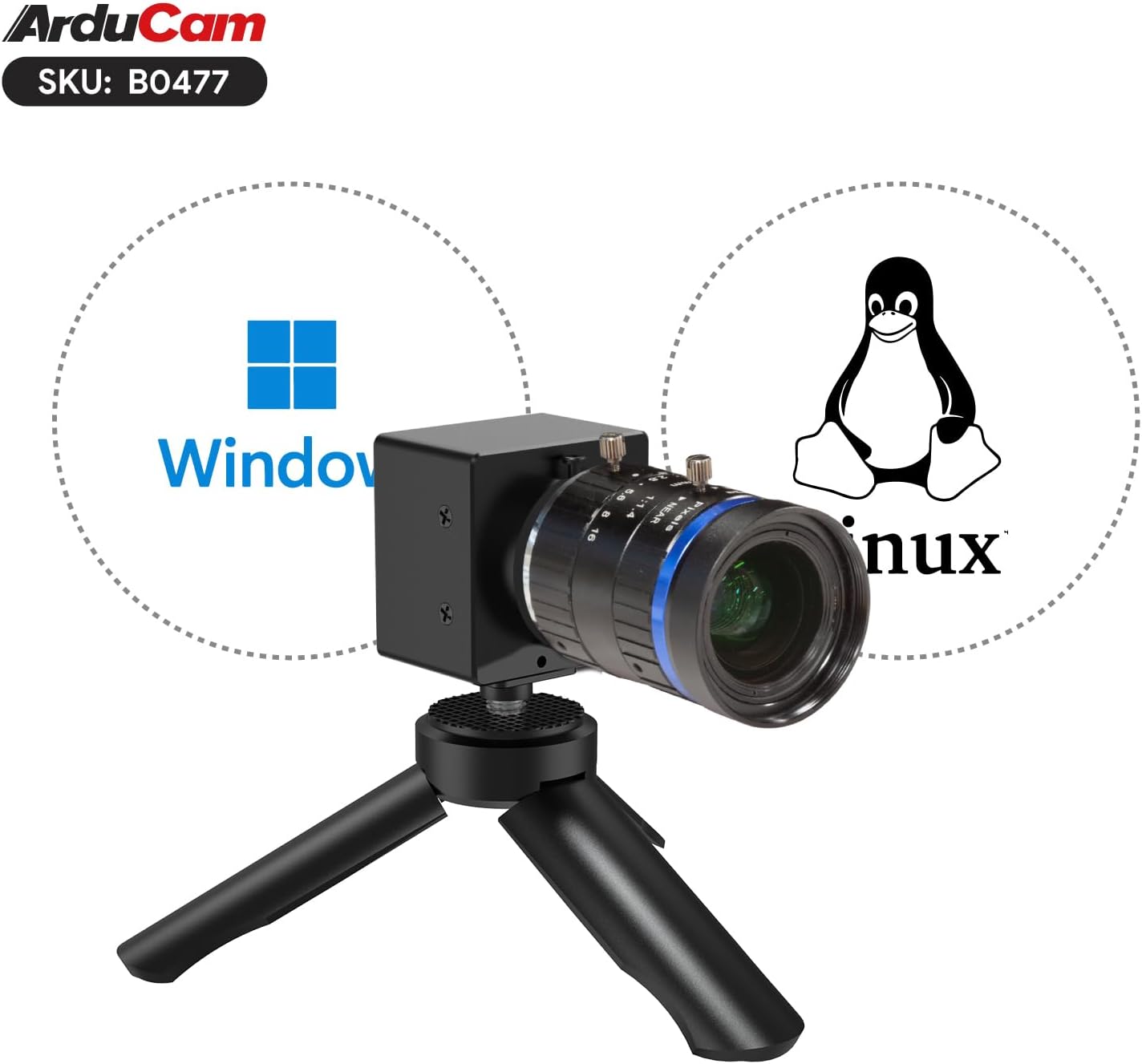
- Sistema eragilearen bateragarritasuna: Compatible with Windows and Linux operating systems.
2.3. Produktuaren osagaiak


3. Konfiguratzeko argibideak
3.1. Lentea eranstea
- Carefully remove the protective cap from the camera module's C-mount interface.
- Align the 16mm C-mount lens with the camera module's C-mount thread.
- Gently screw the lens onto the camera module until it is securely fastened. Avoid overtightening.
- Kendu aurreko lentearen tapoia.
3.2. Ordenagailu batera konektatzea
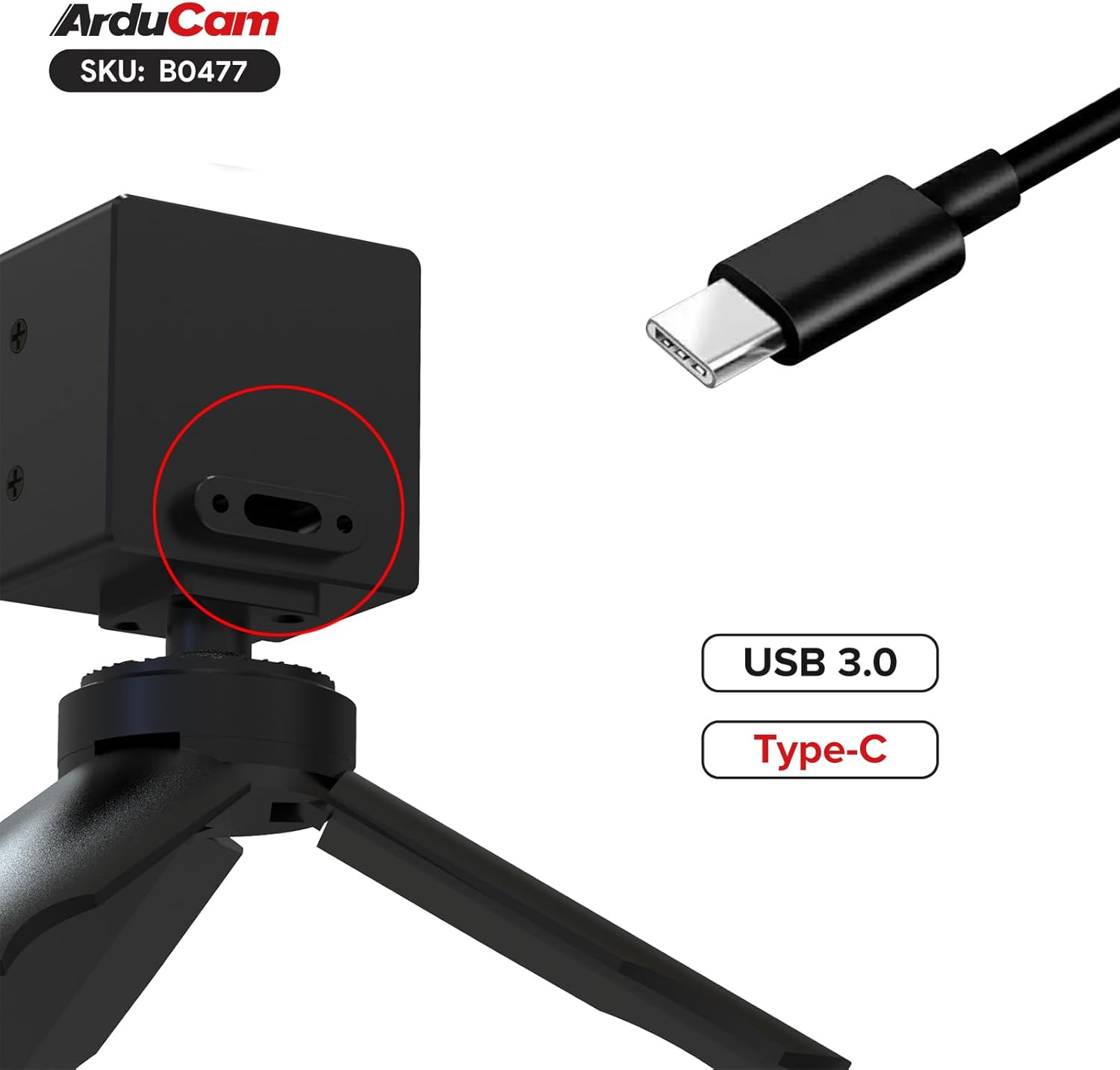
- Connect the USB Type-C end of the provided cable to the camera module's USB 3.0 port.
- Connect the USB-A end of the cable to an available USB 3.0 port on your computer. For optimal performance, ensure you use a USB 3.0 port (typically blue).
- The camera is UVC (USB Video Class) compliant and should be recognized automatically by most operating systems without requiring specific driver installation.
4. Funtzionamendu-argibideak
4.1. Basic Operation (Windows)
- After connecting the camera, open a compatible camera application (e.g., Windows Camera app, OBS Studio, AmCap, or Arducam's own software if available).
- Select the Arducam USB 3.0 Camera as your video input device.
- Adjust resolution, frame rate, and other image settings (exposure, white balance, gain) within the application's settings. The camera supports up to 5472x3648 resolution and 120fps at 720p.
4.2. Basic Operation (Linux)
The camera is designed to be UVC compliant for Linux. You can use standard Linux camera applications like Cheese, VLC, or OBS Studio.
- Connect the camera to your Linux system.
- Open your preferred camera application and select the Arducam camera as the input source.
- Configure video settings as needed.
Note: Some users have reported intermittent issues with the camera not re-initializing correctly on Linux after closing an application. If this occurs, try unplugging and re-plugging the camera, or restarting your system. Ensure your Linux distribution and kernel are up-to-date for best compatibility.
4.3. Lentearen doikuntza
- Fokua: Rotate the focus ring on the lens to achieve sharp imagery at your desired distance.
- Irekiera: Adjust the aperture ring to control the amount of light entering the lens and the depth of field. A smaller aperture number (e.g., f/1.4) means a wider opening and shallower depth of field, while a larger number (e.g., f/16) means a narrower opening and greater depth of field.
5. Mantentzea
5.1. Cleaning the Lens and Sensor
- Use a soft, lint-free microfiber cloth specifically designed for optical surfaces to clean the lens.
- For stubborn smudges, use a small amount of lens cleaning solution applied to the cloth, not directly to the lens.
- Avoid touching the sensor directly. If dust is visible on the sensor, use an air blower to gently remove it. Do not use compressed air from a can, as it can leave residue.
- Important: Some units may have dust or fingerprints between the sensor and its protective window from manufacturing. If this significantly impacts image quality, contact Arducam support.
5.2. Zaintza eta biltegiratze orokorra
- Store the camera in a dry, dust-free environment when not in use.
- Protect the lens with its cap when stored or transported.
- Ez jarri kamera muturreko tenperatura edo hezetasunetara.
- Handle the camera by its metal case, avoiding direct pressure on the lens or sensor area.
6. Arazoak
- Problem: Camera not detected or showing a black screen.
Irtenbidea:
- Ensure the USB cable is securely connected to both the camera and a USB 3.0 port on your computer.
- Saiatu beste USB ataka edo kable batekin.
- Berrabiarazi ordenagailua.
- On Linux, if the camera stops working after closing an application, try unplugging and re-plugging the camera, or restarting your system.
- Verify that the camera is selected as the input device in your application.
- Problem: Image quality is poor or blurry.
Irtenbidea:
- Adjust the focus ring on the 16mm C-mount lens until the image is sharp.
- Ensure the lens and sensor are clean (refer to Section 5.1).
- Check lighting conditions; insufficient light can lead to noisy or blurry images.
- Verify that the correct resolution and frame rate settings are applied in your camera application.
- Problem: Dust or spots visible in the image.
Irtenbidea:
- Clean the front element of the lens.
- Use an air blower to gently clear any dust from the sensor surface.
- If the dust appears to be internal (between the sensor and its protective window), contact Arducam support for assistance.
7. Zehaztapenak
| Ezaugarri | Xehetasuna |
|---|---|
| Sentsore | 1-inch IMX283 CMOS |
| Max Still Resolution | 5472x3648 (20MP) |
| Bideo Harrapaketa Ebazpena | 720p arte |
| Gehienezko fotograma-tasa | 120fps at 720p |
| Lente mota | 16mm C-Mount Lens |
| Eremu Diagonala View (DFOV) | 60° |
| Interfazea | USB 3.0 (Type-C connector on camera) |
| Sistema eragileen bateragarritasuna | Windows, Linux |
| Etxebizitza | Metalezko kaxa |
| Elementuaren pisua | 4.8 ontza |
| Paketearen neurriak | 3 x 2.7 x 2.7 hazbete |
8. Laguntza eta Bermea
For technical support, product inquiries, or warranty information, please visit the official Arducam website or contact their customer service directly. Specific warranty terms may vary by region and purchase location.
Informazio gehiago eta laguntza baliabideak aurki ditzakezu hemen: Arducam Store on Amazon.


