
Sarrera
This manual provides detailed instructions for the setup, operation, maintenance, and troubleshooting of your ZTE MC888 Ultra 5G Router. The MC888 Ultra is a high-performance 5G router designed to deliver fast and reliable internet connectivity. It supports download speeds up to 3.8 Gbps and upload speeds up to 280 Mbps, features dual Gigabit LAN/WAN ports, and includes an RJ11 port for voice calls via VoIP, VoLTE, or VoNR.
Segurtasun Informazioa
- Irakurri arretaz argibide guztiak gailua erabili aurretik.
- Do not open or modify the device. Unauthorized modifications can void your warranty and create safety hazards.
- Use only the power adapter and accessories supplied with the router.
- Mantendu gailua uretatik, hezetasunetik eta muturreko tenperaturatik urrun.
- Ziurtatu routerraren inguruan aireztapen egokia dagoela gehiegi berotzea saihesteko.
- Avoid placing the router near strong electromagnetic fields.
Paketearen edukia
Egiaztatu elementu guztiak zure paketean daudela:
- ZTE MC888 Ultra 5G bideratzailea
- Elikatze-moldagailua
- Ethernet kablea
- Hasiera Azkarreko Gida (ez dago eskuliburu honetan sartuta)
Gailua amaitu daview
Familiarize yourself with the ports and indicators on your ZTE MC888 Ultra 5G Router.
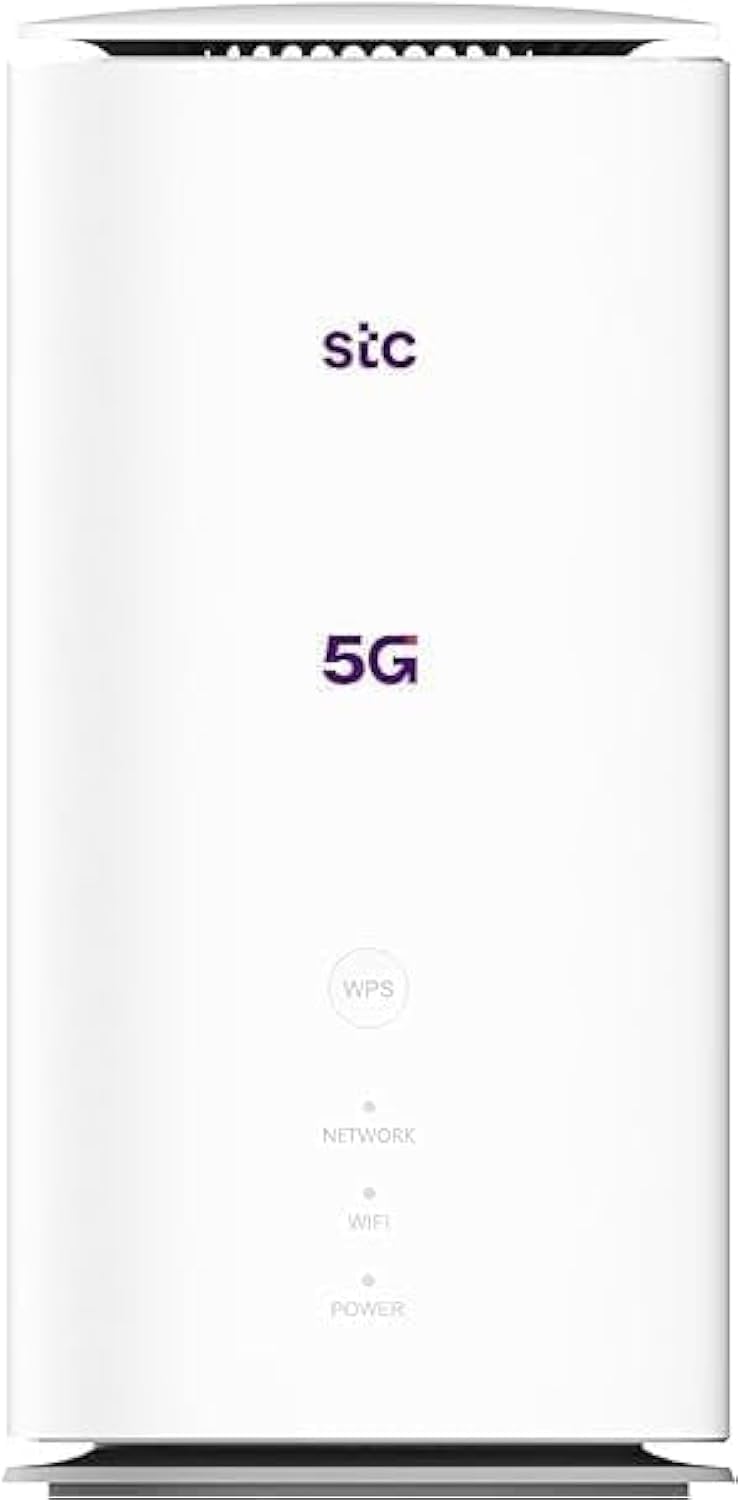
Irudia: Aurrealdea eta atzealdea view of the ZTE MC888 Ultra 5G Router, showing LED indicators, SIM card slot, power port, LAN/WAN ports, and RJ11 port.
Aurreko panelaren adierazleak:
- Power LED: Potentzia-egoera adierazten du.
- Sarearen LEDa: Indicates 5G/4G network connection status.
- Wi-Fi LED: Wi-Fi jarduera adierazten du.
Atzeko paneleko atakak:
- Potentzia ataka: Korronte-egokigailura konektatzen da.
- LAN/WAN Ports (x2): Gigabit Ethernet ports for wired connections or WAN input.
- RJ11 ataka: For connecting a telephone for VoIP, VoLTE, or VoNR calls.
- SIM txartelaren zirrikitua: For inserting your 5G/4G SIM card.
- Berrezarri botoia: Fabrika-ezarpen lehenetsiak berrezartzeko erabiltzen da.
Konfigurazioa
1. Sartu SIM txartela
- Ziurtatu bideratzailea itzalita dagoela.
- Aurkitu SIM txartelaren zirrikitua atzeko panelean.
- Insert a standard Nano-SIM card into the slot with the gold contacts facing down and the notched corner oriented correctly. Push until it clicks into place.
2. Konektatu energia
- Connect the supplied power adapter to the router's power port.
- Entxufatu korronte-egokigailuaren beste muturra hormako entxufe batera.
3. Piztu
- The router will automatically power on. Wait for the Power LED to turn solid, and the Network LED to indicate a stable 5G/4G connection. This may take a few minutes.
4. Konektatu gailuak
- Wi-Fi konexioa: Find the Wi-Fi network name (SSID) and password printed on the label at the bottom of the router. Select this network on your device (smartphone, laptop, etc.) and enter the password.
- Ethernet konexioa: Use the provided Ethernet cable to connect your computer or other network device to one of the LAN/WAN ports on the router.
Funtzionamendua
Sartzea Web Interfazea
- Ireki a web arakatzailea routerrera konektatutako gailu batean.
- Enter the router's default IP address (e.g., 192.168.0.1 or 192.168.1.1) into the address bar and press Enter. The exact IP address is usually found on the router's label.
- Enter the default username and password (also found on the router's label) to log in.
Wi-Fi ezarpenak aldatzea
-tik web interface, navigate to the Wi-Fi settings section to change your SSID, password, security type, or enable/disable guest networks.
RJ11 Voice Call Functionality
The RJ11 port allows you to connect a standard analog telephone. You can manage sending and receiving calls via a configured VoIP account, or through VoLTE or VoNR, depending on your mobile operator's compatibility and SIM card support. Refer to your service provider for specific setup details.
Sarbide Puntua Modua
The router supports Access Point (AP) mode, allowing it to extend an existing wired network wirelessly. This feature can be configured through the web interface under network settings.
Mantentzea
Firmware eguneraketak
Aldian-aldian egiaztatu bideratzailearen web interface for available firmware updates. Keeping your firmware up-to-date ensures optimal performance, security, and access to new features. Follow the on-screen instructions for safe updating.
Garbiketa
Clean the router with a soft, dry cloth. Do not use liquid cleaners or aerosols. Ensure the device is powered off before cleaning.
Fabrika berrezarri
If you experience persistent issues or forget your login credentials, you can perform a factory reset. With the router powered on, use a pin to press and hold the Reset button on the rear panel for approximately 5-10 seconds until the indicators flash. The router will restart with default settings.
Arazoak konpontzea
- Ez dago Interneteko konexiorik: Check the Network LED. If it's off or red, ensure the SIM card is correctly inserted and has an active data plan. Try restarting the router.
- Wi-Fi abiadura motela: Ensure your devices are within range. Reduce interference from other electronic devices. Try changing the Wi-Fi channel in the web interfazea.
- Ezin da sartu Web Interfazea: Verify your device is connected to the router via Wi-Fi or Ethernet. Double-check the IP address and login credentials. Try clearing your browser's cache.
- Wi-Fi deskonexioak: Update router firmware. Ensure the router is placed in a central location. Check for conflicting Wi-Fi networks.
Zehaztapenak
| Marka | ZTE |
| Ereduaren izena | MC888 Ultra |
| Modelo zenbakia | MC888 ULTRA |
| Konektibitate Teknologia | Wi-Fi, 5G/4G Cellular |
| Haririk gabeko estandarra | 802.11ac |
| Maiztasun Banda Klasea | Banda Bikoitza |
| Deskarga-abiadura maximoa | 3.8 Gbps |
| Gehienezko igoera abiadura | 280 Mbps |
| LAN ataka banda-zabalera | 1000 Mbps (Gigabit) |
| Portu kopurua | 2 x Gigabit LAN/WAN, 1 x RJ11 |
| Antena Mota | Barnekoa |
| Segurtasun Protokoloa | WPS |
| Ezaugarri bereziak | Access Point Mode, RJ11 for VoIP/VoLTE/VoNR |
| RAM | 4 GB |
| Gailu bateragarriak | PC, Laptop, Smartphone, Tablet, Gaming Console, Smart TV, Surveillance Camera, Printer, Ethernet-enabled devices |
| Dakarten osagaiak | Router, Ethernet Cable, Charger |
Bermea eta Laguntza
Bermearen informazioa
The ZTE MC888 Ultra 5G Router comes with a 2-year agent warranty. Please retain your proof of purchase for warranty claims. The warranty covers manufacturing defects and malfunctions under normal use. It does not cover damage caused by misuse, accidents, unauthorized repairs, or acts of nature.
Bezeroarentzako Arreta
For technical assistance, warranty service, or further inquiries, please contact your local ZTE authorized service center or the retailer from whom you purchased the product. You may also visit the official ZTE weblaguntza baliabideen eta maiz egiten diren galderen gunea.