
BUGANI B06
BUGANI Open Ear Headphones User Manual
Eredua: B06
Sarrera
The BUGANI Open Ear Headphones are designed to provide a comfortable and immersive audio experience while allowing you to remain aware of your surroundings. Featuring a true open-ear design, these headphones rest gently on your ears without entering the ear canal, reducing stress and potential hearing loss from extended wear. Equipped with advanced Bluetooth 5.3 technology and powerful 16mm vibrating diaphragm speaker drivers, they deliver clear stereo sound and stable connectivity. With a long battery life and crystal-clear call quality thanks to built-in dual microphones and Environmental Noise Cancellation (ENC), these waterproof sport earbuds are ideal for various activities, including running, cycling, and daily use.
Kutxan dagoena
- BUGANI Open Ear Headphones
- 1 x C motako kargatzeko kablea
- 1 x Erabiltzailearen eskuliburua

Image: The BUGANI Open Ear Headphones and their transparent charging case. The earbuds are white with silver accents, showcasing their unique open-ear design.
Konfigurazioa
Entzungailuak kargatzen
Before first use, fully charge your BUGANI Open Ear Headphones. The charging case provides extended battery life for the earbuds.
- Jarri entzungailuak kargatzeko zorroan, behar bezala sartuta daudela ziurtatuz.
- Connect the provided Type-C charging cable to the charging port on the case and plug the other end into a USB power source.
- The charging case will indicate charging status. A full charge for the charging box typically takes 1-2 hours.
- Entzungailuek 6 orduko erreprodukzio-denbora eskaintzen dute karga bakarrean, eta kargatzeko zorroak 30 ordura arte luzatzen du erreprodukzio-denbora osoa.

Image: The BUGANI Open Ear Headphones are shown inside their charging case, next to a smartphone displaying music. The image highlights the 30-hour total playtime with the charging case and 6 hours on a single charge.
Gailu batekin parekatzea
The BUGANI Open Ear Headphones feature one-step auto-pairing for stable and faster connection.
- Ireki kargatzeko zorroa. Aurikularrak automatikoki sartuko dira parekatze moduan.
- On your device (smartphone, tablet, computer, etc.), enable Bluetooth.
- Bilatu "BUGANI OpenFit" in the list of available Bluetooth devices.
- Select "BUGANI OpenFit" to connect. Once connected, you will hear a confirmation sound, and the device will show "Connected".
- The headphones are compatible with any Bluetooth-enabled device.

Image: The BUGANI Open Ear Headphones are shown next to a smartphone displaying its Bluetooth settings, with "BUGANI OpenFit" listed as a connected device. This illustrates the one-step auto-pairing process.
Funtzionamendu-argibideak
The BUGANI Open Ear Headphones feature intuitive touch controls for managing audio playback and calls.
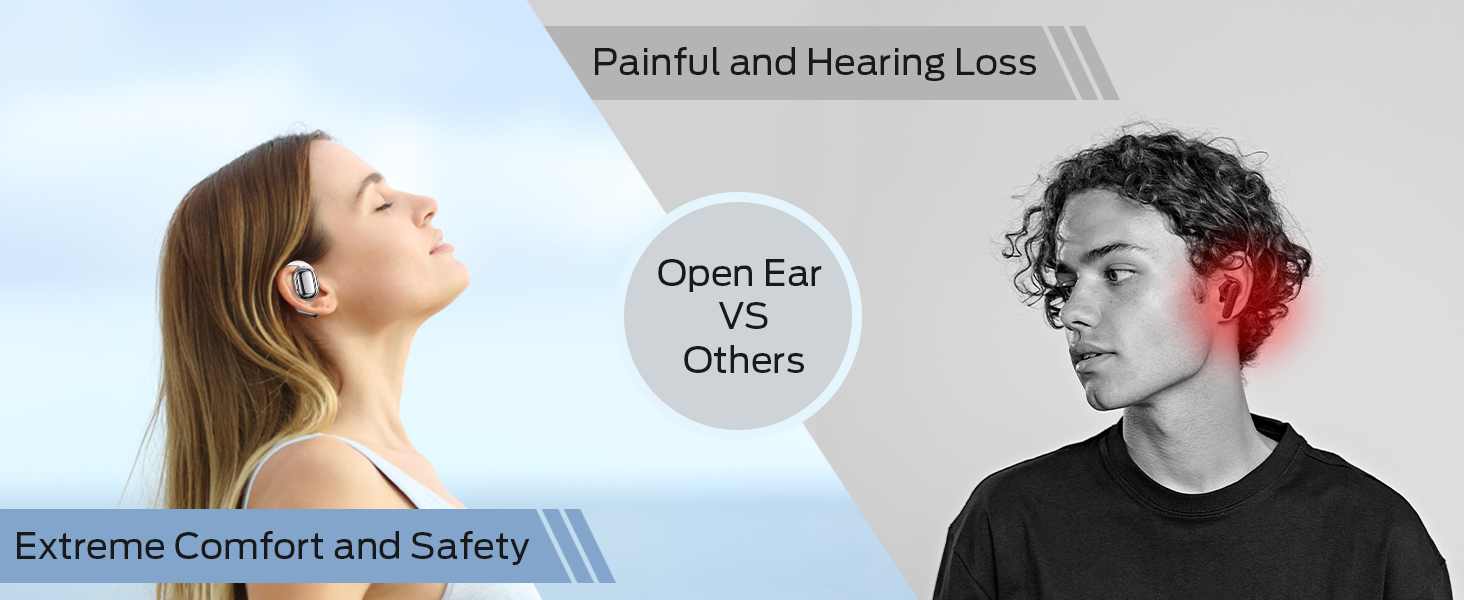
Image: A detailed diagram illustrating the touch control functions on the BUGANI Open Ear Headphones, showing gestures for volume, track control, call management, and voice assistant activation.
Ukitu Kontrol Funtzioak
| Funtzioa | Ekintza | Earbud (R/L) |
|---|---|---|
| Bolumena igo | Sakatu birritan | Eskuinekoa (R) |
| Bolumena jaitsi | Sakatu birritan | Ezkerrean (L) |
| Aurreko Pista | Kolpatu hirukoitza | Ezkerrean (L) |
| Hurrengo Pista | Kolpatu hirukoitza | Eskuinekoa (R) |
| Erreproduzitu/Pausatu | Sakatu bakarra | Eskuinean (Er) edo Ezkerrean (L) |
| Erantzun/Amaitu deia | Sakatu bakarra | Eskuinean (Er) edo Ezkerrean (L) |
| Deia baztertu | Eduki sakatuta 2 segundoz | Eskuinean (Er) edo Ezkerrean (L) |
| Aktibatu Ahots Laguntzailea | Eduki sakatuta 2 segundoz | Ezkerrean (L) |
Dei-funtzioak
The built-in dual microphones with ENC technology ensure clear communication during calls.

Image: A person is shown smiling while using the BUGANI Open Ear Headphones to make a call, emphasizing the clear call quality feature.
- Deiak erantzutea / amaitzea: Sakatu behin aurikular batean.
- Deiak ukatzea: Eduki sakatuta aurikularretako bat 2 segundoz.
Audio Erreprodukzioa
Experience immersive stereo sound with the 16mm vibrating diaphragm speaker drivers.

Image: A person is shown relaxing and enjoying music while wearing the BUGANI Open Ear Headphones, with visual effects indicating immersive stereo sound.
- Erreproduzitu/Pausatu: Sakatu behin aurikular batean.
- Hurrengo ibilbidea: Triple tap the Right (R) earbud.
- Aurreko pista: Triple tap the Left (L) earbud.
- Bolumena igo: Double tap the Right (R) earbud.
- Bolumena jaitsi: Double tap the Left (L) earbud.
Mantentzea
Mantentze egokiak zure entzungailuen iraupena eta errendimendu optimoa bermatzen ditu.
Uraren Erresistentzia
The BUGANI Open Ear Headphones are rated IPX5 waterproof, providing protection against sweat, splashes, and light rain. They are suitable for exercise and sports activities.

Image: A man is shown running and sweating, with water droplets splashing, illustrating the IPX5 waterproof rating of the headphones, protecting them from sweat and light rain.
Zaintza Orokorra
- Garbitu entzungailuak eta kargatzeko zorroa aldizka zapi leun eta lehor batekin.
- Saihestu garbitzaile edo disolbatzaile urratzaileak erabiltzea.
- Gorde entzungailuak kargatzeko zorroan erabiltzen ez dituzunean, babesteko eta kargatuta mantentzeko.
- Avoid exposing the headphones to extreme temperatures or direct sunlight for prolonged periods.
Arazoak konpontzea
If you encounter any issues with your BUGANI Open Ear Headphones, please refer to the following common solutions:
| Arazoa | Kausa posiblea | Irtenbidea |
|---|---|---|
| Entzungailuak ez dira pizten. | Bateria baxua. | Place earbuds in the charging case and charge the case fully. |
| Ezin da gailuarekin parekatu. | Bluetooth is off on device; headphones not in pairing mode; device too far. | Ensure Bluetooth is enabled on your device. Open the charging case to enter pairing mode. Keep headphones within 10 meters of your device. |
| Soinurik ez edo bolumen baxua. | Volume too low; not properly connected; earbud placement. | Adjust volume on both headphones and connected device. Re-pair the headphones. Ensure earbuds are correctly positioned on your ears. |
| Intermittent connection/audio drops. | Interferentzia; gailua urrunegi; bateria gutxi. | Move closer to your device. Avoid areas with strong Wi-Fi or other Bluetooth interference. Charge the headphones. |
| Mikrofonoa ez dabil deietan zehar. | Mikrofonoa blokeatuta; software arazoa. | Ensure nothing is obstructing the microphone. Restart your device and reconnect the headphones. |
Zehaztapenak
| Ezaugarri | Xehetasuna |
|---|---|
| Ereduaren izena | BUGANI OpenFit |
| Modelo zenbakia | B06 |
| Konektibitate Teknologia | Haririk gabeko (Bluetooth) |
| Bluetooth bertsioa | 5.3 |
| Audio kontrolatzaile mota | 16 mm-ko gidari dinamikoa |
| Maiztasun barrutia | 20 Hz eta 20,000 Hz artean |
| Bateriaren iraupena (entzungailuak) | Gehienez 6 ordu |
| Erreproduzitzeko denbora osoa (kargatzeko zorroarekin) | Gehienez 30 ordu |
| Kargatzeko ataka | C motakoa |
| Uraren Erresistentzia Maila | IPX5 Iragazgaitza |
| Kontrol-metodoa | Ukitu |
| Elementuaren pisua (entzungailuak) | 10 gramo |
| Materiala | Plastikoa |
| Produktuaren neurriak | 5 x 3 x 3 hazbete |
| Gailu bateragarriak | Smartphones, computers, tablets, MP3 players, TVs, Laptops, Desktops |
| Gomendatutako Erabilerak | Cycling, Calling, Running, Snowboarding, Skateboarding, Exercising, Gaming |
Produktuaren bideo ofiziala
Bideoa: Produktu ofizial baten bideo-erakustaldiaasing the key features and design of the BUGANI Open Ear Headphones, including their open-ear comfort, sound quality, and battery life.
Bermea eta Laguntza
For warranty information and customer support, please refer to the contact details provided on the product packaging or visit the official BUGANI webgunea. Gorde erosketa-agiria berme-erreklamazioetarako.
If you require further assistance or have questions not covered in this manual, please contact BUGANI customer service.
Ask a question about this manual
Ask about setup, troubleshooting, compatibility, parts, safety, or missing instructions. Manuals+ will review the question and use this page’s manual context to help answer it.