
Sarrera
Thank you for choosing the Vention TGESB USB-C Docking Station. This manual provides essential information for the proper setup, operation, and maintenance of your device. Please read it thoroughly before use to ensure optimal performance and longevity.
Produktua amaituview
The Vention TGESB is a versatile 5-in-1 USB-C docking station designed to expand the connectivity of your USB-C enabled devices. It features multiple ports for data transfer, video output, and power delivery.

Figure 1: Vention TGESB USB-C Docking Station with port labels.
Ezaugarri nagusiak:
- USB-C Power Delivery (PD) 100W: Supports fast charging for compatible laptops and devices.
- USB 3.0 portuak (x3): Provides high-speed data transfer up to 5Gbps.
- HDMI ataka: 30Hz-tan 4K bereizmenerainoko bideo irteera onartzen du.
- Durable Aluminum Shell: Ensures heat dissipation and product longevity.
- Diseinu trinkoa: Erraza eramateko eta edonon erabiltzeko.
Paketearen edukia
- Vention TGESB USB-C Docking Station (x1)
- Erabiltzailearen eskuliburua (x1)
Konfigurazio Argibideak
- Konektatu ostalari gailura: Plug the USB-C connector of the Vention TGESB docking station into an available USB-C port on your laptop, tablet, or smartphone. Ensure your device's USB-C port supports video output (DisplayPort Alternate Mode) and power delivery for full functionality.
- Konektatu periferikoak:
- USB gailuak: Connect USB flash drives, external hard drives, keyboards, mice, or other USB peripherals to the USB 3.0 ports.
- HDMI pantaila: Connect an HDMI cable from the docking station's HDMI port to your monitor or TV.
- Power Adapter (Optional): If your host device requires charging, connect your original USB-C power adapter to the PD (Power Delivery) port on the docking station. This will pass power through to your host device.
- Gidariaren instalazioa: The Vention TGESB is typically plug-and-play and does not require additional drivers for most operating systems (Windows, macOS, Linux, Android). If you encounter issues, ensure your operating system is up to date.
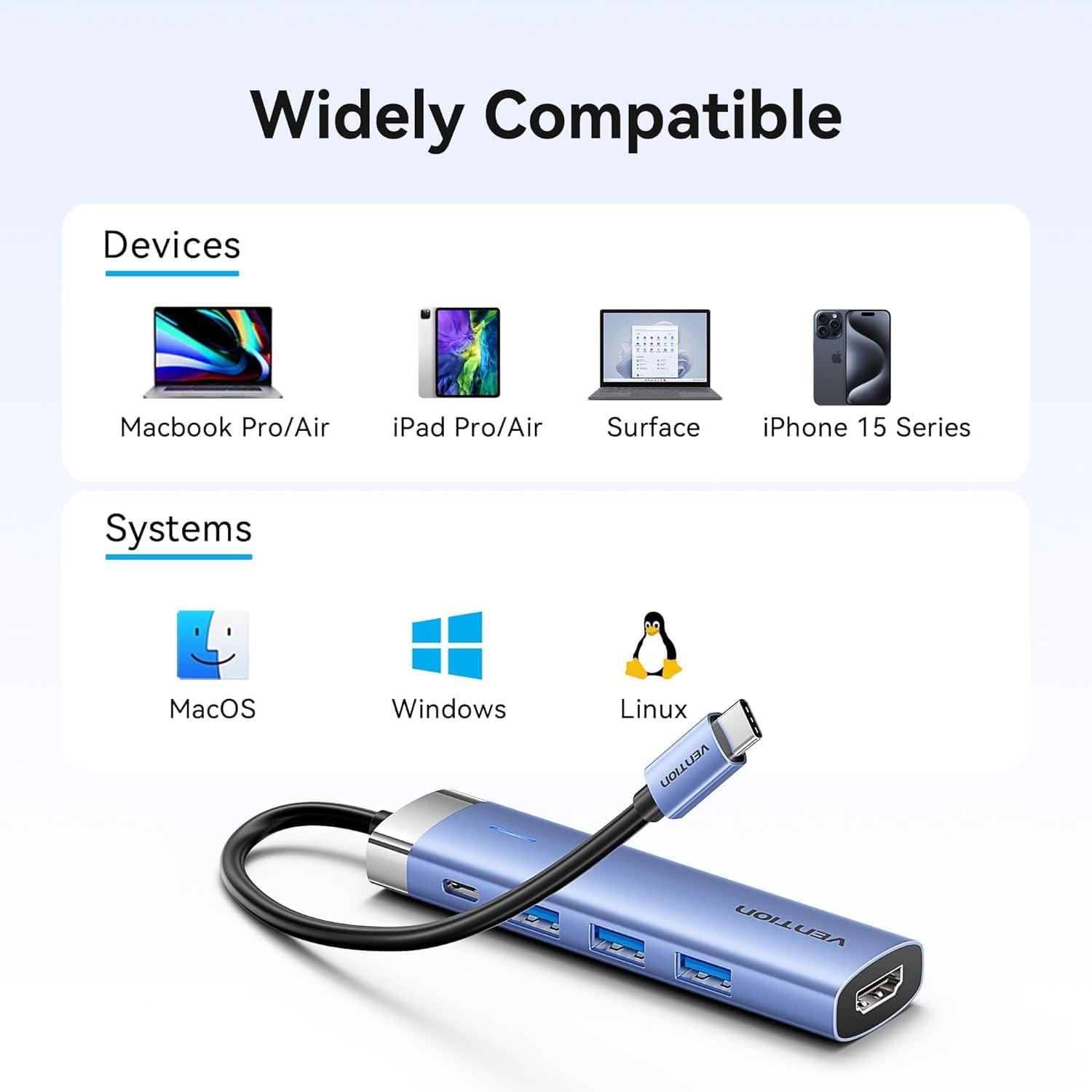
Figure 2: Device and operating system compatibility.
Funtzionamendu-argibideak
Using USB 3.0 Ports:
Connect your USB devices to any of the three USB 3.0 ports. These ports support data transfer speeds up to 5Gbps, allowing for quick file transfers. For optimal performance, ensure your connected USB devices also support USB 3.0.
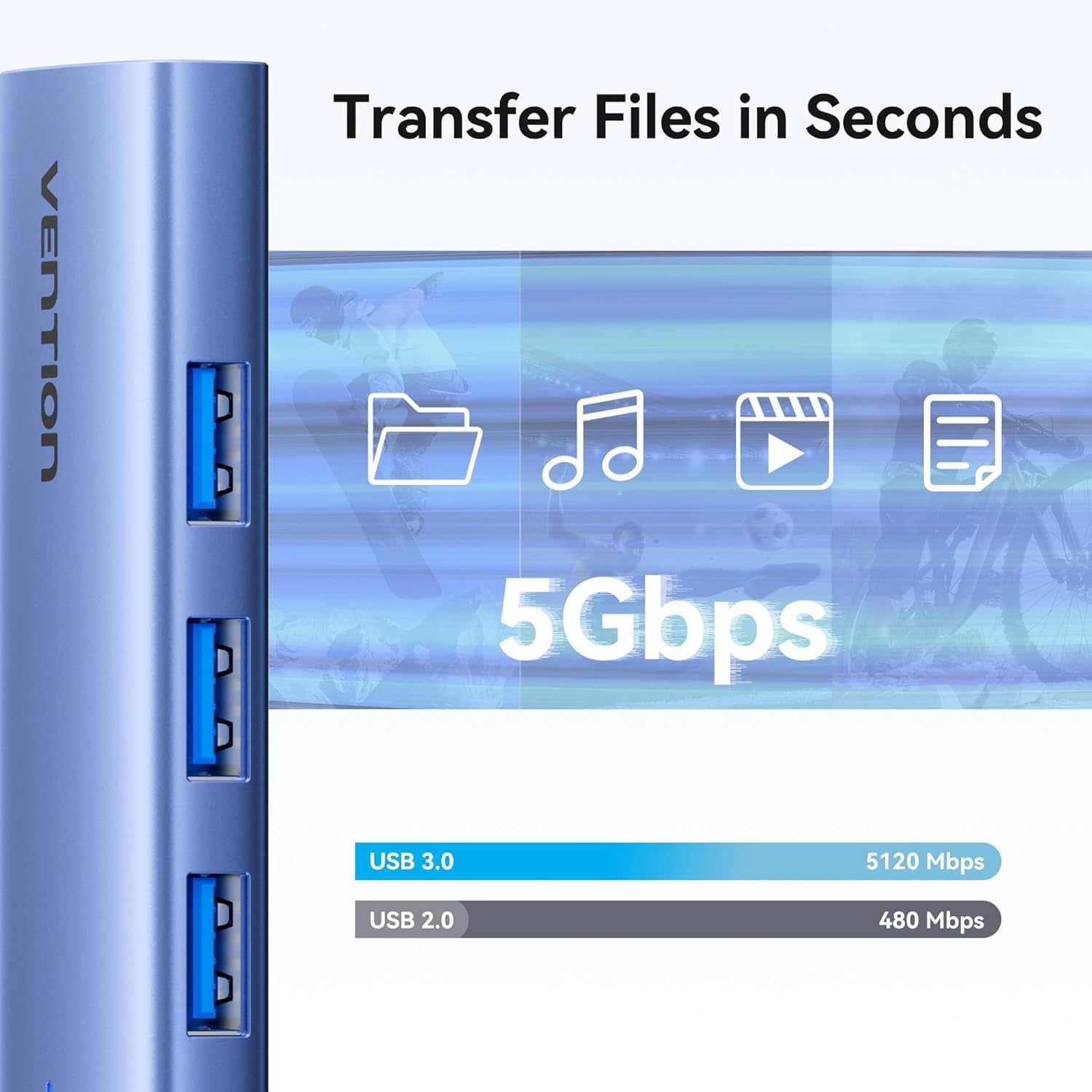
Figure 3: High-speed data transfer via USB 3.0 ports.
Using HDMI Output:
The HDMI port supports resolutions up to 4K at 30Hz. After connecting your monitor, your operating system should automatically detect the external display. You can configure display settings (mirror mode, extend mode) through your device's display settings.

Figure 4: Multiple display modes (Mirror and Extend).
Using Power Delivery (PD) Port:
Connect your laptop's original USB-C power adapter to the PD port on the docking station. This port supports up to 100W power delivery, allowing you to charge your host device while using the docking station's other features.

Figure 5: Power Delivery 100W fast charging.
Mantentzea
- Garbiketa: Erabili oihal leun eta lehor bat kargatzeko estazioaren gainazala garbitzeko. Saihestu garbitzaile likidoak edo disolbatzaileak erabiltzea.
- Biltegiratzea: Gorde gailua leku fresko eta lehor batean, eguzki-argitik eta muturreko tenperaturetatik babestuta.
- Manipulazioa: Avoid dropping or subjecting the device to strong impacts. Do not attempt to disassemble the docking station.
Arazoak konpontzea
| Arazoa | Kausa posiblea | Irtenbidea |
|---|---|---|
| Ez dago pantaila-irteerarik HDMI bidez. |
|
|
| USB gailuak ez dira ezagutzen. |
|
|
| Host device is not charging. |
|
|
Zehaztapenak
| Ezaugarri | Xehetasuna |
|---|---|
| Eredua | TGESB |
| Marka | ASMAKIZUNA |
| Sarrera | USB-C |
| Irteera Portuak |
|
| Neurriak (L x W x H) | 6.5 x 3.54 x 0.79 hazbete (16.5 x 9 x 2 cm) |
| Pisua | 2.46 ontza (0.07 kg) |
| Maskorraren materiala | Aluminiozko aleazioa |
| Bateragarritasuna | Devices with full-featured USB-C port (supporting DisplayPort Alt Mode and Power Delivery). Compatible with Windows, macOS, Linux, Android. |
Bermea eta Laguntza
Vention products come with a standard manufacturer's warranty. For detailed warranty information, technical support, or customer service, please visit the official Vention webwebgunearekin edo jarri harremanetan zure tokiko banatzailearekin. Gorde erosketaren egiaztagiria berme-erreklamazioetarako.
Ofizialki Vention Webgunea: Vention Store on Amazon (Erreferentzia gisa emandako esteka, benetako ofiziala) webgunea alda daiteke)