
Sarrera
Thank you for choosing the KOORUI 2.4G Silent Full Size Ergonomic Wireless Keyboard and Mouse Combo. This manual provides essential information for setting up, operating, maintaining, and troubleshooting your new wireless peripheral set. Please read this manual thoroughly before use to ensure optimal performance and longevity of your product.

Figure 0: KOORUI Wireless Keyboard and Mouse Combo
1. Konfigurazioa
1.1 Paketearen edukia
- Haririk gabeko teklatua
- Haririk gabeko sagua
- 2-in-1 USB Receiver
- Erabiltzailearen eskuliburua
1.2 Bateriaren instalazioa
- Locate the battery compartment on the underside of the keyboard. Insert one AAA battery (not included), ensuring correct polarity.
- Locate the battery compartment on the underside of the mouse. The 2-in-1 USB receiver is stored inside this compartment. Remove the receiver, then insert one AA battery (not included), ensuring correct polarity.
- Close both battery compartments securely.

Figure 1: Battery and USB Receiver Installation
1.3 Zure gailura konektatzea
- Ensure both the keyboard and mouse are switched to the "ON" position using their respective power switches.
- Plug the 2-in-1 USB receiver into an available USB port on your computer (Laptop/PC/Gaming Console).
- Your operating system should automatically detect and install the necessary drivers. The keyboard and mouse are ready for use once the installation is complete.
Video 1: Demonstrating the setup and functionality of the KOORUI 104-key wireless keyboard and mouse combo.
2. Funtzionamendu-argibideak
2.1 Teklatuaren ezaugarriak
- Tamaina osoko diseinua: The keyboard features a full-size layout with 104 keys, including a numeric keypad, for comprehensive input.
- Idazketa isila: Soft and responsive keys provide a quiet typing experience, reducing noise in shared environments.
- Diseinu ergonomikoa: Designed for comfort, the keyboard includes an 8° tilt angle to reduce wrist strain during extended use.
- Multimedia & Shortcut Keys: Access 5 multimedia keys and 12 shortcut functions (primarily for Windows systems) for quick control over media, applications, and system functions.

Figure 2: Ergonomic Design with 8° Tilt
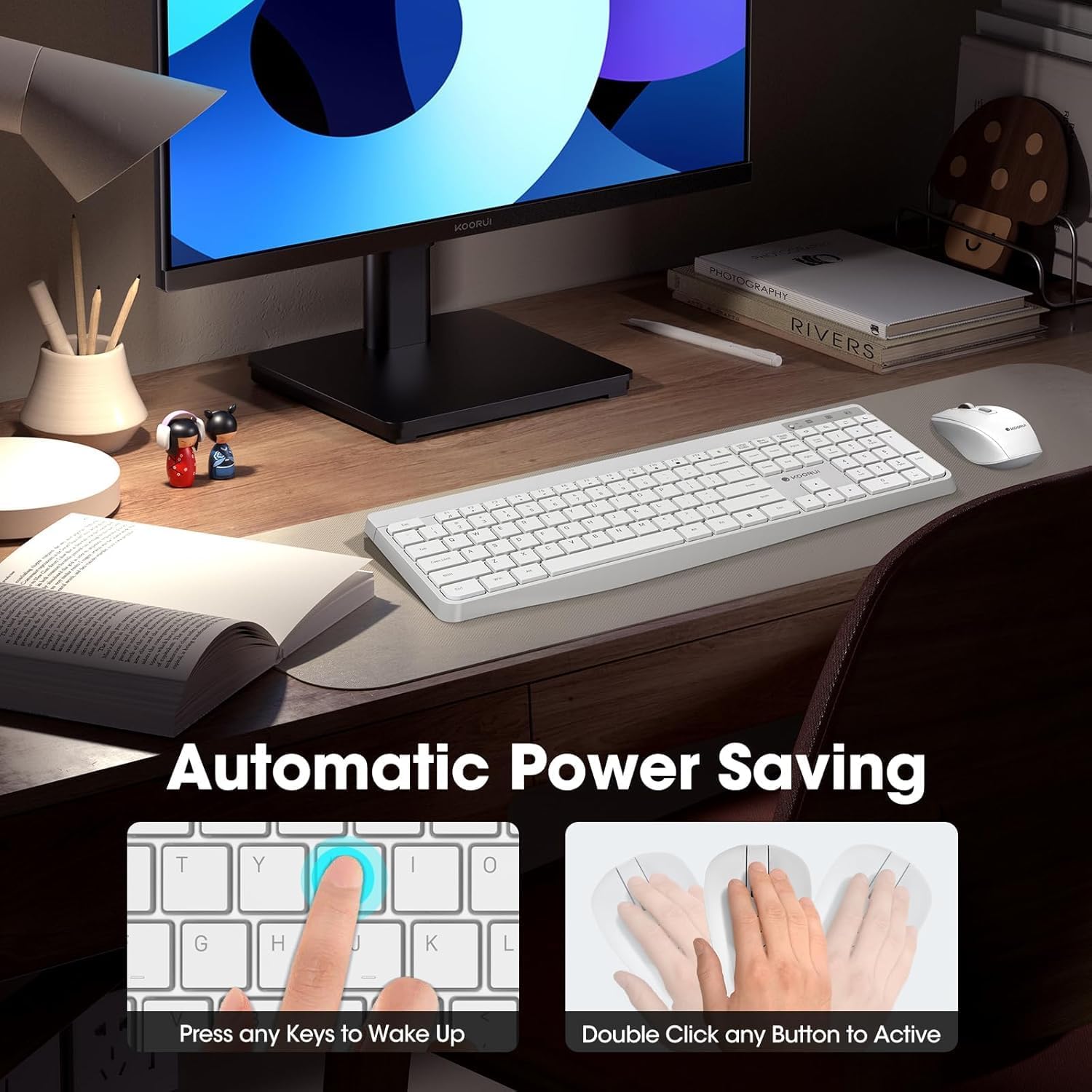
Figure 3: Multimedia and Shortcut Keys
2.2 Saguaren ezaugarriak
- 3 DPI maila erregulagarri: Cycle through 800, 1200, and 1600 DPI settings to adjust cursor sensitivity for precise control.
- Klik isilak: The mouse features ultra-quiet buttons, minimizing click noise.
- Diseinu ergonomikoa: Contoured shape fits comfortably in your hand for extended use.

Figure 4: Mouse DPI Settings
2.3 Bateragarritasuna
The KOORUI Wireless Keyboard and Mouse Combo is compatible with a wide range of operating systems, including Windows 7/8/10/11/Vista, macOS, and Linux. It can be used with laptops, personal computers, and gaming consoles.

5. irudia: Bateragarritasun zabala
3. Mantentzea
3.1 Garbiketa
The keyboard features a waterproof design, offering protection against accidental spills. To clean, gently wipe the surfaces of the keyboard and mouse with a soft, damp cloth. Avoid using harsh chemicals or abrasive materials. Ensure the devices are completely dry before use.

Figure 6: Waterproof Keyboard Design
3.2 Battery Life and Power Saving
- The keyboard and mouse are equipped with an auto-sleep mode function to conserve battery life. They will enter sleep mode after a period of inactivity.
- To wake the devices, simply click any button on the mouse or press any key on the keyboard.
- Replace batteries when the low battery indicator light appears (Keyboard: 1 AAA, Mouse: 1 AA).
Figure 7: Battery Compartments and Power Indicators
4. Arazoak
4.1 Konexio arazoak
- Erantzunrik ez:
- Ensure the keyboard and mouse power switches are in the "ON" position.
- Egiaztatu bateriak behar bezala instalatuta dauden eta nahikoa karga duten. Beharrezkoa bada, ordezkatu itzazu.
- Egiaztatu USB hargailua ondo konektatuta dagoela ordenagailuko USB ataka funtzional batean. Saiatu beste USB ataka batekin.
- Move the keyboard and mouse closer to the USB receiver to rule out range issues (maximum 10m/33ft).
- Atzerapena edo konexio etengabea:
- Murriztu interferentziak beste haririk gabeko gailuak hargailutik urrunduz.
- Ziurtatu ez dagoela metalezko objektu handirik gailuen eta hargailuaren artean.
4.2 Keyboard Specific Issues
- Giltzak ez dute erantzuten:
- Egiaztatu bateriaren maila.
- Ensure the keyboard is not in sleep mode (press any key to wake).
4.3 Mouse Specific Issues
- Cursor Not Moving:
- Egiaztatu bateriaren maila.
- Ensure the mouse is not in sleep mode (click any button to wake).
- Garbitu saguaren azpialdeko sentsore optikoa.
- Ziurtatu sagua gainazal egoki batean erabiltzen ari zarela.
5. Zehaztapenak
| Marka | KOORUI |
| Eredua | B0C4DVG5WV |
| Kolorea | Zuria |
| Konektibitate Teknologia | 2.4 GHz irrati-maiztasuna |
| Ezaugarri Berezia | Ergonomic, Silent Keys, Waterproof Design, Auto Power Saving |
| Gailu bateragarriak | Gaming Console, Laptop, Personal Computer |
| Movement Detection (Mouse) | Optical (800/1200/1600 DPI) |
| Sistema eragileen bateragarritasuna | Windows 7/8/10/11/Vista, macOS, Linux |
| Teklatuaren diseinua | QWERTY, Full Size (104 keys) |
| Energia iturria | Bateriaz elikatzen da (teklatua: 1 AAA, sagua: 1 AA) |
| Wireless Range | Gehienez 10 m (33 oin) |
| Elementuaren pisua | 0.7 kilogramo |
| UPC | 738060953515 |
6. Bermearen informazioa
This KOORUI product comes with a 1 urteko berme mugatua erosketa-datatik aurrera. Berme honek fabrikazio-akatsak eta eskulanaren funtzionamendua estaltzen ditu erabilera normalaren pean. Ez ditu estaltzen erabilera okerrak, istripuek, baimenik gabeko aldaketek edo kanpoko kausek eragindako kalteak.
Mesedez, gorde zure erosketa-froga berme-erreklamazioetarako.
7. Bezeroarentzako arreta
For any questions, technical assistance, or warranty inquiries regarding your KOORUI Wireless Keyboard and Mouse Combo, please contact our customer support team. We are committed to providing 24-hour service to assist you.
Please refer to the product packaging or the official KOORUI webgunea kontaktu-informazio eguneratuena lortzeko.