
ORDRO B320
ORDRO B320 Camcorder User Manual
Eredua: B320
Sarrera
The ORDRO B320 is a versatile 1080P Full HD video camera recorder designed for capturing high-quality videos and photos. Featuring a 30MP sensor, 18X digital zoom, infrared night vision, and a 3.0-inch flip screen, it is suitable for various recording needs, including vlogging and general use. This manual provides comprehensive instructions for setup, operation, maintenance, and troubleshooting to ensure optimal performance of your camcorder.
Kutxan dagoena
Paketea irekitzean, egiaztatu honako elementu guztiak daudela:
- ORDRO B320 Camcorder
- Two 3.7V 1000mAh Lithium Batteries
- 16 GB Memoria Txartela
- Lentearen kapela
- Kargagailua
- Kargatzeko kablea
- Urruneko Kontrola
- Kamera poltsa
- Erabiltzailearen eskuliburua (dokumentu hau)

Image: The ORDRO B320 camcorder along with its accessories, including batteries, memory card, remote control, and cables.
Produktua amaituview
Familiarize yourself with the various parts and controls of your ORDRO B320 camcorder.

Image: A detailed diagram showing the various buttons and interfaces on the ORDRO B320 camcorder, including the hot shoe interface, zoom in/out, photo button, record/stop button, USB/MIC output, menu, mode/OK, power/IR, up button, and down button.
Ezaugarri nagusiak:
- HD grabaketa: 1920x1080 resolution at 30FPS with a 5MP CMOS sensor, supporting up to 30 million megapixels for still images.
- 3.0-inch Flip Screen: A rotatable display for easy viewing from various angles, ideal for self-recording.
- Zoom digitala 18X: Urruneko subjektuak handitzeko aukera ematen du.
- Gaueko infragorria: Captures clear black and white footage argi gutxiko edo ilunpeko baldintzetan.
- WebKamera modua: Connects to a computer for use as a webkamara.
- Face Detection & Anti-Shake: Enhances image quality and stability.
- External Microphone Support: Features a MIC output for improved audio recording.
Konfigurazioa
1. Bateria instalatzea eta kargatzea
- Open the battery compartment cover located on the bottom of the camcorder.
- Insert one of the provided 3.7V 1000mAh lithium batteries, ensuring the correct polarity.
- Itxi bateriaren konpartimenduaren estalkia ondo.
- Connect the camcorder to the charger using the charging cable. Plug the charger into a power outlet. The charging indicator light will illuminate.
- Allow the battery to fully charge before first use. A full charge typically takes approximately 2-3 hours.
Note: The camcorder supports recording while charging via a power bank, extending operational time. Battery life may be reduced when using night vision mode.
2. Memoria Txartelaren Instalazioa
The ORDRO B320 uses SD flash memory cards. A 16GB memory card is included.
- Locate the SD card slot on the side of the camcorder.
- Insert the 16GB memory card into the slot with the gold contacts facing down until it clicks into place.
- Txartela kentzeko, astiro-astiro bultzatu barrurantz, atera arte.

Image: Close-up of the included 16GB memory card and two rechargeable batteries, essential for camcorder operation.
Funtzionamendu-argibideak
Piztu/Itzaltzea
- To power on, open the flip screen. The camcorder will automatically turn on.
- To power off, close the flip screen. The camcorder will automatically turn off. Alternatively, press and hold the Energia/IR botoia.
Bideoak grabatzea
- Ensure the camcorder is in video recording mode. If not, press the Modu/Ados button to cycle through modes until the video icon is displayed on the screen.
- Frame your shot using the 3.0-inch flip screen.
- Sakatu Grabatu/Gelditu button to start recording. A red indicator will typically appear on the screen, and a timer will start.
- Grabaketa gelditzeko, sakatu Grabatu/Gelditu botoia berriro.
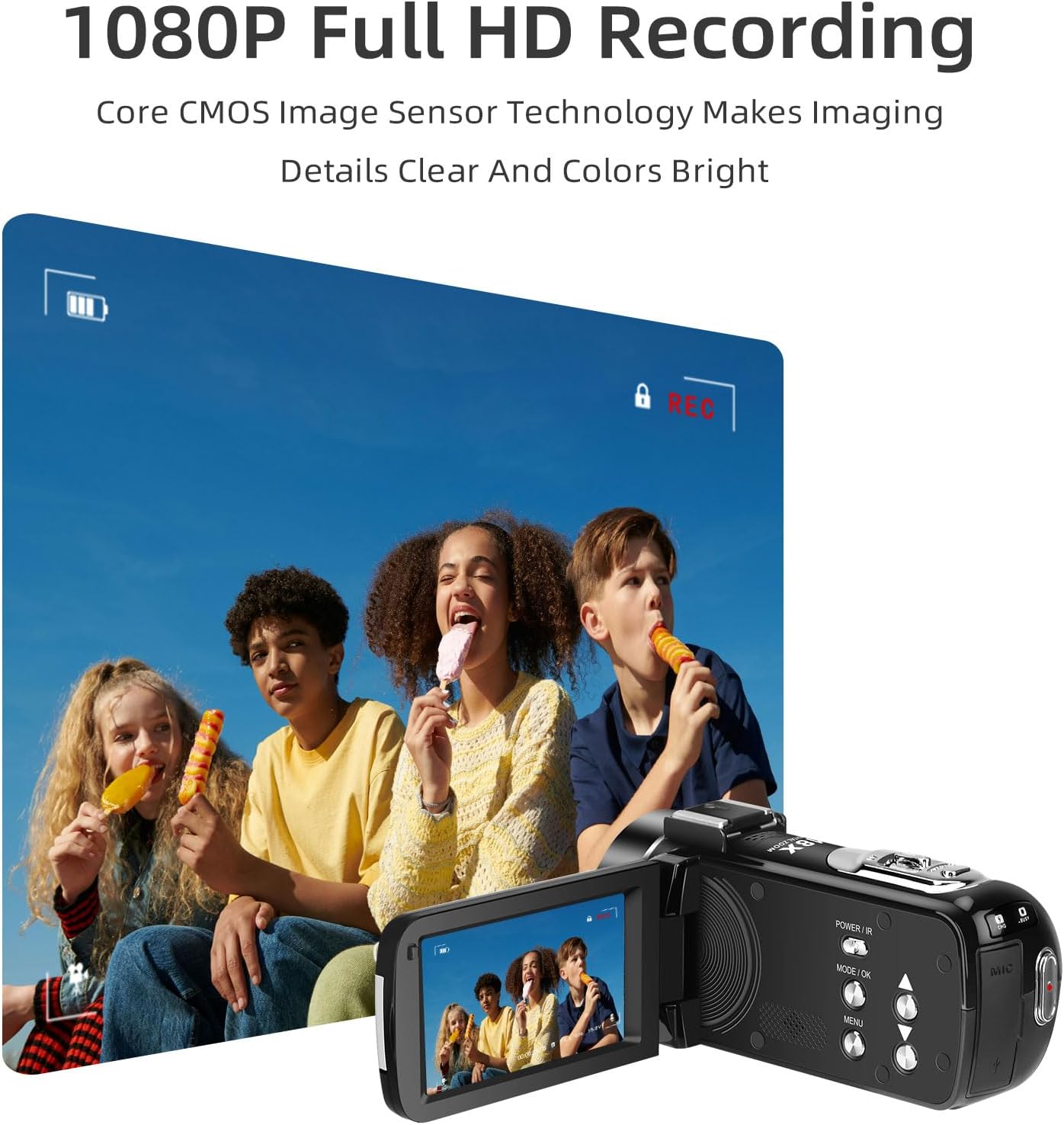
Image: The ORDRO B320 camcorder in use, displaying a live video feed on its flip screen, demonstrating its 1080P Full HD recording capability.
Argazkiak ateratzen
- Switch to photo mode by pressing the Modu/Ados button until the camera icon is displayed.
- Compose your shot.
- Sakatu Argazki botoia (usually a dedicated button or the same as Record/Stop in photo mode) to capture an image.
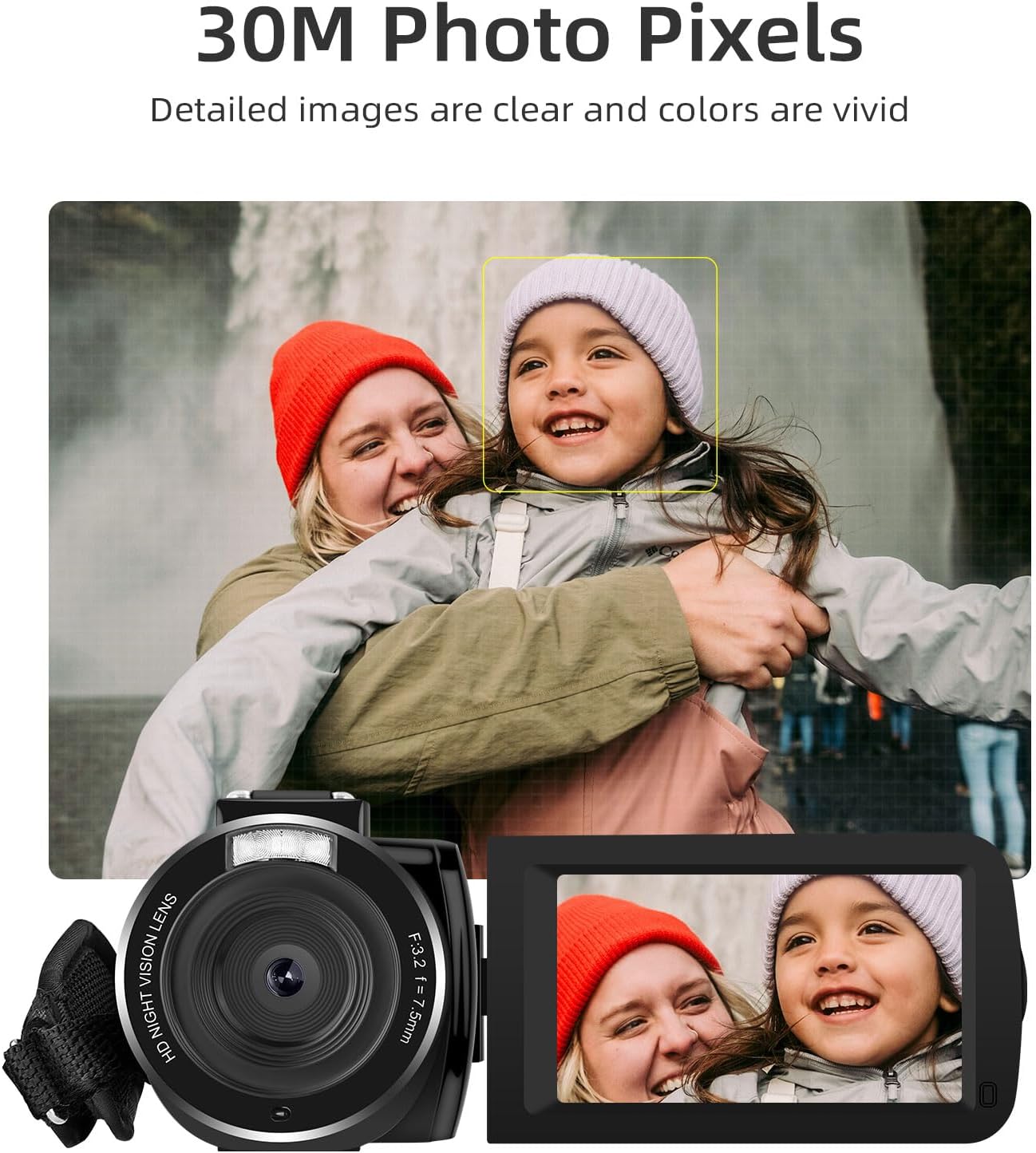
Image: The ORDRO B320 camcorder capturing a still image, highlighting its 30-megapixel photo capability and face detection feature.
Zoom digitala erabiliz
- While in video or photo mode, use the Handiagotu/Utzi buttons (often labeled W/T or with magnifying glass icons) to adjust the digital zoom.
- Press 'T' (Telephoto) to zoom in and 'W' (Wide) to zoom out.
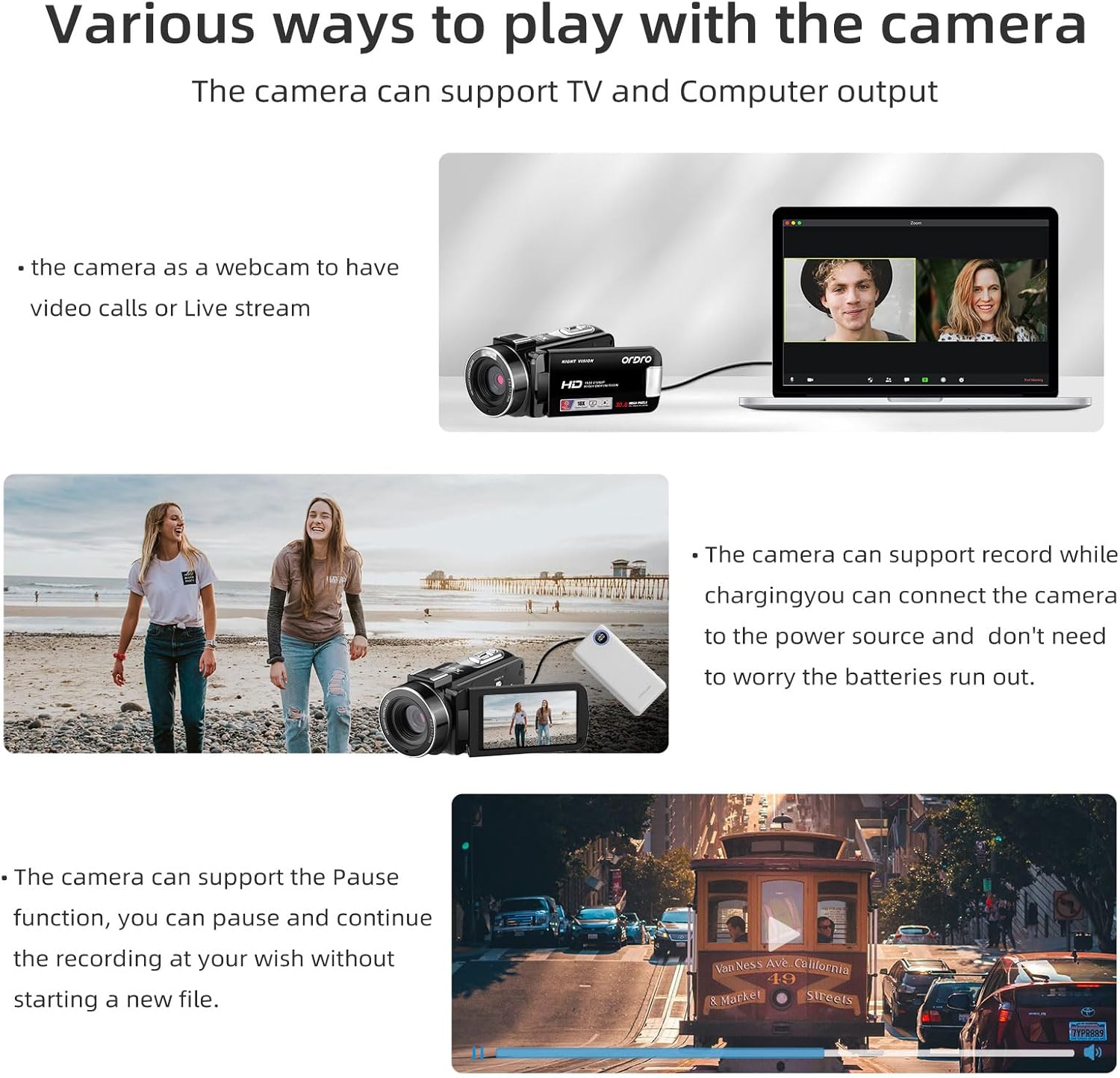
Image: The ORDRO B320 camcorder showcasing its 18X digital zoom feature, with an inset showing the magnified view of a distant lighthouse.
Gaueko infragorria
- To activate infrared night vision, press the Energia/IR button briefly while the camcorder is on.
- The screen will display black and white images, indicating night vision is active.
- Sakatu Energia/IR botoia berriro desaktibatzeko.

Image: A side-by-side comparison demonstrating the effectiveness of the ORDRO B320's IR Night Vision, showing a clear black-and-white image in low light versus a dark, unlit scene.
Webkamera modua
- Connect the camcorder to your computer using the provided USB cable.
- On the camcorder screen, select "PC Camera" or "Webcam Mode" if prompted.
- Your computer should recognize the camcorder as a webcam, allowing its use with video conferencing software.

Image: The ORDRO B320 camcorder connected to a laptop, illustrating its functionality as a webcam for video calls or live streaming.
Menuaren ezarpenak
- Sakatu Menua button to access the camcorder's settings.
- Erabili Up eta Behera buttons to navigate through options.
- Sakatu Modu/Ados aukera bat hautatzeko edo ezarpen bat berresteko.
- Settings include video resolution, photo quality, white balance, exposure, date/time, and more.
Mantentzea
- Lentea garbitzea: Use a soft, lint-free cloth specifically designed for camera lenses. Avoid using abrasive materials or harsh chemicals.
- Pantaila garbitzea: Wipe the flip screen gently with a microfiber cloth. For stubborn smudges, a small amount of screen cleaner can be applied to the cloth (not directly to the screen).
- Garbiketa orokorra: Use a soft, dry cloth to wipe the body of the camcorder. Do not expose the camcorder to water or excessive moisture.
- Biltegiratzea: When not in use for extended periods, remove the batteries and store the camcorder in a cool, dry place, preferably in its camera bag, away from direct sunlight and extreme temperatures.
- Bateria zaintzea: Store batteries in a cool, dry place. Recharge them periodically if not used for a long time to maintain their lifespan.
Arazoak konpontzea
| Arazoa | Kausa posiblea | Irtenbidea |
|---|---|---|
| Bideokamerak ez du pizten. | Bateria agortuta dago edo ez dago behar bezala sartuta. | Ensure battery is charged and correctly inserted. Try using the second battery. |
| Ezin da bideoa grabatu/argazkiak atera. | Memory card is full, not inserted, or corrupted. Incorrect mode selected. | Check memory card status, ensure it's inserted. Format the card (this will erase data). Switch to correct mode. |
| Bideo/argazki kalitate eskasa. | Insufficient lighting, dirty lens, or incorrect settings. | Ensure adequate lighting. Clean the lens. Adjust exposure or white balance settings in the menu. |
| Camcorder freezes or becomes unresponsive. | Softwarearen akatsa edo aldi baterako errorea. | Remove the battery for a few seconds, then reinsert it and power on again. |
| Webcam mode not working. | Incorrect USB connection mode or driver issue. | Ensure "PC Camera" mode is selected on the camcorder. Try a different USB port or cable. Check computer's device manager for driver issues. |
Zehaztapenak
| Ezaugarri | Xehetasuna |
|---|---|
| Marka | ORDRO |
| Modelo zenbakia | B320 |
| Bideo Harrapaketa Ebazpena | 1080p (1920x1080 30FPS) |
| Argazki sentsoreen teknologia | CMOS (5MP) |
| Argazki pixel maximoak | 30 Million Megapixels |
| Zoom digitala | 18X |
| Pantailaren tamaina | 3.0 inches (Flip Screen) |
| Ezaugarri bereziak | Face Detection, Lightweight, Night Vision, Anti-Shake |
| Pilak | 2 x 3.7V 1000mAh Lithium Batteries (included) |
| Bideo formatua | AVI |
| Flash memoria mota | SD |
| Elementuaren pisua | 275 grams (0.6 lbs) / 1.23 pounds (packaged) |
| Neurriak (paketea) | 6.69 x 5.63 x 3.98 hazbete |
Bermea eta Laguntza
ORDRO provides a 12-month warranty for the B320 camcorder. For any questions, technical assistance, or warranty claims, please contact ORDRO customer service.
Bezeroarentzako arreta: Refer to the contact information provided on the ORDRO official website or the packaging for the most up-to-date support channels.
Era berean, bisitatu dezakezu ORDRO Store on Amazon produktuari buruzko informazio gehiago eta laguntza-baliabideak lortzeko.
Erlazionatutako dokumentuak - B320
 |
ORDRO HDV-V12 Digital Video Camera User Manual Comprehensive user manual for the ORDRO HDV-V12 digital video camera, covering setup, operation, photography, video recording, playback, technical specifications, and troubleshooting. |
 |
ORDRO M5 bideo-kameraren erabiltzailearen eskuliburua eta gida ORDRO M5 bideo-kameraren erabiltzailearen eskuliburu osoa, konfigurazioa, funtzionamendua, ezaugarriak, arazoak konpontzea eta zehaztapen teknikoak biltzen dituena. |
 |
ORDRO HDR-AC3 4K bideo-kameraren erabiltzailearen eskuliburua ORDRO HDR-AC3 4K bideo-kameraren erabiltzailearen eskuliburua, bere ezaugarriak, funtzionamendua eta zehaztapen teknikoak zehaztuz. Ikasi kamera nola erabili, gailuetara konektatu eta bere modu eta ezarpen desberdinak nola erabili. |
 |
ORDRO EP8 eramangarri bideo-kameraren erabiltzailearen eskuliburua eta gida ORDRO EP8 FPV kamera eramangarriaren erabiltzailearen eskuliburu osoa. Konfigurazioa, funtzionamendua, ezaugarriak, arazoak konpontzea, zehaztapen teknikoak eta aplikazioaren erabilera biltzen ditu. |
 |
Minolta MN88NV 1080p HD bideo-kameraren erabiltzailearen eskuliburua Minolta MN88NV 1080p HD bideo-kameraren erabiltzailearen eskuliburu osoa, konfigurazioa, funtzionamendua, ezaugarriak eta zehaztapen teknikoak biltzen dituena. Ikasi bideoak grabatzen, argazkiak ateratzen eta ezarpenak pertsonalizatzen. |
 |
YsxLite Installation Guide and Connection Methods Detailed instructions for installing and connecting your YsxLite device using the YsxLite app, covering both local and internet connection methods. |
Ask a question about this manual
Ask about setup, troubleshooting, compatibility, parts, safety, or missing instructions. Manuals+ will review the question and use this page’s manual context to help answer it.