
1. Sarrera
Thank you for choosing the wegear MW2 Wireless Bluetooth Mouse. This compact and portable mouse is designed for comfort and precision, offering seamless connectivity and adjustable sensitivity for various tasks. Please read this manual carefully to ensure proper setup and optimal performance.
2. Segurtasun informazioa
- Mantendu gailua uretatik eta beste likido batzuetatik urrun deskarga elektrikoak edo kalteak saihesteko.
- Avoid exposing the mouse to extreme temperatures or direct sunlight.
- Ez saiatu gailua zeuk desmuntatzen edo konpontzen. Jarri harremanetan zerbitzu-langile kualifikatuekin laguntza jasotzeko.
- Tokiko araudien arabera bota bateriak. Ez erraustu.
3. Paketearen edukia
- wegear MW2 Wireless Bluetooth Mouse
- 1 x AA Battery (pre-installed or included)
- USB Receiver (stored in battery compartment)
- Erabiltzailearen eskuliburua
4. Produktua amaitu daview
Familiarize yourself with the components of your wegear MW2 Wireless Bluetooth Mouse:

Irudia: Behealdea view of the wegear MW2 mouse, highlighting the power on/off switch, Bluetooth pairing button, DPI button, battery compartment, and the storage slot for the USB receiver.
- Ezkerreko/eskuineko klik botoiak: Standard mouse buttons for interaction.
- Korritzeko gurpila: Bertikalean mugitzeko.
- DPI botoia: Located on the bottom, cycles through 800, 1200, and 1600 DPI settings.
- Piztu/Itzali etengailua: Located on the bottom, to conserve battery life.
- Bluetooth parekatzeko botoia: Located on the bottom, used to initiate Bluetooth pairing.
- USB hargailuaren zirrikitua: Located inside the battery compartment for convenient storage.
5. Konfigurazioa
5.1. Sartu bateria
- Remove the battery compartment cover from the bottom of the mouse.
- Sartu AA pila bat, polaritate zuzena ziurtatuz (+/-).
- Jarri bateriaren konpartimentuaren estalkia.
For a visual guide on battery insertion and initial setup, please refer to the video below:
Video: Demonstrates the process of inserting the AA battery and initial power-on for the wegear Wireless Mouse.
5.2. Piztu
Slide the Power On/Off switch on the bottom of the mouse to the 'ON' position. A light indicator will illuminate.
5.3. Konektatu Bluetooth bidez
- Ziurtatu sagua piztuta dagoela.
- Long press the Bluetooth Pairing Button on the bottom of the mouse for 3 seconds. The LED indicator will flash green, indicating it's in pairing mode.
- On your computer (PC, Mac, etc.), open your Bluetooth settings.
- Bilatu new devices and select "Bluetooth MS" (or similar name) from the list to connect.
- Once connected, the LED indicator will stop flashing.
For a visual guide on Bluetooth pairing, please refer to the image below:
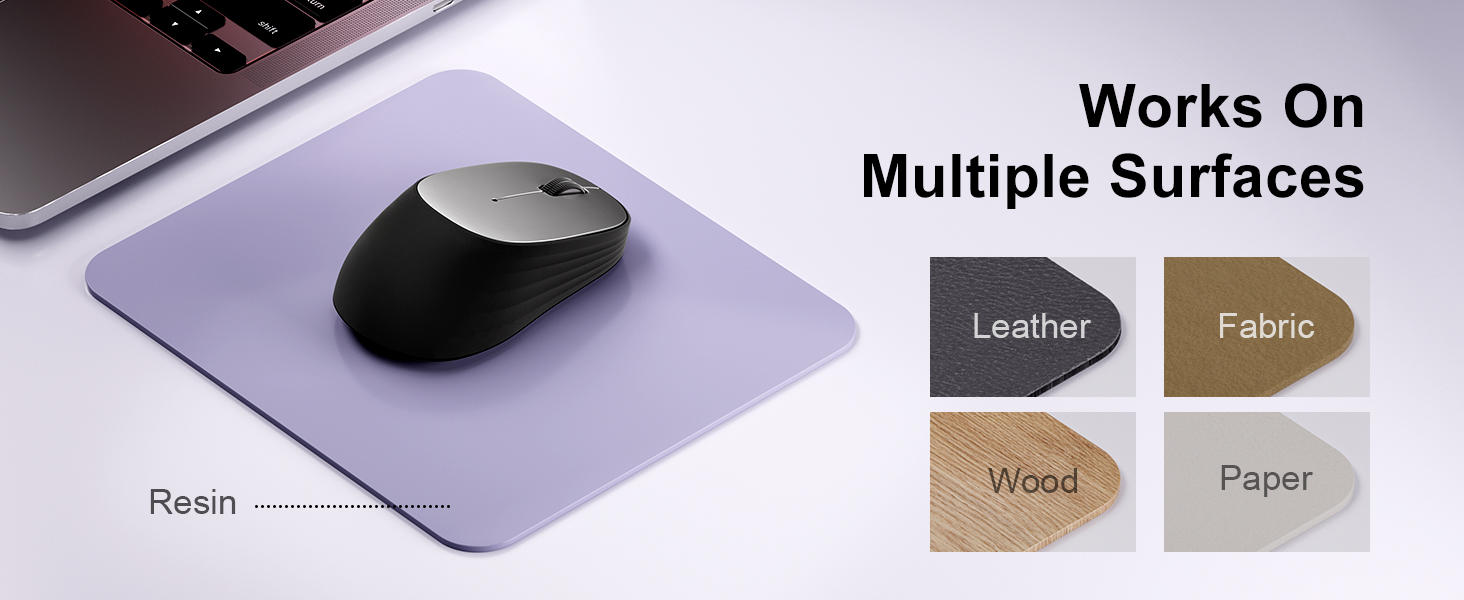
Image: A laptop screen displays a Bluetooth pairing prompt, indicating a new device (Bluetooth mouse) is found. The wegear mouse is shown nearby with a '10M' range indicator, illustrating its Bluetooth 5.0 connectivity.
5.4. Connect via USB Receiver (2.4G Wireless)
If your device does not support Bluetooth or you prefer a 2.4G wireless connection:
- Aurkitu USB hargailua saguaren bateriaren konpartimentuaren barruan.
- Konektatu USB hargailua zure ordenagailuko USB ataka erabilgarri batean.
- The mouse should automatically connect to your device. No additional pairing is required.
6. Sagua erabiltzea
6.1. DPI doikuntza
The wegear MW2 mouse features 3 adjustable DPI levels (800, 1200, 1600) for customized cursor sensitivity. To change the DPI:
- Press the DPI button on the bottom of the mouse.
- Each press will cycle through the DPI settings. The cursor speed will change accordingly.
For a visual representation of DPI levels, please refer to the image below:
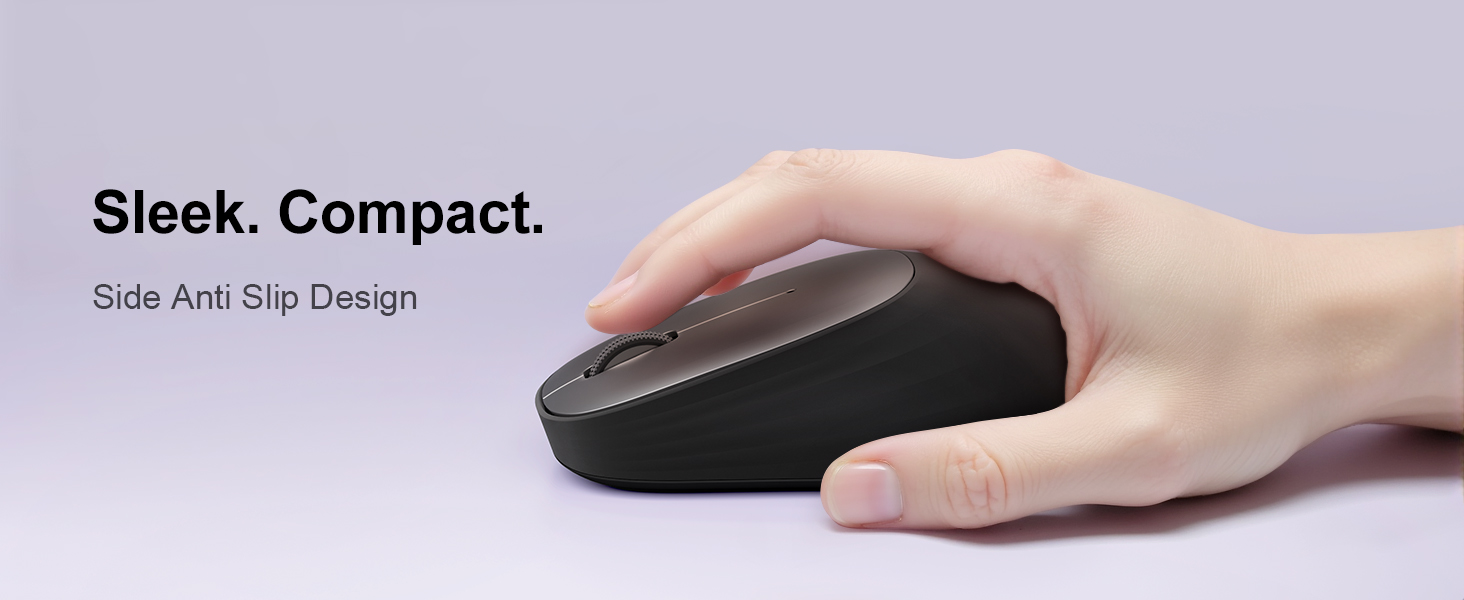
Image: The wegear MW2 mouse is depicted with three distinct visual arcs, each labeled with a DPI setting (800, 1200, 1600), illustrating the adjustable sensitivity levels for smooth navigation.
6.2. Klik isilak
The mouse is designed with silent click buttons, providing a quiet user experience suitable for various environments without disturbing others.
6.3. Energia aurrezteko modua
To conserve battery life, the mouse automatically enters a sleep mode after 10 seconds of inactivity. Simply move the mouse to wake it up and resume operation.
For more details on power saving, please refer to the image below:
Image: A user is shown working on a laptop with the wegear MW2 mouse. An overlay text explains that the mouse enters power-saving mode after 10 seconds of inactivity and can be woken by moving it.
7. Mantentzea
7.1. Bateriaren iraupena
The wegear MW2 mouse is designed for long-lasting performance, offering up to 12 months of battery life with a single AA battery, especially when utilizing the automatic sleep mode and manually turning off the mouse when not in use.
7.2. Garbiketa
Sagua garbitzeko, garbitu gainazala oihal leun eta lehor batekin. Saihestu produktu kimiko gogorrak edo material urratzaileak erabiltzea, akabera kaltetu dezaketelako.
8. Arazoak
- Sagua ez da konektatzen:
- Ensure the mouse is powered on.
- Check if the battery is inserted correctly and has sufficient charge.
- For Bluetooth connection, ensure your device's Bluetooth is enabled and the mouse is in pairing mode.
- For USB receiver connection, ensure the receiver is securely plugged into a USB port. - Kurtsorea irregularra edo erantzuten ez duena:
- Clean the optical sensor on the bottom of the mouse.
- Ensure you are using the mouse on a suitable surface (non-reflective, non-transparent). - Bateriaren iraupen laburra:
- Make sure to turn off the mouse using the Power On/Off switch when not in use for extended periods.
9. Zehaztapenak
| Ezaugarri | Xehetasuna |
|---|---|
| Modelo zenbakia | MW2 |
| Konektibitate Teknologia | Bluetooth 5.0, 2.4G Wireless (via USB receiver) |
| Mugimenduak detektatzeko teknologia | Optikoa |
| DPI erregulagarria | 800, 1200, 1600 |
| Bateria mota | 1 x AA bateria |
| Bateriaren iraupena estimatua | Gehienez 12 hilabete |
| Ezaugarri Berezia | Portable, Compact Design, Silent Clicks, Automatic Sleep Mode |
| Elementuaren pisua | 4.2 ontza |
| Paketearen neurriak | 4.25 x 3.27 x 1.73 hazbete |
10. Bermea eta Laguntza
The wegear MW2 Wireless Bluetooth Mouse comes with a standard manufacturer's warranty. For detailed warranty information, product support, or technical assistance, please refer to the contact information provided on the product packaging or visit the official wegear webgunea.
We are committed to providing high-quality products and excellent customer service. If you encounter any issues or have questions, please do not hesitate to reach out to our support team.