
1. Produktua amaitu daview
The MONODEAL K105 is a versatile under-cabinet music system designed for kitchen environments, offering multiple audio playback options and convenient features. It integrates a CD player, FM radio, Bluetooth connectivity, and practical additions like an LED kitchen light, kitchen timer, and dual alarm clock.

Figure 1: MONODEAL K105 Under Cabinet CD Player with included accessories.
1. bideoa: Produktu ofiziala amaitu daview of the MONODEAL K105 Under Cabinet CD Player, highlighting its features and design.
2. Ezaugarri nagusiak
- Radio/CD Player with Bluetooth: Supports wireless Bluetooth for connecting with mobile devices, FM radio with 30 preset stations, and playback of CD, CD-R, CD-RW, and MP3 formats.
- Stylish Look and Practical LED Kitchen Lights: Features a sleek black finish and a built-in energy-saving LED light for illuminating the counter space.
- Tenporizadorea eta urrutiko kontrola: Includes a cooking timer for time management and a remote control for convenient operation.
- Dual Alarm Clock and High Sound: Features dual alarm settings and 2*5W speakers for high-fidelity sound quality.
- 2*16 Display and Easy Installation: Large display for clear playback information, time, and timer status. Designed for easy installation.

Figure 2: Wireless Bluetooth 5.0 connection for streaming music from mobile devices.
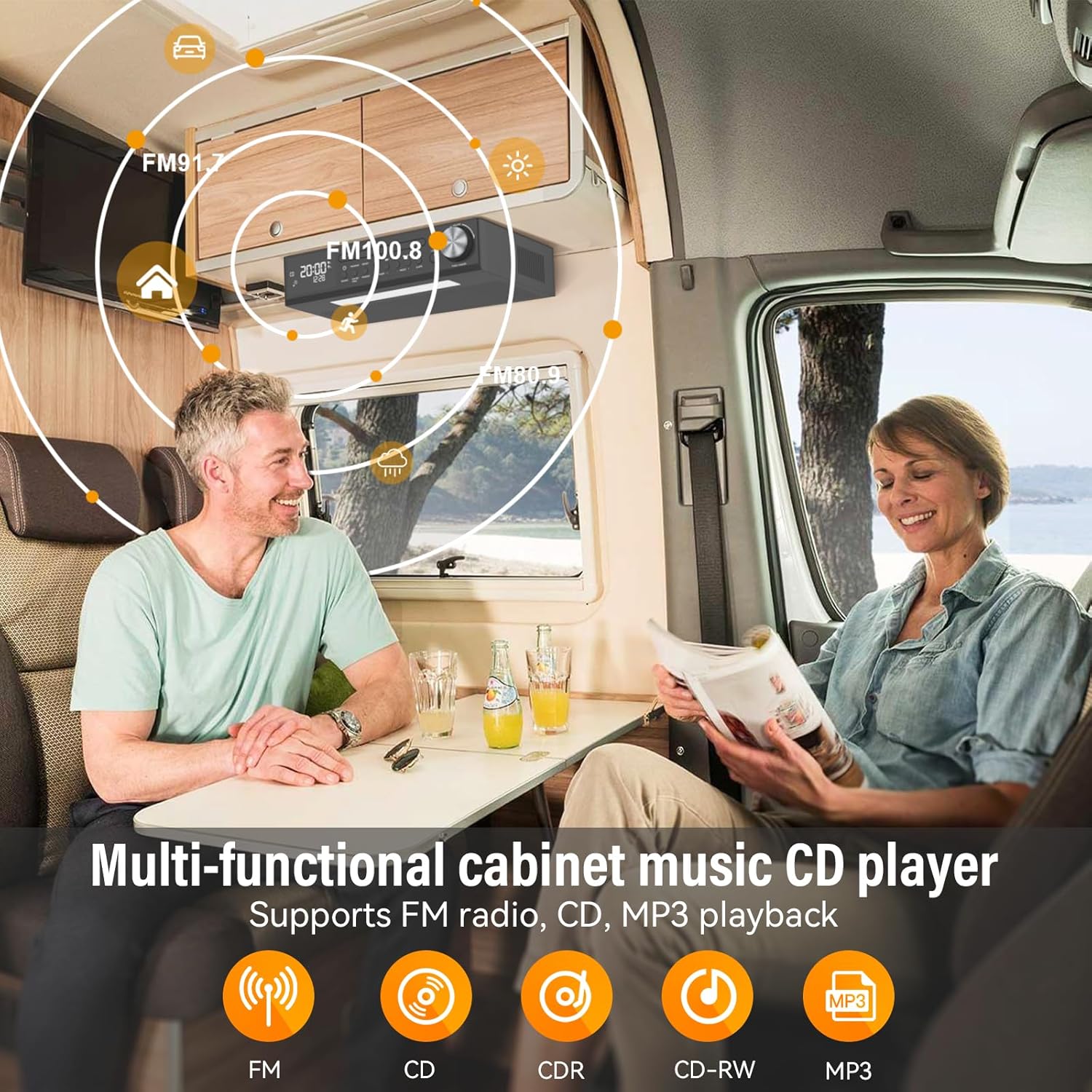
Figure 3: Multi-functional cabinet music CD player supporting FM radio, CD, and MP3 playback.

Figure 4: Energy-saving LED light to enhance the kitchen workspace.

Figure 5: Remote control operation for easy command of the unit.

Figure 6: Timer function assists with cooking and other timed activities.

Figure 7: Dual alarm settings to fit various lifestyle needs.
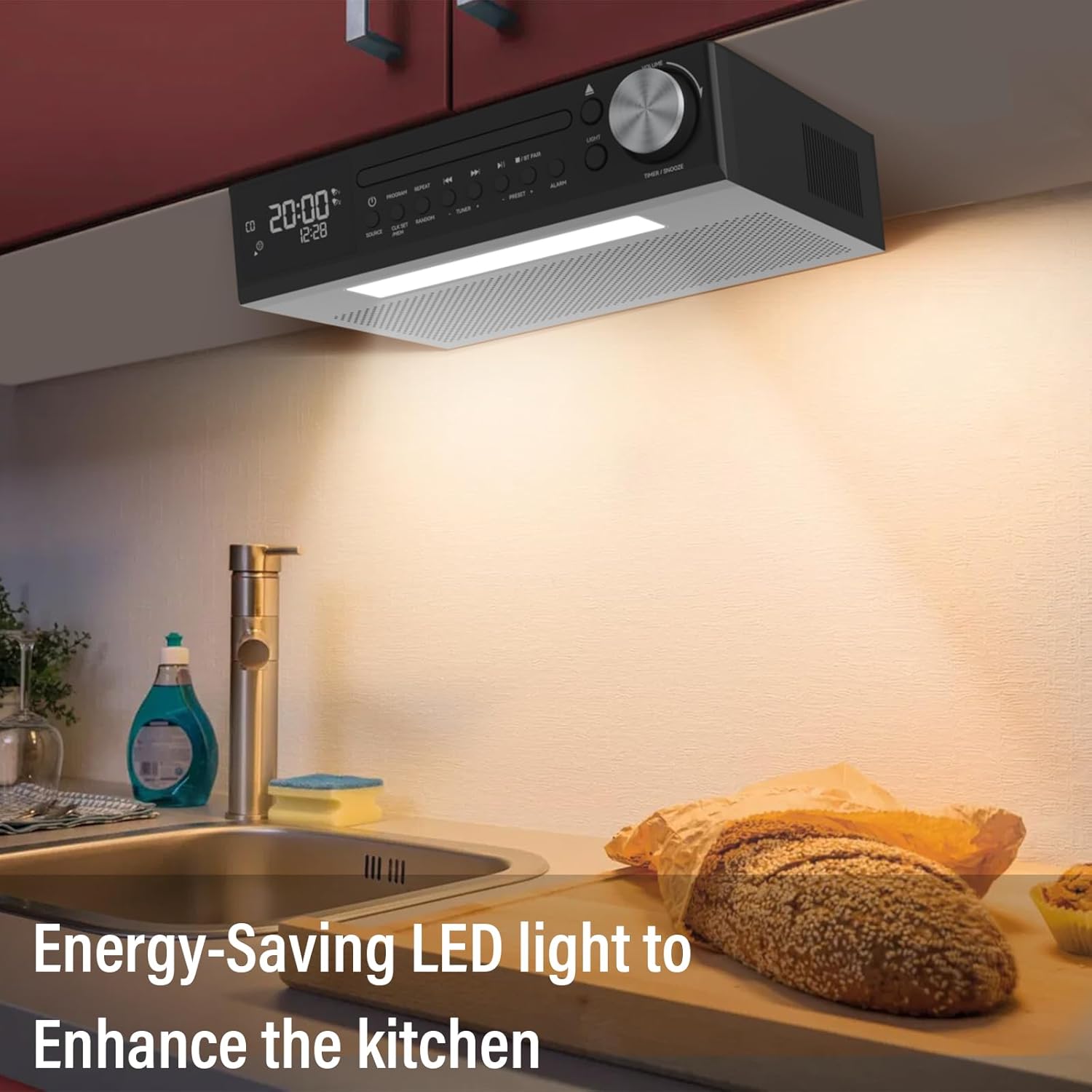
Figure 8: The 2*16 large screen display provides information at a glance.
3. Konfigurazioa
3.1 Zer dago kutxan
- KR105 Under Cabinet CD Player (x1)
- Muntatzeko plaka (x1)
- Urruneko kontrola (x1)
- Torlojuak (x4)
- Power Plug (x1)

9 irudia: Produktuaren ontzian sartutako osagai guztiak.
3.2 Instalazio-urratsak
- Attach Mounting Plate to Unit: Secure the mounting plate to the top of the CD player using the provided screws.
- Secure Mounting Plate to Cabinet: Position the mounting plate under your desired cabinet location. Use the remaining screws to firmly attach the plate to the underside of the cabinet. Ensure the plate is level and securely fastened.
- Slide CD Player onto Mounting Plate: Align the CD player with the attached mounting plate and slide it into place until it clicks securely.
- Konektatu energia: Plug the power adapter into the DC 5.0V input on the back of the CD player and then into a standard wall outlet.

Figure 10: Step 1 - Attaching the mounting plate to the top of the CD player.

Figure 11: Step 2 - Securing the mounting plate to the cabinet.

Figure 12: Step 3 - Sliding the CD player onto the mounting plate.

Figure 13: Step 4 - Connecting the power adapter.
4. Funtzionamendu-argibideak
4.1 Piztu/Itzali
Sakatu Boterea button on the unit or the remote control to turn the device on or off.
4.2 Modu hautaketa
Sakatu ITURRIA button on the unit or remote control to cycle through available modes: CD, FM Radio, and Bluetooth (BT).
4.3 CD erreprodukzioa
- Hautatu CD modua tekla erabiliz ITURRIA botoia.
- Sakatu IREKI/ITXI CDaren erretilua irekitzeko botoia.
- Place a CD (CD, CD-R, CD-RW, MP3 format) onto the tray with the label side facing up.
- Sakatu IREKI/ITXI button again to close the tray. Playback will begin automatically.
- Erabili JOLASTU/PAUSTU, AURRERA SALTU, eta ATZERA EGIN kontrolatzeko botoiak.
- Sakatu PROGRAMA to program tracks, ERREPIKATU for repeat options, and Ausazko for shuffled playback.
4.4 FM irratiaren funtzionamendua
- Hautatu FM modua tekla erabiliz ITURRIA botoia.
- Erabili TUNER + or TUNER - botoiak irrati bat eskuz sintonizatzeko.
- To auto-scan and save stations, press and hold the ESKANETATU button (on remote) or PRESET + / AURREZ EZARRI - buttons (on unit).
- Erabili PRESET + or AURREZ EZARRI - to navigate through saved stations.
4.5 Bluetooth parekatzea
- Hautatu Bluetooth modua erabiliz ITURRIA button. The display will show "BT" and flash, indicating it's ready for pairing.
- On your mobile device, enable Bluetooth and search for "MONODEAL K105".
- Select the device to pair. Once connected, "BT" will stop flashing and remain solid.
4.6 Tenporizadorearen funtzioa
Sakatu TIMER/SNOOZE unitatearen botoia edo tenporizadorea button on the remote to set a cooking timer. Follow the on-screen prompts to adjust the time.
4.7 Alarm Clock Setting
The unit supports dual alarm settings. Press the ALARMA button on the unit or remote to access alarm settings. Follow the display instructions to set alarm times and sources.
4.8 LED argiaren funtzionamendua
Sakatu ARGIA button on the unit or remote control to turn the under-cabinet LED light on or off.
5. Mantentzea
5.1 Garbiketa
- Garbitu unitatearen kanpoaldea oihal leun eta lehor batekin. Ez erabili garbitzaile edo disolbatzaile urratzailerik.
- For the CD tray, use a soft, lint-free cloth to gently wipe away dust. Avoid touching the lens.
5.2 CDen zaintza
- Handle CDs by their edges to prevent fingerprints and scratches.
- Erabiltzen ez dituzunean, gorde CDak beren zorroetan.
- Clean dirty CDs with a soft, damp cloth, wiping from the center outwards.
6. Arazoak
| Arazoa | Kausa posiblea | Irtenbidea |
|---|---|---|
| Botererik ez | Kable elektrikoa ez dago konektatuta; Entxufea ez dabil | Ziurtatu kablea ondo konektatuta dagoela; Saiatu beste entxufe batekin |
| Soinurik ez | Volume too low; Incorrect mode selected | Increase volume; Select correct source mode (CD, FM, BT) |
| CDa saltoka/ez da erreproduzitzen | Dirty or scratched CD; CD inserted incorrectly | Clean or replace CD; Reinsert CD correctly with label side up |
| Bluetootha ez da konektatzen | Device not in pairing mode; Bluetooth disabled on mobile device | Ensure unit is in BT pairing mode; Enable Bluetooth on your device and re-scan |
| FM harrera eskasa | Antena ez dago ondo luzatuta/kokatuta; Interferentzia | Antenaren posizioa doitu; Unitatea beste gailu elektronikoetatik urrundu |
7. Zehaztapenak
- Ereduaren izena: YJ105
- Produktuaren neurriak: 11.6 x 7.4 x 3 hazbete
- Elementuaren pisua: 4 kilo
- Konektibitate Teknologia: Bluetootha
- Ezaugarri bereziak: Bluetooth, Built-In Radio, Kitchen Timer, Dual Alarm Clock, LED Light
- Audio irteera: 2*5W Speakers
- Energia iturria: Korronte alternoko elikadura
8. Bermea eta Laguntza
Your MONODEAL K105 Under Cabinet Kitchen CD Player comes with a 12-month replacement warranty. MONODEAL is committed to providing lifetime support for its products.
For any questions, problems, or support needs, please refer to the contact information provided in your product packaging or visit the official MONODEAL webgunea.

Figure 14: Dedicated customer support is available for assistance.