
Gemmac XLN-297WB
Gemmac Portable Emergency Radio
Model: XLN-297WB
Brand: Gemmac
1. Sarrera
This manual provides comprehensive instructions for the safe and efficient operation of your Gemmac Portable Emergency Radio (Model XLN-297WB). This multi-functional device is designed for emergency preparedness and outdoor activities, offering radio reception, multiple charging options, illumination, and an SOS alarm. Please read this manual thoroughly before use and retain it for future reference.
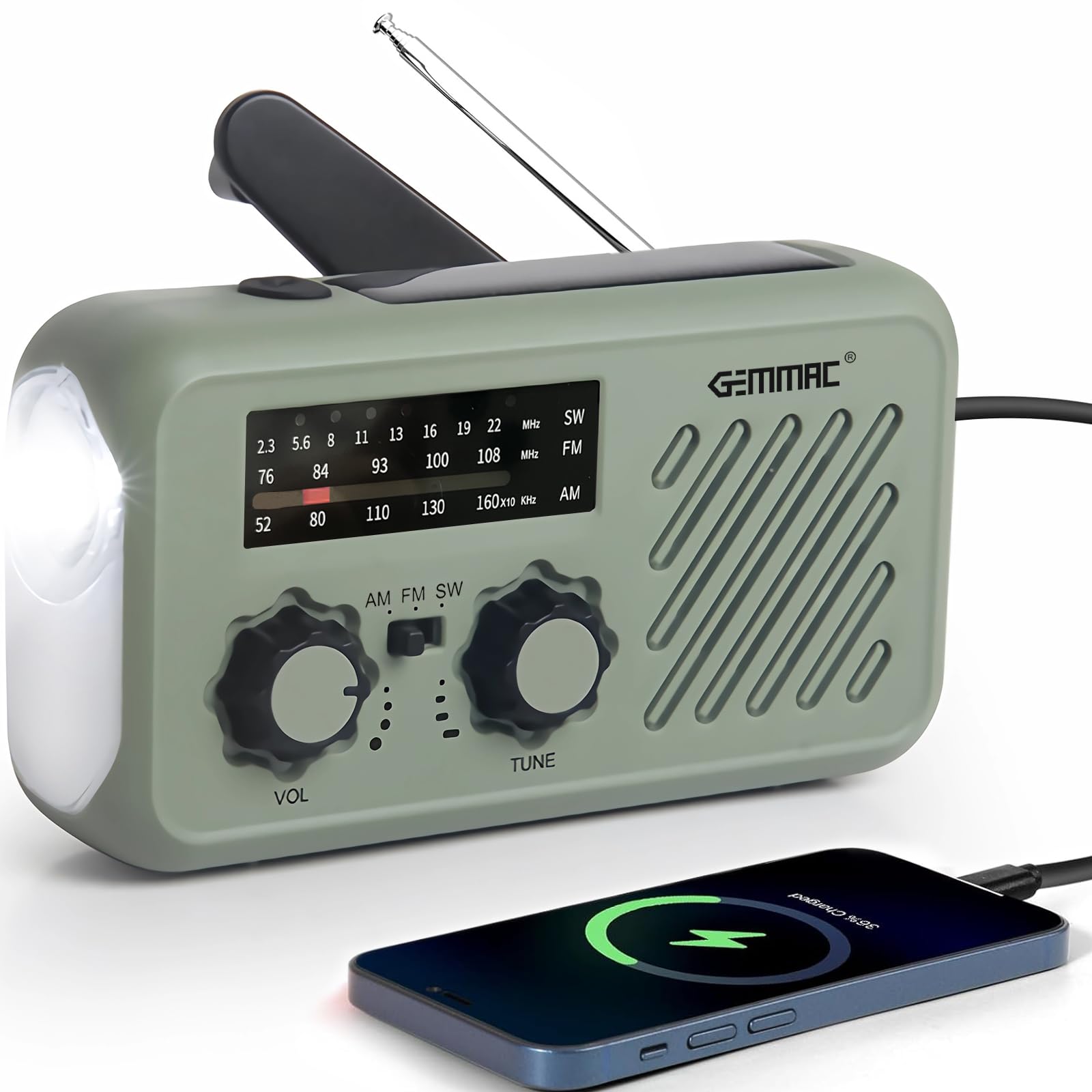
Figure 1: Gemmac Portable Emergency Radio (Model XLN-297WB)
2. Produktua amaitu daview
2.1 Osagaiak

Figure 2: Labeled Components of the Emergency Radio
- Antena: Irrati-harrera hobetzeko luzagarria.
- Eguzki-panela: Eguzki-energia kargatzeko.
- Flashlight / SOS Button: Activates flashlight and SOS alarm.
- Volume / Radio Switch: Controls power and volume.
- AM/FM/SW Switch: Selects radio band.
- Afinatzeko botoia: Irrati-maiztasuna doitzen du.
- Maiztasun marka: Displays current radio frequency.
- Hizlaria: Audio irteera.
- C motako sarrera: For USB charging the radio.
- Aurikularretarako Jack (3.5 mm): Entzun pribaturako.
- USB irteera: Kanpoko gailuak kargatzeko (power bank funtzioa).
- Battery Container: Houses the removable Lithium-ion battery.
- Biradera heldulekua: For hand-crank charging.
- LED Flood Light: Provides broader illumination.
2.2 Ezaugarri nagusiak
- Banda anitzeko irratia: Receives AM (530-1710 kHz), FM (87-108 MHz), and SW (7-19 MHz) frequencies.
- Hainbat kargatzeko aukera: Supports USB Type-C input, solar panel, and hand crank dynamo.
- 2000 mAh-ko bateria eramangarria: Built-in rechargeable battery to charge mobile phones and other USB-compatible devices.
- Larrialdi argiztapena: Features a bright 3W flashlight and an LED reading lamp.
- SOS alarma: Larrialdi seinaleztapenetarako sirena ozen bat eta argi keinukari bat aktibatzen ditu.
- Diseinu eramangarria: Compact, lightweight, and includes a lanyard for easy carrying.
- Urarekiko erresistentea: Zipriztinei eta euri arinei aurre egiteko diseinatua.
3. Konfigurazioa
3.1 Initial Battery Check and Installation
The radio comes with a pre-installed 2000mAh Lithium-ion battery. Before first use, ensure the battery is securely placed in its compartment. If the battery needs to be installed or replaced, open the battery container cover, insert the battery with correct polarity, and close the cover securely.
3.2 Hasierako karga
For optimal performance, fully charge the radio before its first use. Use the provided USB Type-C cable to connect the radio to a 5V DC USB power source (e.g., wall adapter, computer USB port). The charging indicator will illuminate. Charging methods are detailed in Section 4.2.
4. Funtzionamendu-argibideak
4.1 Irratiaren funtzionamendua
- Piztea/itzaltzea eta bolumena: Biratu Volume / Radio Switch clockwise to turn on the radio and increase volume. Rotate counter-clockwise to decrease volume and turn off.
- Aukeratu banda: Irristatu AM/FM/SW Switch to select your desired frequency band (AM, FM, or SW).
- Sintonizazio-estazioa: Zabaldu Antena for better reception. Rotate the Afinatzeko botoia to scan for stations. The selected frequency will be indicated on the Maiztasun markatzailea.
- Aurikularren erabilera: Insert 3.5mm headphones into the Aurikularretarako Jack for private listening. The speaker will automatically mute.

Figure 3: Radio receiving weather alerts
4.2 Kargatzeko metodoak
The radio offers three ways to recharge its internal battery:

Figure 4: Multiple Charging Options
- USB kargatzea: Connect the supplied USB Type-C cable to the C motako sarrera port and a 5V DC power source. This is the fastest charging method.
- Eskuko biradera kargatzea: Zabaldu Biradera heldulekua and rotate it clockwise or counter-clockwise at a steady pace (approximately 120-180 cycles per minute). This generates power to charge the internal battery.
- Eguzki-karga: Place the radio with the Eguzki-panela facing direct sunlight. This method is ideal for maintaining charge or for slow charging in emergencies. Charging efficiency depends on sunlight intensity.
4.3 Flashlight and Reading Lamp
Sakatu Flashlight / SOS Button once to turn on the flashlight. Press again to switch to the LED reading lamp. Press a third time to turn off the light. The flashlight provides focused illumination, while the reading lamp offers broader, softer light.
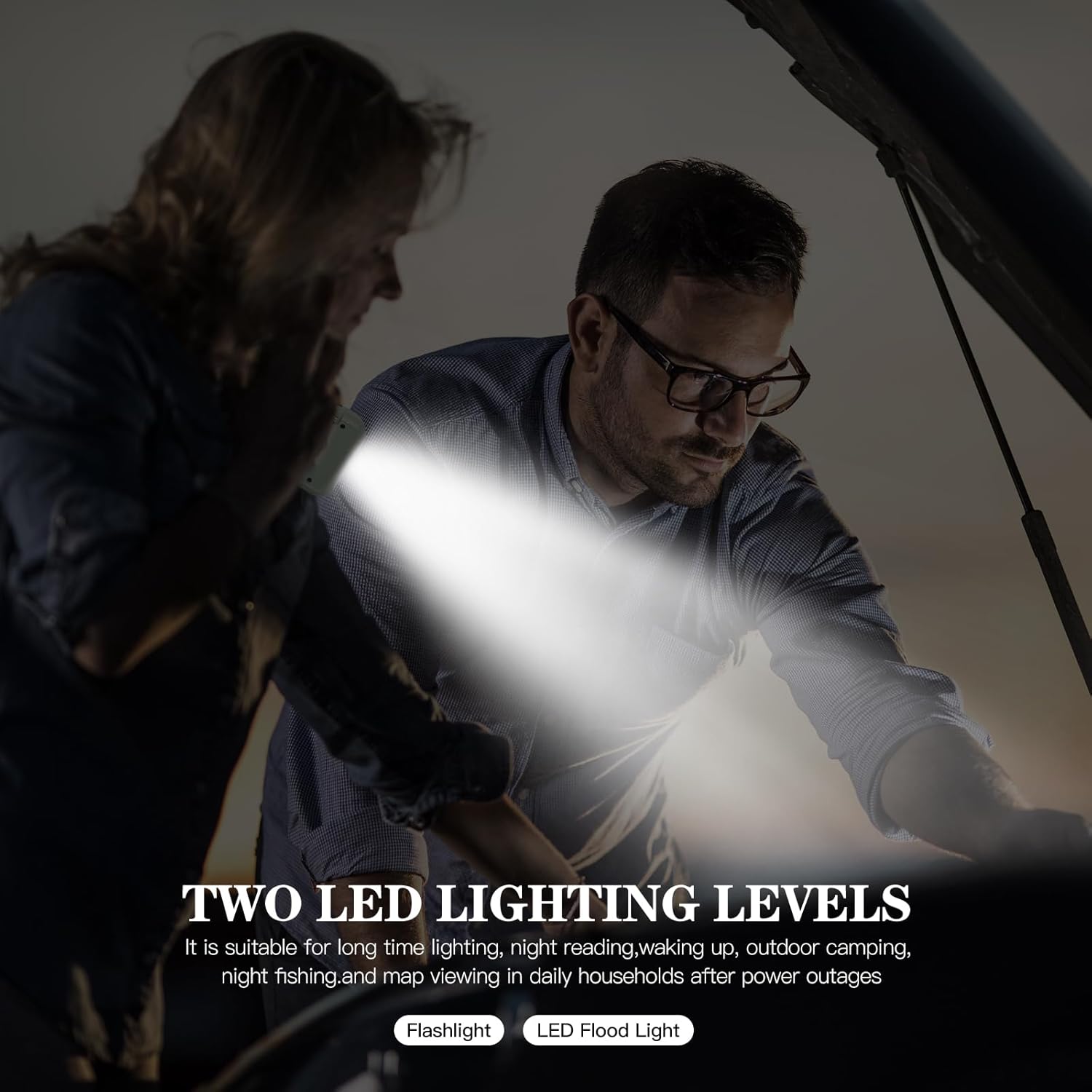
Figure 5: Flashlight and LED Reading Lamp erabileran
4.4 SOS alarma funtzioa
Larrialdi batean, sakatu eta eutsi botoiari Flashlight / SOS Button for 3 seconds to activate the SOS alarm. This will trigger a loud siren and a flashing light to attract attention. Press the button again briefly to deactivate the alarm.
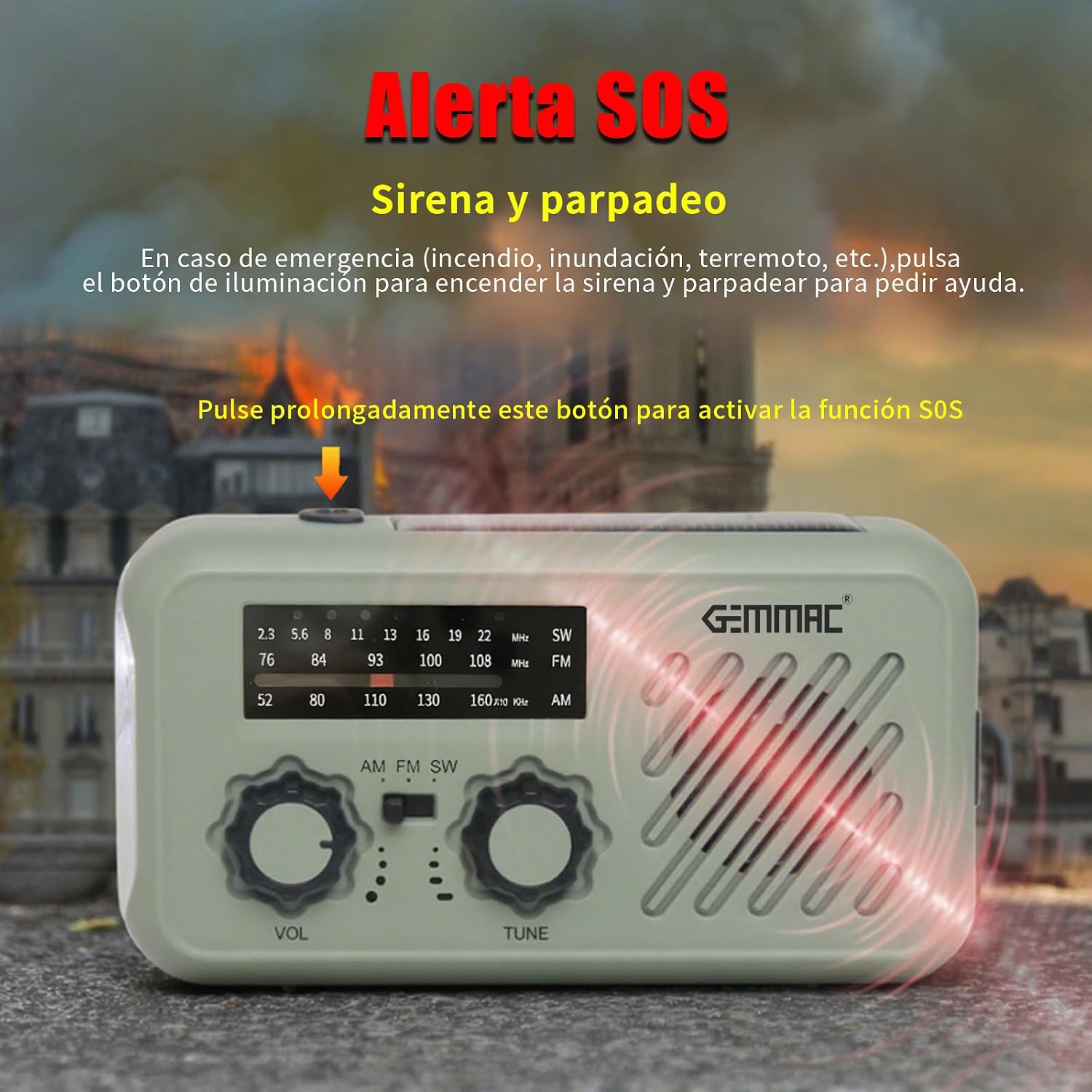
Figure 6: SOS Alarm Activation
4.5 Energia Bankuaren Funtzioa
To charge external devices, connect your device's USB charging cable to the USB irteera port on the radio. The radio's internal 2000mAh battery will begin charging your device. This feature is crucial for keeping your mobile phone powered during outages.
5. Mantentzea
5.1 Garbiketa
Garbitu irratia leun batekin, damp cloth. Do not use abrasive cleaners or solvents, as these can damage the surface. Ensure all ports are dry before charging or using the device.
5.2 Biltegiratzea
Store the radio in a cool, dry place away from direct sunlight and extreme temperatures. If storing for an extended period, fully charge the battery every 3-6 months to maintain battery health.
6. Arazoak
- Potentziarik gabe: Ensure the radio is turned on. Check the battery level. If low, charge the radio using any of the three methods (USB, hand crank, solar).
- Irrati-harrera eskasa: Extend the antenna fully. Try repositioning the radio. Ensure you have selected the correct frequency band (AM/FM/SW).
- Flashlight/Lamp Ez dabil: Check battery level. Ensure the button is pressed correctly.
- Kanpoko gailua ez da kargatzen: Ensure the radio has sufficient battery charge. Verify the USB cable connection. Some devices may require more power than the radio can provide.
- Hand Crank is Stiff: Ensure the crank handle is fully extended and rotates freely. Do not force it.
7. Zehaztapenak
| Modelo zenbakia | XLN-297WB |
| Marka | Gemmac |
| Irrati Taldeak | AM (530-1710 kHz), FM (87-108 MHz), SW (7-19 MHz) |
| Bateria mota | 1 x 2000mAh Lithium-ion (included) |
| Charging Inputs | USB Type-C (DC 5V), Solar Panel, Hand Crank |
| Power Bankaren irteera | USBa |
| Linterna Power | 3W |
| Materiala | Akrilonitrilo Butadieno Estirenoa (ABS) |
| Neurriak (L x W x H) | 40 mm x 70 mm x 130 mm |
| Uraren Erresistentzia | Urarekiko erresistentea |
| Interfazea | USB 3.0 C motakoa |
| Bistaratzeko mota | LCDa |
8. Bermea eta Laguntza
This product is eligible for return or refund within 30 days of purchase. For any issues or support inquiries, please contact your retailer or the manufacturer directly. Please refer to your purchase documentation for specific contact details.
Ask a question about this manual
Ask about setup, troubleshooting, compatibility, parts, safety, or missing instructions. Manuals+ will review the question and use this page’s manual context to help answer it.