
AS03
AS03 WiFi Camera User Manual
Model: AS03 | Brand: Generic
Sarrera
This user manual provides comprehensive instructions for the setup, operation, and maintenance of your AS03 WiFi Camera. Please read this manual thoroughly before using the device to ensure proper functionality and safety.

Figure 1: AS03 WiFi Camera with stand.
The AS03 WiFi Camera is a compact, low-power consumption device designed for home security and sports monitoring. It features HD night vision, two-way intercom functionality, and supports local storage via TF card.
Paketearen edukia
Egiaztatu elementu guztiak paketean daudela:
- 1 x AS03 WiFi Camera
- 1 x Stand
- 1 x C motako kargatzeko kablea
- 1 x Argibide eskuliburua (dokumentu hau)
Produktua amaituview
Kameraren osagaiak eta neurriak ezagutu.

Figure 2: Various angles of the AS03 WiFi Camera.

Figure 3: AS03 WiFi Camera dimensions.
The camera measures approximately 36mm x 40mm x 36mm, making it highly compact and discreet.
Konfigurazioa
1. Kamera kargatzea
Before initial use, fully charge the camera using the provided Type-C charging cable and a 5V/1A power adapter (not included).

Figure 4: Charging the AS03 WiFi Camera.
The camera can record while charging, allowing for continuous operation when connected to a power source.
2. TF txartel bat sartzea (aukerakoa)
For local video storage, insert a TF (microSD) card into the designated slot. The camera supports up to a 32GB TF card (not included). Ensure the camera is powered off before inserting or removing the card.
3. Aplikazioaren instalazioa eta konexioa
The AS03 WiFi Camera uses the iWFCam application for remote monitoring and control. Download the app from your device's app store (iOS/Android).
- Deskargatu eta instalatu iWFCam aplikazioa.
- Power on the camera. The camera will emit a WiFi hotspot.
- On your smartphone, go to WiFi settings and connect to the camera's hotspot (usually named something like "iWFCam-XXXXXX").
- Ireki iWFCam app. The camera should automatically be detected and added.
- Follow the in-app instructions to connect the camera to your home 2.4GHz WiFi network for remote access.

Figure 5: Connecting to the camera via iWFCam app.
Funtzionamendu-argibideak
Zuzenean View eta Grabaketa
Once connected to the iWFCam app, you can access the live video feed from your camera. The app allows you to:
- View denbora errealeko bideoa.
- Initiate manual video recording.
- Atera irudi finkoak.
- Engage in two-way audio communication.
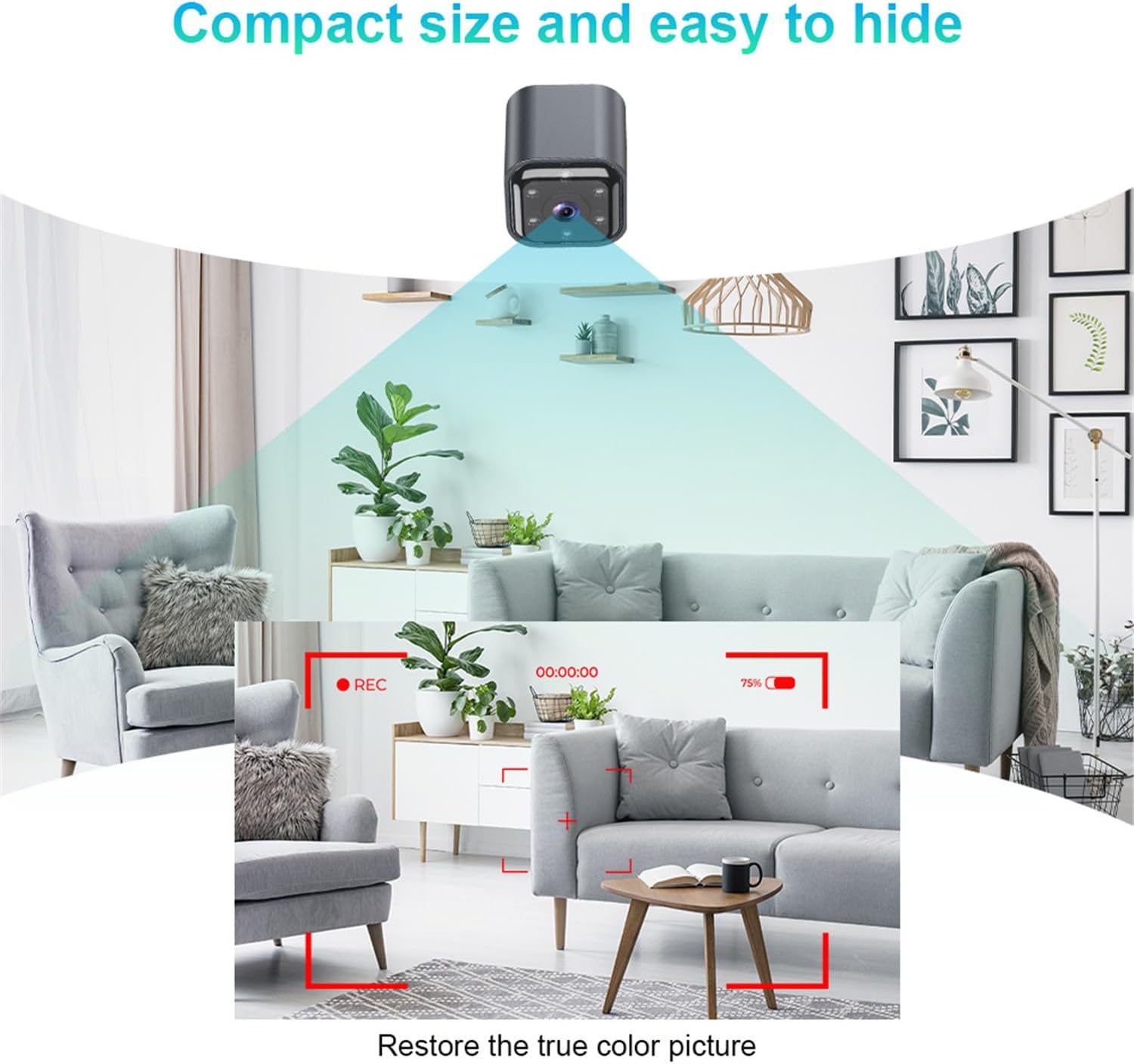
Figure 6: Camera's field of view and image clarity.
Gaueko Ikusmena
The camera features automatic infrared night vision, enabling clear video capture in low-light or no-light conditions. The infrared irradiation distance is effective up to 5 meters, with optimal results within 2 meters.
Bi norabideko atezaina
Utilize the built-in microphone and speaker for two-way audio communication through the iWFCam app. This allows you to speak to and hear from the area where the camera is placed.
Motion Detection and Alarms
The camera supports motion detection. When motion is detected, the camera can trigger an alarm and send push notifications to your smartphone via the iWFCam app.
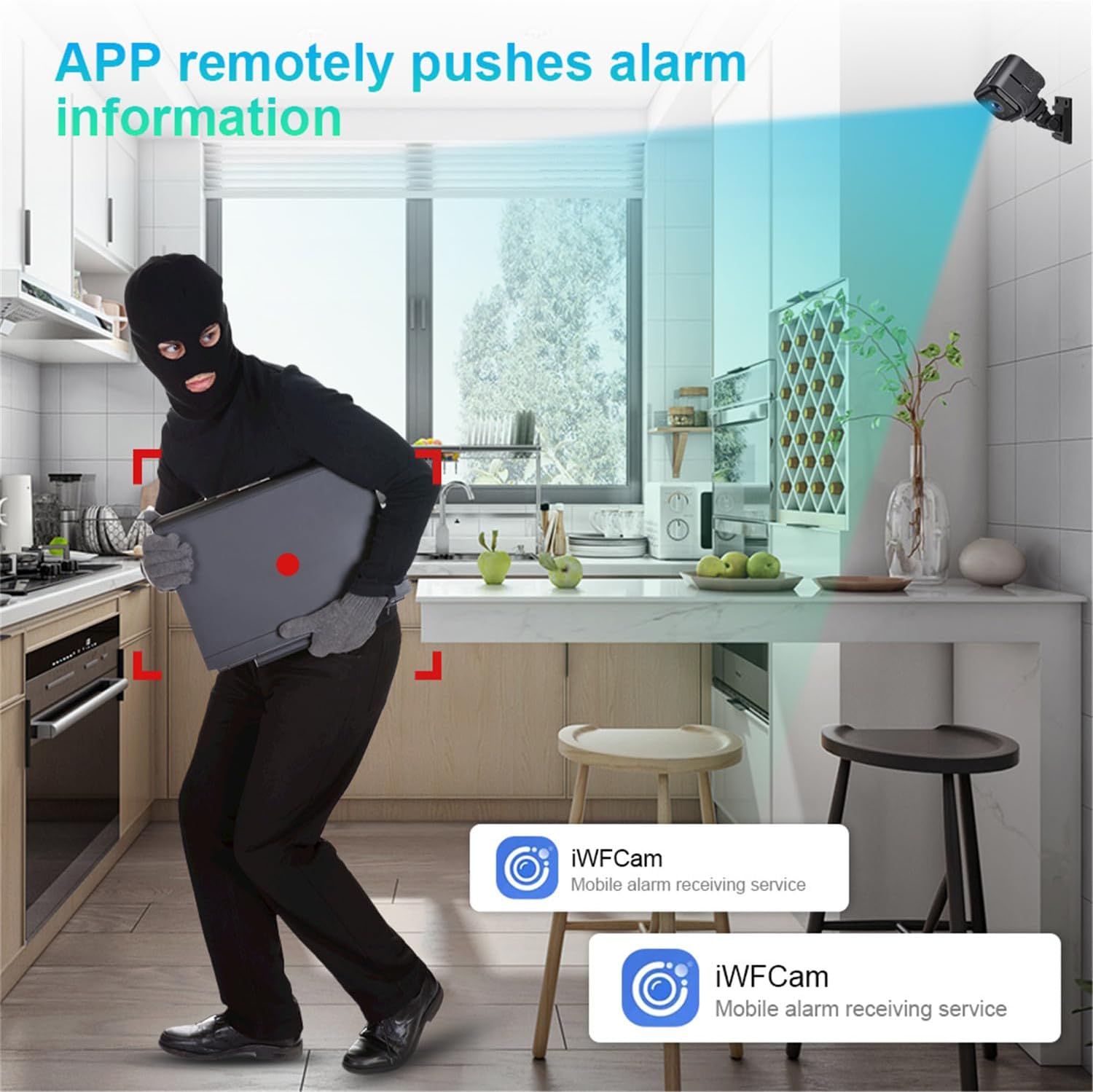
Figure 7: Motion detection and alarm notification.
Loop Grabaketa
When a TF card is inserted, the camera supports loop recording. This means that when the memory card is full, the oldest video files will be automatically overwritten by new recordings, ensuring continuous surveillance.
Mantentzea
- Garbiketa: Erabili zapi leun eta lehor bat kameraren lentea eta gorputza garbitzeko. Saihestu garbitzaile likidoak edo material urratzaileak erabiltzea.
- Biltegiratzea: Kamera denbora luzez gordetzen baduzu, ziurtatu guztiz kargatuta dagoela eta leku fresko eta lehor batean gordeta dagoela.
- Firmware eguneraketak: Periodically check the iWFCam app for any available firmware updates for your camera to ensure optimal performance and security.
Arazoak konpontzea
| Arazoa | Kausa posiblea | Irtenbidea |
|---|---|---|
| Kamera ez da pizten. | Bateria baxua; kargatzeko kablea/egokitzailea akastuna. | Charge the camera for at least 2 hours. Try a different Type-C cable and 5V/1A adapter. |
| Cannot connect to camera WiFi hotspot. | Camera not powered on; too far from camera; WiFi interference. | Ensure camera is on. Move closer to the camera. Restart camera and phone. |
| Camera offline in iWFCam app. | No internet connection; incorrect WiFi password; camera too far from router. | Check your home WiFi. Reconfigure camera's WiFi settings in the app. Move camera closer to router. |
| No recording to TF card. | TF card not inserted; card full; card corrupted; incorrect format. | Ensure TF card is inserted correctly. Check card capacity. Format the TF card via the app or on a computer. Try a different TF card. |
| Gaueko ikusmenaren kalitate eskasa. | Obstruction in front of lens; camera too far from subject. | Clean the lens. Ensure no objects are blocking the infrared lights. Position camera closer to the area of interest (optimal within 2 meters). |
Zehaztapenak
| Produktuaren izena | AS03 WiFi Camera |
| Modelo zenbakia | AS03 |
| Irudi-sentsorea | COMS |
| Bistaratzeko ebazpena | 640*480P (30W) |
| TF txartelaren euskarria | Gehienez 32 GB (ez dago barne) |
| Sarrera | Mikrofono integratua |
| Irteera | Hizlaria |
| Kargatzen Voltage | 5V/1A |
| Bateria Edukiera | 960mAH/4.2V |
| Bateriaren egonean denbora | Approx. 6.2 hours continuous use; 45 days low power standby |
| Distantzia infragorria | 1-5 meters (optimal 2 meters) |
| Funtzionamendu-tenperatura | -10 ℃ ~ 50 ℃ |
| Sarea | 2.4G Wireless Connection (IEEE802.11b/g/n) |
| Audioa | Built-in noise cancelling microphone, Two-way intercom |
| Potentzia-konektorea | C motakoa |
| Aplikazioa | iWFCam |
| Neurriak | 36 mm x 40 mm x 36 mm |
| Pisua | 166 g |

Figure 8: Versatile applications of the AS03 WiFi Camera.
Bermea eta Laguntza
For warranty information and technical support, please refer to the seller's policy on the purchase platform or contact the seller directly. Keep your purchase receipt as proof of purchase.
Saltzailea: Kasongde
ASIN: B0DFQ1TDRH
Lehen eskuragarri dagoen data: 30eko abuztuaren 2024n
Erlazionatutako dokumentuak - AS03
 |
Praetorian Guard Interfono Adimendunaren Instalazio Gida AES Praetorian Guard Smart Intercom-erako instalazio-argibide osoak, Wi-Fi konfigurazioa, LAN konexioa, kableatua, aplikazioaren konfigurazioa eta arazoak konpontzea barne hartzen dituztenak. |
 |
AS03 IP Camera User Manual - Setup, Features, and Troubleshooting Comprehensive user manual for the AS03 IP camera with iWFCam app. Learn how to download, set up, connect, use features like motion detection and sleep mode, and troubleshoot common issues. |
 |
ATN Night Shadow Biocular Erabiltzailearen Gida: Ezaugarriak, Funtzionamendua, Zehaztapenak eta Bermea Erabiltzailearen gida honek ATN Night Shadow gaueko ikusmeneko biokularrari buruzko informazio osoa eskaintzen du. Gailuaren aplikazioa, teknologia digital adimenduna, infragorri argiztatzailea, fokatze mekanismoak, aukerako kamera egokitzailea eta bikoizgailua erabiltzea, funtzionamendu prozedurak, biltegiratze eta zaintza argibideak, garbiketa, arazoak konpontzea, zehaztapen teknikoak eta bermearen xehetasunak zehazten ditu. Ezinbestekoa da ATN gaueko ikusmen ekipamenduaren errendimendua ulertu eta maximizatu nahi duten erabiltzaileentzat. |
 |
Installation Support Notice: Solar Powered Wireless Video Doorbell Information regarding the installation of the Solar Powered Wireless Video Doorbell, confirming it does not require professional expertise and directing users to the product page for details. |
 |
Relassy gaueko ikusmen prismatikoen erabiltzailearen eskuliburua Relassy gaueko ikusmeneko prismatikoen erabiltzailearen eskuliburua, ezaugarriak, funtzionamendua eta mantentze-lanak zehaztuz. |
 |
PARD Night Stalker 4K eX Digital Night Vision Device User Manual Comprehensive user manual for the PARD Night Stalker 4K eX digital night vision device, covering features, installation, operation, specifications, and support resources. |
Ask a question about this manual
Ask about setup, troubleshooting, compatibility, parts, safety, or missing instructions. Manuals+ will review the question and use this page’s manual context to help answer it.