
Sarrera
The Jabra Engage 65 SE is a professional wireless headset designed for enhanced communication in office and call center environments. It offers industry-leading wireless performance, advanced noise-cancelling microphone technology, and extended battery life to support all-day use. This manual provides detailed instructions for setting up, operating, maintaining, and troubleshooting your headset.
Kutxan dagoena
Egiaztatu osagai guztiak zure paketean daudela:
- Jabra Engage 65 SE Headset (Dual-Ear)
- Oinarri Unitatea
- USB-C to USB-A Cable (for PC connection)
- RJ-9 to RJ-9 Cable (for desk phone connection)
- Power Supply (US plug)
- Erabiltzailearen eskuliburua (dokumentu hau)
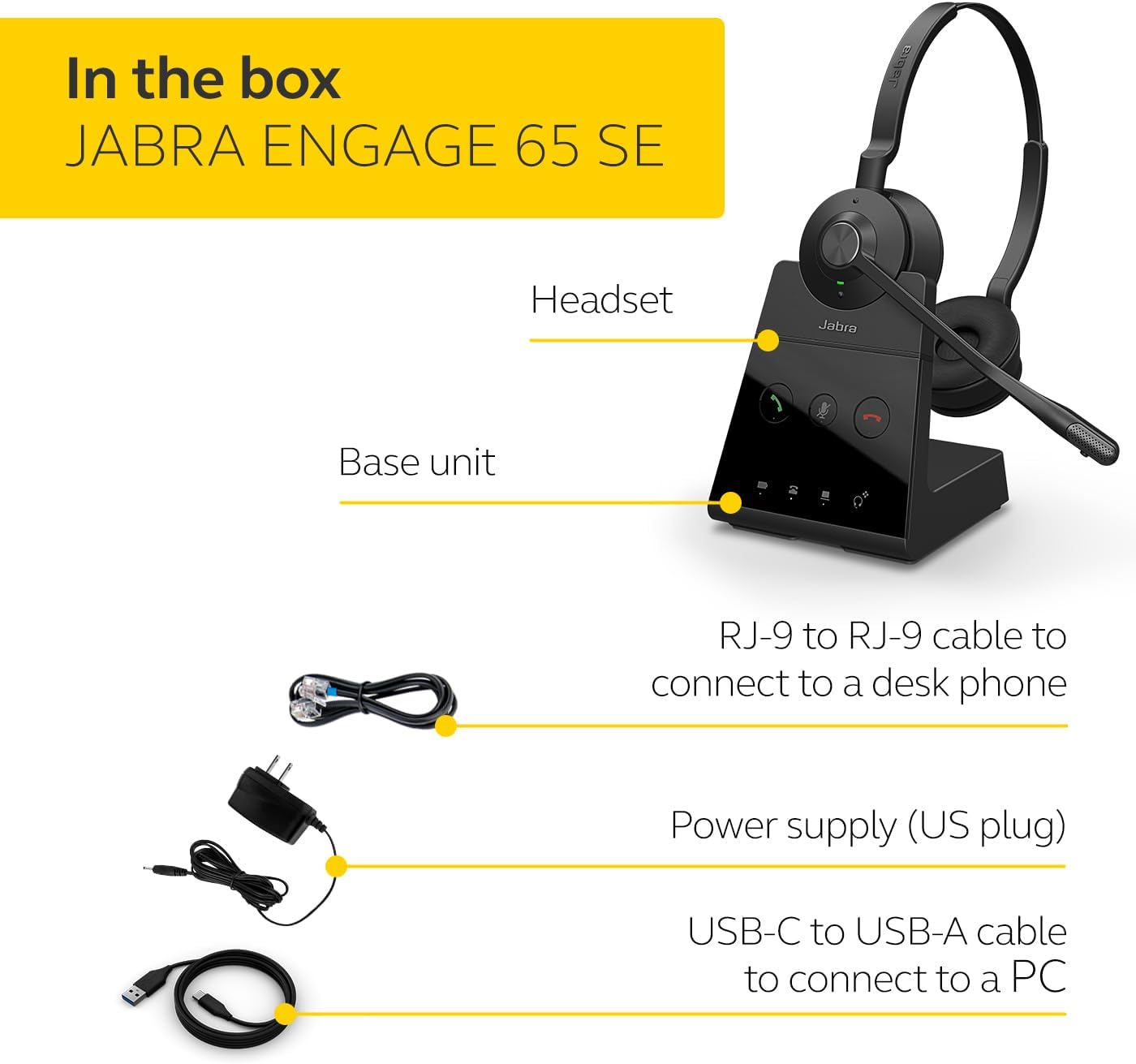
Image: The Jabra Engage 65 SE package contents, showing the headset, base unit, USB cable, RJ-9 cable, and power supply.
Konfigurazioa
1. Connect the Base Unit
- Potentzia-konexioa: Konektatu elikatze-iturria oinarrizko unitatera eta entxufe batera.
- PC konexioa: Use the provided USB-C to USB-A cable to connect the base unit to your computer's USB port.
- Mahaiko telefonoaren konexioa: Use the provided RJ-9 to RJ-9 cable to connect the base unit to your desk phone's headset port. Consult your desk phone's manual for specific port identification.
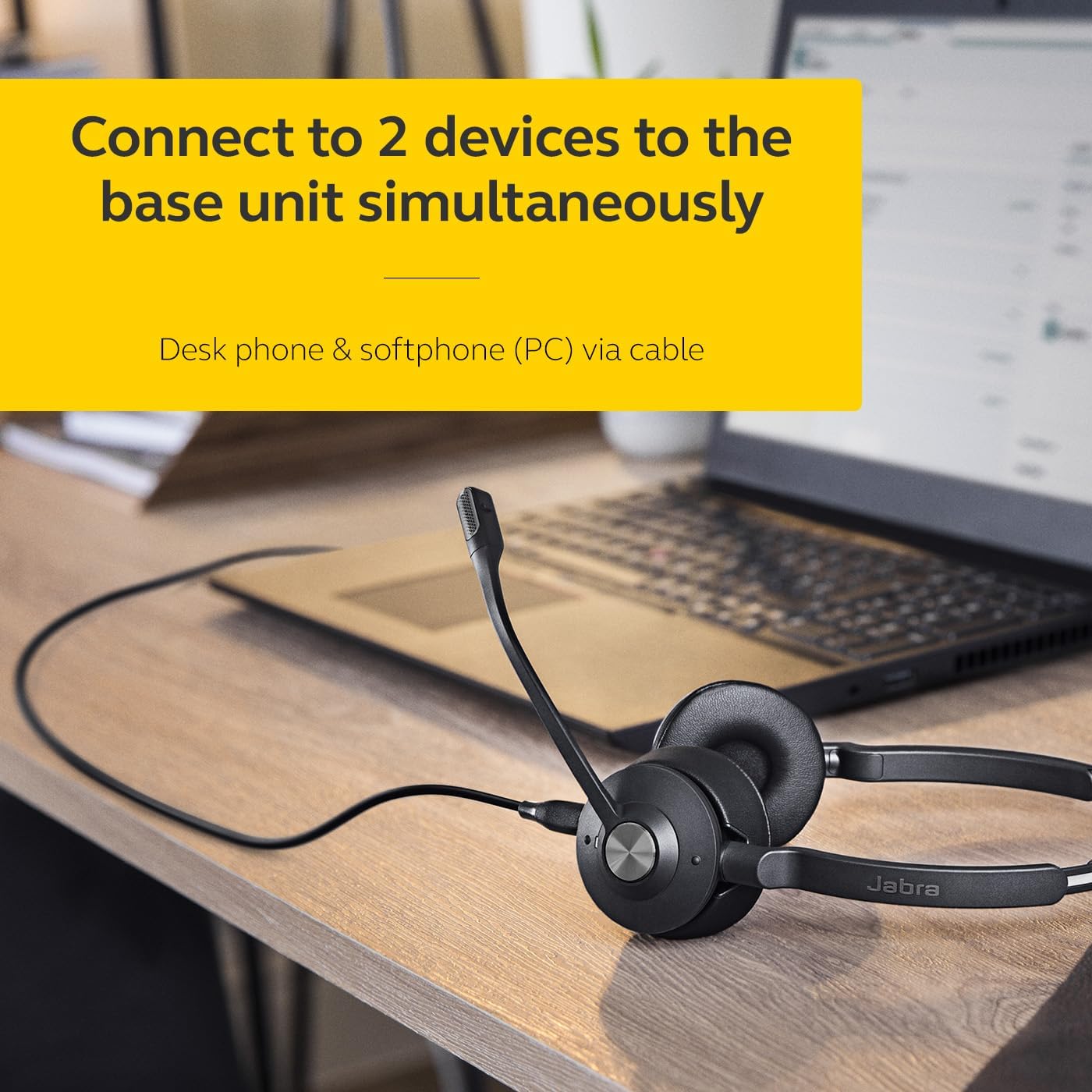
Image: The Jabra Engage 65 SE headset base unit connected to a laptop, illustrating PC connectivity.
2. Kargatu entzungailua
Place the headset onto the base unit. The headset will begin charging automatically. Ensure the headset is fully charged before first use for optimal battery performance.
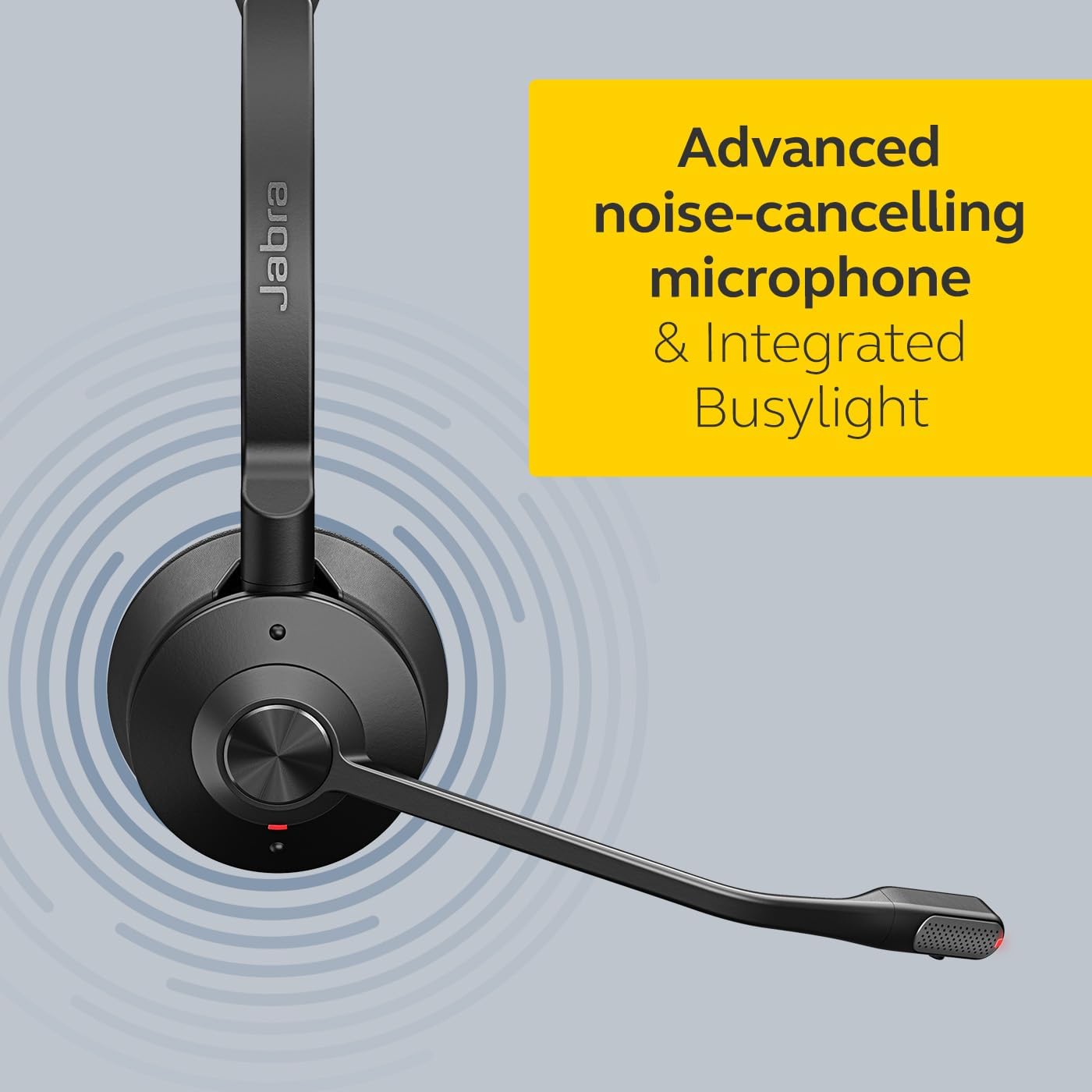
Image: The Jabra Engage 65 SE headset resting on its charging base, indicating proper docking for charging.
3. Hasierako parekatzea
The headset and base unit are pre-paired from the factory. If re-pairing is needed, follow the instructions in the full user manual available on the Jabra support webgunea.
Bideoa: Ofizial bat amaitu daview of the Jabra Engage 65 SE Wireless Headset, demonstrating its features and setup.
Funtzionamendu-argibideak
Entzungailua jantzita
Adjust the headband for a comfortable fit. Position the microphone boom approximately 2 cm (0.8 inches) from your mouth. The microphone boom is flexible and can be adjusted for optimal voice pickup.

Image: A user wearing the Jabra Engage 65 SE headset, highlighting its comfortable design and microphone placement for clear communication.
Deien Kontrola
Aurikularrek deiak kudeatzeko kontrol intuitiboak dituzte:
- Deia erantzun/amaitu: Press the multi-function button on the earcup.
- Ezkutatu/Aktibatu: Press the mute button on the microphone boom or base unit.
- Bolumenaren doikuntza: Use the volume up/down buttons on the earcup.

Irudia: Gertutik view of the headset's earcup, illustrating the location of the call control buttons for easy access during use.
Busylight adierazlea
The integrated busylight on the headset automatically illuminates when you are on a call, signaling to colleagues that you are busy and should not be disturbed. This feature helps minimize interruptions and improve focus.
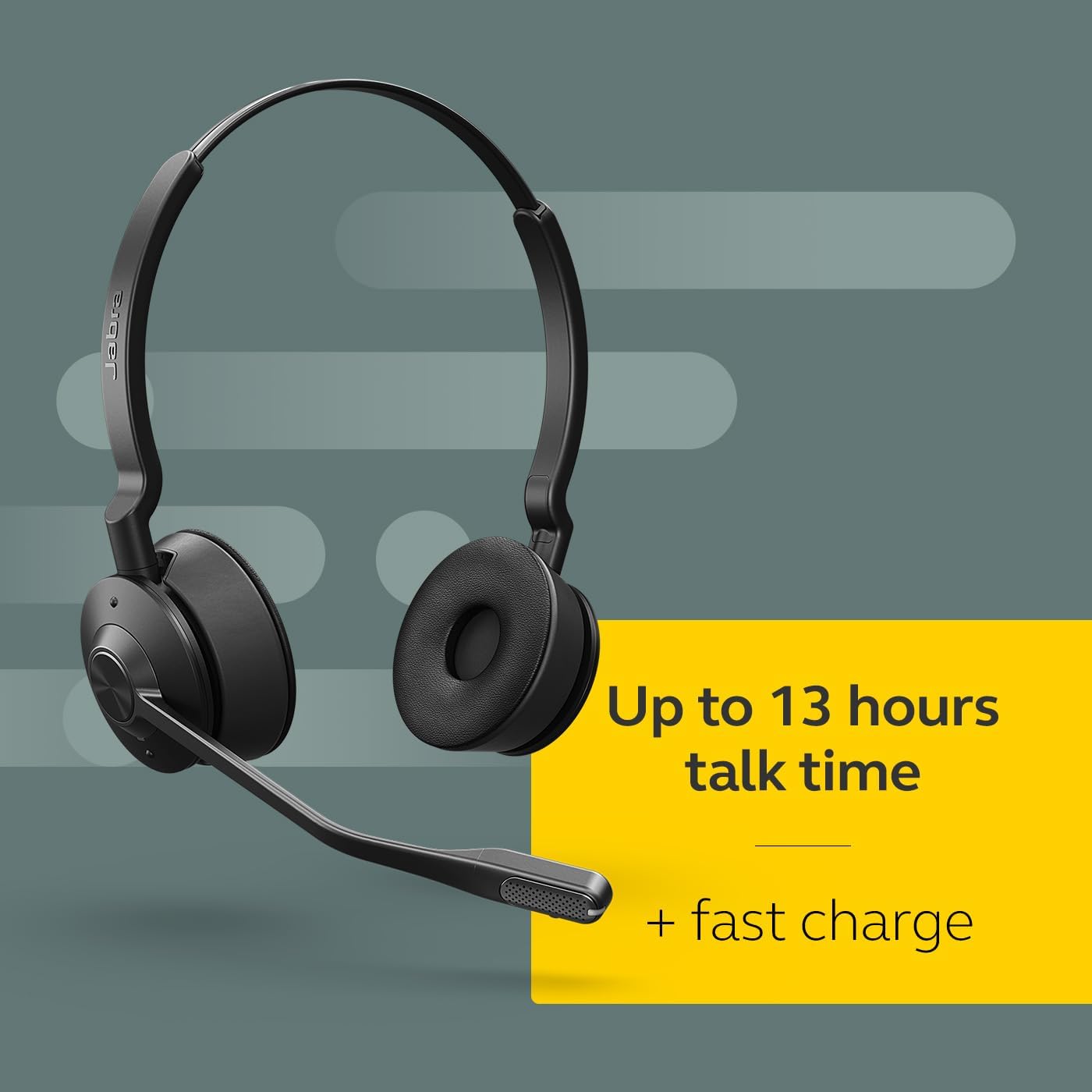
Image: The Jabra Engage 65 SE headset with its busylight active, indicating a user is currently on a call.
Wireless Range and Connectivity
The headset provides a wireless range of up to 150 meters (490 feet) from the base unit, allowing freedom of movement. It can connect to up to two devices simultaneously: a desk phone and a softphone (PC) via the base unit.
Mantentzea
Garbiketa
- Garbitu entzungailuak eta oinarrizko unitatea zapi leun eta lehor batekin.
- Saihestu produktu kimiko gogorrak edo material urratzaileak erabiltzea.
- Ensure no moisture enters the charging port or microphone openings.
Bateria zaintzea
- For optimal battery longevity, avoid fully discharging the headset frequently.
- Gorde entzungailua leku fresko eta lehor batean erabiltzen ez duzunean.
- The headset offers up to 13 hours of talk time and supports fast charging.
Arazoak konpontzea
If you encounter issues with your Jabra Engage 65 SE headset, refer to the following common solutions:
| Arazoa | Irtenbide posiblea |
|---|---|
| Audiorik ez / Audio kalitate eskasa |
|
| Headset not connecting |
|
| Bateriaren iraupen laburra |
|
For more detailed troubleshooting and support, please visit the official Jabra support webgunea.
Zehaztapenak
| Ezaugarri | Xehetasuna |
|---|---|
| Marka | Jabra |
| Ereduaren izena | Engage 65 SE |
| Modelo zenbakia | 9659-553-125 |
| Konektibitate Teknologia | Bluetooth, Haririk gabekoa (DECT) |
| Wireless Range | Gehienez 150 metro / 490 oin |
| Bateriaren iraupena (elkarrizketa denbora) | Gehienez 13 ordu |
| Bateria kargatzeko denbora | 90 minutu |
| Zarata Kontrola | Zarata Deuseztatze Aktiboa |
| Mikrofonoa | Zarata-ezabatze aurreratua |
| Belarrien Kokatzea | On Ear (Dual-Ear) |
| Pisua | 1.2 kilo |
| Materialak | Larru artifiziala, Polikarbonatoa (PC), Altzairu herdoilgaitza |
| Gailu bateragarriak | Universal (Desk phone, PC) |
Bermea eta Laguntza
Bermearen informazioa
The Jabra Engage 65 SE headset comes with a 2 urteko fabrikatzailearen bermeaGorde erosketaren egiaztagiria bermearen erreklamazioetarako.
Bezeroarentzako Arreta
For further assistance, product registration, or to download the full user manual and software updates, please visit the official Jabra support webgunea:


