
Hisense 40A59NQ
Hisense TVC QLED 40 FHD SMART TV User Manual
Model: 40A59NQ
1. Sarrera
Eskerrik asko erosketagatik.asing the Hisense TVC QLED 40 FHD SMART TV. This manual provides essential information for the safe and efficient operation of your television. Please read it thoroughly before using the product and retain it for future reference.
This QLED Smart TV features a 40-inch Full HD display (1920x1080 pixels) with a 60 Hz refresh rate, offering vibrant visuals and smooth motion. It integrates VIDAA U6 for smart TV functionalities, Wi-Fi connectivity, and multiple HDMI 1.4 ports for versatile connections. The audio system includes 2 speakers with 16W output and supports Dolby Atmos for an immersive sound experience.
2. Segurtasun informazio garrantzitsua
Beti jarraitu oinarrizko segurtasun neurriak produktu hau erabiltzean, sute, deskarga elektriko eta pertsonen lesio arriskua murrizteko.
- Ez jarri aparatu hau euri edo hezetasunera.
- Ez blokeatu aireztapen-zulorik.
- Ez instalatu bero-iturriren ondoan.
- Babestu korronte-kablea ibiltzeko edo atximur ez dadin.
- Erabili soilik fabrikatzaileak zehaztutako eranskinak/osagarriak.
- Jarri zerbitzu-zerbitzu guztiak zerbitzu-pertsonal kualifikatuari.
3. Paketearen edukia
Mesedez, egiaztatu elementu guztiak bertan daudela eta egoera onean daudela paketea despaketatzean.
- Hisense TVC QLED 40 FHD SMART TV (Model: 40A59NQ)
- Urruneko Kontrola
- Elikatze kablea
- Erabiltzailearen eskuliburua (dokumentu hau)
- Telebista-euskarria (2 pieza) eta torlojuak
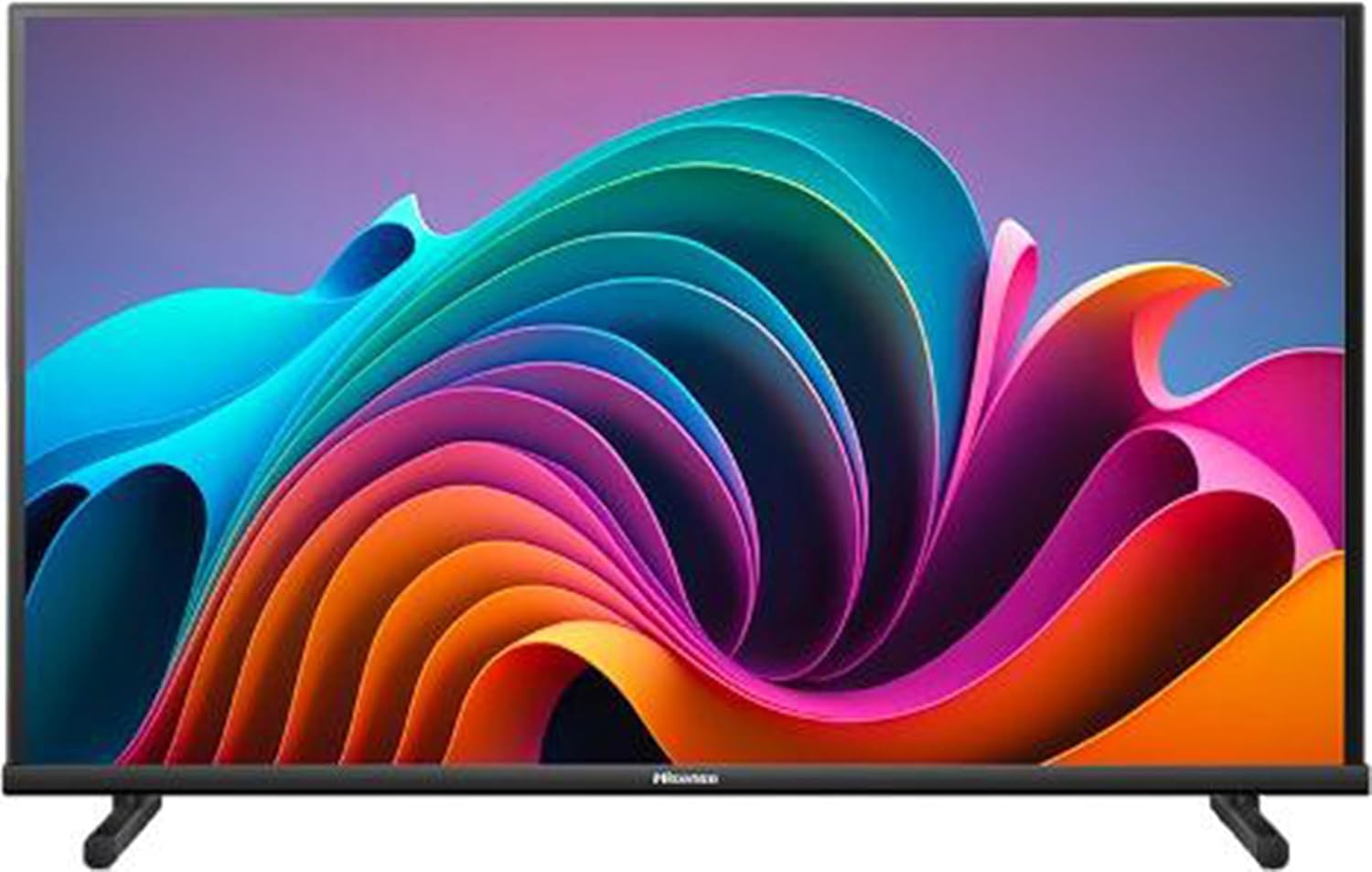
Irudia: Aurrealdea view of the Hisense TVC QLED 40 FHD SMART TV, displaying a vibrant, abstract colorful pattern on its screen. The TV is black with a slim bezel and two stand feet at the bottom.
4. Konfigurazioa
4.1 Telebistaren euskarria muntatzea
- Kontu handiz jarri telebistaren pantaila beherantz gainazal leun eta garbi batean, marradurak saihesteko.
- Lerrokatu euskarri pieza bakoitza telebistaren behealdeko zirrikituekin.
- Lotu euskarriak emandako torlojuak erabiliz. Ziurtatu ondo estututa daudela.
4.2 Horman muntatzea (aukerakoa)
This TV supports VESA standard 200 x 200 mm for wall mounting. Please consult a professional for wall mounting installation to ensure safety and proper setup.
4.3 Periferikoak konektatzea
Telebistak hainbat ataka ditu kanpoko gailuak konektatzeko:
- HDMI1.4: Konektatu Blu-ray erreproduzitzaileak, joko kontsolak edo set-top kutxak. (2 ataka eskuragarri)
- USBa: Connect USB storage devices for media playback. (2 ports available)
- AV Interfazea: Gailu analogiko zaharragoetarako.
- Aurikularretarako irteera: Entzungailuak konektatzeko.
- Ethernet (LAN): Kable bidezko internet konexiorako.
- Antena/kable sarrera: For DVB-T2 HEVC, DVB-S2, DVB-C (MPEG4) signals.
- Common Interface (CI+): For conditional access modules. (1 slot)
4.4 Hasierako piztea
- Konektatu elikatze-kablea telebistara eta gero entxufe batera.
- Sakatu telebistako edo urrutiko agintearen pizteko botoia.
- Jarraitu pantailan agertzen diren argibideei hasierako konfiguraziorako, hizkuntza hautatzea, sareko konexioa (Wi-Fi edo Ethernet) eta kanalen eskaneatzea barne.
5. Zure telebista funtzionatzea
5.1 Urruneko kontrolaren funtzioak
Ohi ibili urrutiko agintearen botoiak erabiltzen nabigazio eta kontrol errazak lortzeko.
- Potentzia: Telebista pizten edo itzaltzen du.
- Iturria: Selects input source (HDMI, AV, TV).
- Nabigazio botoiak (Gora/Behera/Ezkerra/Eskuina/Ados): Menuetan nabigatzeko eta hautatzeko.
- +/- bolumena: Bolumena doitzen du.
- Kanala +/-: Kanalak aldatzen ditu.
- Telebista/Etxe Adimenduna: Accesses the VIDAA U6 smart TV interface.
- Netflix/YouTube/Prime Video: Streaming zerbitzuetarako sarbide zuzena.
- Menua: Opens the main settings menu.
- Irteera/Atzera: Aurreko pantailara itzultzen da edo menu batetik irteten da.
5.2 Smart TV Ezaugarriak (VIDAA U6)
The VIDAA U6 operating system provides access to a wide range of applications and streaming services. Ensure your TV is connected to the internet for full functionality.
- App Store: Deskargatu eta instalatu aplikazio gehigarriak.
- Web Arakatzailea: Arakatu Interneten zuzenean zure telebistan.
- Multimedia erreproduzitzailea: Erreproduzitu multimedia files from connected USB devices.
- Airplay: Stream content from compatible Apple devices.
5.3 Hotel modua
This TV includes a Hotel Mode feature, which allows for blocking channels and controlling volume limits. This feature is typically used in commercial settings and can be accessed through the advanced settings menu.
6. Mantentzea
6.1 Telebista garbitzea
- Pantaila: Garbitu pantaila astiro-astiro zapi leun eta pelusik gabeko batekin. Orban egoskorrak lortzeko, erabili telebistetarako bereziki diseinatutako pantaila garbitzeko soluzio bat, zapiari aplikatuta, ez zuzenean pantailari.
- Kabinete: Wipe the cabinet and stand with a soft, dry cloth.
- Ez erabili: Abrasive cleaners, waxes, or solvents.
6.2 Software eguneraketak
The TV's software (firmware) may receive updates to improve performance and add new features. Ensure your TV is connected to the internet to receive automatic updates, or check for updates manually through the settings menu.
7. Arazoak
Telebistarekin arazoak badituzu, mesedez, kontsultatu beheko arazo ohikoenak eta irtenbideak bezeroarentzako arreta-zerbitzura jo aurretik.
| Arazoa | Kausa posiblea | Irtenbidea |
|---|---|---|
| Botererik ez | Kable elektrikoa ez dago konektatuta; Entxufea ez dabil. | Ziurtatu kablea ondo konektatuta dagoela; probatu entxufea beste gailu batekin. |
| Ez dago irudirik, baina soinua badago | Sarrera-iturri okerra hautatu da; Kablearen konexioa soltea. | Press the "Source" button on the remote to select the correct input; Check all cable connections. |
| Soinurik ez, baina irudia badago | Volume is muted or too low; External audio system issue. | Unmute volume or increase it; Check connections to external audio devices. |
| Urruneko kontrola ez dabil | Bateriak agortuta edo gaizki sartuta daude; urrutiko agintearen eta telebistaren arteko oztopoa. | Replace batteries; Ensure clear line of sight to the TV's IR sensor. |
| Ezin da wifira konektatu | Pasahitz okerra; bideratzailearen arazoa; telebista bideratzailetik urrunegi. | Verify Wi-Fi password; Restart router; Move TV closer to router or use Ethernet. |
8. Zehaztapenak
| Ezaugarri | Xehetasuna |
|---|---|
| Modelo zenbakia | 40A59NQ |
| Pantaila Teknologia | QLED |
| Pantailaren tamaina | 40 hazbete (100 cm) |
| Ebazpena | Full HD (1920 x 1080 pixel) |
| Aspektu-erlazioa | 16:9 |
| Freskatze tasa | 60 Hz |
| Kontraste-erlazioa | 5000:1 |
| HDR euskarria | Bai |
| Sistema eragilea | BIZITZA U6 |
| Audio Irteera | 2 Speakers, 16W total |
| Audio Teknologia | Dolby Atmos |
| Konektibitatea | Wi-Fi, Ethernet (LAN) |
| HDMI atakak | 2 (HDMI 1.4) |
| USB atakak | 2 |
| Tuner Types | DVB-T2 HEVC, DVB-S2, DVB-C (MPEG4) |
| CI+ zirrikitua | 1 |
| VESA estandarra | 200 x 200 mm |
| Power Consumption (SDR per 1000h) | 39 kWh |
| Energia Eraginkortasun Klasea | F (A_TO_G scale) |
| Neurriak (euskarririk gabe) | Height: 515 mm, Depth: 85 mm, Weight: 5.4 kg |
| Neurriak (euskarriarekin) | Height: 542 mm, Width: 900 mm, Depth: 179 mm, Weight: 5.5 kg |
9. Bermea eta Laguntza
Hisense products are manufactured to the highest quality standards. For warranty information, please refer to the warranty card included with your product or visit the official Hisense webzure eskualdeko xehetasun espezifikoak lortzeko webgunea.
For technical support, troubleshooting assistance beyond this manual, or service inquiries, please contact Hisense customer service. Contact details can typically be found on the Hisense official webgunean edo zure produktuaren ontzian.
Sareko baliabideak: www.hisense.com
Ask a question about this manual
Ask about setup, troubleshooting, compatibility, parts, safety, or missing instructions. Manuals+ will review the question and use this page’s manual context to help answer it.