
Produktua amaituview
The HYTE Y70 is a dual-chamber ATX mid-tower PC case designed for high-performance gaming systems. It features panoramic tempered glass panels, a spacious interior for excellent airflow and cooling, and includes a PCIe 4.0 riser cable for vertical GPU mounting. Its modern aesthetic and thoughtful design make it ideal for showcasing your PC components.
This manual provides essential information for setting up, operating, and maintaining your HYTE Y70 PC case.
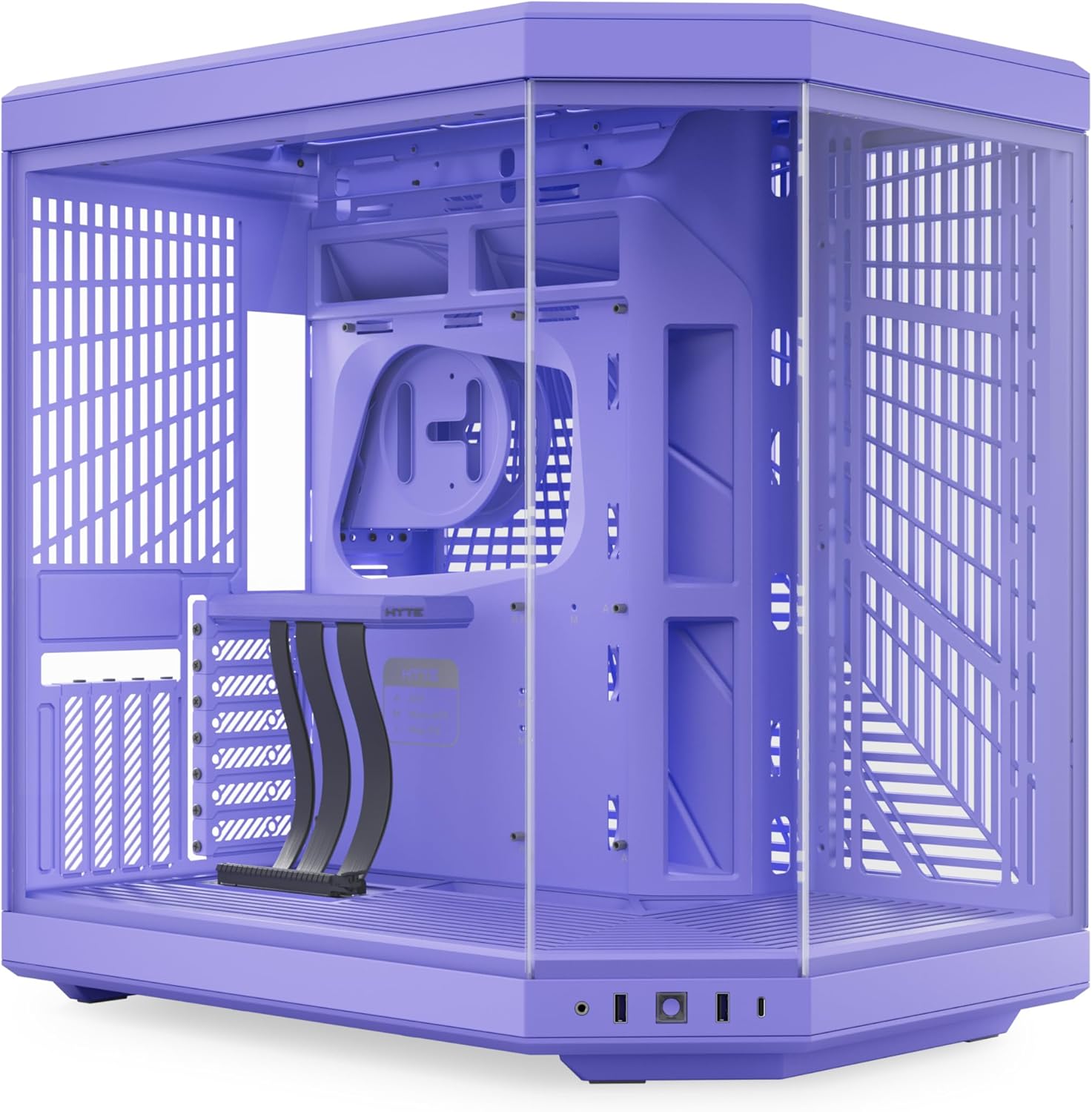
Aurrealdea view of the HYTE Y70 Mid-Tower PC Case, showcasing its panoramic tempered glass panels and overall design.
Konfigurazioa eta Instalazioa
Kutxa irekitzea eta hasierako ikuskapena
Carefully remove the HYTE Y70 case from its packaging. Inspect all tempered glass panels and the chassis for any signs of damage during transit. Ensure all accessories, including the PCIe riser cable and screw kits, are present.

The HYTE Y70 PC case with its side panel removed, revealing the spacious interior for component installation.
Component Installation Guidelines
The HYTE Y70 features a dual-chamber design for streamlined cable management and optimal airflow. Components are installed in specific areas to maximize performance and aesthetics.
- Plaka nagusia: Supports ATX motherboards. Install the motherboard in the main chamber.
- GPU: The case includes a PCIe 4.0 x16 riser cable for vertical GPU mounting. This allows for massive 4-slot vertical graphics card accommodation.
- Hoztea:
- Side: Supports up to a 360mm radiator (125mm thick).
- Top: Adjustable bracket for another 360mm radiator (up to 68mm thick).
- Bottom (Cold Floor Cooling): Can house up to three 120mm or two 140mm fans (up to 32mm thick) for direct GPU airflow.
- Rear: Spot for an additional fan.
- Biltegiratzea: Features floating storage sleds accessible from the rear chamber for intuitive drive maintenance.
- Elikatze-iturria: Mounts in the rear chamber, separate from the main components for better cable management and thermal separation.
For detailed visual instructions on building within the HYTE Y70 case, refer to the official setup video below. Note that the video may feature a different color variant of the Y70 case, but the installation process remains the same.
Official HYTE Y70 PC Case setup and overview video. This video demonstrates the assembly process and key features of the case, including component placement and cable management.
Funtzionamendu funtzioak
Airflow and Cooling Performance
The dual-chamber design and extensive ventilation options of the HYTE Y70 ensure optimal airflow and cooling for high-performance components. The cold floor cooling directs fresh air directly to the GPU, while multiple radiator and fan mounting points allow for robust cooling configurations.
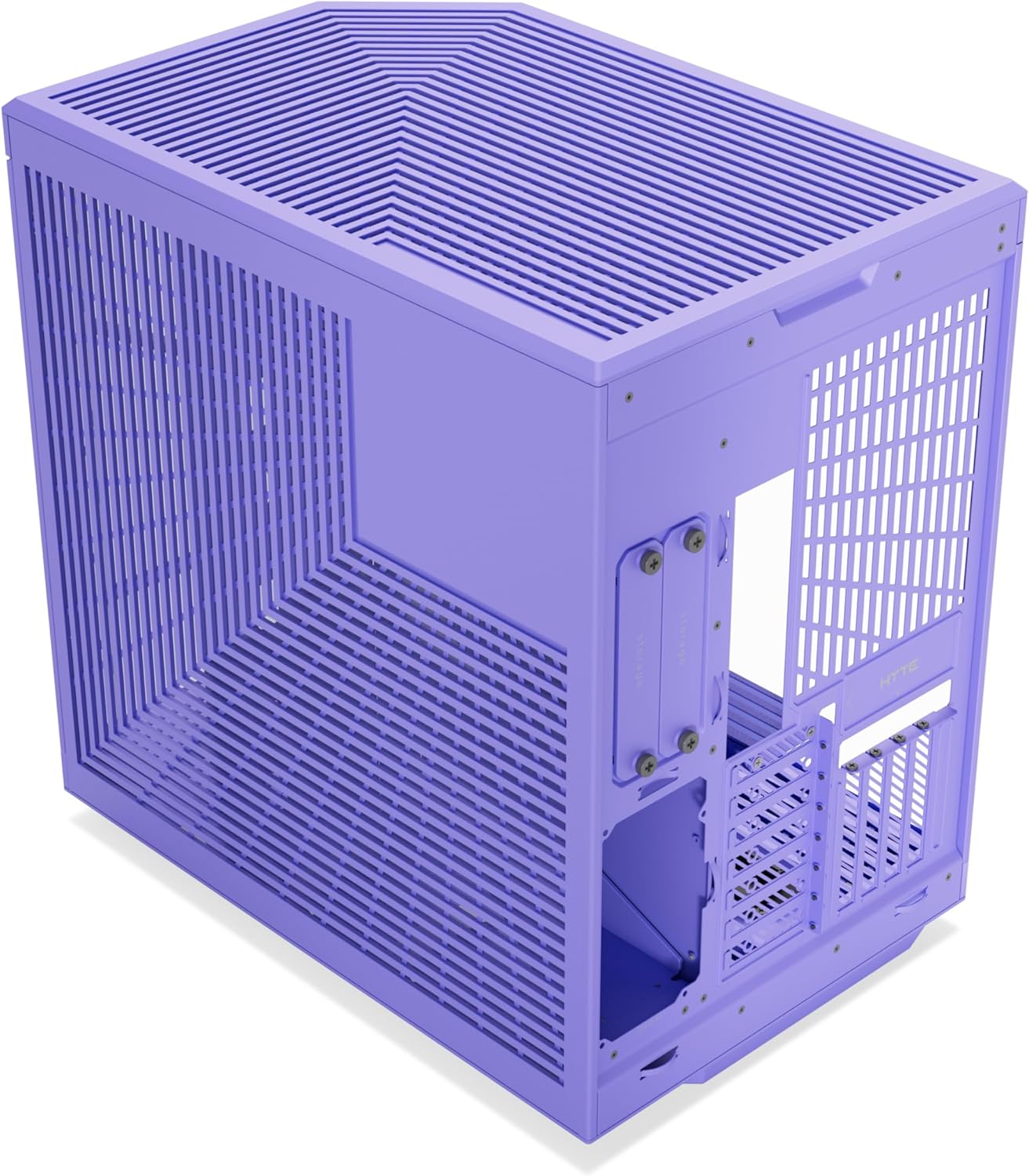
Barnekoa view of the HYTE Y70 PC case showing installed components and fan placements for optimized airflow.
The case is designed to maintain stable temperatures even under heavy loads. For a demonstration of the airflow and thermal performance, refer to the video below. This video provides insights into how the case manages heat with various fan configurations.
Aurre labur batview video demonstrating the airflow and thermal management capabilities of the HYTE Y70 PC case.
Kableen kudeaketa
The dual-chamber interior layout provides ample space behind the motherboard tray for efficient cable management. Features like the L-shaped molded rubber grommet, dedicated cable routing channels, and reusable Velcro straps simplify the building process and keep the main chamber clutter-free.

Atzekoa view of the HYTE Y70 PC case, highlighting the extensive cable management space and tie-down points.
Mantentzea
Garbiketa
Regular cleaning is essential to maintain optimal performance and airflow. Use compressed air to remove dust from fans and ventilation grilles. The tool-less top and side panels allow for easy access to the interior for thorough cleaning.
Osagaien hobekuntzak
The spacious design of the HYTE Y70 facilitates easy component upgrades. The floating storage sleds can be ejected from the rear for quick drive swaps. The removable panels and ample internal room make it convenient to replace or add new hardware.
Arazoak konpontzea
If you encounter any issues with your HYTE Y70 PC case, please refer to the following common troubleshooting tips:
- Potentziarik gabe: Ensure all power supply cables are securely connected to the motherboard, GPU, and other components. Verify the power supply unit (PSU) switch is in the ON position.
- Gehiegizko berotzea: Check fan orientations to ensure proper airflow (intake/exhaust). Clean dust filters and fans regularly. Ensure radiators are not obstructed.
- Fan zarata: Verify fans are securely mounted and not vibrating against the chassis. Check for any loose cables obstructing fan blades.
- GPU Display Issues: Ensure the PCIe riser cable is correctly seated and connected to both the GPU and the motherboard. Verify the GPU is receiving adequate power.
For more complex issues, please contact HYTE customer support.
Zehaztapenak
| Ezaugarri | Xehetasuna |
|---|---|
| Marka | HYTE |
| Ereduaren izena | HYTE Y70 Modern Aesthetic Case - Taro Milk |
| Kasu mota | Mid dorrea |
| Plaka amaren bateragarritasuna | ATX |
| Materiala | Tempered Glass, Metal |
| Kolorea | Morea |
| Elementuaren pisua | 24.3 kilo |
| Produktuaren neurriak (LxWxH) | 18.5 x 12.6 x 18.5 hazbete |
| PCIe Riser Cable | Included (PCIe 4.0 x16) |
| Hozteko metodoa | Water, Air |
| USB 3.0 ataka kopurua | 2 |
Bermea eta Laguntza
Bermearen informazioa
The HYTE Y70 Mid-Tower PC Case comes with a 3-year protection plan. For detailed terms and conditions, please refer to the warranty documentation included with your product or visit the official HYTE webgunea.
Bezeroarentzako Arreta
For technical assistance, troubleshooting, or warranty claims, please visit the official HYTE support page or contact their customer service team. You can find more information and resources at the HYTE Store on Amazon.