
1. Sarrera
This manual provides essential information for the installation, operation, and maintenance of your ADATA Legend 860 Solid State Drive. Please read this guide thoroughly before using the product to ensure optimal performance and longevity.
The ADATA Legend 860 is a high-performance NVMe SSD designed for expanding storage in compatible devices such as desktop PCs, laptops, and gaming consoles like the PlayStation 5. It utilizes PCIe Gen4 x4 interface for fast data transfer speeds.

Figure 1: ADATA Legend 860 NVMe Solid State Drive
2. Segurtasun informazioa
- Heldu beti SSDari ertzetik urrezko konektoreak edo osagaiak ukitzea saihesteko.
- Ensure your system is powered off and unplugged before installation.
- Discharge any static electricity from your body before handling the SSD. Use an anti-static wrist strap if available.
- Mantendu SSDa hezetasunetik, tenperatura altuetatik eta eremu magnetiko indartsuetatik urrun.
- Do not attempt to disassemble or modify the SSD, as this will void the warranty.
3. Paketearen edukia
Egiaztatu elementu guztiak zure paketean daudela:
- ADATA Legend 860 Solid State Drive

Figure 2: ADATA Legend 860 SSD Retail Packaging
4. Zehaztapenak
| Marka | ADATA |
| Seriea | Kondaira 860 |
| Modelo zenbakia | SLEG-860-1000GCS |
| Biltegiratze Digitalaren Ahalmena | 1 TB |
| Disko gogorraren interfazea | NVMe |
| Konektibitate Teknologia | PCIe Gen4 x4 |
| Forma-faktorea | M.2 2280 |
| Gailu bateragarriak | Desktop, Gaming Console (PS5), Laptop |
| Elementuaren pisua | 0.353 ontza |
| Produktuaren neurriak | 5.24 x 0.31 x 1.57 hazbete |
5. Konfigurazioa eta instalazioa
The ADATA Legend 860 SSD is designed for easy installation into compatible M.2 slots. Follow these general steps for installation:
- Prestatu zure sistema: Power off your computer or gaming console and unplug all cables. Open the casing to access the motherboard or M.2 expansion slot.
- Aurkitu M.2 zirrikitua: Identifikatu zure plaka basean M.2 zirrikitu libre bat. Zirrikitu hauek normalean etiketatuta daude eta bero-hustugailu batez estalita egon daitezke.
- Txertatu SSDa: Gently slide the ADATA Legend 860 SSD into the M.2 slot at a 30-degree angle. Ensure the gold connectors are fully seated.
- Segurtatu SSDa: Once inserted, push the SSD down until it is parallel with the motherboard. Secure it with the provided screw (usually included with your motherboard or console).
- Itxi Casing: Replace any heatsinks or covers, and close your system's casing.
- Piztu eta hasieratu: Reconnect all cables and power on your system. You may need to initialize and format the new SSD through your operating system's Disk Management (Windows) or Disk Utility (macOS) before it can be used. Refer to your operating system's documentation for detailed instructions.
Instalazioa Adibamples:
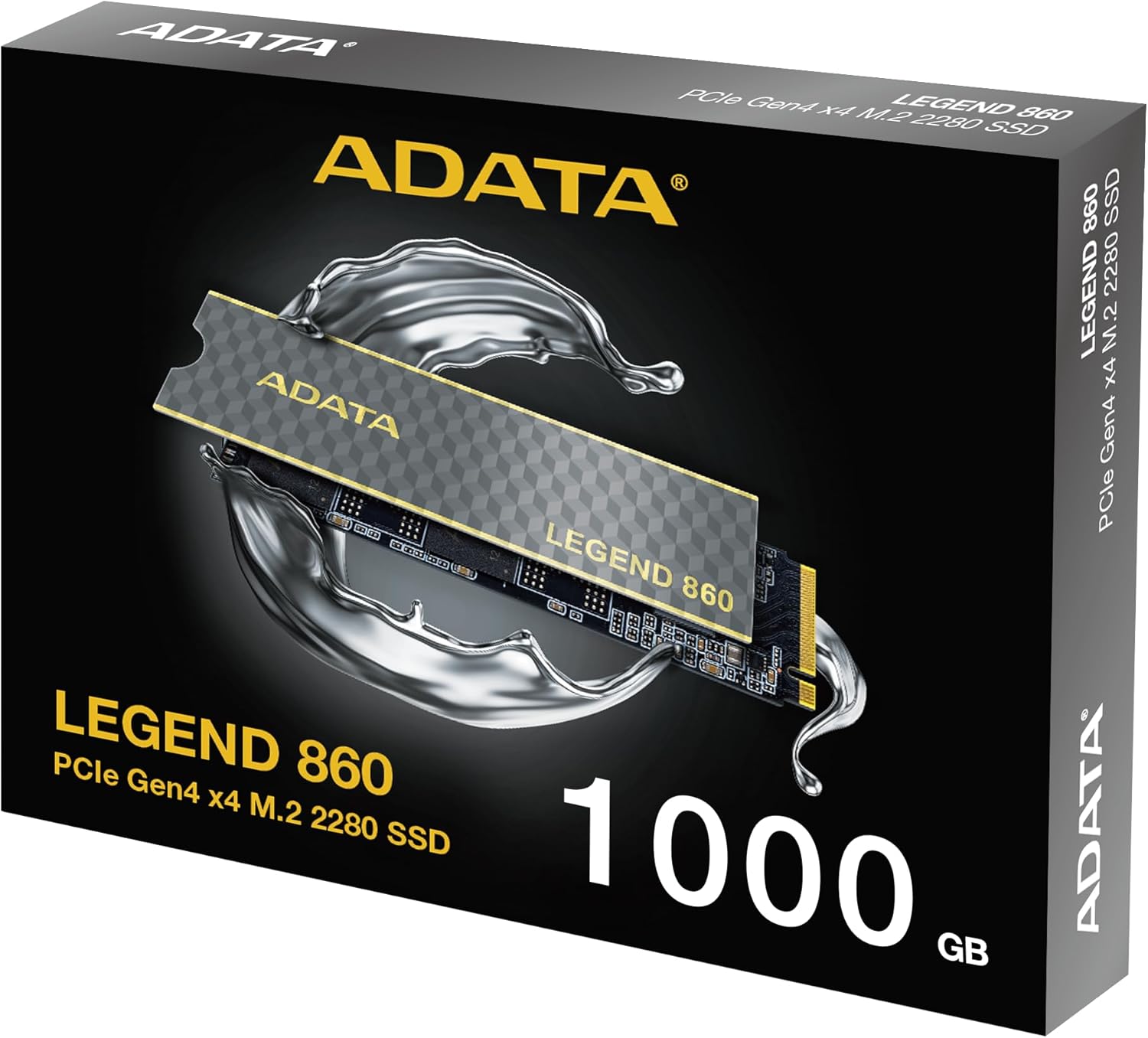
Figure 3: SSD installed in a desktop motherboard
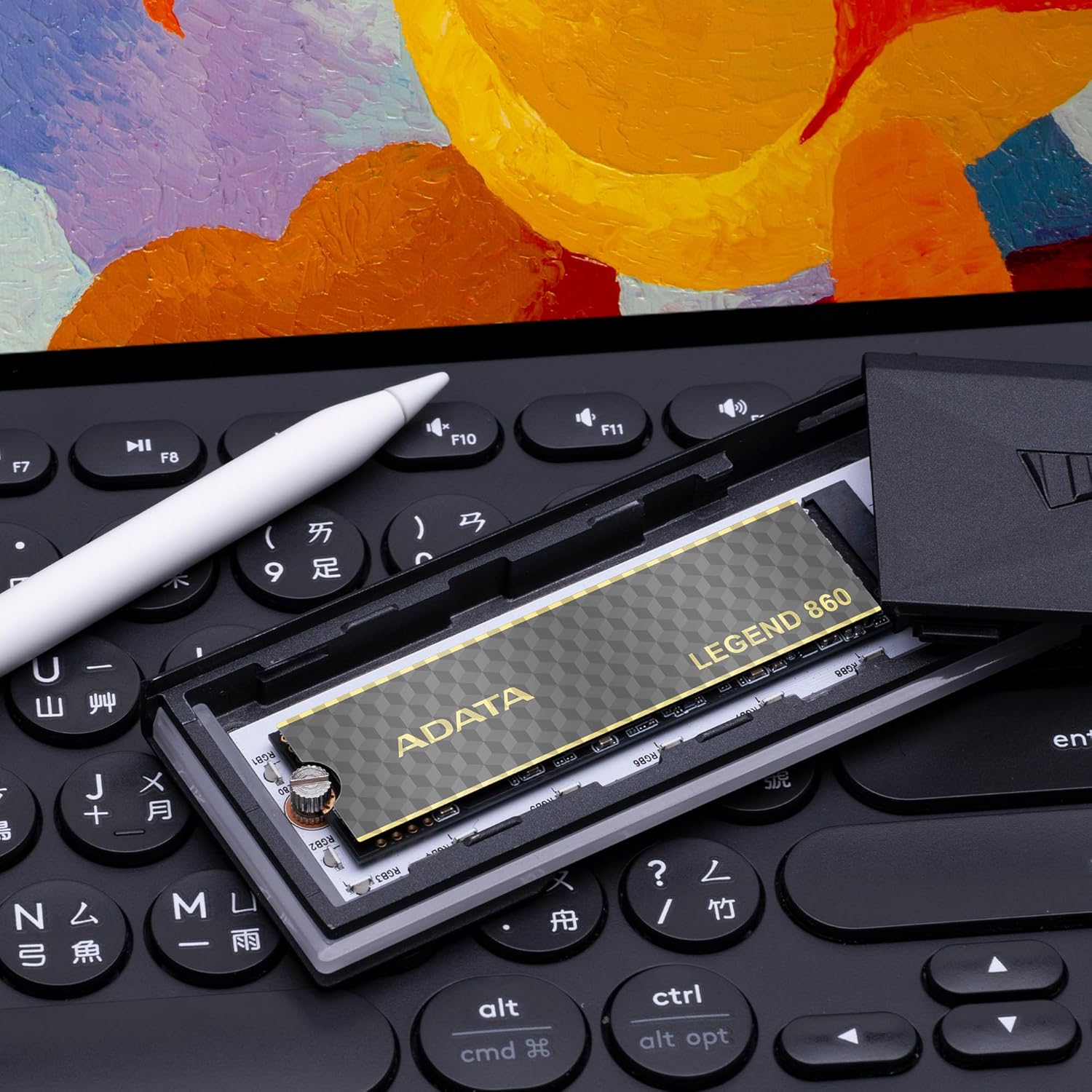
Figure 4: SSD installed in a PlayStation 5 console
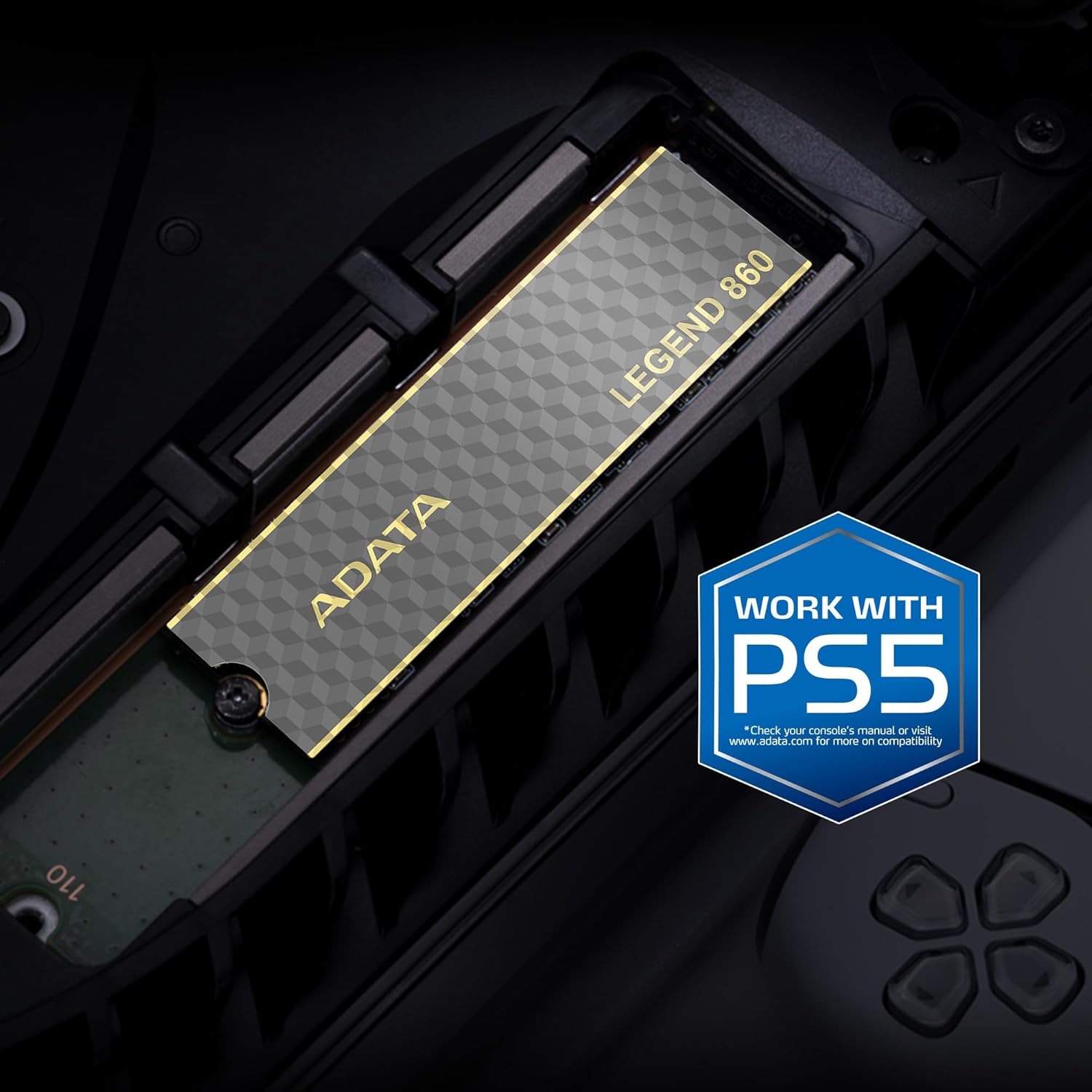
Figure 5: SSD installed in a laptop
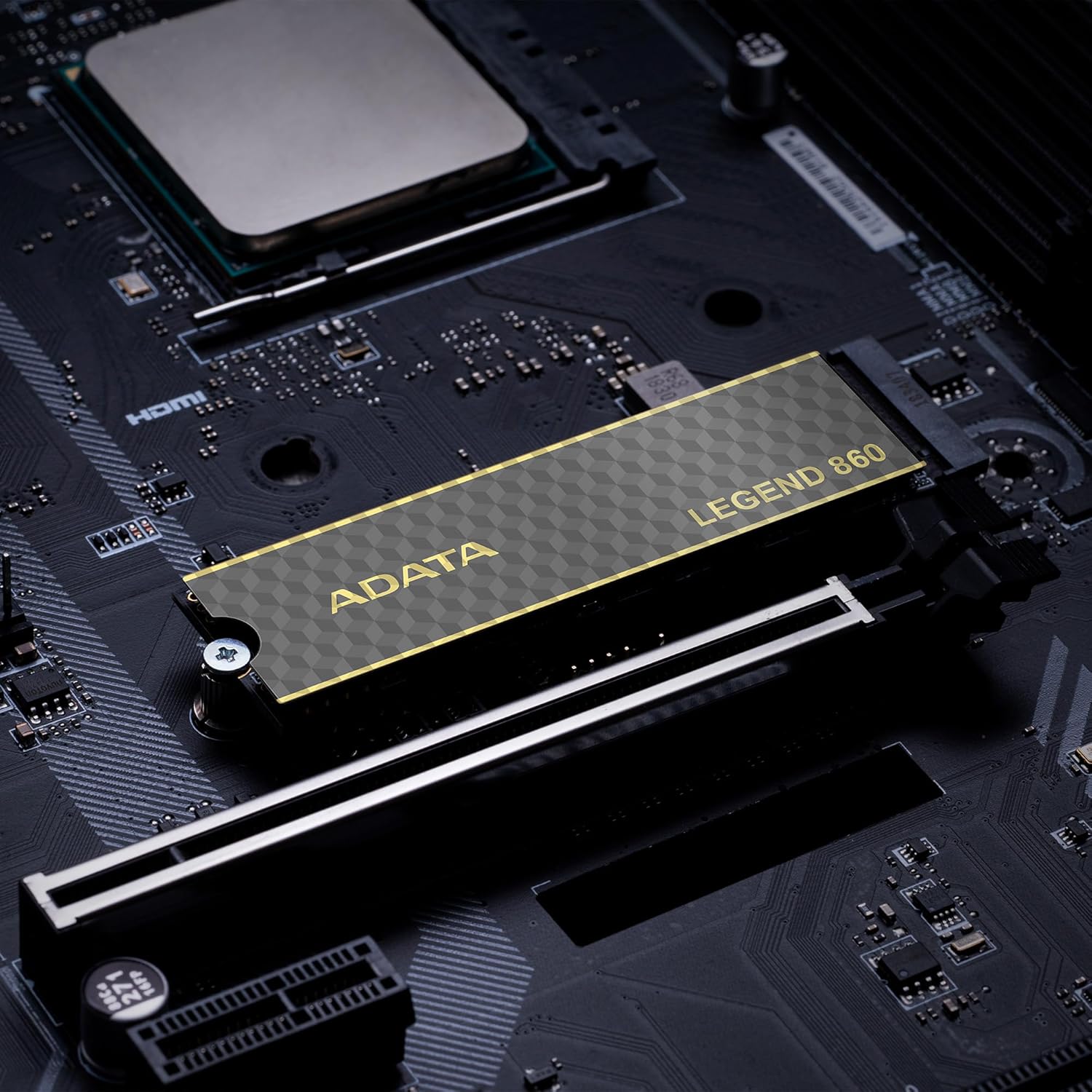
Figure 6: SSD in an external enclosure for portable use
6. Funtzionamendua
Once installed and formatted, your ADATA Legend 860 SSD will function as a high-speed storage device. You can use it for:
- Sistema eragilearen unitatea: Install your operating system for faster boot times and overall system responsiveness.
- Gaming Library: Store your games to significantly reduce load times and improve gaming experience.
- Aplikazioen biltegiratzea: Install demanding applications for quicker launch and operation.
- Datu biltegiratzea: Use it for high-speed storage of large files, such as 4K videos, high-resolution images, and large project files.
For optimal performance, ensure your system's drivers and firmware are up to date.
7. Mantentzea
To maintain the performance and longevity of your ADATA Legend 860 SSD:
- Mantendu firmwarea eguneratuta: Periodically check the ADATA official webZure SSDrako firmware eguneratzeetarako gunea. Firmware eguneratzeek errendimendua, egonkortasuna eta bateragarritasuna hobetu ditzakete.
- Saihestu gehiegi betetzea: While SSDs perform well even when nearly full, leaving some free space (typically 10-15%) can help maintain optimal performance and extend lifespan.
- Gaitu TRIM: Ziurtatu TRIM gaituta dagoela zure sistema eragilean. TRIM-ek SSDari bere biltegiratze espazioa modu eraginkorrean kudeatzen laguntzen dio, denboran zehar errendimenduaren galera saihestuz. Sistema eragile moderno gehienek TRIM gaituta dute lehenespenez SSDetarako.
- Kontrolatu osasuna: Use SSD monitoring tools (often provided by ADATA or third-party software) to check the health and estimated lifespan of your drive.
- Ohiko babeskopiak: Regularly back up important data to another storage device. While SSDs are reliable, no storage device is immune to failure.
8. Arazoak
If you encounter issues with your ADATA Legend 860 SSD, consider the following troubleshooting steps:
- SSD ez da detektatu:
- Ensure the SSD is correctly seated in the M.2 slot.
- Check your system's BIOS/UEFI settings to confirm the M.2 slot is enabled and configured correctly.
- Verify that your motherboard or console supports NVMe PCIe Gen4 SSDs.
- Try the SSD in a different M.2 slot or a compatible external enclosure to rule out a motherboard issue.
- Errendimendu motela:
- Ensure your system's M.2 slot supports PCIe Gen4 speeds. If it's a Gen3 slot, the SSD will operate at Gen3 speeds.
- Check if TRIM is enabled (as mentioned in Maintenance).
- Ensure the SSD is not nearly full.
- Eguneratu zure plaka basearen txiparen kontrolatzaileak eta SSD firmwarea.
- Sistemaren ezegonkortasuna/matxurak:
- Ensure the SSD is properly secured and not overheating.
- Run a diagnostic tool to check the SSD's health.
- Check for system-wide issues (RAM, CPU, power supply).
If problems persist, contact ADATA customer support for further assistance.
9. Bermea eta Laguntza
The ADATA Legend 860 Solid State Drive typically comes with a manufacturer's warranty. Please refer to the official ADATA website or your product packaging for specific warranty terms and conditions, including the duration and coverage details.
For technical support, driver downloads, firmware updates, and additional product information, please visit the official ADATA support webgunea: www.adata.com
Gorde erosketa-froga berme-erreklamazioetarako.