
KOOSMILE KT-M9
KOOSMILE Mini PC erabiltzailearen eskuliburua
Model: KT-M9
1. Sarrera
This manual provides essential information for setting up, operating, and maintaining your KOOSMILE Mini PC. The Mini PC is a compact and powerful desktop computer designed for various tasks, including multitasking, work, streaming, and home entertainment. It features an Intel Core i9-12900HK processor, ample memory and storage, and versatile connectivity options.
2. Zer dago kutxan
Mesedez, egiaztatu elementu guztiak paketean daudela:
- 1 x KOOSMILE Mini PC
- 1 x HDMI kablea
- 1 x korronte egokitzailea
- 1 x DisplayPort (DP) cable
- 1 x USB Hub
- 1 x Metal sheet bracket (for mounting)
- 1 x Erabiltzailearen eskuliburua (dokumentu hau)
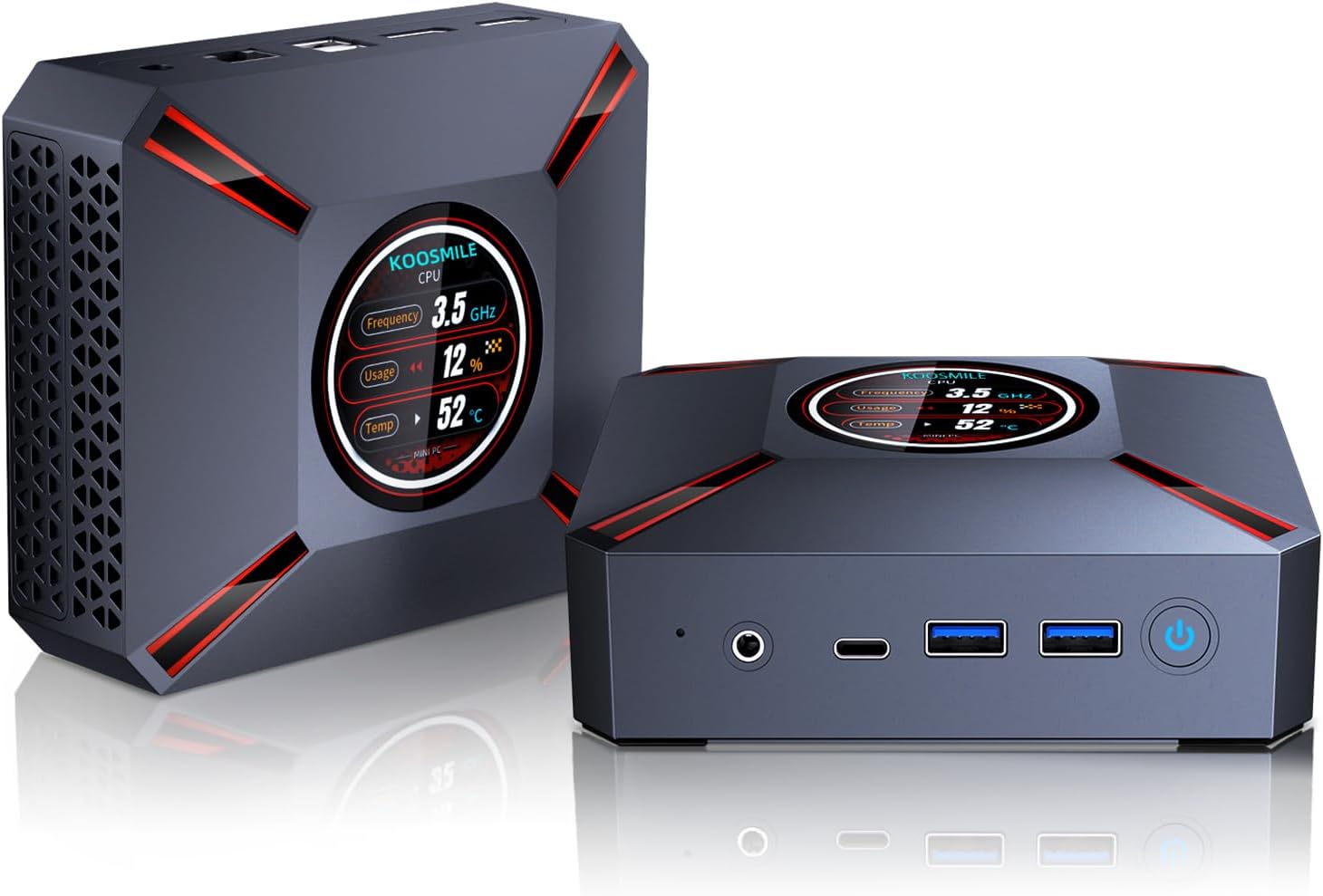
Image: The KOOSMILE Mini PC shown with its various ports and a view of the smart display. The image also depicts the compact size of the device.
3. Produktuaren ezaugarriak
The KOOSMILE Mini PC is equipped with advanced features for optimal performance:
- Smart Display Monitoring: A built-in display on the lid shows real-time system information, including CPU frequency, usage, temperature, network activity (upload/download), and memory usage.
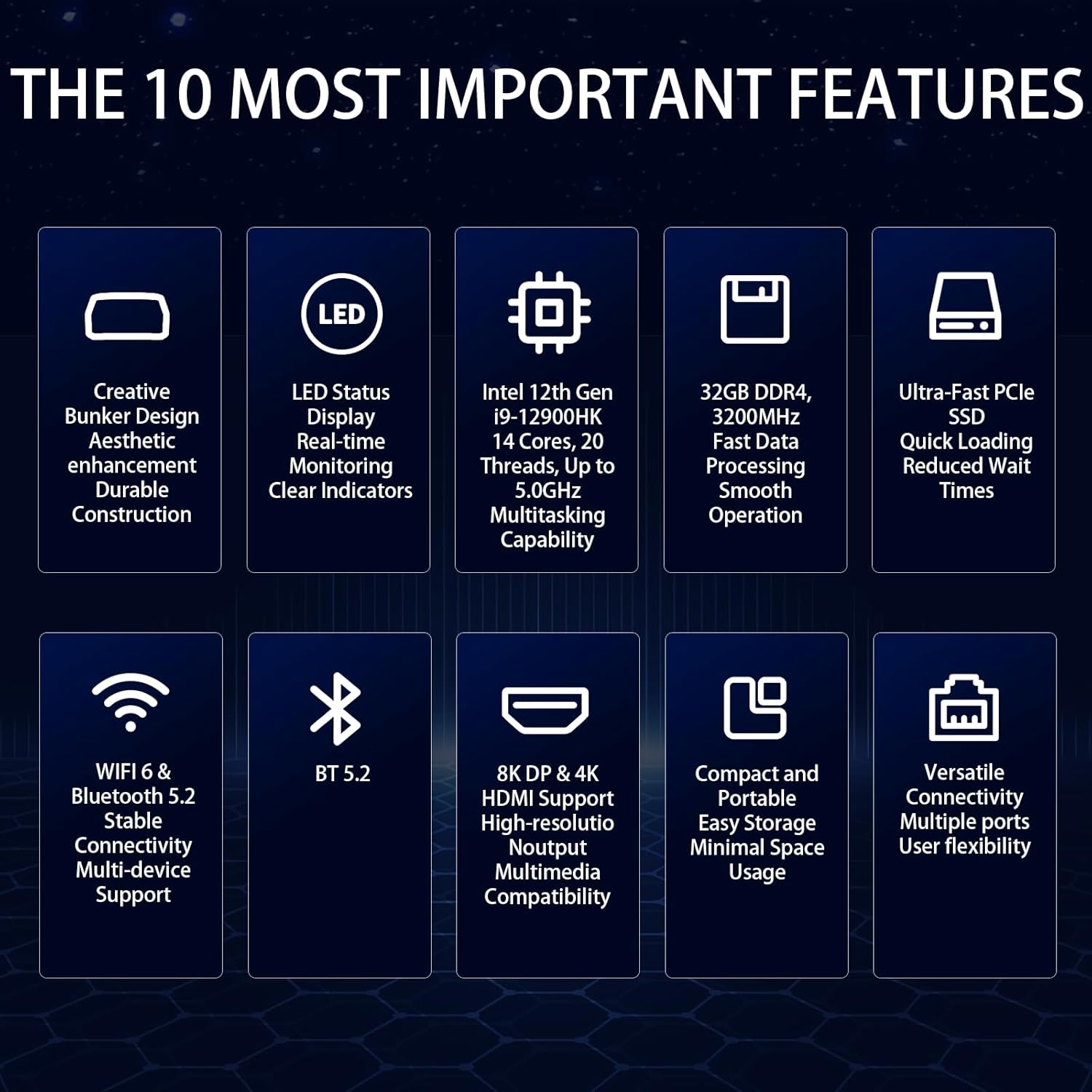
- Powerful Intel Core i9 CPU: Powered by the Intel Core i9-12900HK processor (14 cores, 20 threads, up to 5.0GHz) with 24 MB of cache, ensuring fast and responsive performance.
- Abiadura handiko memoria eta biltegiratzea: Comes with 32GB DDR4 RAM for quick boot-up and smooth operation, and a 2TB NVMe SSD for ample storage and fast data transfer.
- Hirukoitz pantailaren euskarria: Equipped with Intel Iris Xe Graphics, supporting up to three displays simultaneously via HDMI 2.1 (4K @ 60Hz), DP 1.4a (8K @ 60Hz), and Type-C (USB-C).
- Hozte sistema eraginkorra: Features an advanced copper cooling fan and multiple vents for effective heat dissipation, maintaining stable performance.
- Faster Wireless Networking: Integrated WiFi 6 and Bluetooth 5.2 provide faster and more stable wireless connections.

Irudia: Gertuko planoa view of the Mini PC's smart display, illustrating real-time monitoring of CPU frequency, usage, temperature, network speeds, and disk usage.

Image: Diagram illustrating the 32GB DDR4 high-speed memory and 2TB PCIe 3.0 SSD storage, highlighting their data transfer capabilities.
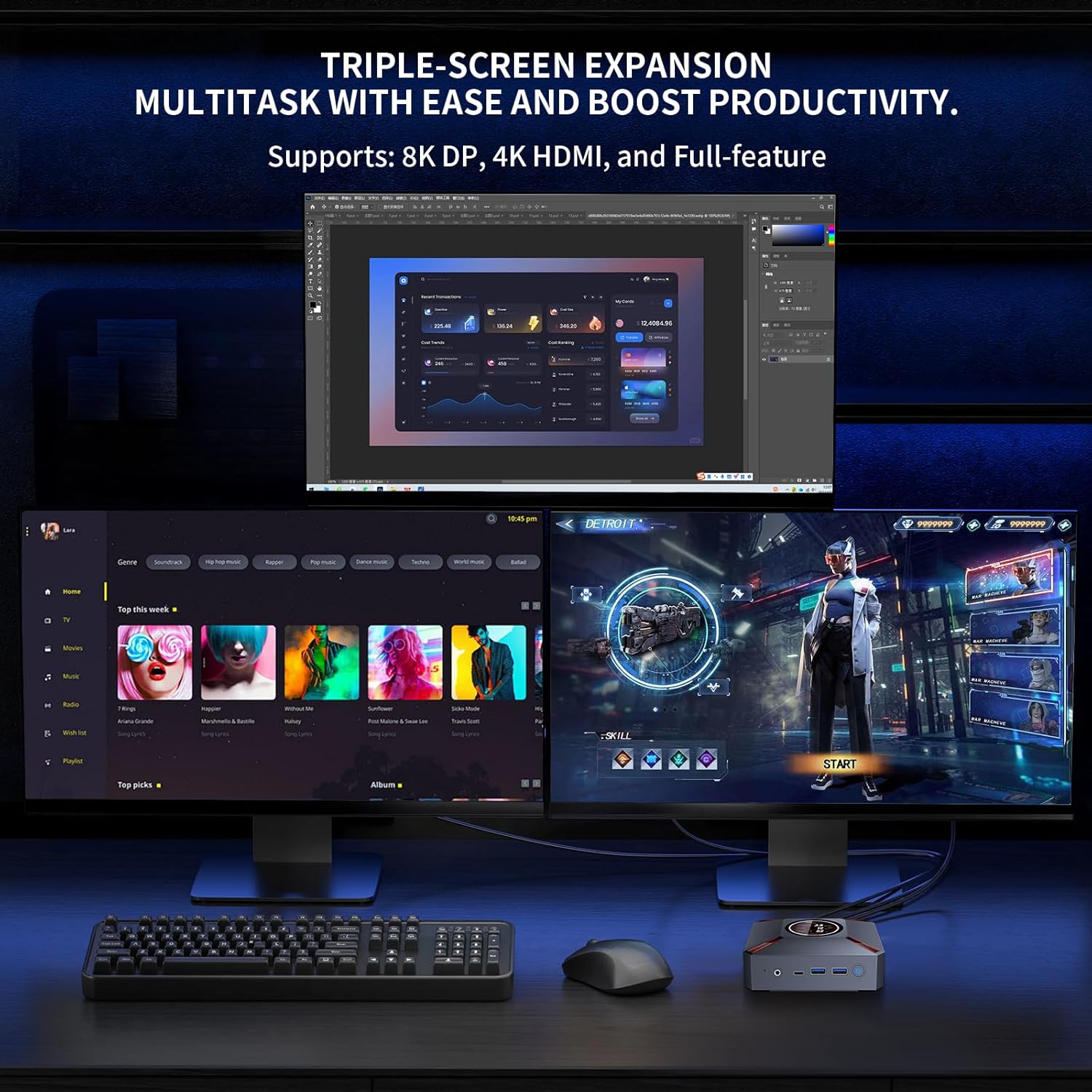
Image: A setup demonstrating the Mini PC's triple-screen expansion capability, showing three monitors connected for multitasking and increased productivity.
Bideoa: Produktu ofizial baten bideo-erakustaldiaasing the KOOSMILE Mini PC's features, including its smart display, internal components, cooling system, and multi-display capabilities. This video provides a visual overview of the product's design and functionality.
4. Konfigurazio gida
Follow these steps to set up your KOOSMILE Mini PC:
- Konektatu energia: Connect the power adapter to the DC Port on the back of the Mini PC and plug it into a power outlet.
- Konektatu pantaila: Use the provided HDMI or DisplayPort cable to connect your monitor(s) to the corresponding ports on the Mini PC. Ensure the display device is connected before turning on the computer.
- Konektatu periferikoak: Connect your keyboard, mouse, and other USB devices to the available USB 3.0 or USB 2.0 ports.
- Sare-konexioa: For a wired connection, connect an Ethernet cable to the RJ45 port. For wireless, the device supports WiFi 6.
- Piztu: Press the power button located on the front of the Mini PC to turn it on.
Irudia: Xehetasun handikoa views of the Mini PC's front and rear ports, including USB 3.2, Type-C, Audio, HDMI, DisplayPort, RJ45, and DC power input, with labels for easy identification.
5. Funtzionamendu-argibideak
Your KOOSMILE Mini PC comes pre-installed with Windows 11 Pro. Upon first boot, follow the on-screen instructions to complete the initial setup of the operating system.
- Smart Display Usage: The smart display on the lid provides real-time system metrics. You can monitor CPU frequency, usage, temperature, network speeds, and disk usage directly from this display.
- Pantaila anitzeko konfigurazioa: To utilize the triple display support, connect up to three monitors using the HDMI, DisplayPort, and Type-C ports. Windows 11 allows you to configure display settings (extend, duplicate, or single display) through the Display Settings menu.
- Biltegiratze kudeaketa: The 2TB NVMe SSD offers substantial storage. If you need to adjust hard disk partition structures, guidance can be provided by customer support.
6. Zehaztapenak
Detailed technical specifications for the KOOSMILE Mini PC (Model: KT-M9):
| Ezaugarri | Xehetasuna |
|---|---|
| Prozesadorea | Intel Core i9-12900HK (14 Cores, 20 Threads, up to 5.0GHz) |
| RAM | 32GB DDR4 SDRAM (3200MHz) |
| Biltegiratzea | 2TB PCIe 3.0 NVMe SSD |
| Grafikoak | Intel Iris Xe grafikoak (integratuak) |
| Sistema eragilea | Windows 11 Pro |
| Bideo Irteera | HDMI 2.1 (4K@60Hz), DisplayPort 1.4a (8K@60Hz), Type-C |
| USB atakak | 2 x USB 3.0, 2 x USB 2.0, 1 x Type-C |
| Sarea | WiFi 6, Bluetooth 5.2, RJ45 (1000M) |
| Neurriak | 9.57 x 7.13 x 3.03 hazbete (Paketea) |
| Pisua | 2.57 kilo |
7. Mantentzea
To ensure the longevity and optimal performance of your Mini PC, consider the following maintenance tips:
- Hoztea: The advanced copper cooling fan and multiple vents are designed for efficient heat dissipation. Ensure proper airflow around the device and avoid blocking the vents.
- Garbiketa: Regularly clean the exterior of the Mini PC with a soft, dry cloth. Avoid using liquid cleaners directly on the device.
- Software eguneraketak: Keep your Windows operating system and drivers updated to ensure system stability and security.

Irudia: Leherketa bat view of the Mini PC's internal components, highlighting the metal matte finish, PCIe SSD storage, high-speed DDR4 memory, and the efficient cooling system with a silent copper fan.
8. Arazoak
If you encounter issues with your Mini PC, please refer to the following common solutions:
- Bistaratzeko arazoak: Ensure your HDMI device is connected before turning on the computer. Use the provided HDMI cable and avoid other adapter cables for HDMI connections to prevent compatibility issues.
- Gidariaren bateragarritasuna: To prevent potential compatibility problems, avoid installing third-party drivers unless specifically instructed by KOOSMILE support.
- Sistemaren errendimendua: If the system feels slow, check the smart display for CPU usage and temperature. Ensure adequate ventilation and close unnecessary applications.
- Burrunba-soinua: One user reported a buzzing sound that went away after restarting. If this persists, contact customer support.
9. Bermea eta Laguntza
KOOSMILE offers a 1-year free warranty for this product. For any technical assistance, questions, or support needs, please reach out to our customer service team via email. Our team is dedicated to providing prompt and patient support.
Please refer to the contact information provided with your purchase or on the official KOOSMILE website for specific support channels.
Ask a question about this manual
Ask about setup, troubleshooting, compatibility, parts, safety, or missing instructions. Manuals+ will review the question and use this page’s manual context to help answer it.