
Lepulse Lescale F11
Lepulse Lescale F11 Body Fat Scale Instruction Manual
Model: Lescale F11 | Brand: Lepulse
1. Produktua amaitu daview
The Lepulse Lescale F11 Body Fat Scale is designed to provide comprehensive body composition analysis without the need for a smartphone application. It features an advanced built-in algorithm to measure and display 8 essential body metrics directly on its large backlit display. This scale supports up to 10 user profiles, allowing multiple individuals to track their progress independently.
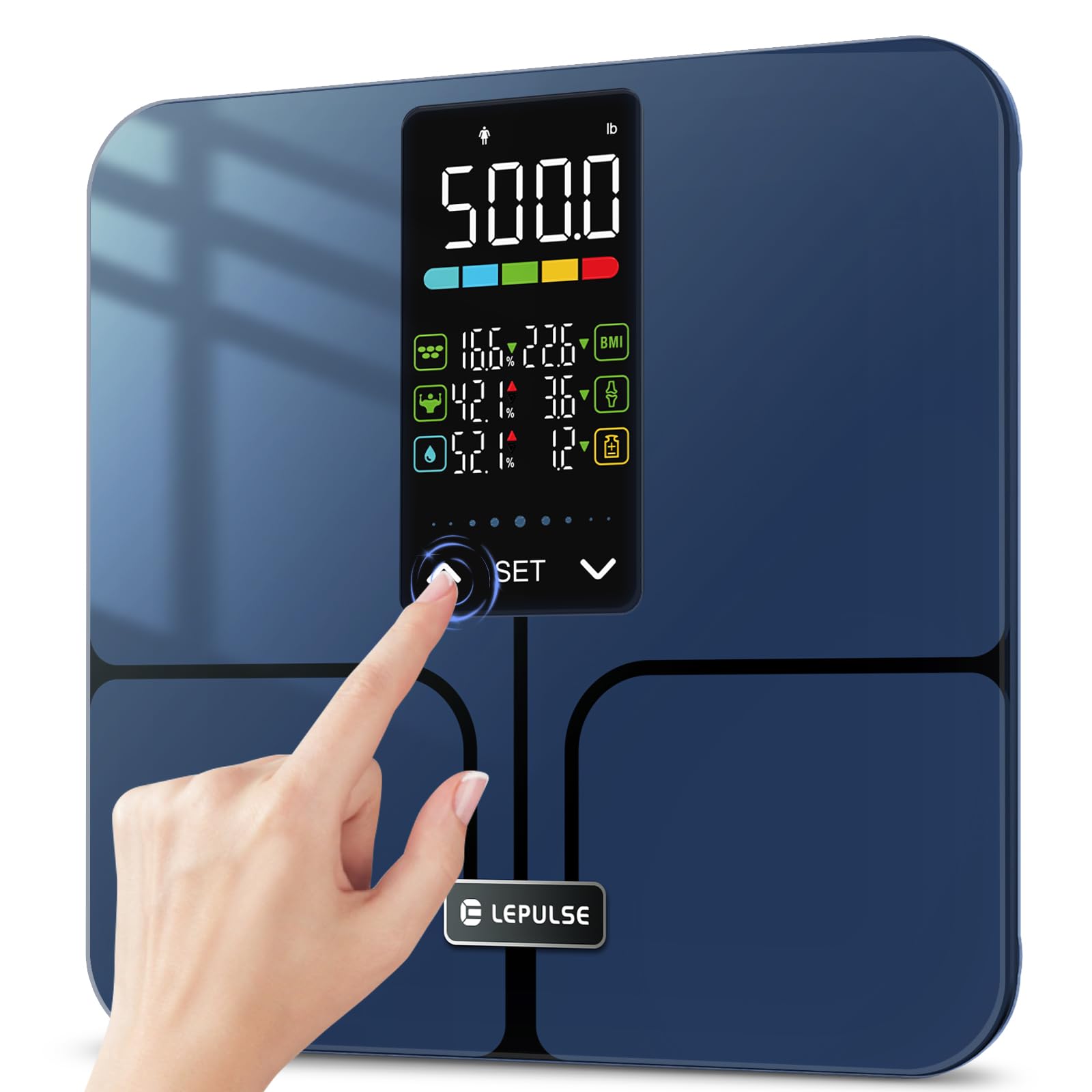
Image: A man holding the Lepulse Lescale F11 Body Fat Scale, showcasing its large display and sleek design. This scale operates without a smartphone app.
2. Paketearen edukia
Aurrera jarraitu aurretik, ziurtatu elementu guztiak paketean daudela:
- Lepulse Lescale F11 Body Fat Scale
- Erabiltzailearen eskuliburua
- 3 x AAA bateria
3. Konfiguratzeko argibideak
Follow these steps to set up your Lepulse Lescale F11 Body Fat Scale for first-time use:
- Instalatu bateriak: Open the battery compartment on the underside of the scale. Insert the 3 AAA batteries, ensuring correct polarity.
- Hasierako piztea: The scale will power on automatically once batteries are installed or when gently tapped.
- Hautatu User Profile (P-01 to P-10): Long press the "EZARTU" button to enter setting mode. The display will show "P-01" (or the last selected profile). Use the "^" or "v" buttons to select your desired user profile number (P-01 to P-10). Press "EZARTU" to confirm.
- Hautatu Unitatea: Erabiltzaile pro aukeratu ondorenfile, the display will prompt for unit selection (e.g., "inch" or "cm", "lb" or "kg"). Use the "^" or "v" buttons to choose your preferred unit. Press "EZARTU" to confirm.
- Enter Height: The display will show a flashing height value. Use the "^" or "v" buttons to adjust your height. Press "EZARTU" to confirm.
- Enter Age: The display will show a flashing age value. Use the "^" or "v" buttons to adjust your age. Press "EZARTU" to confirm.
- Select Gender: The display will show gender icons. Use the "^" or "v" buttons to select your gender. Press "EZARTU" to confirm.
- Konfigurazioa amaituta: The scale will return to the weighing interface, indicating that the user profile konfigurazioa osatu da.

Image: Visual guide for selecting a user profile number (P-01 to P-10) during the initial setup of the scale.

Image: Visual guide for setting height, age, and gender for a user profile on the Lepulse Body Fat Scale.
4. Funtzionamendu-argibideak
To obtain accurate body composition measurements, follow these guidelines:
- Lekua: Jarri balantza gainazal gogor eta lau batean. Saihestu alfonbrak edo zoru irregularrak, zehaztasunari eragin diezaioketelako.
- Urratsera: Gently step onto the scale with bare feet. Ensure your feet are positioned on the ITO sensor areas (the metallic-looking pads).
- Remain Still: Stand still on the scale until your weight and body composition data are displayed and locked. The results will be shown for approximately 15 seconds.
- Viewing Metrics: The 5.44" large backlit display will cycle through 8 essential body metrics: Body Weight, BMI, Body Fat Percentage, Muscle Percentage, Body Water Percentage, Bone Mass, Body Weight Difference, and Obesity Level.
- Erabiltzaileen aitorpena: The scale will automatically recognize the user based on their stored profile information. If multiple users have similar data, the scale may prompt you to select your profile using the "^" or "v" buttons.
Ohar garrantzitsua: For body composition analysis, it is crucial to stand barefoot on the scale. The scale uses Bioelectrical Impedance Analysis (BIA) technology, which sends a safe, low-level electrical current through your body. Individuals with pacemakers or other implanted medical devices should consult a healthcare professional before using this scale.

Image: The advanced 5.44" LED display of the Lepulse scale, clearly showing 8 body composition measurements.

Image: A person's feet on the Lepulse scale, demonstrating the high-accuracy measurement process and the display showing weight changes after drinking water.
5. Understanding Your Measurements
The Lescale F11 provides the following body composition metrics:
- Gorputzaren pisua: Zure pisu osoa.
- GMI (Gorputz Masa Indizea): Gorputzeko gantzaren neurria, altueran eta pisuan oinarrituta.
- Gorputzeko gantz ehunekotage: Gantzaren eta gorputzaren pisu osoaren arteko proportzioa.
- Muskulu ehunekoatage: The proportion of muscle mass to total body weight.
- Gorputzeko Uraren ehunekotage: The proportion of water to total body weight.
- Hezur-masa: The weight of bone mineral in your body.
- Body Weight Difference: The change in your body weight since your last measurement.
- Obesity Level: An indicator of your body fat level relative to healthy ranges.

Image: A close-up of the scale's 5.44" large backlit display, illustrating how essential biometrics like Body Fat Percentage, Muscle Mass, Body Water, BMI, Bone Mass, and Obesity Level are presented.
6. Mantentzea
To ensure the longevity and accuracy of your scale:
- Garbiketa: Garbitu eskalaren gainazala oihal leun batekin,amp oihalik. Ez erabili garbitzaile urratzailerik eta ez murgildu balantza uretan.
- Biltegiratzea: Gorde balantza leku fresko eta lehor batean. Saihestu tenperatura altuenak eta eguzki-argia zuzenean.
- Bateria ordezkatzea: Replace all 3 AAA batteries when the low battery indicator appears on the display.
- Saihestu eragina: Do not drop the scale or subject it to heavy impact, as this can damage the tempered glass and internal sensors.
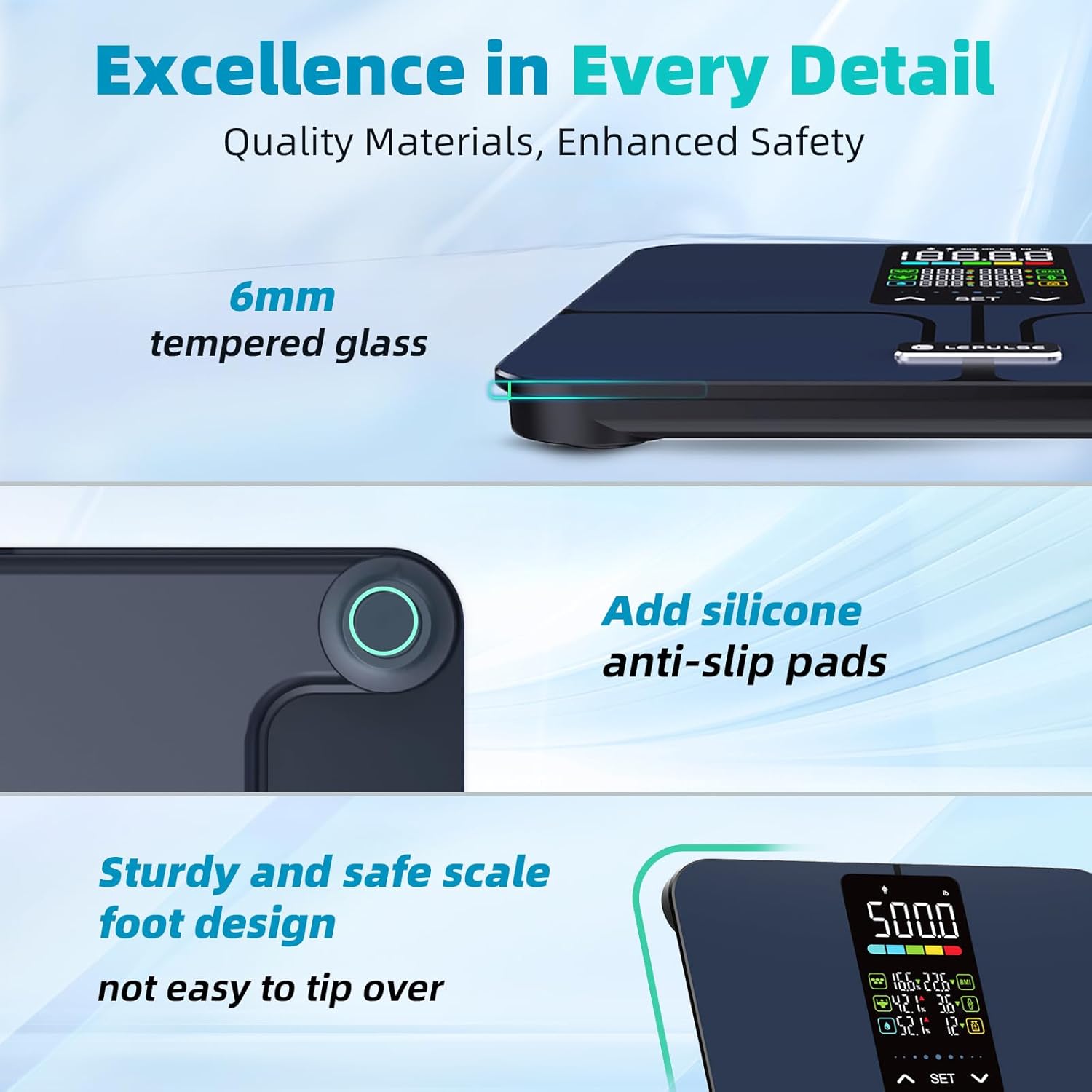
Irudia: Xehetasun zehatza view highlighting the 6mm tempered glass platform and added silicone anti-slip pads, emphasizing the scale's durable and safe design.
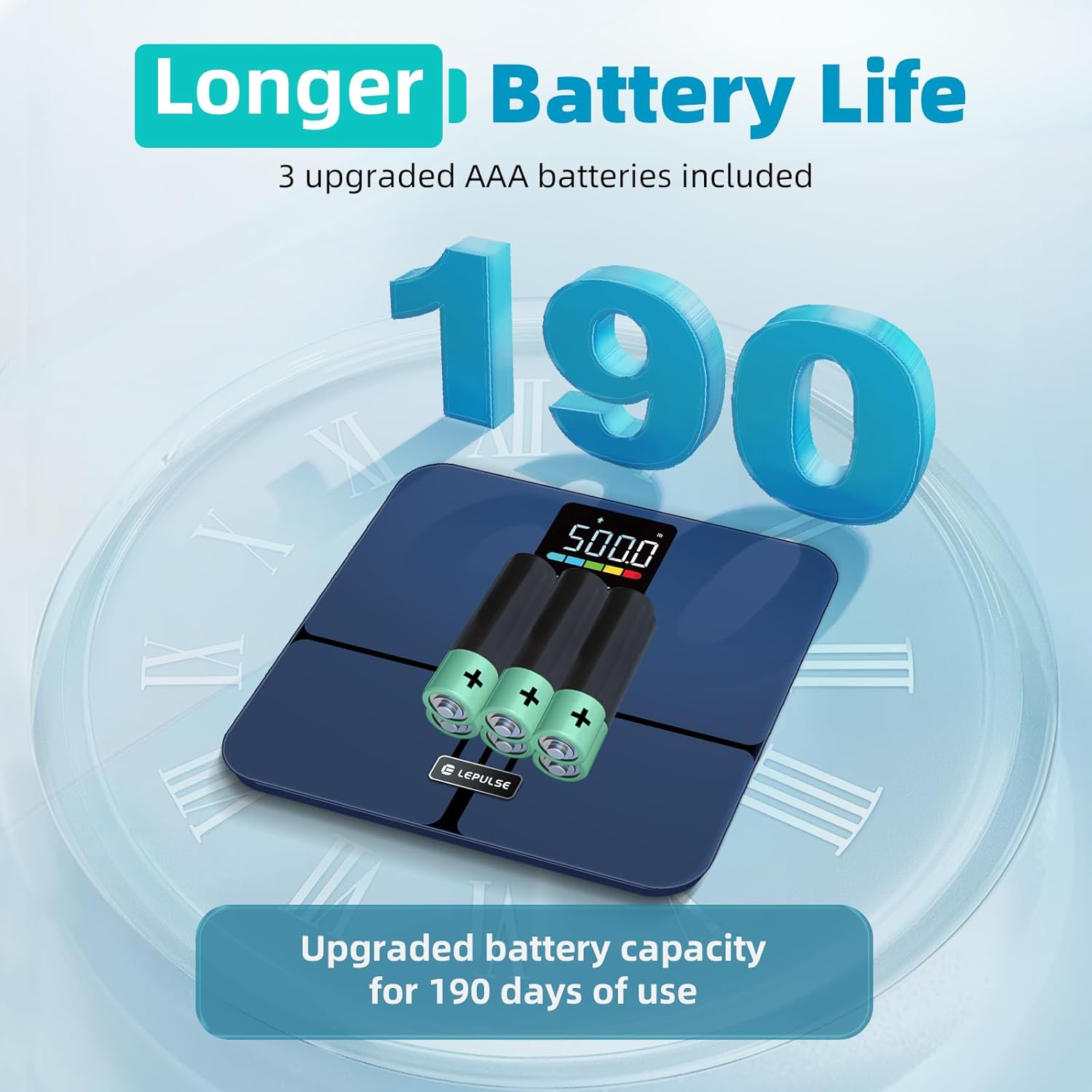
Image: The underside of the Lepulse scale showing the battery compartment with 3 AAA batteries, illustrating the upgraded battery capacity for extended use.
7. Arazoak
If you encounter issues with your Lepulse Lescale F11, refer to the following common problems and solutions:
| Arazoa | Kausa posiblea | Irtenbidea |
|---|---|---|
| No display/Scale won't turn on | Bateriak hilda edo gaizki instalatuta. | Egiaztatu bateriaren polaritatea. Ordeztu AAA bateria berriekin. |
| Pisuaren irakurketa okerrak | Scale on uneven surface; not calibrated; user wearing shoes/socks. | Place on a hard, flat surface. Step on and off quickly to re-calibrate to "0.0". Ensure bare feet for body composition. |
| Body composition data not displayed | User wearing socks/shoes; feet not making proper contact with ITO sensors. | Ensure bare feet are making full contact with all four ITO sensor areas. |
| "Err" mezua pantailan | Overload (weight exceeds 500lb) or unstable reading. | Step off the scale. Ensure weight is within limits. Place on a stable surface. |
8. Produktuaren zehaztapenak
- Eredua: Lescale F11
- Marka: Lepulse
- Pisu-gaitasuna: 500 lb (227 kg)
- Irakurketa zehaztasuna: 0.1 lb (0.05 kg)
- Pantaila: 5.44" Large Backlit LED Display
- Body Metrics Measured: Body Weight, BMI, Body Fat Percentage, Muscle Percentage, Body Water Percentage, Bone Mass, Body Weight Difference, Obesity Level
- Erabiltzaile Profiles: Gehienez 10 erabiltzaile
- Plataformaren materiala: 6mm Tempered Glass, ITO Sensor
- Neurriak: 12 x 12 x 1.04 hazbete (30.5 x 30.5 x 2.6 cm)
- Elementuaren pisua: 3.63 libra (1.65 kg)
- Energia iturria: 3 x AAA bateria (barne)
- Ezaugarri bereziak: No APP required, Anti-slip rubber pads, Precision balanced

Image: The Lepulse scale highlighting its maximum 500lb measurement capacity and 11.8" x 11.8" large platform, designed for various user shapes and sizes.

Irudia: Leherketa bat view of the Lepulse scale, illustrating the upgraded ITO layer and four high-precision sensors that contribute to accurate measurements.
9. Bermea eta Laguntza
For warranty information, technical support, or any inquiries regarding your Lepulse Lescale F11 Body Fat Scale, please refer to the contact details provided in the product packaging or visit the official Lepulse webgunea. Gorde erosketa-agiria berme-erreklamazioetarako.
Ask a question about this manual
Ask about setup, troubleshooting, compatibility, parts, safety, or missing instructions. Manuals+ will review the question and use this page’s manual context to help answer it.