
Produktua amaituview
The INFURTURE Active Noise Cancelling Kids Bluetooth Headphones are designed for a safe and comfortable listening experience for children. These over-ear headphones feature volume limiting technology, long battery life, and both wireless (Bluetooth 5.3) and wired connectivity options.
Ezaugarri nagusiak hauek dira:
- Active Noise Cancelling (ANC) for reduced background noise.
- 85/94dB volume limiting to protect hearing.
- Up to 90 hours of playtime on a single charge (without ANC) and 50 hours with ANC activated.
- Soft protein leather ear pads and an adjustable headband for comfort.
- Diseinu tolesgarria eramangarri erraza izateko.
- Bluetooth 5.3 for stable wireless connection and 3.5mm jack for wired use.
- Built-in microphones for calls.
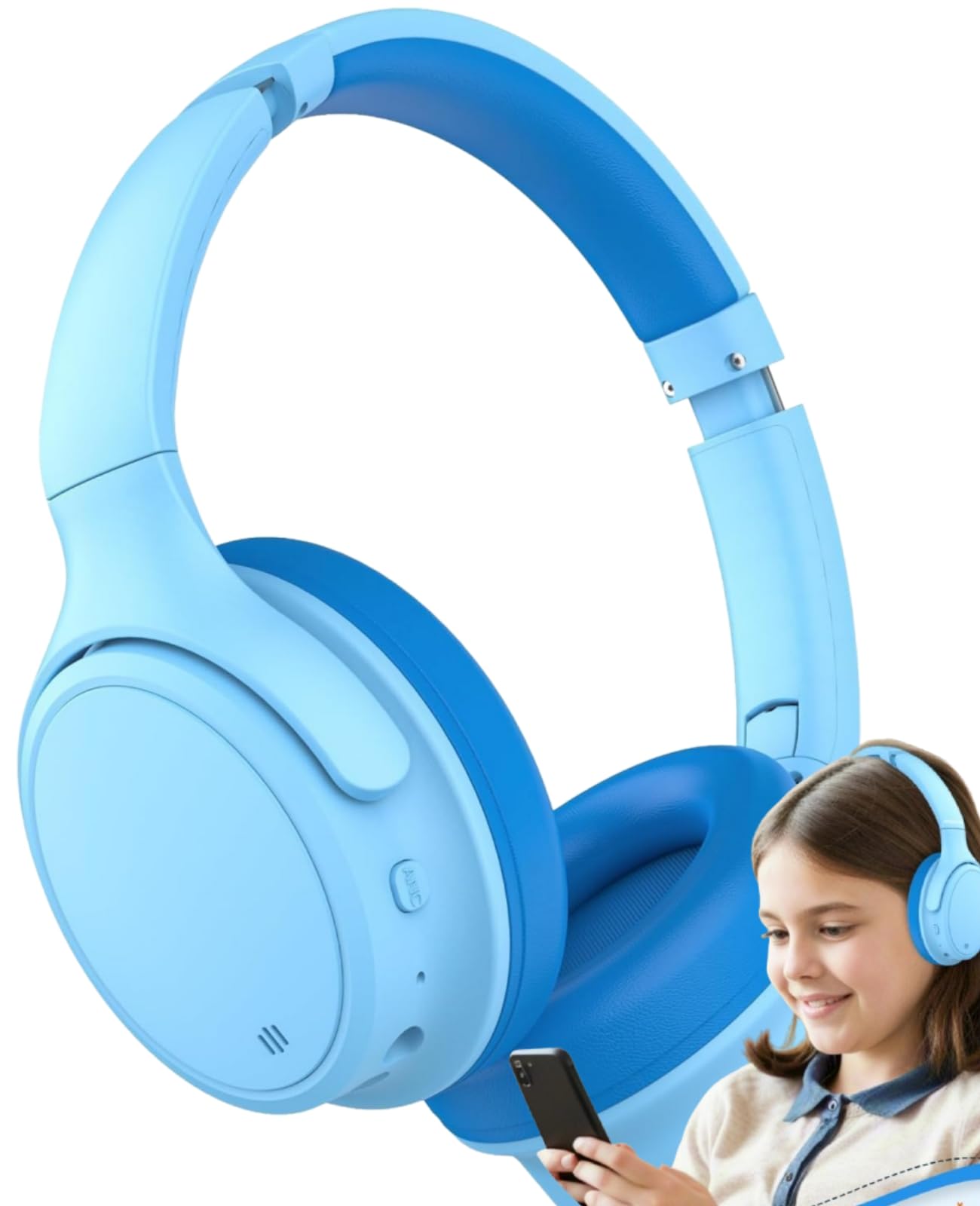
Image: INFURTURE Kids Active Noise Cancelling Headphones, showcasing their light blue color and over-ear design.
Konfigurazioa
Entzungailuak kargatzen
Before first use, fully charge the headphones. Use the provided USB-C charging cable. The charging port is located on the right earcup.
- Connect the USB-C end of the cable to the headphone's charging port.
- Konektatu USB-A muturra USB elikatze-iturri bateragarri batera (adibidez, ordenagailua, hormako egokitzailea).
- Adierazle-argiak kargatze-egoera erakutsiko du (ikusi xehetasunak LED adierazleen atala).
Bluetooth parekatzea
To connect wirelessly via Bluetooth:
- Ziurtatu entzungailuak kargatuta daudela.
- Press and hold the power button on the right earcup until the LED indicator flashes blue and red, indicating pairing mode.
- Zure gailuan (telefono adimenduna, tableta, ordenagailua), joan Bluetooth ezarpenetara eta aktibatu Bluetooth-a.
- Bilatu "INFURTURE BH131" (or similar model name) in the list of available devices and select it to connect.
- Once connected, the LED indicator will show a steady blue light or flash blue slowly.

Image: A child wearing the INFURTURE headphones, demonstrating their use with a smartphone.
Kablezko konexioa
For wired use, connect the provided 3.5mm audio cable:
- Plug one end of the 3.5mm audio cable into the audio jack on the headphone's earcup.
- Plug the other end into the 3.5mm audio port of your device.
- The headphones will function in wired mode, even if the battery is depleted. Note that Active Noise Cancelling may not function in wired mode without power.
Funtzionamendu-argibideak
Piztu/Itzali
- Pizteko: Sakatu eta eutsi pizteko botoia 3 segundo inguru.
- Itzaltzeko: Sakatu eta eutsi pizteko botoia 5 segundo inguru.
Bolumen kontrola
The headphones feature volume limiting technology at 85dB or 94dB to protect children's hearing. Volume can be adjusted using the dedicated volume buttons on the earcup.
- Bolumena igo: Sakatu '+' botoia.
- Bolumena jaisteko: Sakatu '-' botoia.
- To switch between 85dB and 94dB volume limits: Press the volume '+' and volume '-' buttons simultaneously.

Image: Diagram illustrating the 85dB/94dB safe volume limiting function to protect children's hearing.
Zarata ezabatze aktiboa (ANC)
Activate ANC to reduce ambient noise, enhancing the listening experience.
- To turn ANC on/off: Press the dedicated ANC button (usually indicated by "ANC" or a wave icon).
- An indicator light will confirm ANC status.

Irudia: Gertutik view of the headphone earcup, highlighting the ANC button and other control buttons.
Musika erreprodukzioa eta deiak
- Erreproduzitu/Pausatu: sakatu funtzio anitzeko botoia behin.
- Hurrengo pista: Sakatu eta eutsi '+' botoiari.
- Aurreko pista: Sakatu eta eutsi '-' botoiari.
- Deia erantzun/amaitu: Sakatu funtzio anitzeko botoia behin.
- Reject Call: Press and hold the multi-function button.
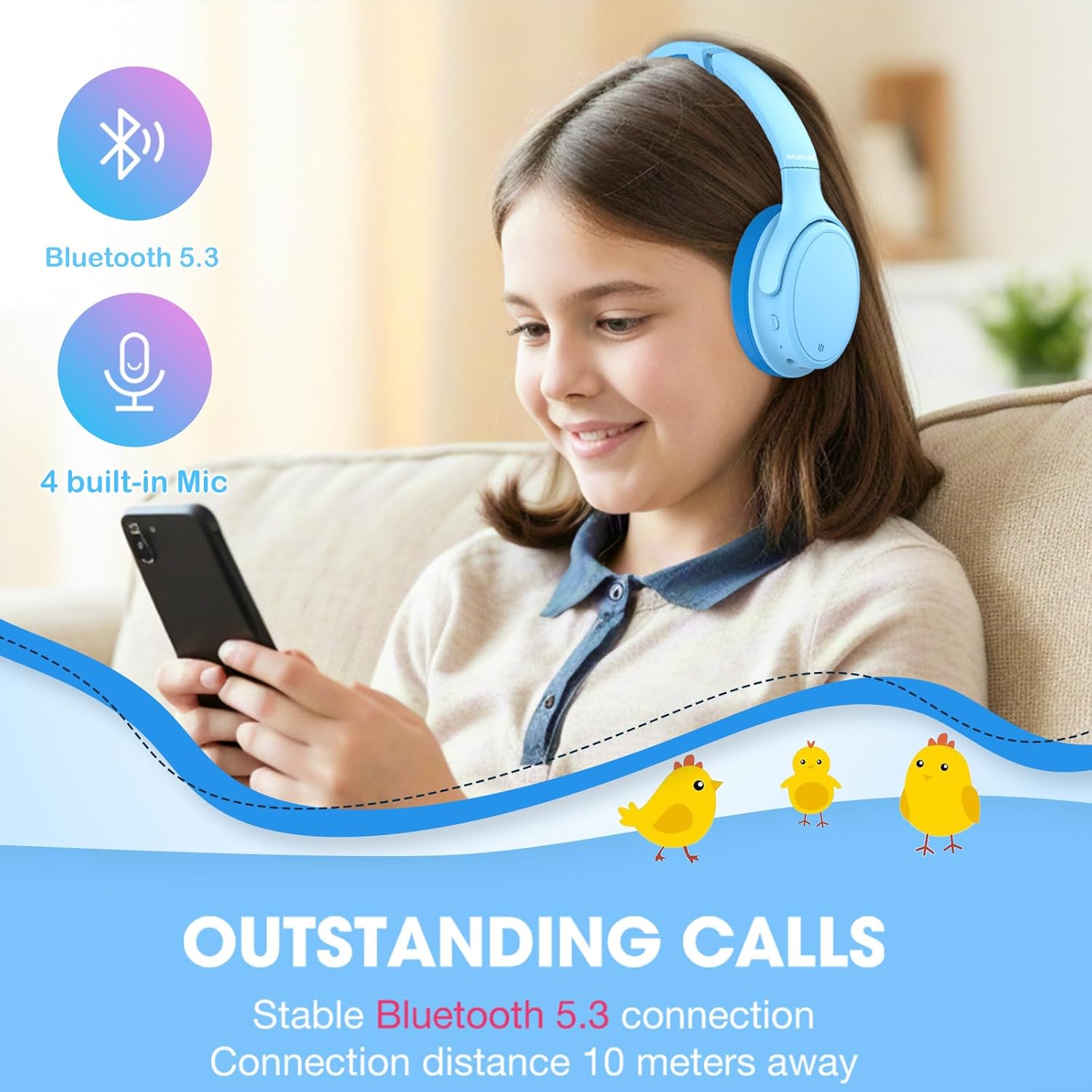
Image: A child using the headphones for a call, emphasizing the stable Bluetooth 5.3 connection and built-in microphones.
Mantentzea
Proper maintenance ensures the longevity of your headphones:
- Garbitu belarri-kuxinak eta buruko zinta aldizka zapi leun eta lehor batekin.
- Saihestu produktu kimiko gogorrak edo material urratzaileak erabiltzea.
- Gorde entzungailuak leku fresko eta lehor batean, eguzki-argitik eta muturreko tenperaturetatik babestuta.
- When not in use, fold the headphones for compact storage to prevent damage.
- Mantendu kargatzeko atakak eta audio-hartuneak hautsik eta hondakinik gabe.

Image: The headphones demonstrating their adjustable headband, soft ear cushions, and foldable design for storage and comfort.
Arazoak konpontzea
Botererik ez
- Ziurtatu entzungailuak guztiz kargatuta daudela. Konektatu energia-iturri batera USB-C kablea erabiliz.
- Check if the power button is pressed and held long enough to turn on.
Ezin da Bluetooth bidez parekatu
- Make sure the headphones are in pairing mode (flashing blue and red LED).
- Ziurtatu Bluetooth-a gaituta dagoela zure gailuan eta entzungailuetatik 10 metrora dagoela.
- Ahaztu gailua zure gailuaren Bluetooth zerrendatik eta saiatu berriro parekatzen.
- Berrabiarazi entzungailuak eta gailua.
Ez dago soinurik edo bolumen baxurik
- Egiaztatu entzungailuen eta konektatutako gailuaren bolumen-mailak.
- If using wired connection, ensure the 3.5mm cable is fully inserted into both the headphones and the device.
- Confirm that the headphones are correctly paired and connected to your device.
Active Noise Cancelling Not Working
- Ensure the ANC feature is activated using its dedicated button.
- ANC functionality may be reduced or unavailable in wired mode without power.
Zehaztapenak
| Ezaugarri | Xehetasuna |
|---|---|
| Marka | IZURRIA |
| Modelo zenbakia | BH131 |
| Ereduaren izena | BH121A |
| Kolorea | Urdina |
| Belarrien Kokatzea | Belarri gainean |
| Forma-faktorea | Belarri gainean |
| Inpedantzia | 16 ohmio |
| Adin tartearen deskribapena | Kid/Teen/Adult |
| Bateriaren batez besteko bizitza | 70 Hours (Note: Product description states 90H normal, 50H ANC. Using 70H from specifications as a general average.) |
| Zarata Kontrola | Zarata Deuseztatze Aktiboa |
| Maiztasun barrutia | 20 Hz - 20,000 Hz |
| Audio kontrolatzaile mota | Gidari dinamikoa |
| Itxituraren Materiala | Faux Larrua |
| Produkturako erabilera espezifikoak | Gaming, School, Travel |
| Gailu bateragarriak | Tablets, Devices with Bluetooth 5.3 support, Devices with 3.5mm port |
| Uraren Erresistentzia Maila | Urarekiko erresistentea |
| Aurikularretarako Jack | 3.5 mm Jack |
| Konektibitate Teknologia | Haririk gabekoa (Bluetooth 5.3) |
| Bluetooth barrutia | 10 metro |
| Kontrol-metodoa | Sakatu botoia |

Image: Visual representation of the headphones' long battery life, indicating up to 72 hours without ANC.
Bermea eta Laguntza
The INFURTURE Active Noise Cancelling Kids Bluetooth Headphones come with a 2 urteko bermea.
For technical support, warranty claims, or further assistance, please contact INFURTURE customer service. Refer to the contact information provided in the product packaging or on the official INFURTURE webgunea.
Produktuen Bideoa
Video: An official product video from INFURTURE demonstrating the features and usage of the Kids Noise Cancelling Headphones, including comfort, adjustability, and connectivity options.