
1. Produktua amaitu daview
The KOORUI G2722P is a 27-inch QHD (2560x1440) gaming monitor designed for an immersive visual experience. It features a Fast IPS panel with a 200Hz refresh rate and a 1ms response time, ensuring smooth and responsive gameplay. The monitor supports HDR 400 for enhanced contrast and color depth, and Adaptive Sync technology to minimize screen tearing and stuttering. Its ergonomic stand allows for height, tilt, and pivot adjustments, and it is VESA 75x75mm compatible for flexible mounting options.

The KOORUI G2722P monitor integrated into a typical gaming environment.
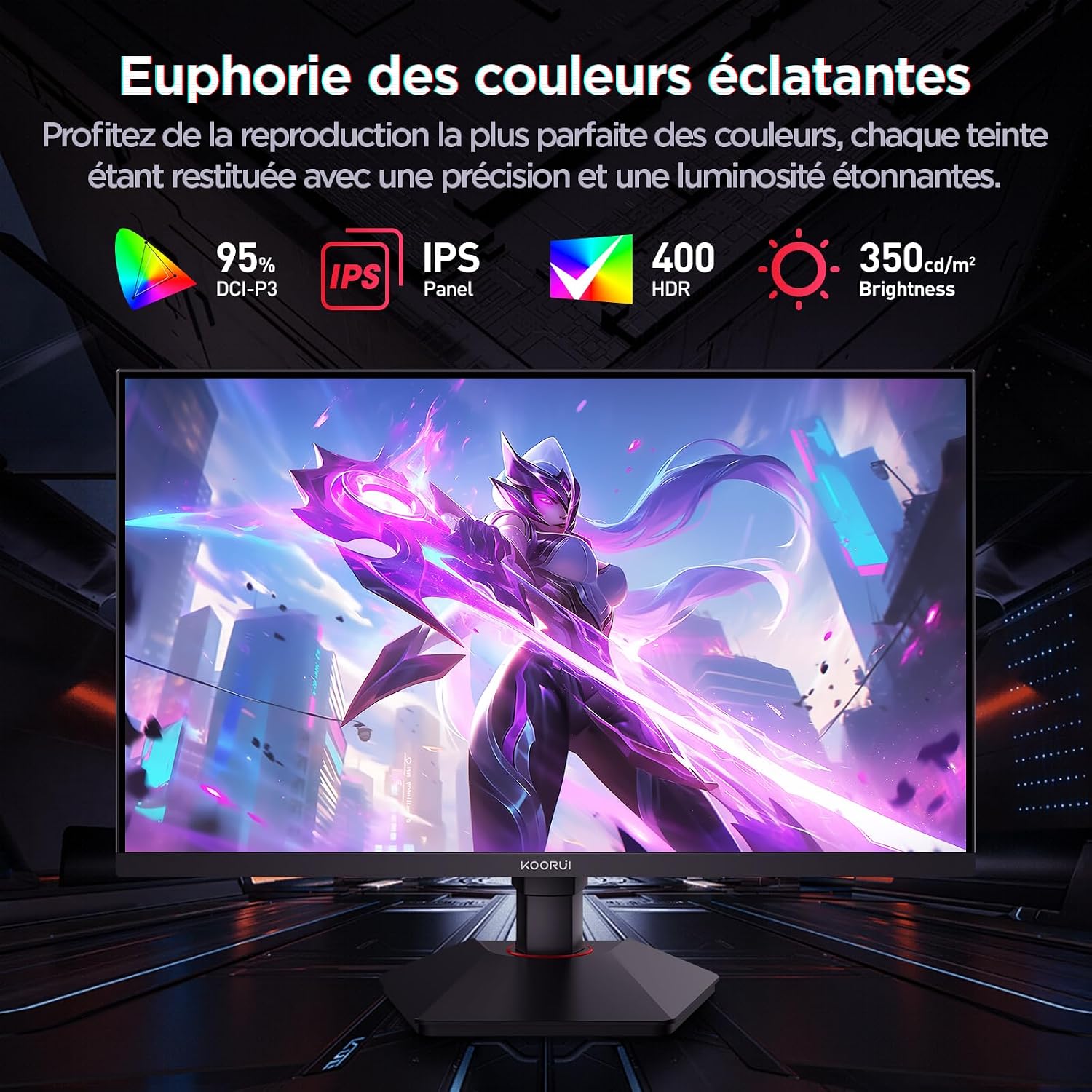
This image highlights the monitor's color capabilities, including 95% DCI-P3 color gamut, IPS panel technology, HDR 400 support, and 350 cd/m² brightness.
2. Segurtasun informazioa
- Read all instructions carefully before using the monitor.
- Ez jarri monitoreari euri edo hezetasun eraginpean sute edo deskarga elektrikoen arriskuak saihesteko.
- Ez ireki monitorearen casing. Ez dago erabiltzaileak konpondu beharreko piezarik barruan. Konponketa guztiak langile kualifikatuen esku utzi.
- Jarri monitoreak gainazal egonkor eta lau batean, eror ez dadin.
- Keep the monitor away from direct sunlight, heat sources, and extreme temperatures.
- Ziurtatu monitorearen inguruan behar bezala aireztatuta dagoela. Ez blokeatu aireztapen-irekidurak.
- Erabili fabrikatzaileak emandako edo gomendatutako korronte-egokigailua eta kableak soilik.
- Deskonektatu monitorearen entxufea tximista-ekaitzetan edo denbora luzez erabili gabe dagoenean.
3. Paketearen edukia
Egiaztatu elementu guztiak paketean daudela:
- KOORUI G2722P Monitor
- Monitorearen euskarria (oinarria eta lepoa)
- Energia egokitzailea eta energia kablea
- DisplayPort (DP) kablea
- Erabiltzailearen eskuliburua (dokumentu hau)
- Stand muntatzeko torlojuak
4. Monitorearen Muntaketa
4.1 Standa lotzea
- Kontu handiz jarri monitorearen aurpegia behera oihal leun eta garbi baten gainean, marradurak saihesteko.
- Attach the stand neck to the back of the monitor until it clicks into place or is secured with screws (refer to specific instructions in the included quick start guide).
- Lotu euskarriaren oinarria euskarriaren lepoari eta finkatu emandako torlojuarekin.
- Carefully lift the monitor and place it on a stable desk.
4.2 VESA muntatzea
The monitor supports VESA 75x75mm mounting. To use a VESA mount:
- Remove the stand if it is already attached.
- Attach your VESA-compatible mount (sold separately) to the 75x75mm screw holes on the back of the monitor using appropriate screws.
- Ensure the mount is securely fastened before releasinmonitoreari g.

This image demonstrates the monitor's ergonomic adjustments (height, tilt, pivot) and provides a visual reference for stand attachment points.
5. Monitorea konektatzea
Connect the monitor to your computer or other devices using the available ports.
- Potentzia-konexioa: Connect the power cable to the power adapter, then connect the adapter to the monitor's power input and a wall outlet.
- Bideo-konexioa:
- For optimal performance (QHD @ 200Hz), use the provided DisplayPort (DP 1.4) cable to connect the monitor to your graphics card.
- Alternatively, use an HDMI 2.0 cable to connect to an HDMI port on your device.
- Audio irteera: Connect external speakers or headphones to the 3.5mm audio output jack on the monitor if you wish to use the monitor's audio passthrough.

This image displays the rear of the monitor, highlighting the available connectivity options: two HDMI 2.0 ports, one DisplayPort 1.4, an audio output jack, and the VESA 75x75mm mounting pattern.
6. Monitorea funtzionatzea
6.1 Piztu/Itzali
- Sakatu monitorearen gainean dagoen pizteko botoia pizteko edo itzaltzeko.
- Monitorea piztuta dagoenean, pizteko adierazlearen argia piztuko da.
6.2 Pantailan bistaratzeko (OSD) menua
The OSD menu allows you to adjust various monitor settings. Typically, buttons are located on the back or bottom right of the monitor.
- Press one of the OSD buttons to activate the menu.
- Use the navigation buttons (usually directional or a joystick) to browse through menu options.
- Sakatu hautatzeko botoia azpimenu batera sartzeko edo ezarpen bat berresteko.
- Sakatu irteteko botoia OSD menua ixteko.
7. Pantailaren ezarpenak
7.1 Bereizmena eta freskatze-tasa
The monitor supports a native resolution of 2560x1440 (QHD) and a maximum refresh rate of 200Hz. Ensure your graphics card and operating system are configured to use these settings for the best experience.

This image illustrates the difference in motion clarity between a 75Hz and a 200Hz refresh rate, emphasizing the 1ms response time for reduced blur and ghosting.
7.2 Adaptive Sync (FreeSync)
This monitor supports Adaptive Sync technology (compatible with AMD FreeSync) to synchronize the monitor's refresh rate with your graphics card's frame rate, eliminating screen tearing and reducing stuttering.
- Enable Adaptive Sync in the monitor's OSD menu.
- Ensure Adaptive Sync (or FreeSync) is enabled in your graphics card control panel.

This image visually compares the display with Adaptive Sync enabled versus disabled, demonstrating how Adaptive Sync eliminates screen tearing for a smoother visual experience.
7.3 HDR 400
The monitor supports HDR 400, providing a wider dynamic range for brighter whites and deeper blacks, resulting in more vibrant and realistic images.
- Enable HDR in your operating system's display settings and in the monitor's OSD menu if available.
7.4 Kolore ezarpenak
The Fast IPS panel offers excellent color reproduction and wide viewangeluak.
- Adjust color temperature, gamma, and saturation through the OSD menu to suit your preferences.
- The monitor features a 178-degree wide viewing angle, ensuring consistent color and image quality from various perspectives.
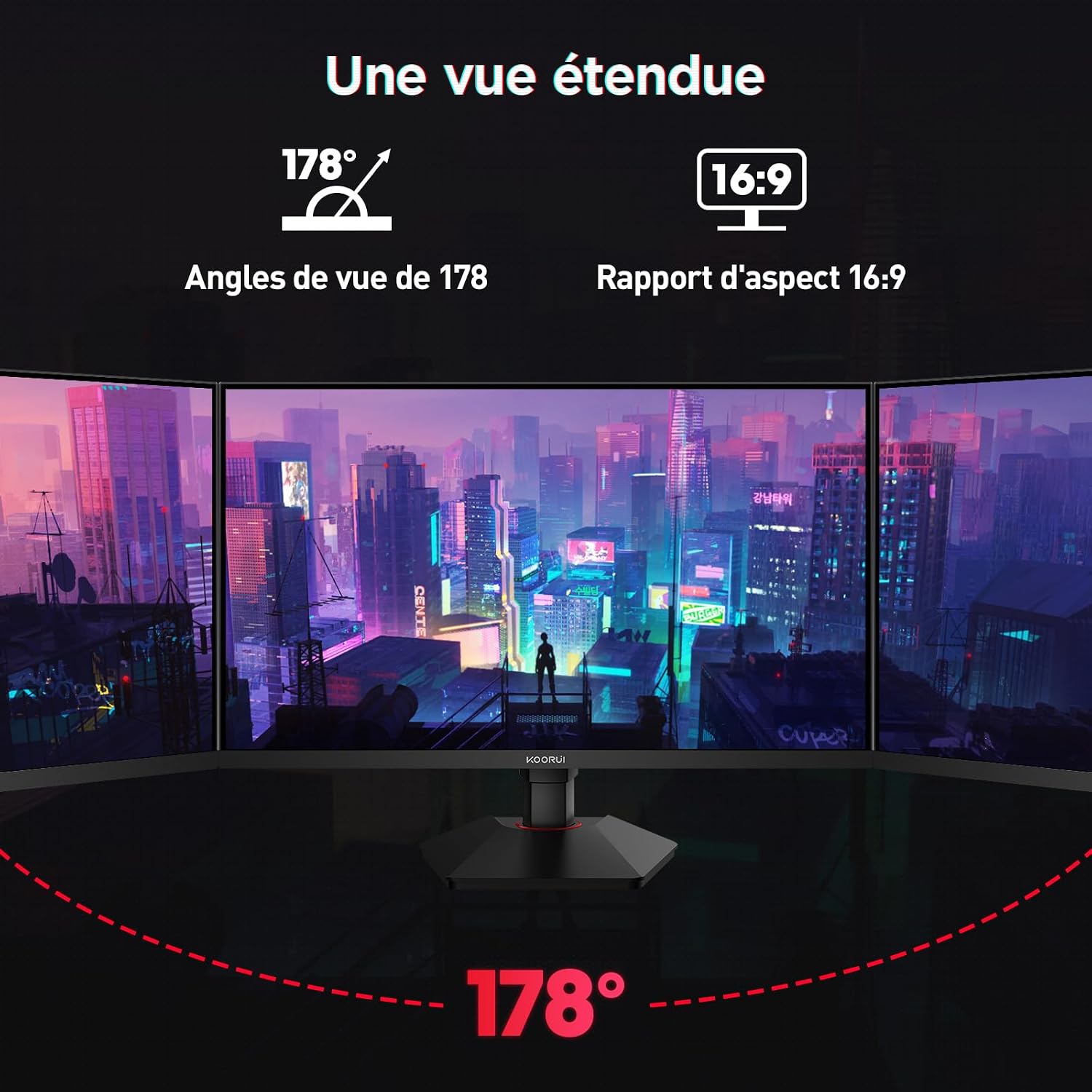
This image demonstrates the monitor's wide 178-degree viewing angle, illustrating how the display maintains clarity and color consistency even when viewed from extreme angles, ideal for multi-monitor setups.
8. Doikuntza ergonomikoak
Monitorearen euskarriak hainbat doikuntza ahalbidetzen ditu zure optimizazioa lortzeko viewerosotasuna:
- Altuera doitzea: Adjust the monitor height by up to 100mm by gently pushing or pulling the monitor up or down.
- Inklinazio doikuntza: Tilt the screen from -5° (forward) to +20° (backward) to find your preferred viewangelua.
- Pibota (errotazioa): Rotate the screen 90° to switch between landscape and portrait orientations.
This image illustrates the full range of ergonomic adjustments available: 100mm height adjustment, -5° to +20° tilt, and 90° pivot rotation for optimal viewerosotasuna.
9. Begien Zainketa Ezaugarriak
The KOORUI G2722P monitor incorporates features designed to reduce eye strain during prolonged use:
- Keinurik gabeko teknologia: Reduces screen flickering, which can cause eye fatigue.
- Argi urdin gutxiko iragazkia: Minimizes harmful blue light emissions to protect your eyes. This feature can usually be adjusted or enabled/disabled in the OSD menu.
10. Mantentzea
Mantentze egokiak zure monitorearen iraupena eta errendimendu optimoa bermatzen ditu.
- Pantaila garbitzea: Garbitu pantaila astiro-astiro zapi leun eta pelusik gabeko batekin. Orban egoskorrak izanez gero, erabili monitorearentzako garbiketa-soluzio espezifikoa zapian aplikatuta, ez zuzenean pantailan.
- C garbiketaasing: Erabili zapi leun eta lehor bat monitorearen garbiketa egiteko.asing. Saihestu garbitzaile edo disolbatzaile urratzaileak erabiltzea.
- Manipulazioa: Avoid touching the screen directly with your fingers or sharp objects. Do not place heavy objects on the monitor.
11. Arazoak
Monitorearekin arazoak badituzu, jo ezazu honako arazo eta irtenbide ohikoenei:
| Arazoa | Irtenbide posiblea |
|---|---|
| Ez dago irudirik pantailan |
|
| Irudia keinuka edo urratzea |
|
| No sound from audio output |
|
| Monitor not reaching 200Hz |
|
12. Zehaztapenak
Key technical specifications for the KOORUI G2722P monitor:
| Ezaugarri | Zehaztapena |
|---|---|
| Pantailaren tamaina | 27 hazbetekoa |
| Panel mota | IPS azkarra |
| Ebazpena | QHD (2560 x 1440) |
| Freskatze tasa | 200Hz |
| Erantzun Denbora | 1 ms |
| HDR euskarria | HDR 400 |
| Sinkronizazio egokitzailea | FreeSync |
| Kontraste-erlazioa | 1000:1 (estatikoa) |
| Distira | 350 cd/m² |
| Viewangelua | 178° (H/B) |
| Kolore gama | % 95 DCI-P3 |
| Bideo Sarrerak | 2x HDMI 2.0, 1x DisplayPort 1.4 |
| Audio Irteera | 1x 3.5 mm-ko audio irteera |
| VESA bateragarritasuna | 75x75mm |
| Energia-kontsumoa | 19 Watts (Typical) |
| Ergonomia | Height, Tilt, Pivot Adjustment |

This diagram provides the physical dimensions of the monitor, including width, height, and depth.
Energiari buruzko informazio zehatza lortzeko, jo ezazu EPREL datu-basera: https://eprel.ec.europa.eu/qr/2216313
13. Bermea eta Laguntza
The KOORUI G2722P monitor comes with a 2 urteko fabrikatzailearen bermea. Berme honek ohiko erabileran materialen eta eskulanen akatsak estaltzen ditu.
For technical support, warranty claims, or further assistance, please contact KOORUI customer service through their official webproduktua erosi zen gunea edo dendaria.