
Sarrera
This manual provides detailed instructions for the installation, operation, and maintenance of your Mio MiVue 935W 4K UHD Dashcam. Please read this manual thoroughly before using the device to ensure proper functionality and safety.
Ezaugarri nagusiak
- 4K 2160P Ultra High Definition Recording: Captures video with four times the resolution of Full HD for exceptional detail.
- Sony STARVIS CMOS Sensor: Ensures clear, high-contrast videos with rich colors, even in low-light conditions.
- Gama dinamiko handia (HDR): Automatically combines multiple exposures to produce clearer, sharper images with reduced noise, especially in challenging lighting.
- Integrated High-Speed Wi-Fi: Enables fast video transfers and easy connection to the MiVue Pro app via QR code.
- GPS integratua: Provides location data, speed camera alerts (where permitted), and lane departure warnings.
- G-sentsorea: Detects sudden movements or impacts and automatically protects the current recording.
- Diseinu trinkoa: Discreetly fits into your vehicle's interior.
Paketearen edukia
Egiaztatu behean zerrendatutako elementu guztiak zure paketean sartuta daudela:
- Mio MiVue 935W Dashcam
- Kotxe kargagailua
- 3M Itsasgarriak
- Static Window Sticker
- Erabiltzailearen eskuliburua (dokumentu hau)
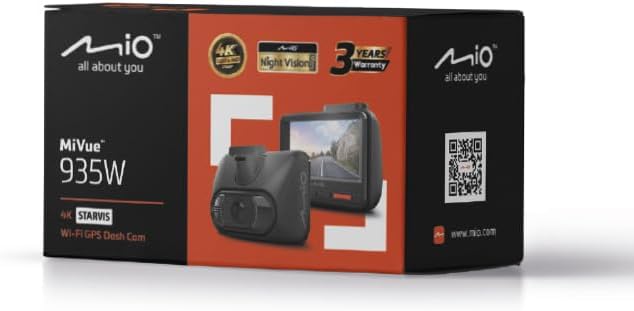
Image: Retail packaging of the Mio MiVue 935W Dashcam, showing the box contents and key features.
Produktua amaituview
Familiarize yourself with the components of your MiVue 935W dashcam.
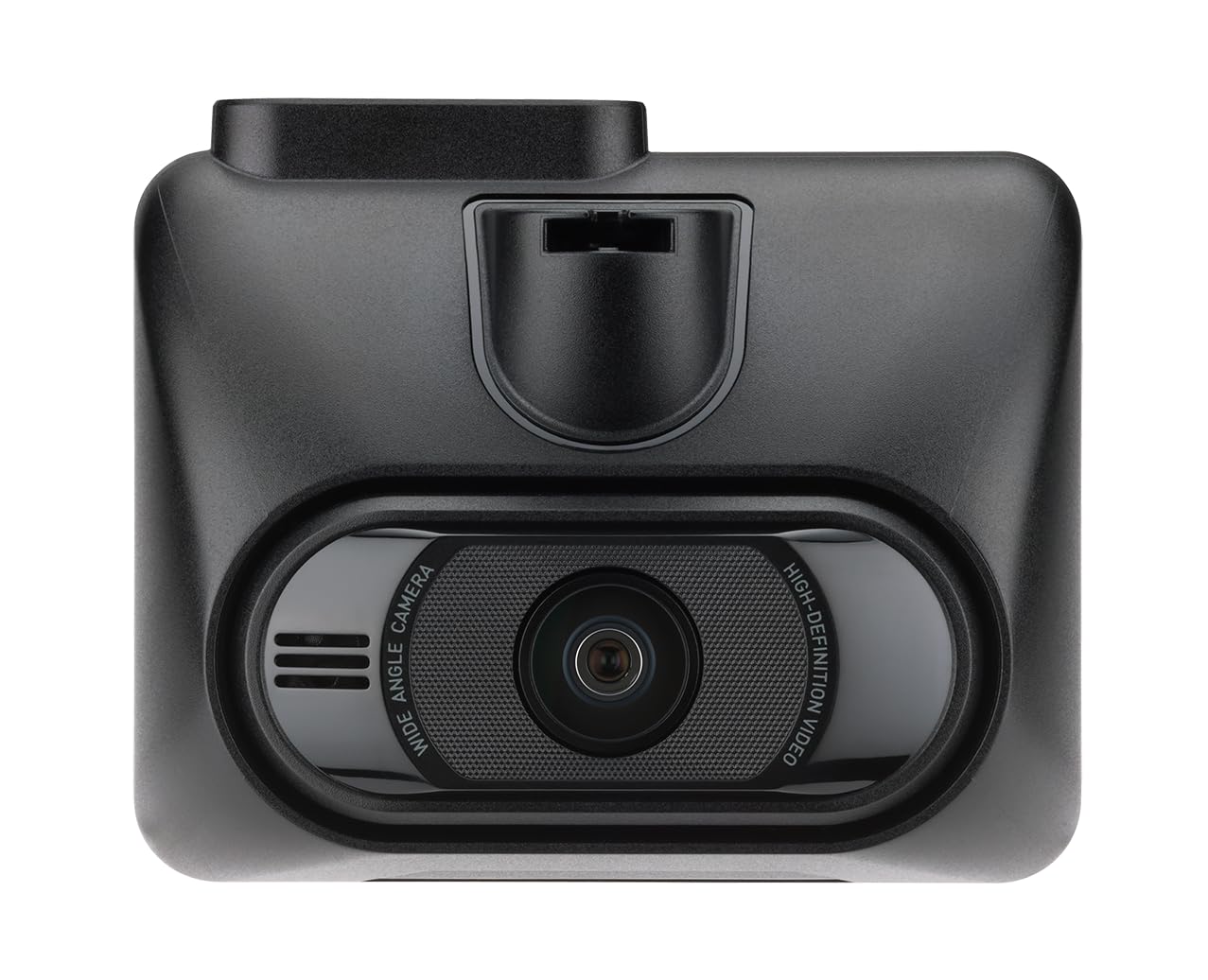
Irudia: Aurrealdea view of the MiVue 935W dashcam, displaying the screen and control buttons below it.

Irudia: Goian view of the MiVue 935W dashcam, highlighting the power input and rear camera connection ports.

Image: The 3M adhesive mount for securing the dashcam to the windshield.
Konfigurazioa
1. Installing the Dashcam
- Clean the area on your windshield where you intend to mount the dashcam. Ensure it does not obstruct your view.
- Apply the static window sticker to the chosen area on the windshield. This helps protect your windshield and allows for easier repositioning.
- Attach the 3M adhesive mount to the static sticker. Press firmly for secure adhesion.
- Slide the MiVue 935W dashcam onto the mount until it clicks into place.
- Adjust the camera angle to ensure it captures the road ahead clearly.
2. MicroSD txartel bat sartzea
A MicroSD card (not included) is required for recording. The device supports cards up to 256GB. Ensure the card is formatted before first use.
- With the dashcam powered off, locate the MicroSD card slot.
- Insert the MicroSD card with the contacts facing the screen until it clicks into place.
- Txartela astuna izan dadin, ateratzeko, bultzatu astiro-astiro.
3. Energia-konexioa
- Connect the car charger to the dashcam's power input port (usually located on top).
- Konektatu autoko kargagailuaren beste muturra zure ibilgailuaren 12V-ko entxufean (zigarro-pizgailuaren entxufean).
- The dashcam will automatically power on and begin recording when your vehicle starts.
Funtzionamendu-argibideak
Oinarrizko Funtzionamendua
- Piztu/Itzali: The dashcam powers on automatically with vehicle ignition and powers off shortly after the engine is turned off. You can also manually power it on/off using the power button.
- Grabaketa: The dashcam automatically starts continuous loop recording when powered on.
- Larrialdietako grabaketa: The built-in G-sensor detects sudden impacts or harsh braking and automatically saves the current recording to a protected folder, preventing it from being overwritten.
Wi-Fi konexioa
The integrated high-speed Wi-Fi allows for quick video transfers and easy management via the MiVue Pro app.
- Deskargatu MiVue Pro aplikazioa zure telefonoaren aplikazio dendatik.
- On the MiVue 935W, navigate to the Wi-Fi settings and enable it. A QR code will be displayed on the dashcam screen.
- Open the MiVue Pro app on your smartphone and use the app to scan the QR code displayed on the dashcam.
- Konektatu ondoren, egin dezakezu view bizi footage, transfer recordings, and adjust settings directly from your smartphone.
GPS funtzioak
The integrated GPS module provides accurate location and speed data, enhancing your driving records.
- Abiadura-kameraren alertak: The MiVue 935W provides alerts for speed cameras, displaying the distance, time, speed limit, and your average speed. Note: Speed camera alerts are not active in France, Germany, Switzerland, and Turkey due to local regulations.
- Erreitik irteteko abisua: This feature helps monitor your lane position and provides alerts if you unintentionally drift from your lane.
HDR (Barruti Dinamiko Handia)
The HDR function improves video clarity in challenging lighting conditions.
- The dashcam automatically captures multiple images at different exposure levels and combines them into a single, optimized image.
- The 2.5K 1440P/Auto HDR mode automatically switches the image sensor between day and night settings for optimal video quality.
Aparkaleku Zaintza Modua
When properly configured and with a continuous power supply (e.g., via a hardwire kit, sold separately), the dashcam can monitor your vehicle while parked.
- The dashcam will automatically record if it detects motion or an impact while your vehicle is stationary.
Mantentzea
Gailua garbitzea
- Use a soft, dry cloth to clean the dashcam's exterior.
- Lentearentzat, erabili lenteak garbitzeko zapi berezi bat marradurak saihesteko.
- Do not use chemical cleaners or solvents, as they may damage the device.
MicroSD Card Care
- Regularly format your MicroSD card (at least once a month) to maintain optimal recording performance and prevent data corruption.
- Replace the MicroSD card periodically, especially if you notice recording errors or reduced performance, as memory cards have a limited lifespan.
Firmware eguneraketak
Check the official Mio webgunea (www.mio.com) for available firmware updates. Keeping your dashcam's firmware up-to-date ensures optimal performance and access to new features.
Arazoak konpontzea
| Arazoa | Kausa posiblea | Irtenbidea |
|---|---|---|
| Dashcam-ak ez du pizten. | Ez dago energia-iturririk edo konexio akastuna. | Check car charger connection to both the dashcam and the vehicle's 12V outlet. Ensure the vehicle's ignition is on. |
| Grabaketa ustekabean gelditu da. | MicroSD card error or full. | Format the MicroSD card. Replace the card if the issue persists. Ensure the card is Class 10 or higher. |
| Bideoaren kalitate eskasa. | Dirty lens or incorrect settings. | Clean the camera lens. Check video resolution settings in the menu. Ensure HDR is enabled for challenging light. |
| Wi-Fi konexio arazoak. | Incorrect password or app issue. | Ensure Wi-Fi is enabled on the dashcam and you are scanning the correct QR code. Restart both the dashcam and your smartphone. |
| GPSak ez du funtzionatzen. | Poor satellite signal. | Ziurtatu kamerak argia duela view of the sky. Avoid mounting near metallic objects that might block the signal. |
Zehaztapenak
| Ezaugarri | Xehetasuna |
|---|---|
| Ereduaren izena | Mio MiVue 935W |
| Pantailaren tamaina | 2.7 hazbeteko IPS |
| Grabaketa Ebazpena | 4K (2160P) / 30fps |
| Bideo-sentsorea | Sony STARVIS CMOS Sensor |
| Irekiera | F1.8 |
| Grabaketa formatua | SuperMP4 (H.265) |
| Angelu Handiko Lentea | 140 gradu |
| Konektibitatea | Integrated Wi-Fi, GPS |
| Ezaugarri bereziak | Compact Design, G-Sensor, Speed Camera Alerts, Lane Departure Warning, HDR |
| Energia iturria | Litio-polimerozko bateria 1 (barne) |
| Neurriak (W x H x D) | 63 x 76.5 x 41.2 mm |
| Pisua | 99.94 g |
| Ibilgailu mota bateragarria | Autoa, Kamioia, Motozikleta |
| Muntatze Mota | Self-adhesive mount |
| Kolorea | Beltza |
Bermea eta Laguntza
Bermearen informazioa
The Mio MiVue 935W Dashcam comes with a 3 urteko bermeaGorde erosketaren egiaztagiria bermearen erreklamazioetarako.
Bezeroarentzako Arreta
For technical assistance, firmware updates, or further information, please visit the official Mio webgunea:
Mio products are tested in a TAF-accredited laboratory by MITAC, ensuring high quality and reliability.