
1. Produktua amaitu daview
The Dexnor case for Samsung Galaxy S25 Ultra is engineered to provide robust, full-body protection for your device. It integrates several protective and functional elements to safeguard your phone against daily wear and accidental damage.
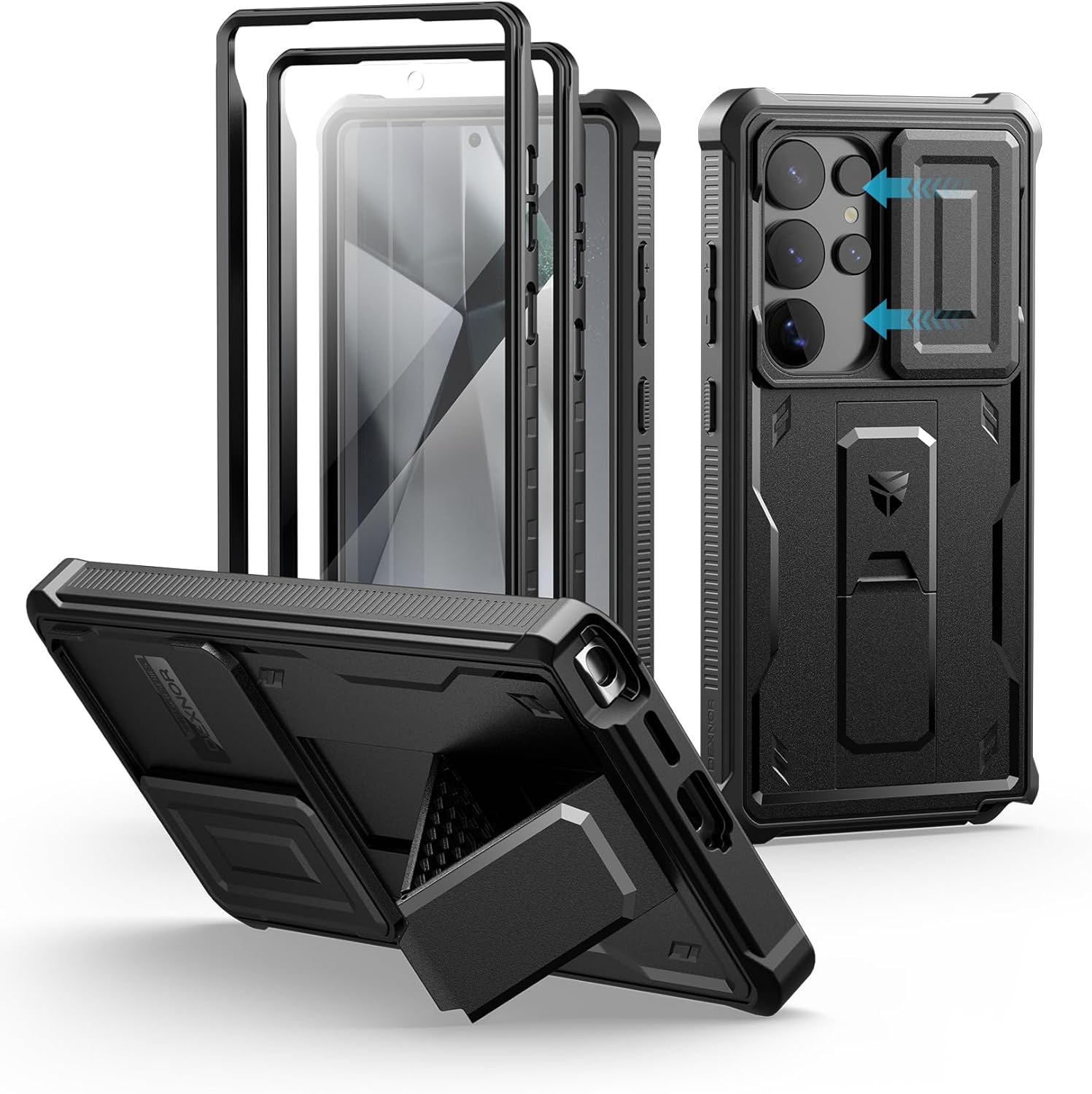
1. Irudia: Lehertuta view of the Dexnor Samsung Galaxy S25 Ultra case, showing its multi-layered design including the front frame, built-in screen protector, and the main back cover with integrated camera slide and kickstand.
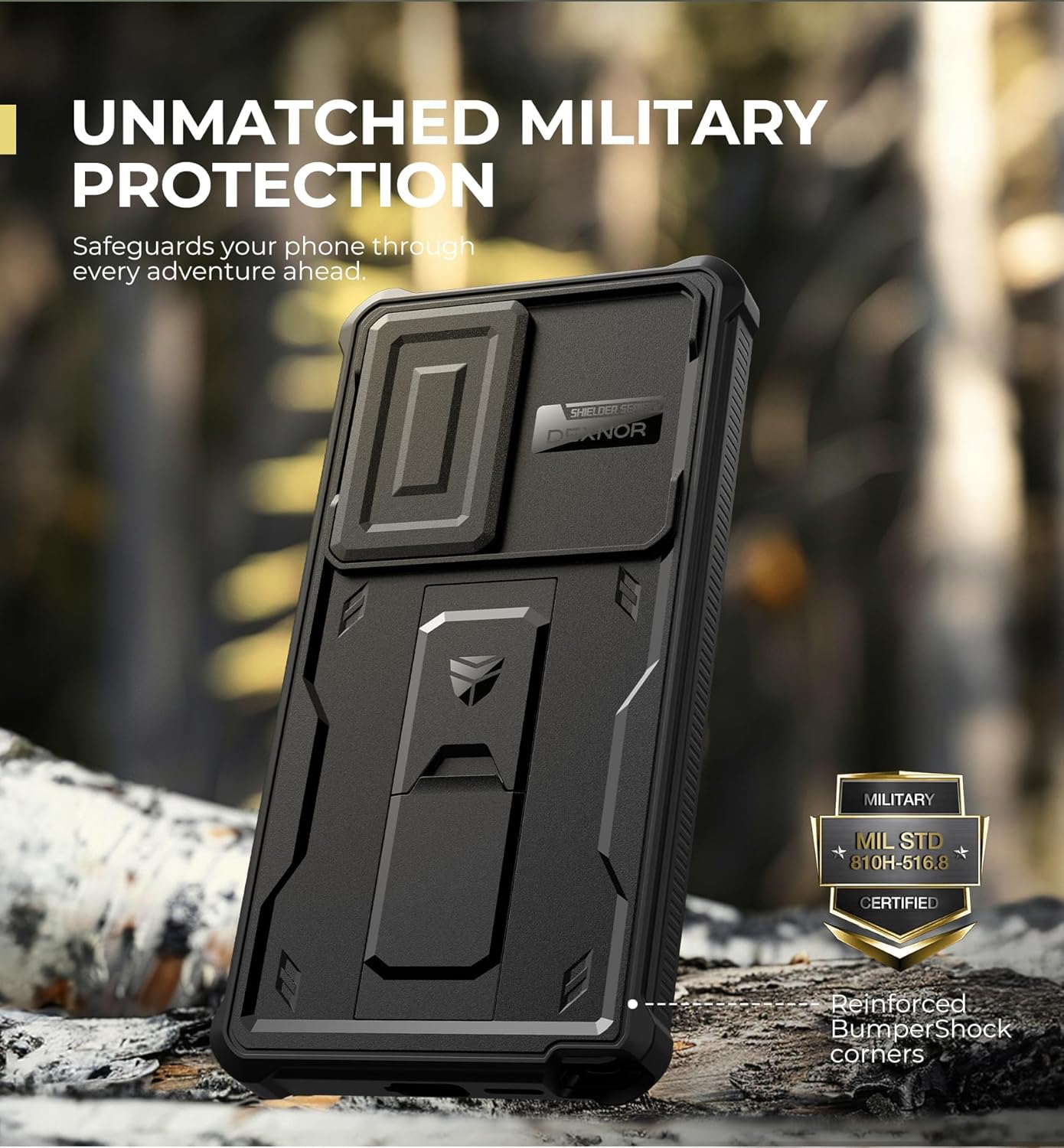
Figure 2: The Dexnor case demonstrating its military-grade protection, designed to safeguard your phone against drops and impacts.
Ezaugarri nagusiak:
- Built-in Slide Camera Cover: Protects the camera lens from scratches, dust, and impacts.
- Euskarri integratua: Provides hands-free viewing in both portrait and landscape orientations, also functions as a secure grip.
- Dual Front Frames: Includes one frame with a built-in PET screen protector and another frame for use with your own screen protector.
- Kolpeen aurkako babesa: Military-grade drop protection for full-body defense.
- Haririk gabeko kargatzeko laguntza: Compatible with wireless charging and PowerShare.
- Mozketa zehatzak: Ensures full access to all ports and buttons.
2. Konfigurazioa eta instalazioa
Follow these steps to properly install your Dexnor case on the Samsung Galaxy S25 Ultra:
- Prestatu kasua: Carefully separate the front frame from the back cover. If using the built-in screen protector, ensure the protective films are still on until ready for phone placement.
- Garbitu zure gailua: Ensure your Samsung Galaxy S25 Ultra screen and back are clean and free of dust or smudges.
- Install Front Frame: Place your phone into the front frame, ensuring it snaps securely into place. If using the built-in screen protector, remove the inner protective film just before placing the phone.
- Attach Back Cover: Align the front frame with the back cover and press firmly around the edges until the case is fully sealed.
- Azken urratsak: If using the built-in screen protector, remove the outer protective film.
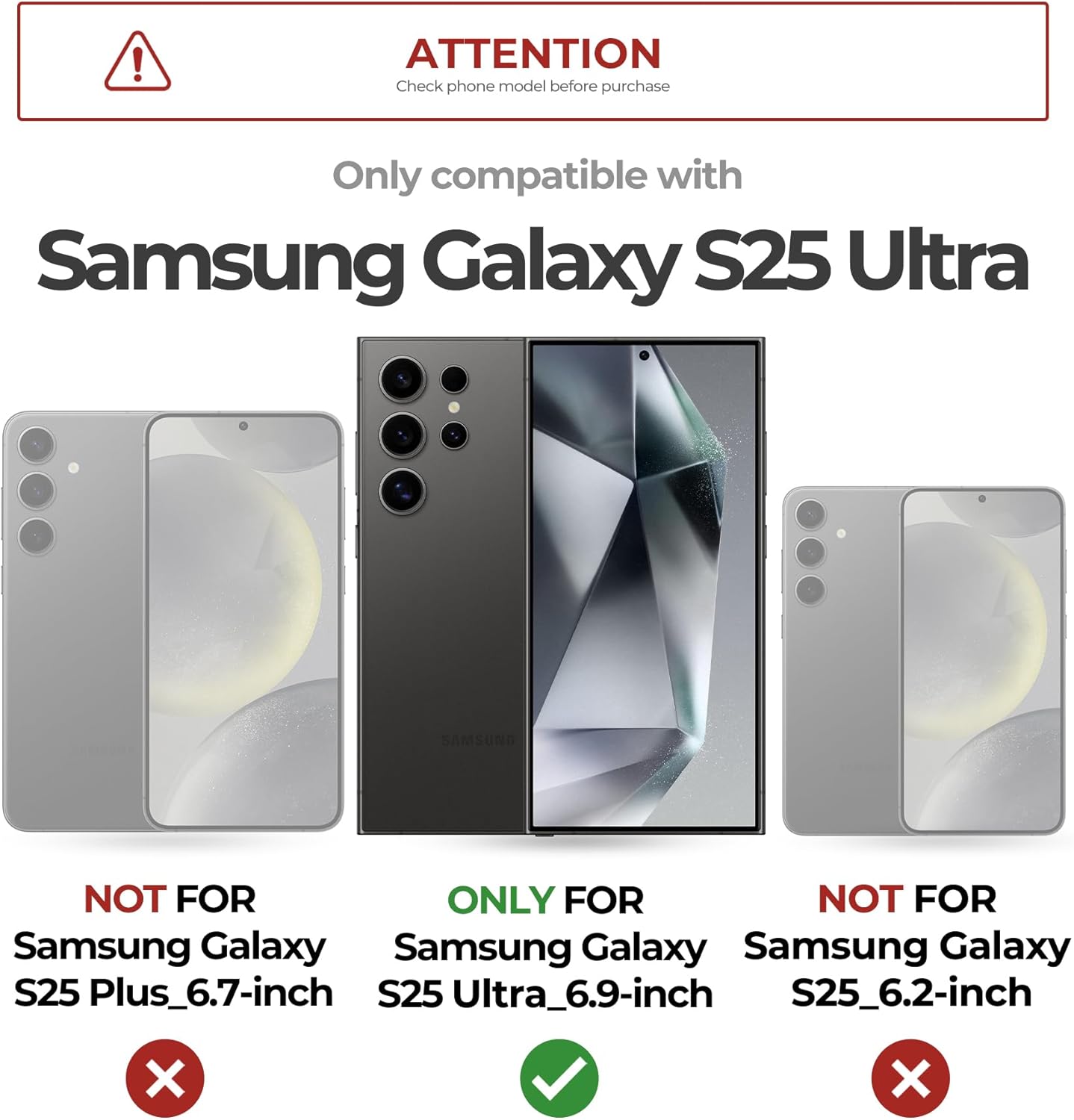
Figure 3: Verify your phone model is Samsung Galaxy S25 Ultra for proper fit and function.
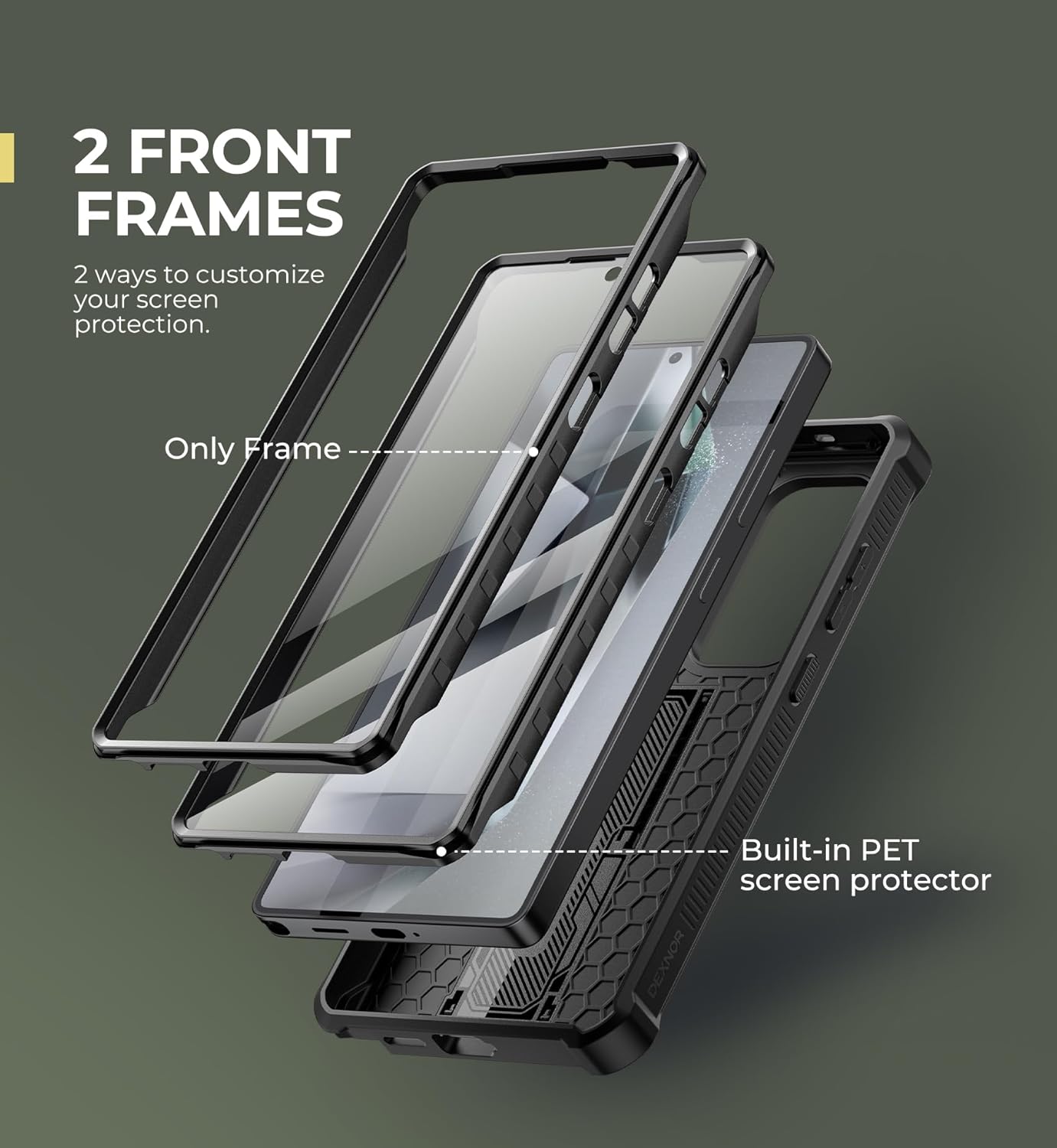
Figure 4: The case includes two front frames, allowing you to choose between the integrated screen protector or using your own.
3. Funtzionamendu-argibideak
3.1. Using the Slide Camera Cover
The integrated slide camera cover protects your phone's camera lenses when not in use.
- To irekita the camera cover, gently slide it horizontally away from the camera lenses until it clicks into place.
- To itxi the camera cover, gently slide it back over the camera lenses until it is fully covered.
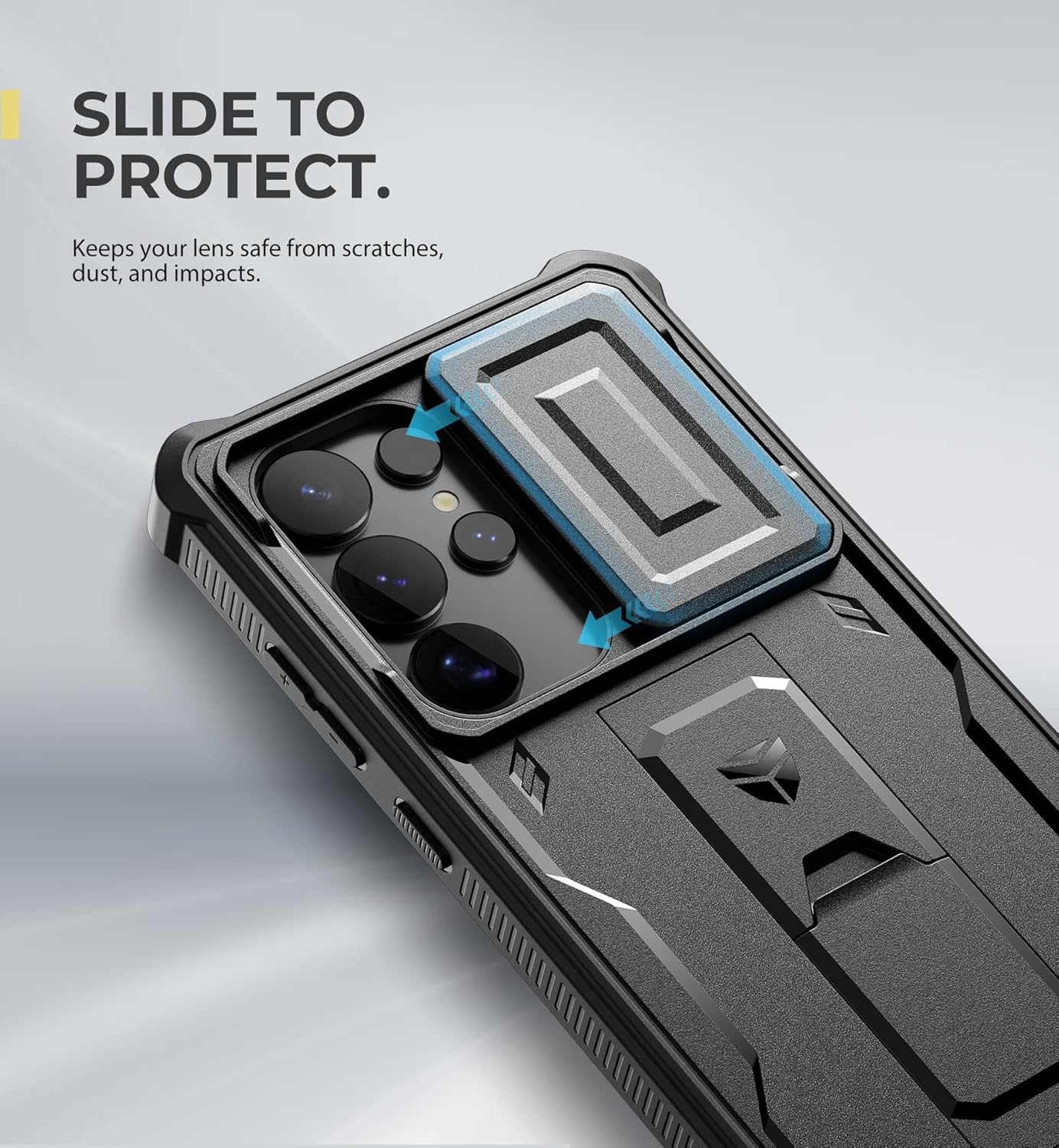
Figure 5: The camera cover slides smoothly to protect your lenses from scratches and dust.
3.2. Utilizing the Multi-functional Kickstand
The built-in kickstand offers versatile functionality for media viewing and improved grip.
- To use as a kickstand: Gently pull out the kickstand from the back of the case until it locks into position. It supports both portrait and landscape viewangeluak.
- To use as a eraztun euskarria: Insert your finger through the opening of the deployed kickstand for a more secure one-handed grip on your device.
- To atzera egin the kickstand: Push it back into the case until it sits flush with the back surface.
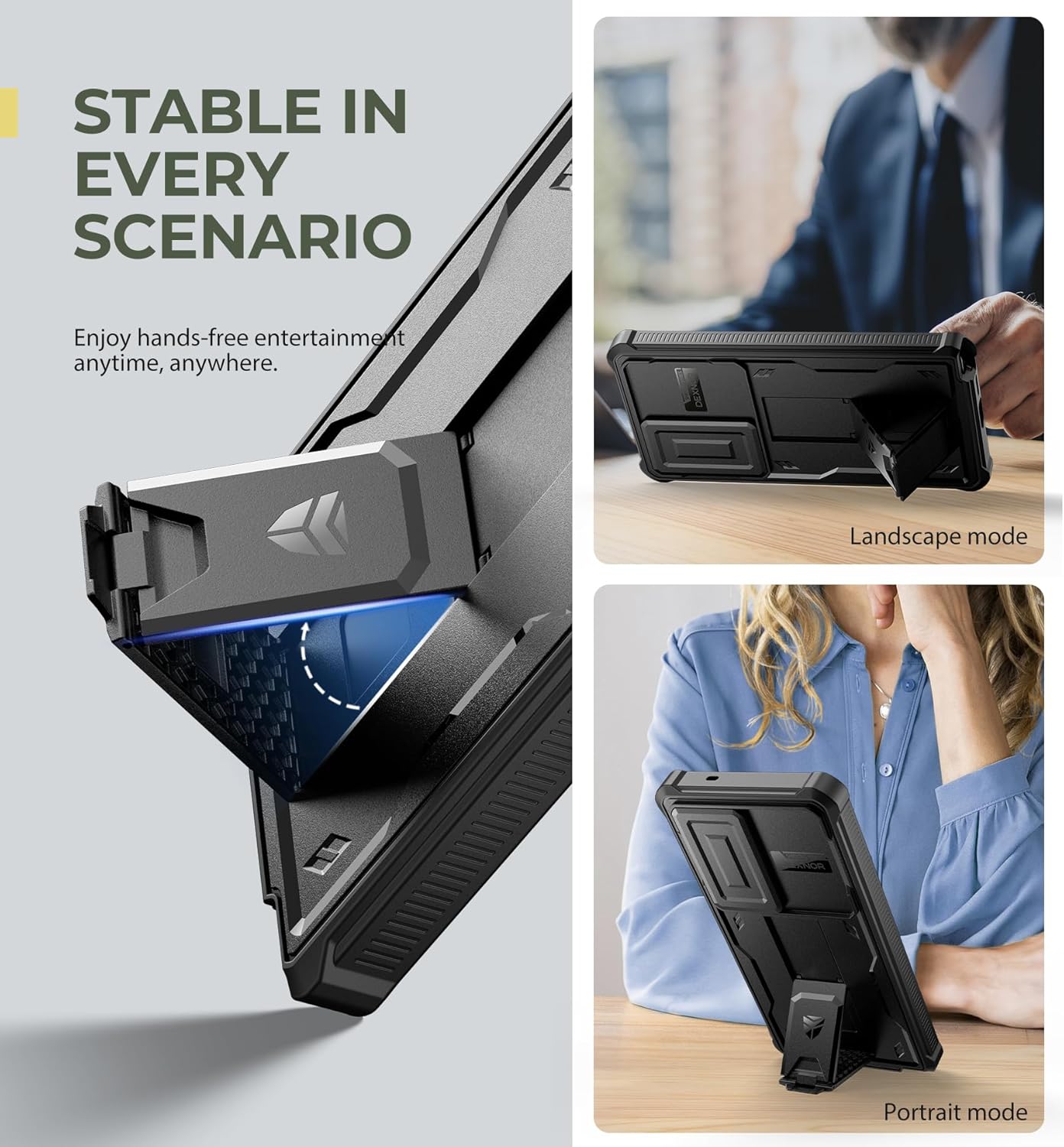
Figure 6: The kickstand provides stable support for hands-free viewing in various orientations.

Figure 7: The kickstand can also serve as a convenient ring holder for enhanced grip.
3.3. Haririk gabeko kargatzea
The Dexnor case is designed to support wireless charging and PowerShare functionality.
- Place your cased phone directly onto a compatible wireless charging pad.
- Ensure proper alignment for optimal charging efficiency.
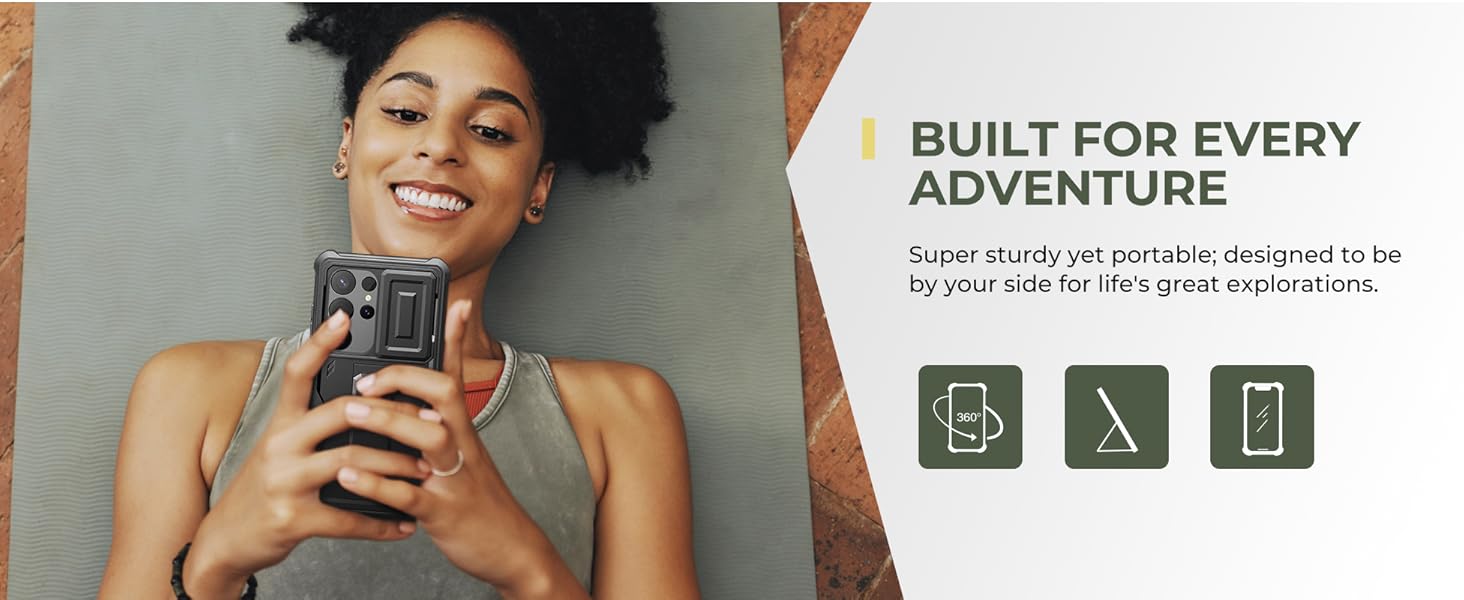
Figure 8: The case supports wireless charging and PowerShare, allowing convenient power transfer.
4. Mantentzea eta Zainketa
To ensure the longevity and appearance of your Dexnor case, follow these care instructions:
- Garbiketa: Garbitu zorroa aldizka zapi leun batekin,amp cloth to remove dust and smudges. Avoid harsh chemicals or abrasive cleaners.
- Screen Protector Care: If using the built-in screen protector, clean it gently with a microfiber cloth. Avoid excessive pressure.
- Saihestu muturreko baldintzak: Do not expose the case to extreme temperatures or prolonged direct sunlight, as this may affect the material's integrity.
5. Arazoak
| Gaia | Kausa posiblea | Irtenbidea |
|---|---|---|
| Wireless Charging Not Working / Overheating | Improper alignment on charging pad; case thickness. | Ensure precise alignment of the phone on the wireless charger. Some chargers may require specific placement. If overheating occurs, remove the phone from the charger and allow it to cool. Consider using a wired charger if issues persist. |
| Fingerprint Sensor Issues | Dust or smudges on screen protector; improper installation of screen protector. | Clean the screen protector thoroughly. Re-register your fingerprints after installing the case, ensuring your finger is clean and dry during the process. If using the built-in screen protector, ensure the fingerprint sticker is not removed. |
| Camera Cover Sticking / Hard to Slide | Dust or debris in the sliding mechanism. | Gently clean the area around the camera cover slide with a soft brush or compressed air to remove any obstructions. Avoid forcing the slide. |
6. Zehaztapenak
- Eredua: Samsung Galaxy S25 Ultra
- Marka: Dexnor
- Materiala: Poliuretano termoplastikoa (TPU)
- Produktuaren neurriak: 6.81 x 3.58 x 0.63 hazbete
- Elementuaren pisua: 2.82 ontza
- Bateragarritasuna: Specifically designed for Samsung Galaxy S25 Ultra (2025)
- Ezaugarri nagusiak: Built-in Slide Camera Cover, Multi-functional Kickstand, Built-in Screen Protector (optional), Shockproof, Wireless Charging Compatible.
7. Bermea eta Laguntza
Dexnor products are designed for durability and performance. For any questions, concerns, or support needs regarding your Dexnor Samsung Galaxy S25 Ultra case, please contact our customer service team.
Please refer to the product packaging or the official Dexnor webwebgunea bermeari buruzko informazio eta harremanetarako datu eguneratuenak lortzeko.
Lineako laguntza: Bisitatu Dexnor Store on Amazon maiz egiten diren galderetarako eta produktuen informazioa lortzeko.