
Sarrera
Thank you for choosing the ASHATA 64GB MP3 Player. This portable digital music player is designed to provide a high-fidelity audio experience with versatile functionalities including music playback, video viewing, e-book reading, voice recording, and image viewing. It features a 1.8-inch color screen, 64GB built-in memory, and Bluetooth 5.0 connectivity. This manual will guide you through the setup, operation, and maintenance of your device.

1. irudia: Aurrealdea view of the ASHATA 64GB MP3 Player.
Paketearen edukia
Mesedez, egiaztatu paketearen edukia kutxa irekitzean, elementu guztiak bertan daudela ziurtatzeko:
- 1 x ASHATA Music Player
- 1 x USB datu-kablea
- 1 x Entzungailuak
- 1 x Erabiltzailearen eskuliburua

Figure 2: Included accessories: MP3 player, USB cable, and earphones.
Produktua amaituview
Gailuaren ezaugarri fisikoak eta kontrolak ezagutu.

Figure 3: Front panel controls and display.
- Bistaratzeko pantaila: 1.8-inch color screen for navigation and content display.
- M botoia: Menu/Mode button.
- Itzultzeko botoia: Aurreko pantailara itzultzen da.
- Nabigazio botoiak: Up, Down, Left, Right, and Center (Play/Pause/Confirm) for menu navigation and media control.
- Bolumen-botoiak: Dedicated + and - buttons for volume adjustment.
- Aurikularrak Jack: 3.5mm audio output for earphones.
- USB ataka: Kargatzeko eta datuak transferitzeko.
- Switch potentziala: ON/OFF slider switch.

4. Irudia: Behea view showing the headphone jack and power switch.
Konfigurazioa
1. Gailua kargatzea
Before first use, fully charge the MP3 player.
- Connect the small end of the included USB data cable to the USB port on the MP3 player.
- Connect the standard USB end of the cable to a USB power adapter (not included) or a computer's USB port.
- The device will indicate charging status on the screen. A full charge typically takes 1-2 hours.
2. Piztu/Itzaltzea
- Pizteko, irristatu ON/OFF etengailua "ON" posiziora.
- Itzaltzeko, irristatu ON/OFF etengailua "OFF" posiziora.
3. Transferitzea Files to the Device
The MP3 player functions as a storage device when connected to a computer.
- Ensure the MP3 player is powered on.
- Connect the device to your computer using the provided USB data cable.
- The computer will recognize the MP3 player as a removable disk.
- Open the device's folder on your computer. You can then drag and drop music files, bideoa files, e-books (TXT format), and image files into the appropriate folders or directly onto the device's root directory.
- USB kablea deskonektatu aurretik, atera gailua ordenagailutik segurtasunez.
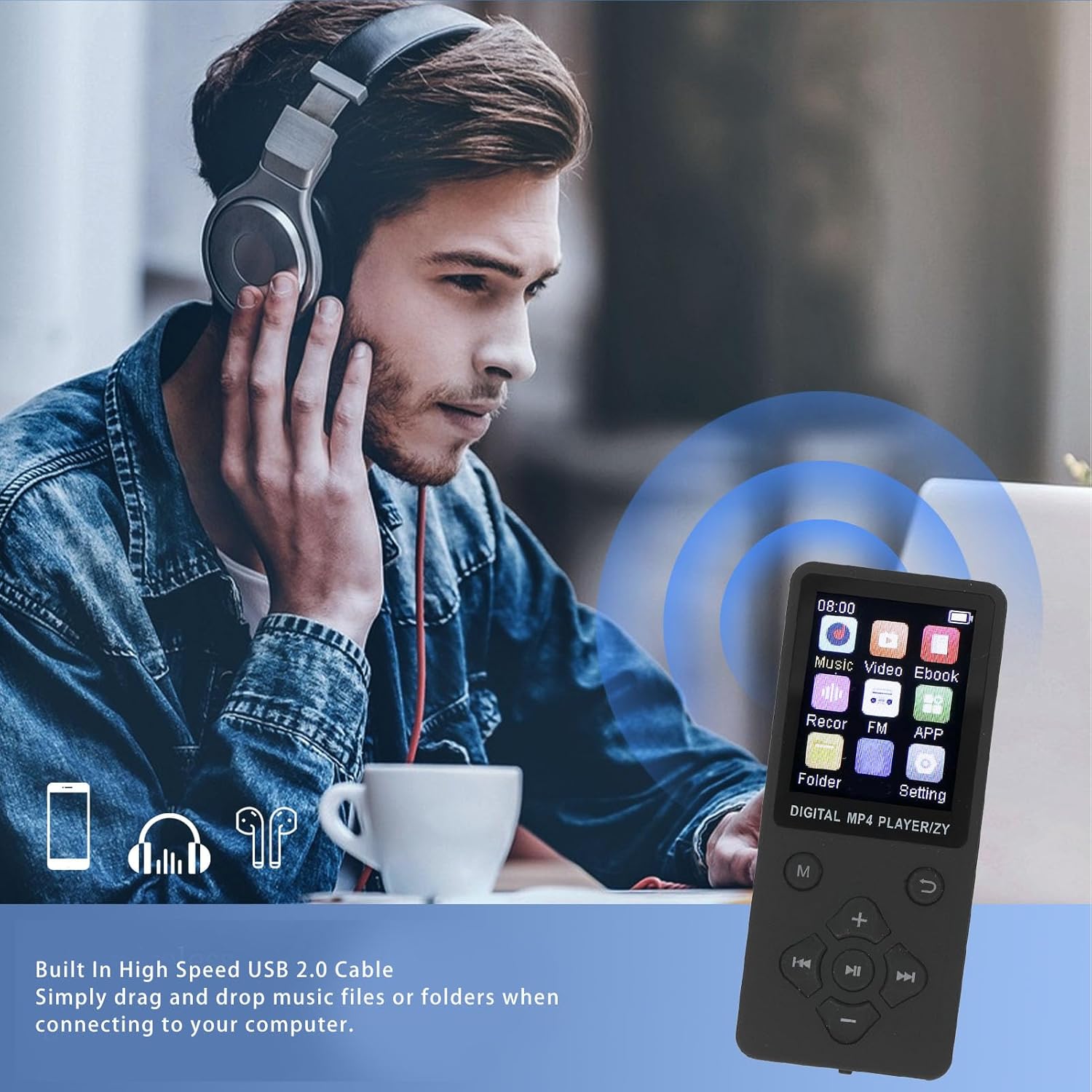
Figure 5: Connecting the MP3 player to a computer for file transferentzia.
Funtzionamendu-argibideak
Menuan nabigatzea
Use the navigation buttons (Up, Down, Left, Right) to move between menu options and the center button to select. The 'Return' button takes you back to the previous screen.
1. Musika erreproduzitzea
The player supports MP3, WMA, OGG, APE, FLAC, and WAV audio formats.
- Menu nagusian, hautatu "Musika".
- Navigate to your desired song or folder.
- Press the center button to play.
- Use the navigation buttons for playback control: Left/Right for previous/next track, Center for play/pause.
- Adjust volume using the dedicated + and - buttons.
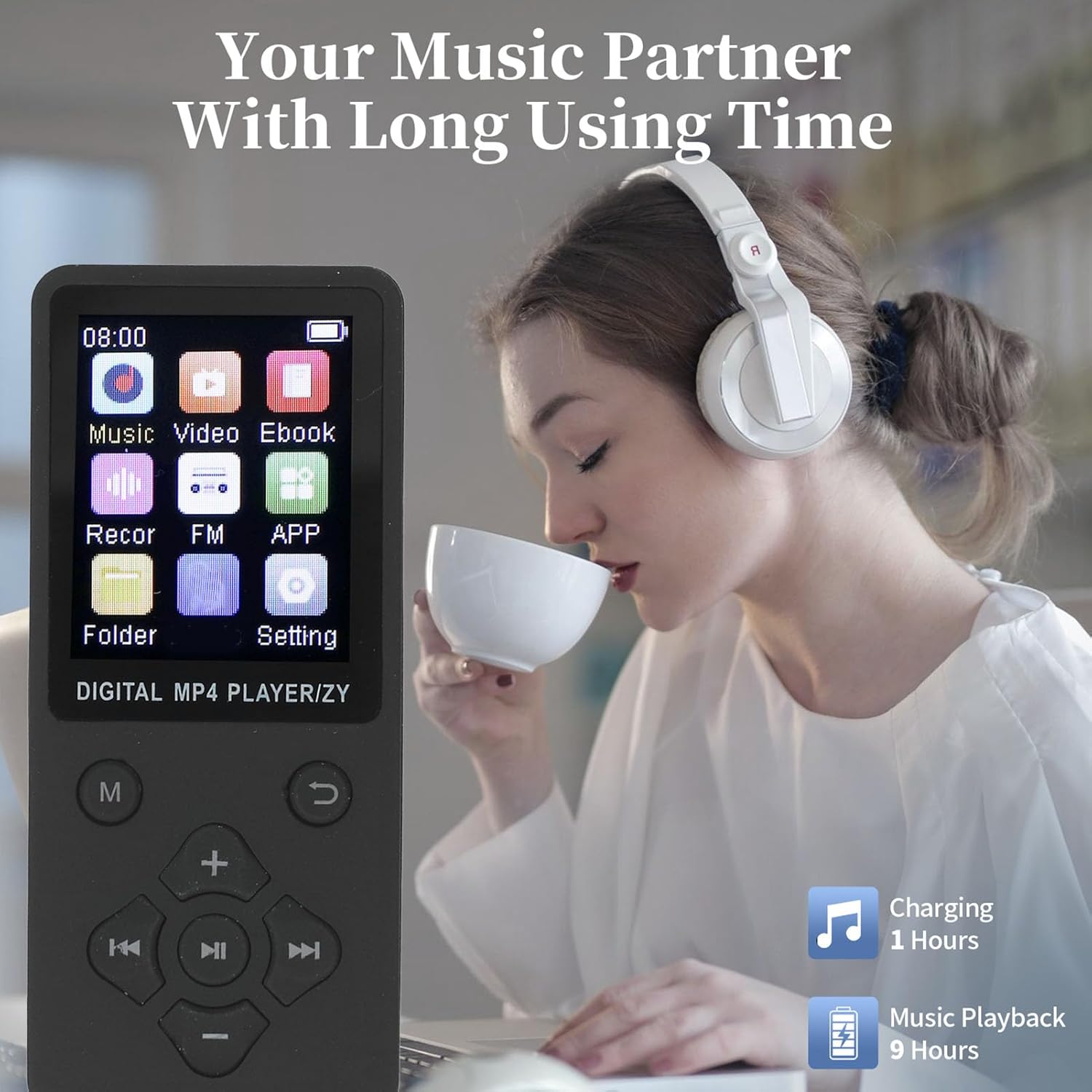
Figure 6: Enjoying music playback with the MP3 player.
2. Bideo erreprodukzioa
The player supports AMV video format. Videos must be converted to AMV format for playback.
- Menu nagusian, hautatu "Bideoa".
- Aukeratu bideoa file jolastu nahi duzu.
- Press the center button to start playback.
3. Liburu elektronikoaren irakurketa
Erreproduzitzaileak TXT formatuko liburu elektronikoak onartzen ditu.
- From the main menu, select "Ebook".
- Select the TXT file irakurri nahi duzu.
- Use the navigation buttons to scroll through the text.
4. Irudia Viewing
The player supports JPG, JPEG, BMP, and GIF image formats.
- From the main menu, select "Image".
- Browse and select the image file.
- The image will be displayed on the screen.
5. Ahots-grabaketa
The device includes a built-in voice recorder.
- From the main menu, select "Recor" (Recorder).
- Follow the on-screen prompts to start, pause, save, and play back recordings.
6. Bluetooth konexioa
Pair your MP3 player with Bluetooth headphones or speakers for wireless audio.
- Ziurtatu zure Bluetooth entzungailuak/bozgorailuak parekatze moduan daudela.
- From the main menu, navigate to "Settings" and then "Bluetooth".
- Turn Bluetooth "On" and select "Bilatu devices".
- Select your device from the list to pair. Once paired, audio will be routed wirelessly.
Mantentzea
- Garbiketa: Erabili zapi leun eta lehor bat gailua garbitzeko. Ez erabili garbitzaile likidorik edo aerosolik.
- Biltegiratzea: Gorde gailua leku fresko eta lehor batean, eguzki-argitik eta muturreko tenperaturetatik babestuta.
- Bateria zaintzea: Bateriaren iraupena luzatzeko, saihestu bateria maiz erabat deskargatzea. Kargatu gailua aldizka, denbora luzez erabiltzen ez baduzu ere.
- Saihestu tantoak: Babestu gailua kolpe fisikoetatik eta erorketetatik.
Arazoak konpontzea
| Arazoa | Irtenbide posiblea |
|---|---|
| Gailua ez da pizten. | Ensure the battery is charged. Connect to a power source and try again. Check the ON/OFF switch is in the "ON" position. |
| Ezin da ordenagailura konektatu. | Ensure the USB cable is securely connected to both the device and the computer. Try a different USB port or cable. Restart both the device and the computer. |
| Ez da soinurik entzuten entzungailuetatik. | Check if earphones are properly plugged in. Increase the volume. Test with different earphones. If using Bluetooth, ensure it's paired correctly and volume is up. |
| Files not appearing on device. | Ziurtatu files were transferred successfully and are in supported formats. Disconnect and reconnect the device to the computer. |
| Pantaila izoztuta dago edo ez du erantzuten. | Try sliding the ON/OFF switch to "OFF" and then "ON" again to restart the device. |
Zehaztapenak
Detailed technical specifications for the ASHATA 64GB MP3 Player:
- Eredua: ASHATA75itzng219-11
- Materiala: ABS
- Bateria mota: Built-in 180mAh Lithium Ion Battery
- Barne memoria: 64 GB integratua
- Memoria zabalgarria: Supports up to 128GB (via memory card, not included)
- Pantailaren tamaina: 1.8 hazbeteko koloretako pantaila
- Bluetooth bertsioa: 5.0
- Onartutako musika formatuak: MP3, WMA, OGG, APE, FLAC, WAV
- Onartutako bideo formatuak: AMV (Converted Video)
- Onartutako irudi formatuak: JPG, JPEG, BMP, GIF
- E-book Format Supported: TXT
- Kargatzeko denbora: 1-2 ordu gutxi gorabehera
- Musika erreproduzitzeko denbora: Gehienez 10 ordu (gutxi gorabehera)
- Neurriak: 17 x 8 x 2 cm gutxi gorabehera
- Pisua: Gutxi gorabehera 75 gramo

Figure 7: The 1.8-inch color screen and memory capacity.
Bermea eta Laguntza
For warranty information and technical support, please refer to the documentation provided with your purchase or visit the official ASHATA webgunea. Gorde erosketa-agiria erosketaren frogagiri gisa berme-erreklamazioetarako.