
Segurtasun-argibide garrantzitsuak
Please read these instructions carefully before using your Bonsaii paper shredder. Keep this manual for future reference.
- Keep fingers, loose clothing, hair, and ties away from the paper entry slot to prevent injury.
- Keep children and pets away from the shredder at all times.
- Do not shred metal objects, wet paper, adhesive labels, or any materials not specified for shredding.
- Unplug the shredder from the power outlet when not in use or before cleaning.
- Do not operate the shredder with a damaged power cord or plug. Contact customer support for assistance.
- Hustu zaborrontzia aldizka papera trabatzea saihesteko eta errendimendu optimoa bermatzeko.
- Do not place the shredder near heat sources or in direct sunlight.
Produktua amaituview
The Bonsaii C292-A is a compact cross-cut paper shredder designed for home and small office use, offering P-4 security for confidential documents.
Osagai nagusiak
- Shredder Head: Contains the cutting mechanism, control panel, and motor.
- Zaborrontzia: Collects shredded material.
- Kontrol-panela: Includes the power switch and LED indicators.

Irudia: Goian view of the Bonsaii C292-A shredder head, showing the paper entry slot, control switch (FWD, AUTO, OFF, REV), and LED indicators for power and overheat status.
Konfigurazioa
- Desegin: Kontu handiz atera txikitzeko makina bere paketetik.
- Position the Waste Bin: Jarri zaborrontzia gainazal lau eta egonkor batean.
- Attach Shredder Head: Carefully place the shredder head onto the waste bin, ensuring it is securely seated.
- Konektatu energia: Entxufatu korronte-kablea entxufe elektriko estandar batean.
Funtzionamendu-argibideak
Control Switch Settings
- Aurrera (Aurrera): Manual shredding.
- AUTOMATIKOA (Automatiko): Papera sartzen denean, txikitzeko makina automatikoki abiarazten da.
- DESaktibatuta: Txikitzailea itzaltzen du.
- Atzerakada (Atzeranzko): Reverses the shredding direction to clear paper jams.
Shredding Documents
- Ensure the shredder is plugged in and the waste bin is properly seated.
- Set the control switch to the 'AUTO' position. The power indicator (blue LED) will illuminate.
- Insert up to 6 sheets of A5 paper (or 3 sheets of folded A4 paper) into the paper entry slot. The shredder will automatically start and stop once shredding is complete.
- For credit cards, staples, or small paper clips, insert them into the designated entry slot (if separate) or the main paper entry.

Image: The Bonsaii C292-A shredder demonstrating its capability to shred paper (A5 and folded A4), credit cards, staples, and paper clips.

Irudia: Xehetasun zehatza view of the Bonsaii C292-A shredder's paper entry, illustrating how A5 documents and folded A4 documents are inserted for shredding.
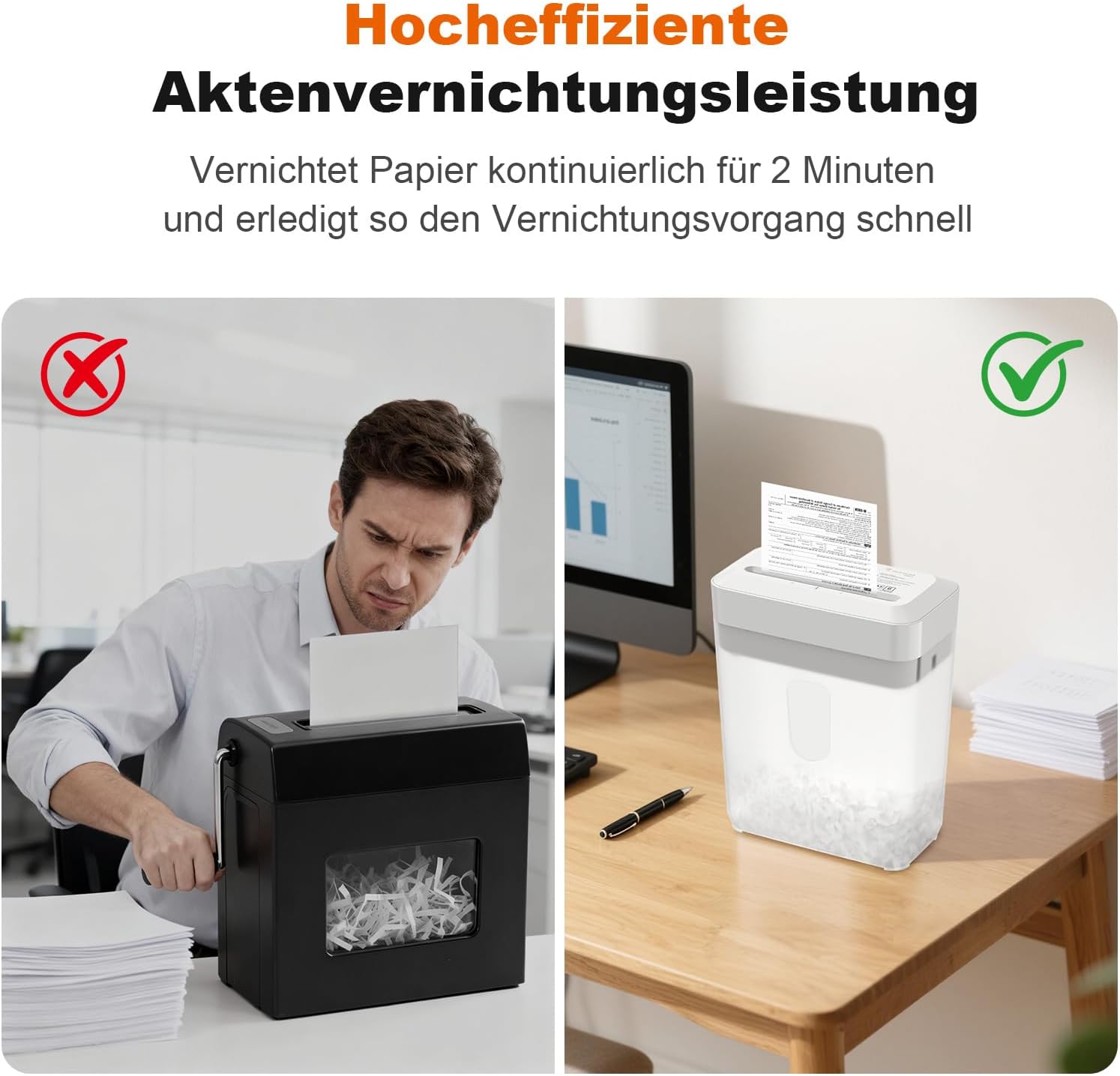
Image: A visual comparison showing the difference between struggling with an inefficient shredder and the smooth, efficient operation of the Bonsaii C292-A shredder.
Gehiegizko berotze babesa
The shredder is equipped with an overheat protection system. It has a continuous run time of approximately 2 minutes. If used continuously for too long, the shredder will automatically shut off to prevent damage. The overheat indicator (red LED) will illuminate.
If the shredder overheats, allow it to cool down for at least 30 minutes before resuming operation. This helps prolong the life of the motor.

Image: Diagram illustrating the shredder's 2-minute run time and 30-minute cool-down period, along with the blue LED for power on and red LED for overheat warning.
Mantentzea
Zabor-ontzia hustea
Regularly empty the 6-liter waste bin to maintain optimal shredding performance and prevent paper jams. Unplug the shredder before removing the head to empty the bin.

Image: The Bonsaii C292-A shredder highlighting its compact size and 6-liter waste bin capacity, shown with a stack of paper and a 2-minute run time indicator.
Garbiketa
- Deskonektatu beti txikitzeko makina garbitu aurretik.
- Garbitu txikitzeko makinaren kanpoaldea oihal leun eta lehor batekin. Ez erabili garbitzaile edo disolbatzaile urratzailerik.
- Do not spray any liquids directly into the shredder.
Arazoak konpontzea
| Arazoa | Kausa posiblea | Irtenbidea |
|---|---|---|
| Txikitzeko makina ez da pizten. | Not plugged in; power switch in 'OFF' position; shredder head not properly seated. | Ensure power cord is securely plugged in; set switch to 'AUTO' or 'FWD'; re-seat shredder head on waste bin. |
| Paper ataskatzea. | Too many sheets inserted; paper inserted incorrectly. | Switch to 'REV' to clear the jam. If unsuccessful, unplug, carefully remove shredder head, and manually clear paper. Do not force. |
| Overheat indicator (red LED) is on. | Continuous operation exceeded run time. | Turn off the shredder and allow it to cool down for at least 30 minutes. |
| Shredder runs but does not shred. | Zaborrontzia beteta dago. | Hustu zabor-ontzia. |
Zehaztapenak
- Eredua: C292-A
- Birrindu mota: Zehar-ebakia
- Segurtasun maila: P-4
- Xaflaren edukiera: 6 sheets (A5), 3 sheets (folded A4)
- Birrinduaren tamaina: 5 x 15 mm
- Hondakinen edukiera: 6 litro
- Etengabeko exekuzio-denbora: 2 minutu
- Hozteko denbora: 30 minutu
- Neurriak (L x W x H): 23.7 cm x 13.3 cm x 29.7 cm
- Pisua: 1.7 kg
- Eragiketa modua: Automatikoa eta Eskuzkoa
- Apurketak: Paper, Credit Cards, Staples, Paper Clips
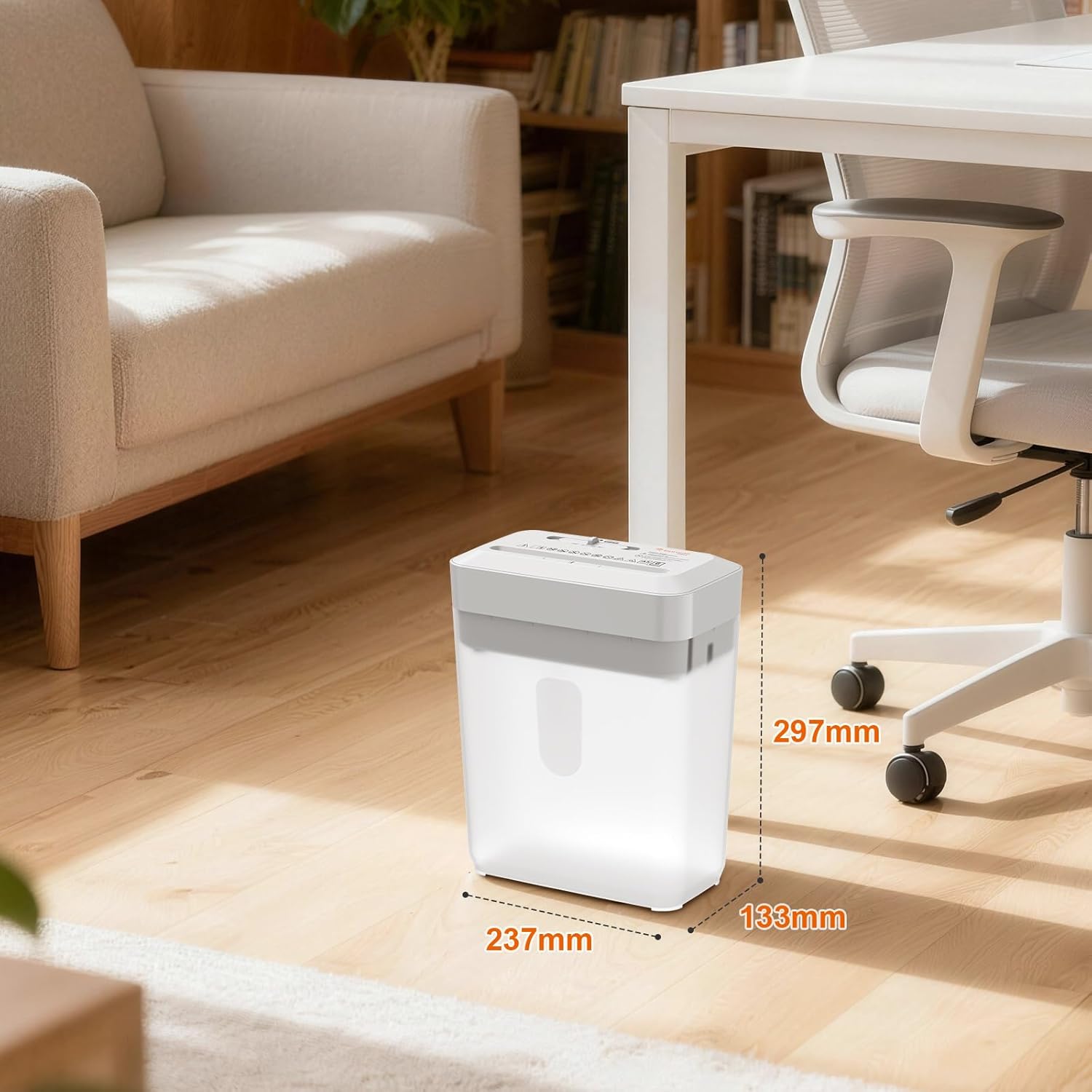
Image: The Bonsaii C292-A shredder displaying its compact dimensions (237mm x 133mm x 297mm) and illustrating the 5x15mm cross-cut shred size for both paper and credit cards, indicating high security.
Bermea eta Laguntza
Bonsaii products are manufactured to high-quality standards. For warranty information or technical support, please contact Bonsaii customer service.
Bezeroarentzako arretarako posta elektronikoa: customer-care@bonsaii.com
Please have your model number (C292-A) and purchase details ready when contacting support.