Sarrera
This manual provides instructions for the proper use and maintenance of your Generic BD-1 Wireless Active Noise Cancelling Headphones. Please read this manual thoroughly before using the product to ensure optimal performance and longevity.
Kutxan dagoena
- 1 x Generic BD-1 Wireless Active Noise Cancelling Headphones
- 1 x USB kargatzeko kablea
- 1 x 3.5 mm-ko audio-kablea
- 1 x Erabiltzailearen eskuliburua
Produktuaren Ezaugarriak
- Zarata ezabatze aktiboa: Reduces ambient noise for an immersive audio experience.
- Mikrofono integratua: Esku libreko dei garbiak ahalbidetzen ditu.
- Jolasaldi luzatua: Gehienez 30 orduko audio erreprodukzioa karga bakar batekin.
- Konexio bikoitzeko modua: Supports both wireless (Bluetooth) and wired (3.5mm audio cable) connections.
- Diseinu erosoa: Features an adjustable headband and soft memory protein ear cups for extended wear.
- Diseinu tolesgarria: Biltegiratze trinkoa eta eramangarritasuna ahalbidetzen ditu.
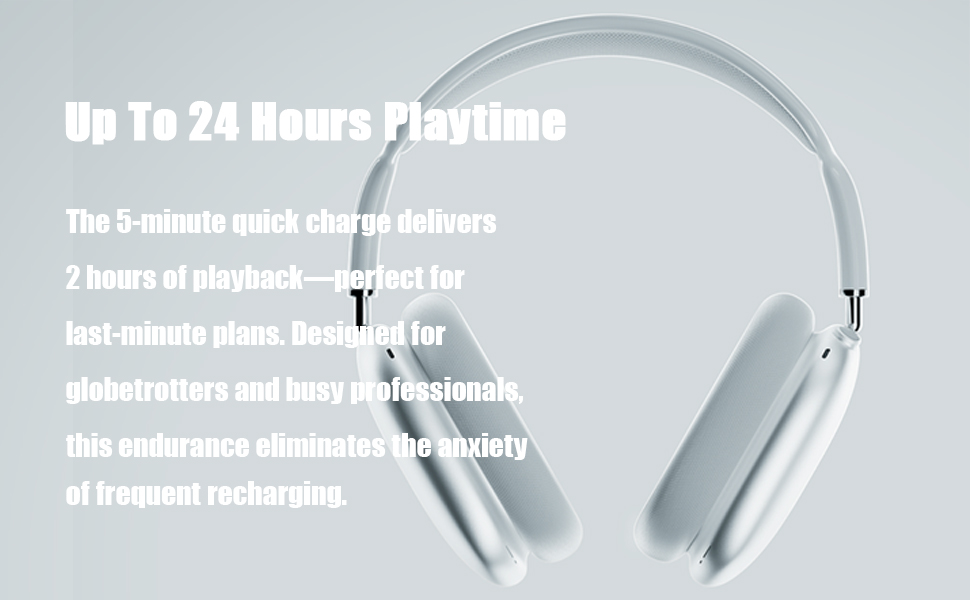
Image: High-fidelity audio capabilities of the headphones.

Irudia: Xehetasun handikoa view of the adjustable headband, multi-angle rotation, memory protein cushion, and breathable mesh for comfort.
Konfigurazioa
1. Entzungailuak kargatzea
- Konektatu emandako USB kargatzeko kablea entzungailuen kargatzeko atakara.
- Connect the other end of the USB cable to a compatible USB power source (e.g., computer, wall adapter).
- Adierazle-argiak kargatze-egoera erakutsiko du. Karga oso batek normalean 1.5 ordu inguru behar ditu.
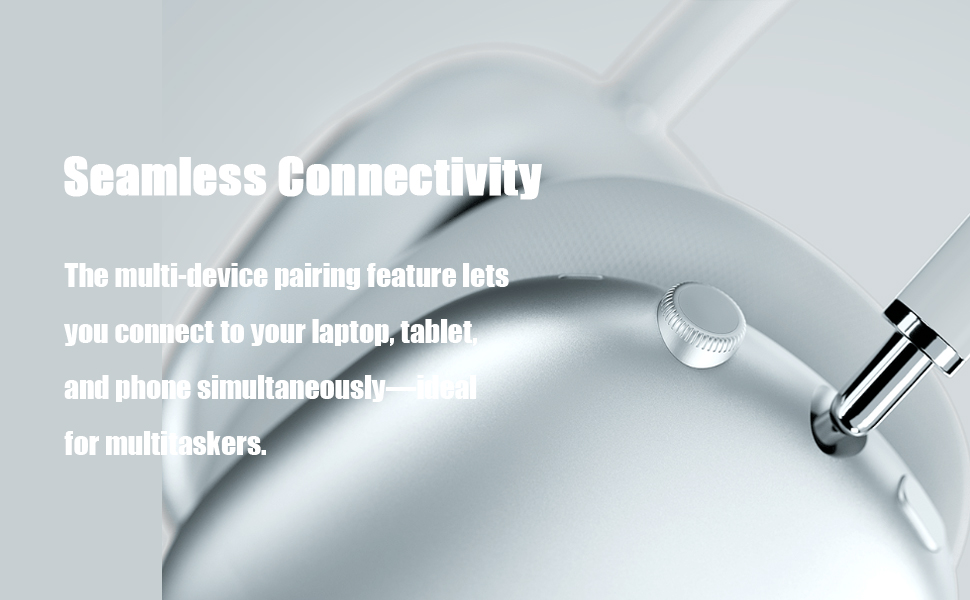
Image: Headphones illustrating extended playtime after charging.
2. Bluetooth parekatzea
- Ziurtatu entzungailuak kargatuta daudela.
- Press and hold the Power button on the headphones for 3 seconds to turn them on. The indicator light will flash, indicating pairing mode.
- Zure gailuan (telefono adimenduna, tableta, ordenagailua), gaitu Bluetooth eta bilatu eskuragarri dauden gailuak.
- Select "Generic BD-1" (or similar name) from the list of found devices to connect.
- Behin konektatuta, ahots-abisu batek parekatzea behar bezala egin dela baieztatuko du.

Image: Headphones demonstrating seamless connectivity across multiple devices.
Funtzionamendu-argibideak
Kontrolak amaitu diraview

Image: Easy operation buttons and their functions.
- Piztu/Itzali: Eduki sakatuta pizteko botoia 3 segundoz.
- Bolumen kontrola: Biratu bolumen-kontrola erlojuaren noranzkoan bolumena handitzeko, erlojuaren norantzan bolumena jaisteko.
- Erreproduzitu/Pausatu: Egin klik behin kontrol-botoian.
- Hurrengo abestia: Egin klik bikoitza kontrol-botoian.
- Aurreko abestia: Triple-click the control button.
- Erantzun/Ezin egin deia: Click the control button once during an incoming call or active call.
- Deia baztertu: Double-click the control button during an incoming call.
Zarata aktiboaren baliogabetzea (ANC)
The headphones feature hybrid active noise cancellation technology designed to detect and block a wide range of low and medium frequency noises, enhancing your listening experience. This feature operates automatically to provide a quieter environment.
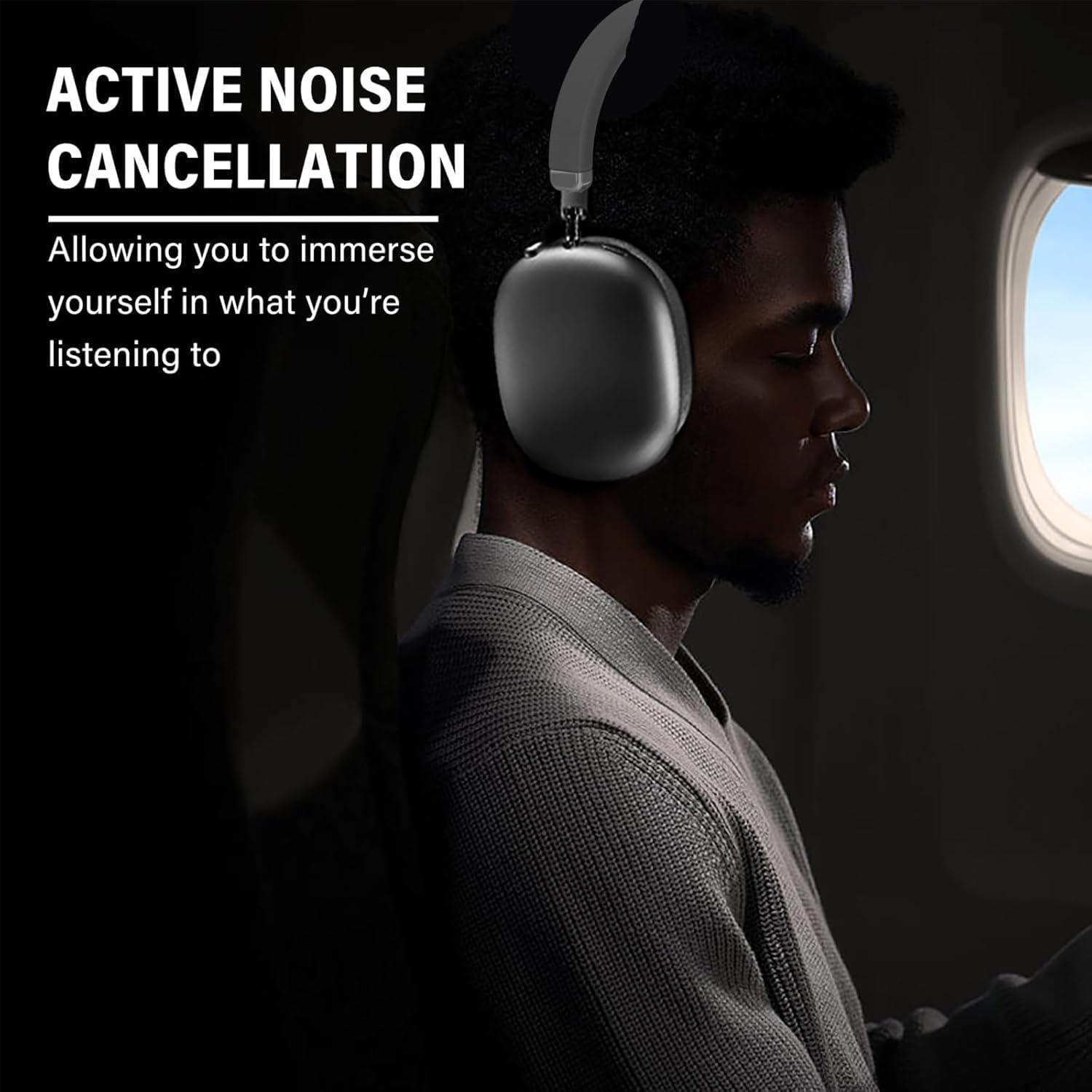
Image: Active Noise Cancellation in use, providing an immersive experience.
Esku libreko deiak
The integrated microphone allows for clear hands-free communication. Use the control button to manage calls as described above.

Image: Headphones facilitating crystal clear calls with a built-in microphone.
Mantentzea
Garbiketa
- Garbitu entzungailuak zapi leun eta lehor batekin.
- Ez erabili garbitzaile edo disolbatzaile urratzailerik.
- Saihestu entzungailuak gehiegizko hezetasunean jartzea.
Biltegiratzea
When not in use, fold the headphones for compact storage. Store them in a cool, dry place away from direct sunlight and extreme temperatures.
Image: Foldable design for convenient storage and portability.
Arazoak konpontzea
- Potentziarik gabe: Ziurtatu entzungailuak guztiz kargatuta daudela.
- Ezin da parekatu: Ziurtatu Bluetooth gaituta dagoela zure gailuan eta entzungailuak parekatze moduan daudela. Saiatu bi gailuak berrabiarazten.
- Soinurik ez: Check the volume levels on both the headphones and your connected device. Ensure the headphones are properly paired. If using the 3.5mm audio cable, ensure it is securely connected.
- Soinu kalitate eskasa: Hurbildu konektatutako gailura interferentziak murrizteko. Ziurtatu ez dagoela oztoporik entzungailuen eta gailuaren artean.
Zehaztapenak
| Ezaugarri | Xehetasuna |
|---|---|
| Ereduaren izena | BD-1 |
| Zarata Kontrola | Zarata Deuseztatze Aktiboa |
| Konektibitate Teknologia | Haririk gabekoa (Bluetooth 5.0) |
| Bluetooth barrutia | Gehienez 10 metro (33 oin) |
| Aurikularretarako Jack | 3.5 mm Jack |
| Bateriaren iraupena | Gehienez 30 ordu |
| Kargatzeko Denbora | Gutxi gorabehera. 1.5 ordu |
| Materiala | Plastic, Thermoplastic Elastomer (TPE) |
| Elementuaren pisua | 6.1 ontza (0.38 lb) |
| Uraren Erresistentzia Maila | Ez Urarekiko Erresistentea |
| Kontrol mota | Media Control, Touch, Wireless |
Bermea eta Laguntza
Your Generic BD-1 Wireless Active Noise Cancelling Headphones come with a 12-month warranty from the date of purchase. Additionally, a 30-day free return policy is available.
For support or warranty claims, please contact the seller, SDWEGHAW, through your purchase platform.
Produktuaren erakustaldi bideoa
Video: A demonstration of the headphones, including unboxing, physical features, and Bluetooth pairing process.


