
1. Sarrera
Welcome to the TABWEE T80 Tablet user manual. This guide provides comprehensive instructions to help you get the most out of your new Android 15 tablet. The T80 is designed for a seamless and powerful user experience, featuring advanced AI capabilities, a vibrant display, and robust performance for both work and entertainment.
Ezaugarri nagusiak:
- Android 15 sistema eragilea: Experience the latest features and security enhancements.
- Gemini AI 2.0: Enhanced AI for smarter interactions and controls.
- 10.5 hazbeteko HD+ IPS pantaila: Enjoy clear and vibrant visuals with a wide viewangelua.
- Errendimendu indartsua: Equipped with a 2.0GHz CPU, 12GB RAM, and 64GB ROM (expandable up to 2TB via TF card).
- Iraupen luzeko bateria: 6000mAh mega battery for extended use.
- Konektibitate aurreratua: Supports 5G WiFi and Bluetooth 5.0.
- 5MP Google Lens Camera: For clear photos and smart scene recognition.

Figure 1.1: The TABWEE T80 Tablet, showcasinbere diseinu dotorea eta pantaila g.
2. Konfigurazioa
2.1 Kutxatik ateratzea eta hasierako kargatzea
Carefully remove your TABWEE T80 Tablet from its packaging. Before first use, it is recommended to fully charge the device using the provided USB-C cable and power adapter. The charging port is located on the side of the tablet.
2.2 Piztea eta hasierako konfigurazioa
- Press and hold the Power button (located on the side) until the TABWEE logo appears on the screen.
- Jarraitu pantailan agertzen diren argibideei zure hizkuntza hautatzeko, Wi-Fi sare batera konektatzeko eta zure Google kontua konfiguratzeko.
- Review eta onartu baldintzak eta zehaztapenak konfigurazio prozesua osatzeko.

2.1. irudia: Gehiegizko batview of the TABWEE T80's core specifications and features.
3. Tabletaren erabilera
3.1 Android 15 Ezaugarriak
Your TABWEE T80 runs on the latest Android 15, offering enhanced user experience, improved privacy, and smart features.
Split-Screen Combo
The split-screen feature allows you to run two applications simultaneously, enhancing multitasking and productivity. You can easily save app pairs for quick access.
Video 3.1: Demonstrates how to use the split-screen feature to run two applications concurrently on the TABWEE T80 tablet.
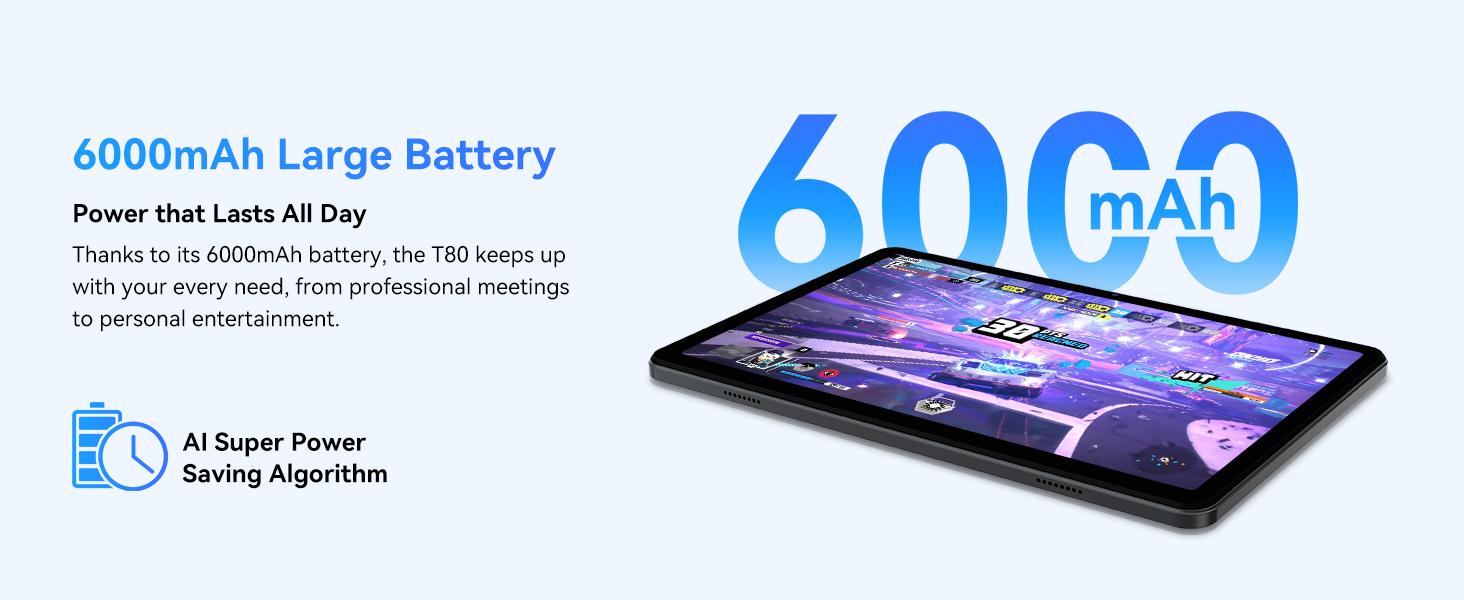
Figure 3.1: Visual representation of the split-screen functionality, allowing for efficient multitasking.
Desktop Customization and Widgets
Personalize your home screen by dragging and grouping apps freely. You can also add various widgets, such as the calendar, to quickly access information and tasks.
Video 3.2: Illustrates how to customize your desktop layout and add widgets for quick access to information.
Pribatutasun Kontrola
Android 15 offers enhanced privacy controls, allowing you to manage app permissions and secure your data. You can block app access to sensitive information like location.
Video 3.3: Shows how to manage privacy settings and control app access to your data on the TABWEE T80.
Parental Controls with Gemini AI
Utilize Gemini AI parental controls to manage screen time, automatically lock games during homework, and ensure a safe digital environment for children.
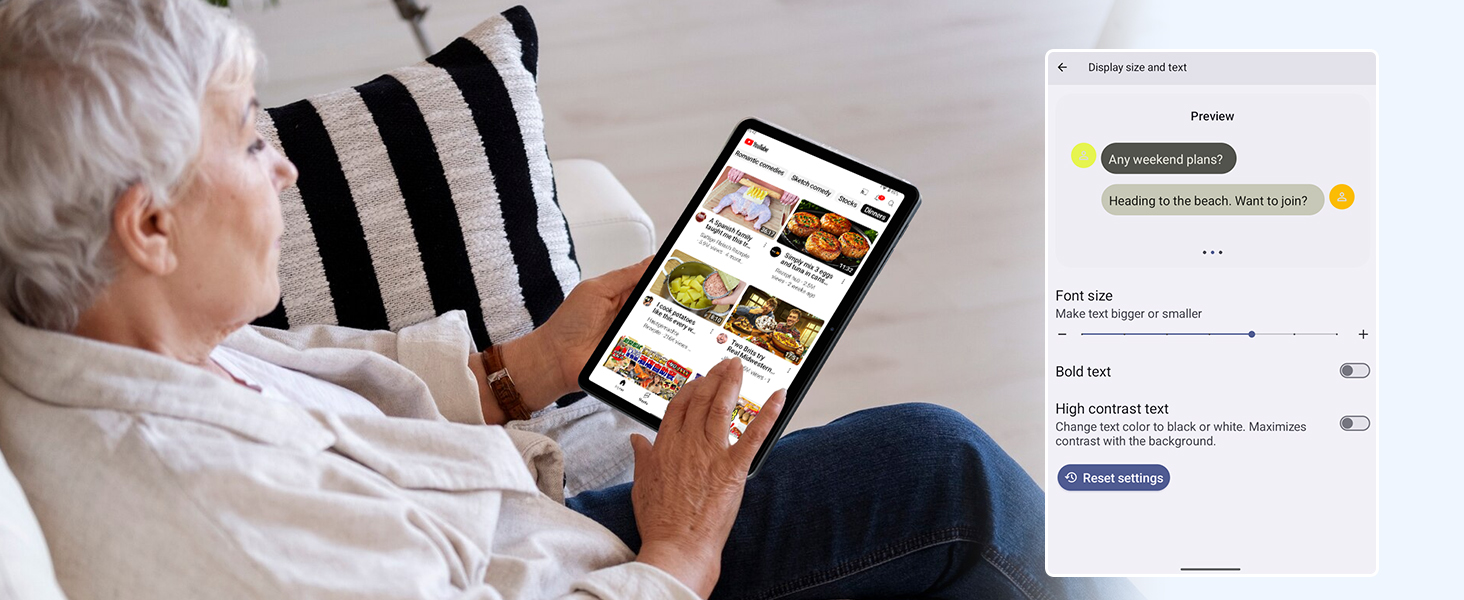
Figure 3.2: The Digital Wellbeing interface, demonstrating options for managing screen time and parental controls.
3.2 Pantaila eta irudiak
The 10.5-inch HD+ IPS display provides a clear and immersive viewing experience with a 1280x800 resolution and 84.9% screen-to-body ratio. It's ideal for watching videos, browsing, and reading.

Figure 3.3: Details of the tablet's display, highlighting its resolution and IPS full view gaitasunak.
3.3 Errendimendua eta biltegiratzea
Powered by a 2.0GHz Unisoc T310 CPU and 12GB RAM (expandable via software memory extension), the T80 ensures smooth multitasking and responsive performance. With 64GB of internal storage and support for up to 2TB TF cards, you have ampzure guztientzat lekua files, aplikazioak eta multimedia.

Figure 3.4: Illustration of the tablet's processing power and memory, enabling seamless multitasking and productivity.
3.4 Bateriaren iraupena
The 6000mAh mega battery provides extended usage, offering up to 8 hours of video streaming, 6 hours of gaming, or 30 hours of music playback. Smart power-saving modes further optimize battery longevity.

Figure 3.5: Depiction of the tablet's large 6000mAh battery and its USB-C charging port.
3.5 Kameraren Ezaugarriak
The T80 features a 5MP Google Lens enabled camera. This allows for scene recognition, night mode optimization, and useful functions like text translation and object identification.

3.6. irudia: Gehiegizko batview of the tablet's camera and its integration with Google Lens for smart functions.
4. Mantentzea
To ensure the longevity and optimal performance of your TABWEE T80 Tablet, follow these maintenance guidelines:
- Garbiketa: Erabili zapi leun eta lihorik gabeko bat pantaila eta gorputza garbitzeko. Saihestu material urratzaileak edo produktu kimiko gogorrak.
- Software eguneraketak: Egiaztatu eta instalatu sistemaren eguneraketak aldizka, azken funtzioez, segurtasun-adabakiez eta errendimendu-hobekuntzez baliatzeko.
- Bateria zaintzea: Saihestu muturreko tenperaturak. Ez utzi bateria maiz erabat agortzen. Epe luzerako biltegiratzerako, kargatu bateria % 50 ingurura arte.
- Biltegiratze kudeaketa: Aldian-aldian garbitu beharrezkoak ez direnak filebiltegiratze espazioa askatzeko eta funtzionamendu egokia mantentzeko aplikazioak eta aplikazioak.
- Babesa: Kontuan hartu babes-zorro bat eta pantaila-babesle bat erabiltzea erorketen eta marraduren aurka babesteko.
5. Arazoak
This section addresses common issues you might encounter with your TABWEE T80 Tablet.
5.1 Gailua ez da pizten
- Egiaztatu bateria: Ensure the tablet has sufficient charge. Connect it to the charger and wait a few minutes before attempting to power on again.
- Berrezarri gogorra: Press and hold the Power button for about 10-15 seconds until the device restarts.
5.2 Wi-Fi konexio arazoak
- Wi-Fia aktibatu/desaktibatu: Itzali Wi-Fia eta piztu berriro Ezarpenak atalean.
- Berrabiarazi bideratzailea: Itzali eta piztu Wi-Fi bideratzailea.
- Ahaztu Sarea: Joan Wi-Fi ezarpenetara, ahaztu sare problematikoa eta konektatu berriro.
5.3 Errendimendu motela
- Itxi atzeko planoko aplikazioak: Itxi atzeko planoan exekutatzen diren erabili gabeko aplikazioak.
- Garbitu cachea: Regularly clear app caches in Settings > Apps.
- Biltegiratzea askatu: Ezabatu behar ez den files or uninstall rarely used apps.
- Berrabiarazi gailua: A simple restart can often resolve temporary slowdowns.
5.4 Aplikazioak kraskatzen edo erantzuten ez dutenak
- Behartutako Geldialdia Aplikazioa: Go to Settings > Apps, select the problematic app, and choose 'Force Stop'.
- Clear App Data/Cache: In the same app settings, try clearing its cache or data (note: clearing data will reset the app to its default state).
- Berriro instalatu aplikazioa: Desinstalatu eta berriro instalatu aplikazioa Google Play Store-tik.
6. Zehaztapenak
Detailed technical specifications for the TABWEE T80 Tablet:
| Ezaugarri | Zehaztapena |
|---|---|
| Marka | TABWEE |
| Ereduaren izena | T80 |
| Sistema eragilea | Android 15 |
| Pantailaren tamaina | 10.5 hazbete |
| Pantailaren bereizmena | 1280 x 800 pixel |
| Prozesadorea | 2.0 GHz Unisoc T310 |
| Memoria (RAM) | 12 GB |
| Biltegiratzea (ROM) | 64 GB |
| Biltegiratze zabalgarria | Gehienez 2 TB TF txartela |
| Atzekoa Webkamaren ebazpena | 5 MP |
| Haririk gabeko mota | 802.11n, 802.11b, 802.11a, 802.11ac, 802.11g (5G WiFi) |
| Bluetootha | Bluetooth 5.0 |
| Bateria Edukiera | 6000mAh |
| Bateriaren batez besteko iraupena | 550 ordu (itxaroteko moduan) |
| Elementuaren pisua | 1.1 kilo (gutxi gorabehera 523 gramo) |
| Produktuaren neurriak | 9.5 x 6.4 x 0.3 hazbete |
| Kolorea | Grisa |
7. Bermea eta Laguntza
TABWEE is committed to quality and customer satisfaction. Your T80 Tablet comes with comprehensive support to ensure a worry-free experience.
7.1 Bermearen informazioa
The TABWEE T80 Tablet is backed by a 2 urteko bermea. This warranty covers manufacturing defects and ensures free repair service for eligible issues. Please retain your proof of purchase for warranty claims.
7.2 Bezeroarentzako laguntza
For any questions, technical assistance, or warranty claims, please contact our dedicated support team:
- 24/7 Online Call Support: Available for immediate assistance.
- Bizi osorako laguntza teknikoa: Expert help whenever you need it.
- Hassle-Free Service: Assistance available through the TABWEE Official Flagship Store.
We are dedicated to providing prompt and effective solutions to all your inquiries.

Figure 7.1: Our dedicated customer support team is ready to assist you.


