
1. Sarrera
Thank you for choosing LUDOS Zenith USB-C Wired Earbuds. These earbuds are designed to provide a high-quality audio experience with reliable wired connectivity. This manual will guide you through the setup, operation, and maintenance of your new earbuds to ensure optimal performance and longevity.

Image 1: LUDOS Zenith USB-C Wired Earbuds (White)
2. Produktua amaitu daview
The LUDOS Zenith earbuds feature a minimalist design combined with robust performance. Key components include:
- Premium Speakers: Engineered for balanced sound and deep bass.
- HD Mikrofonoa: Integrated for clear call quality.
- USB-C konektorea: Ensures wide compatibility with modern devices.
- Extra Resistant Cord: Durable 4.2ft (1.2m) tangle-free cable.
- Kontrol lineala: Single button for call management and media playback.

Image 2: Key Features of LUDOS Zenith Earbuds
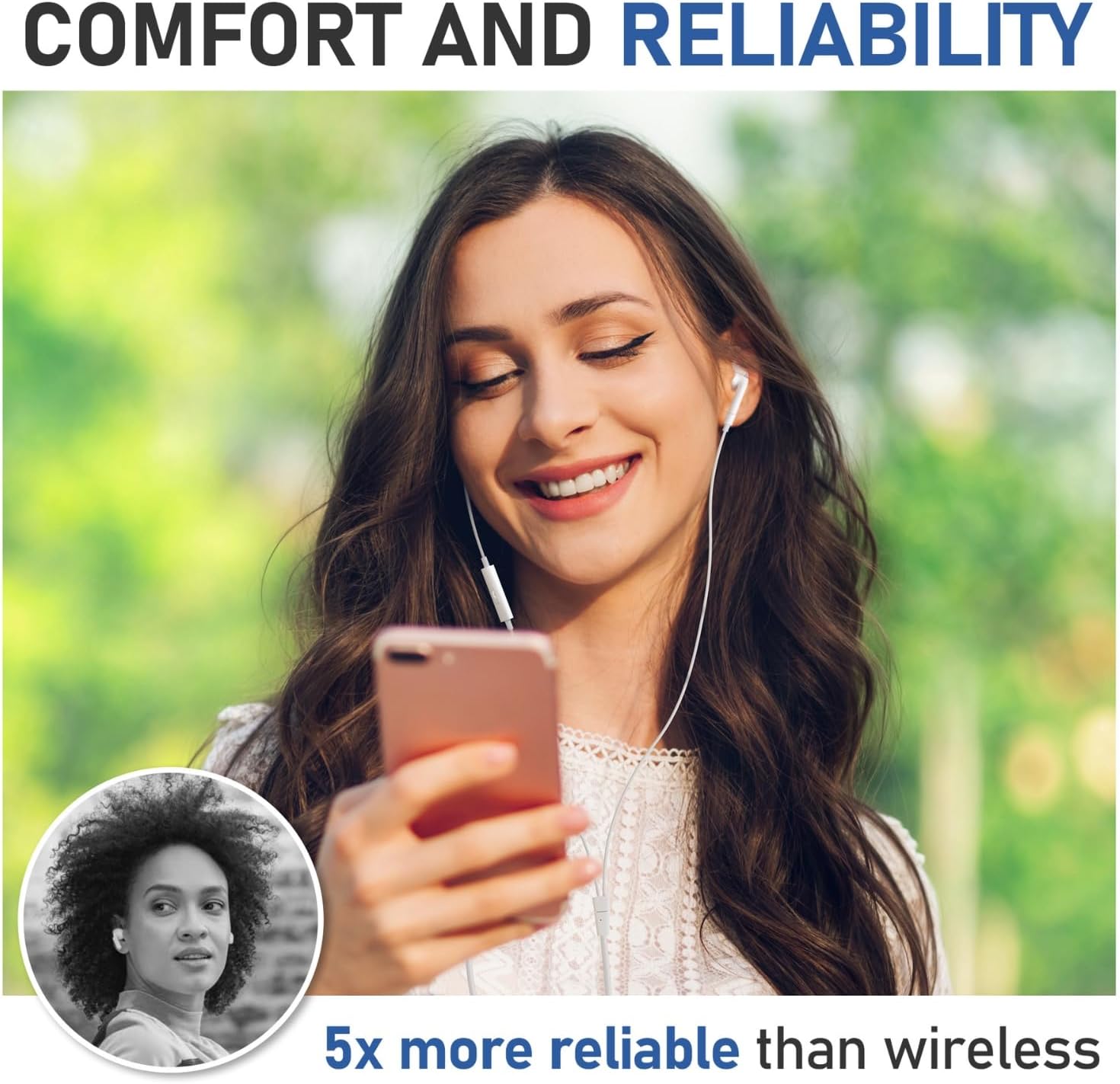
Image 3: Premium Sound Quality with Enhanced Bass
3. Konfigurazioa
Using your LUDOS Zenith earbuds is straightforward:
- Identifikatu USB-C ataka: Locate the USB-C port on your compatible device (smartphone, tablet, laptop, etc.).
- Konektatu entzungailuak: Insert the USB-C connector of the earbuds firmly into your device's USB-C port.
- Wear the Earbuds: Place the left earbud (marked 'L') in your left ear and the right earbud (marked 'R') in your right ear for optimal sound experience.

Image 4: Ergonomic Design for Comfort
4. Funtzionamendu-argibideak
The in-line remote provides convenient control over your audio and calls:
- Erreproduzitu/Pausatu musika: Sakatu erdiko botoia behin.
- Deia erantzun/amaitu: Press the central button once during an incoming call to answer, and once during a call to end.
- Hurrengo ibilbidea: Press the central button twice quickly.
- Aurreko pista: Press the central button three times quickly.
- Bolumen kontrola: Volume is controlled directly from your connected device. The in-line remote does not feature volume buttons.

Image 5: In-line Remote Control Functions
5. Bateragarritasuna
LUDOS Zenith USB-C Earbuds are widely compatible with devices featuring a USB Type-C port and lacking a 3.5mm audio jack. This includes, but is not limited to:
- Apple gailuak: iPhone 15 series (Pro, Pro Max, Plus), iPhone 16 series (Pro, Pro Max, Plus, Air, 16e), iPhone 17 series (Pro, Pro Max, Air), iPad Pro (2018, 2020, 2021, 2022, 2023, 2024, 2025), iPad Air (4th, 5th, 6th Gen), iPad Mini (6th, 7th Gen), iPad 10th Gen, MacBook Pro (13", 14", 16" with M1/M2 chip), MacBook Air (M1/M2), iMac/Air.
- Samsung Galaxy gailuak: S20, S20+, S20 Ultra, S20 FE, S21, S21+, S21 Ultra, S21 FE, S22, S22+, S22 Ultra, S23, S23+, S23 Ultra, S23 FE, S24, S24+, S24 Ultra, S24 FE, S25, S25+, S25 Ultra, S25 FE, S25 Edge, Z Flip (2, 3, 4, 5, 6), Z Fold (2, 3, 4, 5, 6), Note 10, Note 10+, Note 20, Note 20 Ultra, A16, A17, A26, A33, A34, A35, A36, A53, A54, A55, A56 5G, Tab S5e, S6, S7, S8, S8+, S8 Ultra 5G, S9, S9+, S9 Ultra, S10+ Ultra, A9+.
- Google Pixel gailuak: Pixel 2, 2 XL, 3, 3 XL, 4, 4a, 5, 6, 6 Pro, 6a, 7, 7a, 8, 8a, 8 Pro, 9, 9 Pro, 9 Pro XL, 10, 10 Pro, 10 Pro XL, Pixel Fold, Pixel Tablet.
- OnePlus Devices: 6T, 7, 7 Pro, 7T, 7T Pro, 8, 8 Pro, 8T, Nord, 9, 9 Pro, 10 Pro, 10T, 11, 12, 12R, 13, 13R.
- Motorola gailuak: Edge (2021), Razr 2 5G (2nd Gen 2021).
- Ordenagailu eramangarriak: DELL XPS 13, MICROSOFT Surface Laptop 4.
- Other USB-C Audio Devices: Nintendo Switch, Google Nexus 5X, Nexus 6P, LG V60, V50, V40, LG G8, Nokia 8.3, Nokia 7.2, HTC U12, Sony Xperia XZ2, Huawei P30 Pro, Huawei Mate 20 Pro.

Image 6: Extensive Device Compatibility
6. Mantentzea
To ensure the longevity and optimal performance of your LUDOS Zenith earbuds, follow these maintenance guidelines:
- Garbitu aldizka: Gently wipe the earbuds and cable with a soft, dry cloth to remove dust and debris. Avoid using harsh chemicals or abrasive materials.
- Behar bezala gordetzea: When not in use, store the earbuds in a clean, dry place. Avoid tangling the cable by coiling it neatly. The included tin case can be used for storage.
- Saihestu muturreko baldintzak: Do not expose the earbuds to extreme temperatures, humidity, or direct sunlight for extended periods.
- Kontuz maneiatu: Avoid pulling the cable forcefully or bending the connector at sharp angles, as this can damage the internal wiring.
7. Arazoak
If you encounter any issues with your LUDOS Zenith earbuds, try the following solutions:
- Soinurik ez:
- Ziurtatu USB-C konektorea guztiz sartuta dagoela gailuan.
- Egiaztatu zure gailuaren bolumen-ezarpenak.
- Test the earbuds with another compatible device to rule out a device-specific issue.
- Ensure your device's audio output is set to the USB-C port if applicable.
- Mikrofonoa ez dabil:
- Ensure the earbuds are securely connected.
- Egiaztatu zure gailuaren mikrofonoaren sarrera-ezarpenak.
- Clean the microphone port on the in-line remote.
- Soinu distortsioa:
- Murriztu zure gailuaren bolumena.
- Ziurtatu audio iturria kalitate onekoa dela.
- Check for any physical damage to the cable or earbuds.
If these steps do not resolve the issue, please refer to the Warranty & Support section.
8. Zehaztapenak
| Ezaugarri | Xehetasuna |
|---|---|
| Ereduaren izena | ZENITH |
| Marka | LUDOS |
| Konektibitate Teknologia | Kableatua |
| Aurikularretarako Jack | USB C mota |
| Zarata Kontrola | Soinu Isolamendua |
| Ezaugarri Berezia | Wired Earbuds with Microphone, Sound Isolator, Call Compatible |
| Kontrol mota | Call Control (Single Button) |
| Kable Ezaugarri | Tangle Free |
| Kablearen luzera | 4.2 oinak (1.2 metro) |
| Materiala | Elastomero Termoplastikoa (TPE) |
| Elementuaren pisua | 0.634 ontza |
| Belarrien Kokatzea | Belarrian |
| Forma-faktorea | Belarrian |
| Inpedantzia | 32 ohmio |
| Dakarten osagaiak | ZENITH Earphones, Cable |
9. Bermea eta laguntza
LUDOS provides a 2 urteko bermea for the Zenith USB-C Wired Earbuds. For any questions, technical assistance, or warranty claims, please contact LUDOS customer support. Our support team is available 24/7 to assist you.
Informazio gehiago lortzeko, bisita dezakezu LUDOS Store on Amazon.