
Sarrera
Thank you for choosing the JBL Tune 520C wired on-ear headphones. This manual provides essential information for setting up, operating, and maintaining your headphones to ensure optimal performance and longevity.

Irudia: Gainetikview of JBL Tune 520C features including Pure Bass Sound, foldable design, tangle-free cable, and remote control.
Kutxan dagoena
- 1 x JBL Tune 520C USB-C entzungailuak
- 1 x Berme/Abisu dokumentua
Ezaugarri nagusiak
- JBL Baxu Puruaren Soinua: Experience clear, powerful audio from 32mm dynamic drivers.
- Wide USB-C Compatibility: Connect to various devices including PCs, mobile phones, gaming devices, tablets, and laptops.
- 3-Button Remote with Microphone: Manage calls, music playback, volume, and EQ presets directly from the cable.
- Comfort Fit and Foldable Design: Padded on-ear design for extended wear and a foldable structure for easy storage.
- Kable laua korapilatzen ez dena: Durable, reinforced USB-C cable designed to prevent tangling.
- Erresoluzio handiko audioa: Enjoy higher quality music at 24-bit/96kHz with the DSP chipset.
Konfigurazioa
Follow these steps to set up your JBL Tune 520C headphones for first use.
Entzungailuak konektatzea
- Locate the USB-C connector on your JBL Tune 520C headphones.
- Insert the USB-C connector into the compatible USB-C port on your audio device (e.g., smartphone, laptop, tablet).
- Ensure the connection is secure. Your device should automatically recognize the headphones.
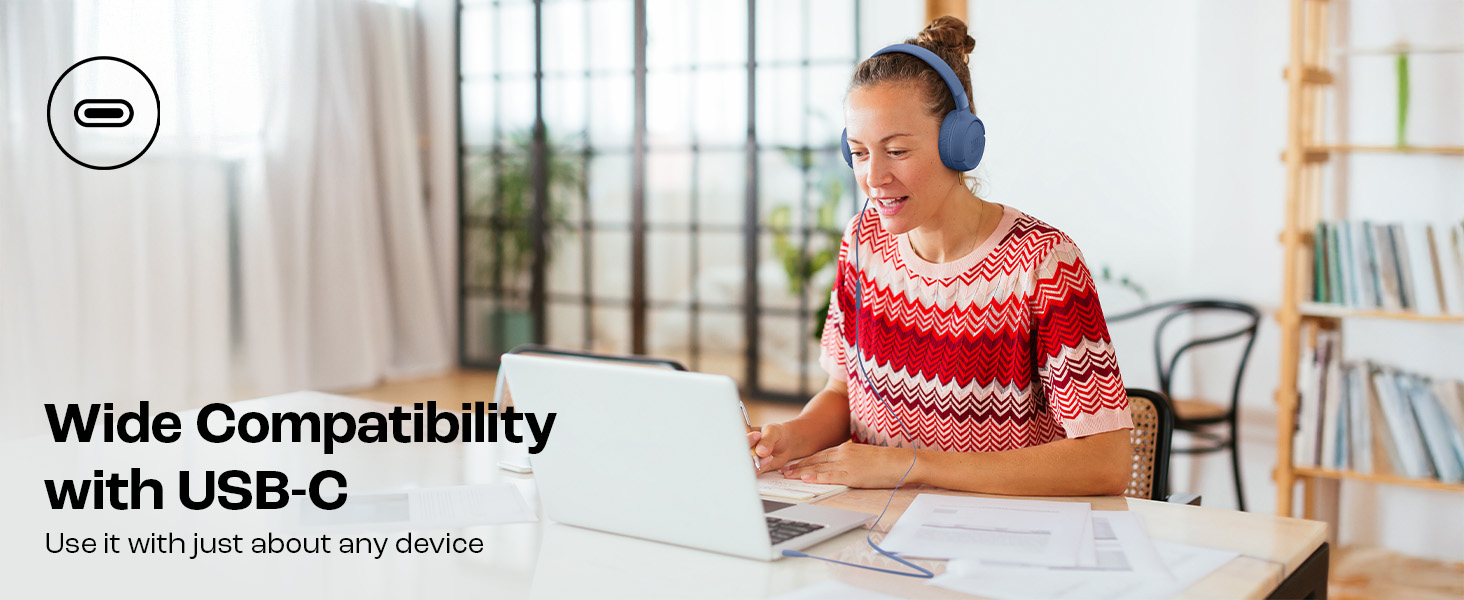
Image: JBL Tune 520C headphones connected to a laptop, demonstrating wide USB-C compatibility.
Erosotasunerako doikuntza
- Gently extend or retract the headband to fit your head comfortably.
- Position the earcups so they rest fully on your ears, creating a seal for optimal sound.
Funtzionamendu-argibideak
Learn how to use the 3-button remote and microphone for various functions.
Using the 3-Button Remote

Irudia: Xehetasun handikoa view of the 3-button remote control on the headphone cable.
- Bolumena igo (+): Press the top button to increase volume.
- Bolumena jaitsi (-): Press the bottom button to decrease volume.
- Play/Pause/Call (Center Button):
- Sakatu behin musika erreproduzitzeko edo eteteko.
- Sakatu behin deia erantzuteko edo amaitzeko.
- Sakatu bi aldiz hurrengo pistara joateko.
- Sakatu hiru aldiz aurreko pistara joateko.
Using EQ Presets
The JBL Tune 520C features selectable EQ presets to customize your listening experience.
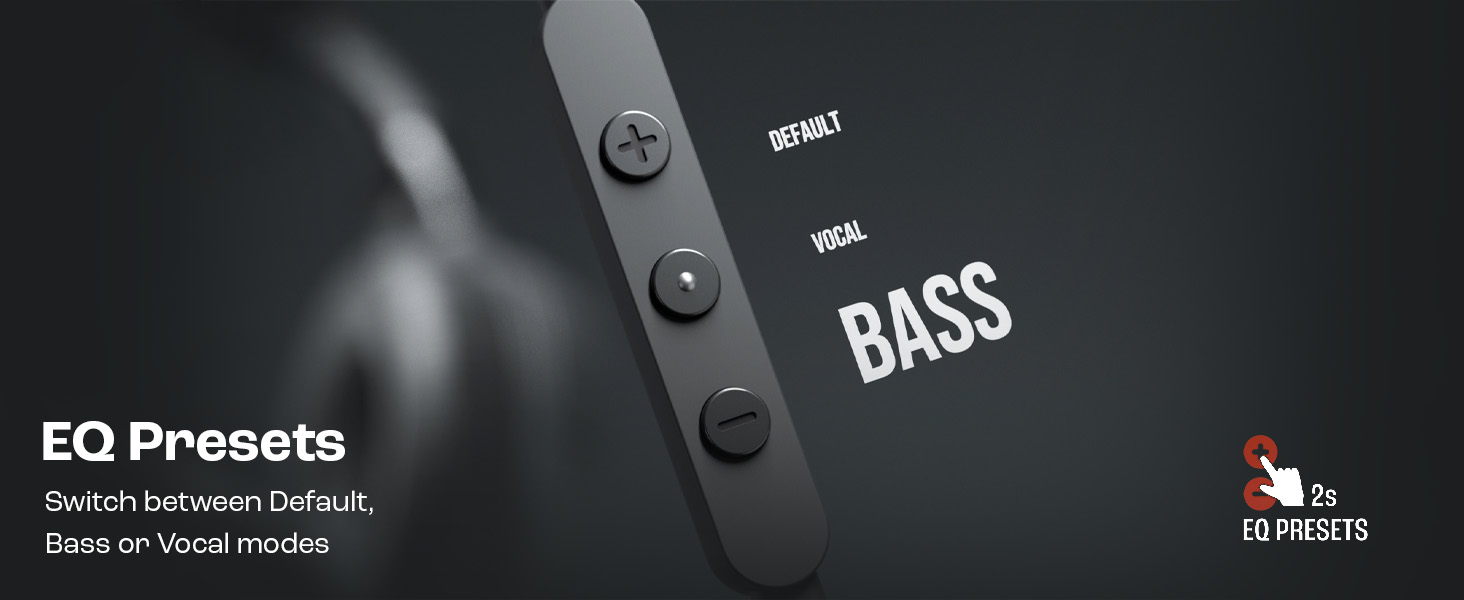
Image: Remote control showing options for Default, Vocal, and Bass EQ presets.
- To switch between EQ presets (Default, Vocal, Bass), press and hold the center button for approximately 2 seconds. The headphones will cycle through the available presets.
Mantentzea
Proper care and maintenance will extend the life of your headphones.
Garbiketa
- Erabili zapi leun eta lehor bat entzungailuak eta buruko zinta garbitzeko.
- Do not use liquid cleaners or abrasive materials, as they may damage the finish or internal components.
- Keep the USB-C connector clean and free of dust or debris.
Biltegiratzea
The JBL Tune 520C headphones feature a foldable design for convenient storage.
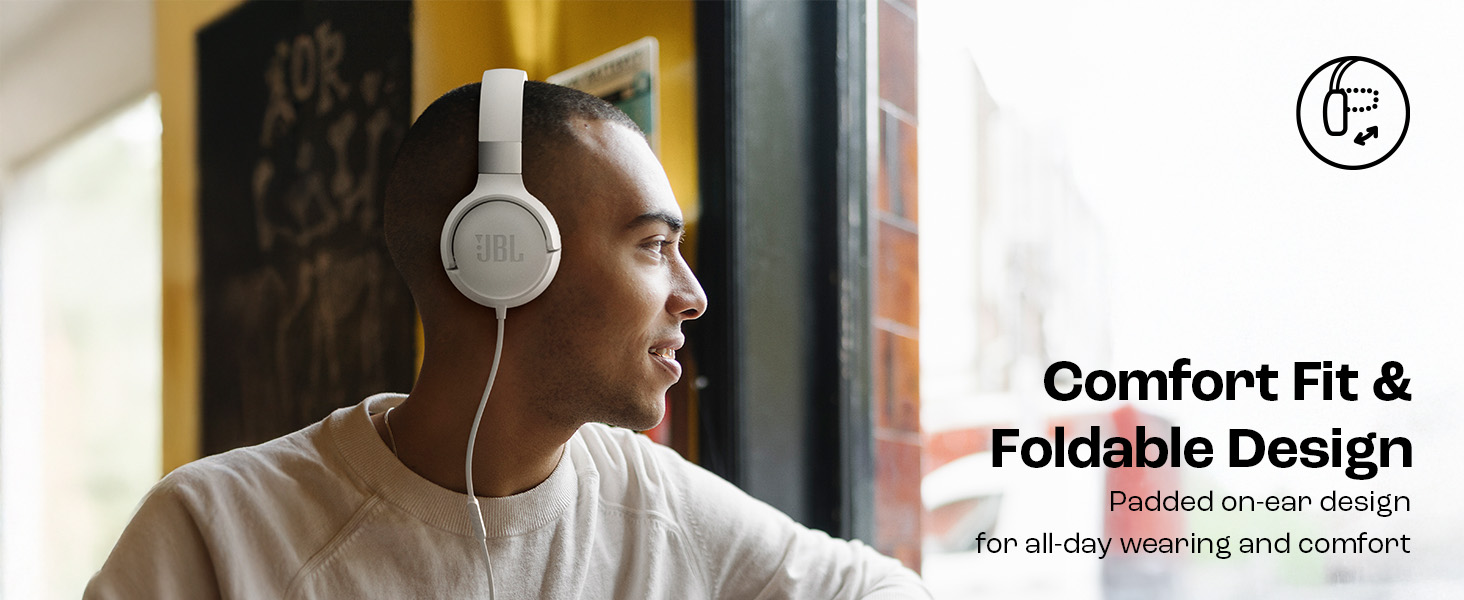
Image: JBL Tune 520C headphones demonstrating comfort fit and foldable design.
- Fold the earcups inward to reduce the headphone's size.
- Gorde entzungailuak leku fresko eta lehor batean, eguzki-argitik eta muturreko tenperaturetatik babestuta.
- Avoid placing heavy objects on the headphones during storage.
Kableen zainketa
The tangle-free flat cable is designed for durability, but proper handling is still recommended.
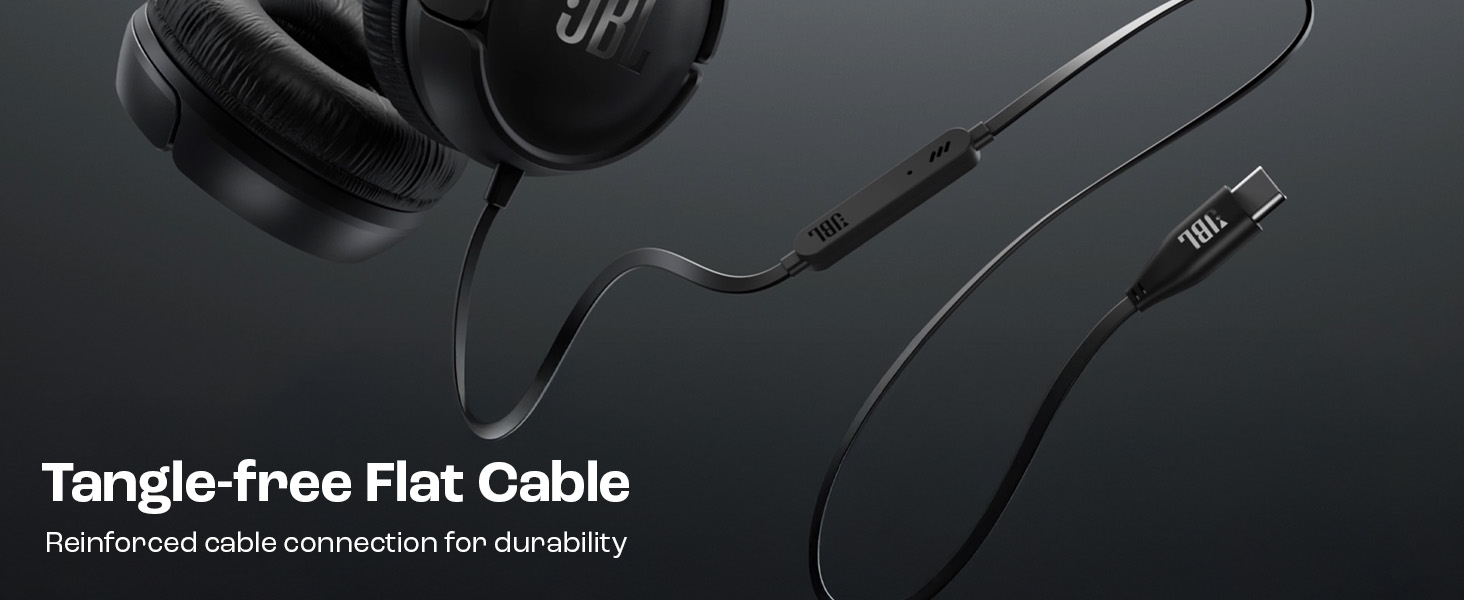
Image: The tangle-free flat USB-C cable of the JBL Tune 520C headphones.
- Saihestu kablea gehiegi bihurritzea edo gehiegi tiratzea.
- When coiling the cable for storage, do so loosely to prevent strain.
Arazoak konpontzea
Entzungailuekin arazoak badituzu, jo ezazu honako arazo eta irtenbide ohikoenei.
| Arazoa | Irtenbidea |
|---|---|
| Entzungailuen soinurik ez |
|
| Mikrofonoa ez dabil |
|
| Soinu-kalitate eskasa |
|
| Urruneko agintearen botoiek ez dute erantzuten |
|
Zehaztapenak
Detailed technical specifications for the JBL Tune 520C headphones.
| Ezaugarri | Xehetasuna |
|---|---|
| Marka | JBL |
| Ereduaren izena | JBL Tune 520C |
| Modelo zenbakia | JBLT520CBLK |
| Belarrien Kokatzea | Belarrian |
| Forma-faktorea | Belarrian |
| Inpedantzia | 32 ohmio |
| Maiztasun Erantzuna | 20 Hz - 20,000 Hz |
| Sentikortasuna | 103 dB |
| Audio kontrolatzaile mota | Gidari dinamikoa |
| Gailu bateragarriak | Tablets, Desktops, Telephones, Gaming Consoles, Cellphones, Laptops |
| Aurikularretarako Jack | USB-C konektua |
| Kontrol-metodoa | Remote (3-button) |
| Elementuaren pisua | 150 gramo |
| Jatorrizko Herrialdea | Txina |
Bermea eta Laguntza
Bermearen informazioa
The JBL Tune 520C headphones come with a 1 urteko bermea provided by the manufacturer from the date of purchase. Please retain your proof of purchase for warranty claims.
Bezeroarentzako Arreta
For technical assistance, warranty claims, or further inquiries, please contact Harman International customer support. Refer to the warranty/warning document included in your product box for specific contact details for your region.
Fabrikatzailearen harremanetarako informazioa:
HARMAN International Industries, Incorporated
8500 Balboa Boulevard, Northridge, CA 91329 AEB
Importer Contact Information (India):
Harman International (India) Pvt Ltd
Salarpuria Sattva Knowledge Court, Office-1, Wing ‘A’ & ‘B’ 3rd floor, Plot No. 9, Phase I, Doddenakkundi Industrial area Bangalore -560048, Karnataka.