
NOVOO NFC1-207C
NOVOO SmartCard Tracker Card (Model NFC1-207C) User Manual
Your guide to setting up and using your NOVOO SmartCard Tracker Card.
1. Produktua amaitu daview
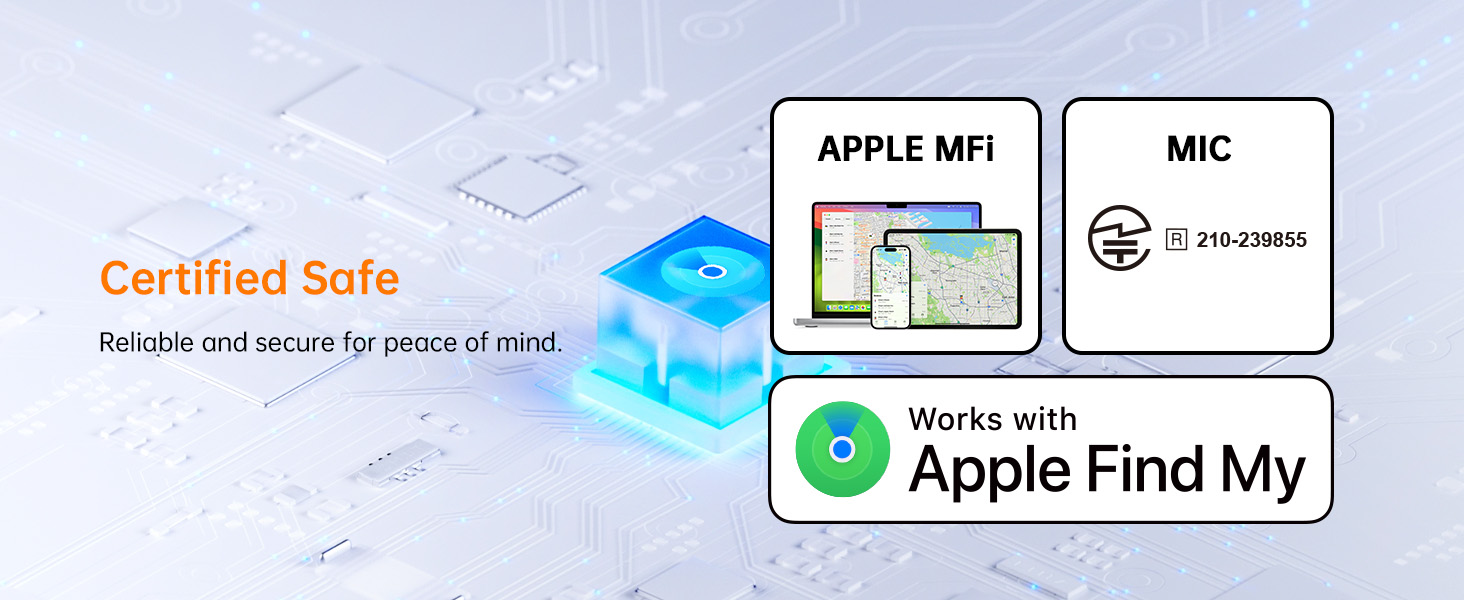
The NOVOO SmartCard Tracker Card is a slim, durable Bluetooth tracker designed for iOS devices, integrating seamlessly with Apple's Find My network. It helps you locate personal items such as wallets, bags, and passports.

This tracker card is 1.6mm thick, comparable to two credit cards, allowing it to fit easily into wallets without adding significant bulk. It is IP68 waterproof and dust resistant, capable of withstanding submersion up to 1.5 meters for 30 minutes.
2. Konfigurazioa eta parekatzea
2.1 Hasierako aktibazioa
To activate the SmartCard, firmly press the center of the power button with your thumb. A tune will play, indicating the device is powered on and entering pairing mode. If it doesn't turn on, press harder.
2.2 Apple Find My-rekin parekatzea
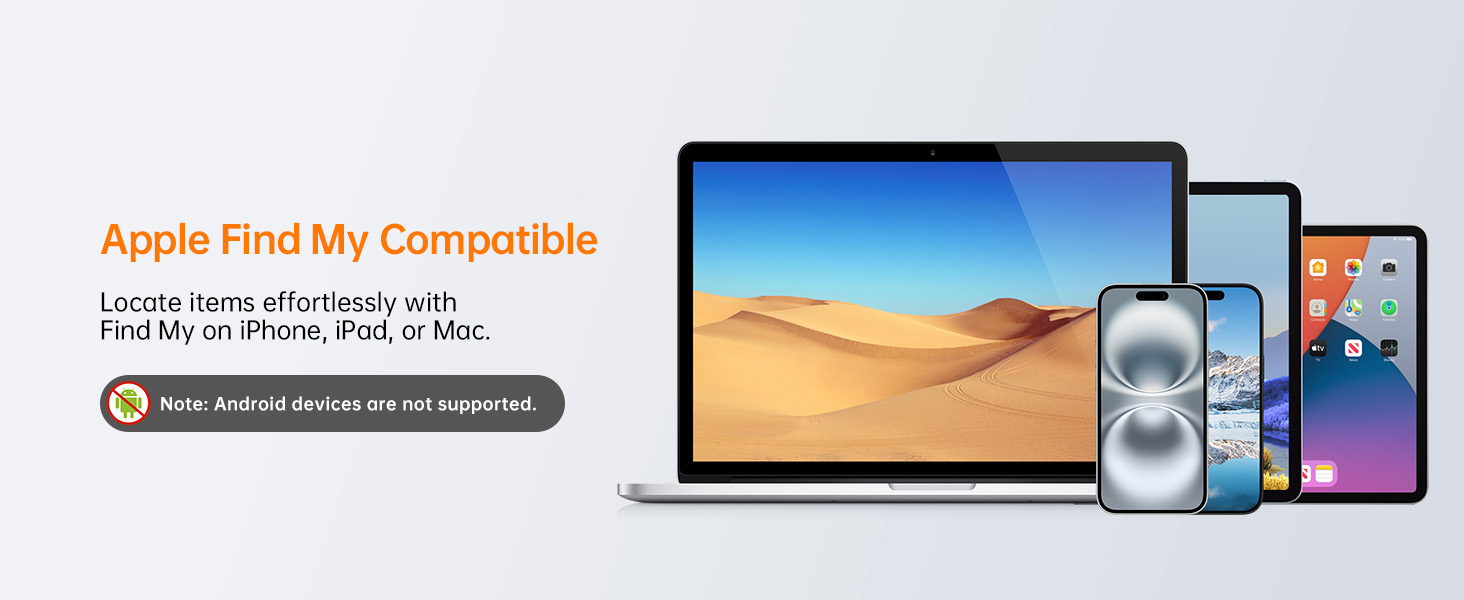
The NOVOO SmartCard Tracker Card is designed exclusively for iOS devices and integrates with the Apple Find My app. Ensure Bluetooth is enabled on your iOS device.
- Open the Apple "Find My" app on your iPhone, iPad, or Mac.
- Navigate to the "Items" tab.
- Tap "Add New Item" and then select "Other Supported Item."
- The app will search for nearby devices. Select "NOVOO Smart Tag" when it appears and tap "Connect."
- Follow the on-screen prompts to name your tracker and complete the setup.

Oharra: Android devices are not supported.

2.3 Gailua berrezartzea
If you need to reset your NOVOO SmartCard, follow these steps:
- Press the button on the card 5 times in quick succession until you hear three "Di-Di-Di" sounds.
- Immediately after the three sounds, press and hold the button for 6 seconds.
- Two "Di-Di" sounds will confirm that the reset was successful.
Video demonstrating the reset process for the NOVOO SmartCard Tracker. This video shows how to press the button 5 times and then hold it for 6 seconds to reset the device.
3. Funtzionamendu-argibideak
3.1 Zure elementuak kokatzea
Behin parekatuta, zure elementuak Apple Find My aplikazioa erabiliz aurki ditzakezu:
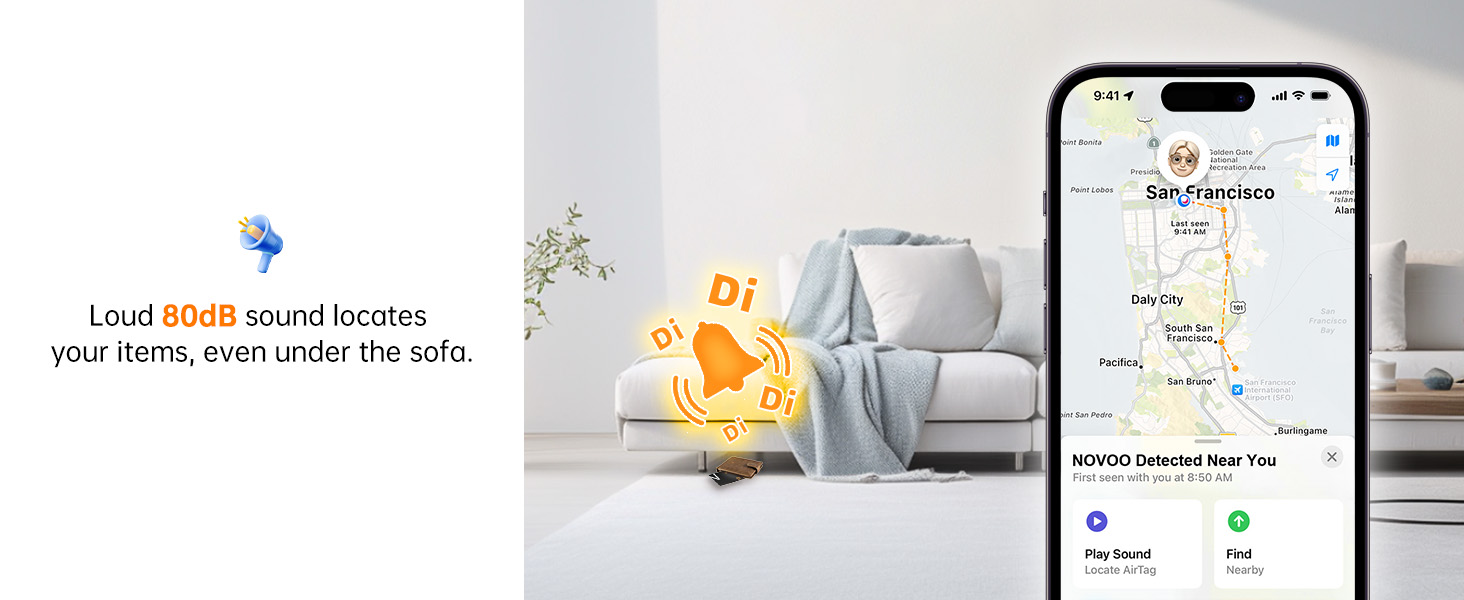
- Erreproduzitu soinua: If your item is within Bluetooth range (up to 131 feet or 40 meters), you can use the Find My app to make the SmartCard play an 80dB sound, helping you pinpoint its exact location.
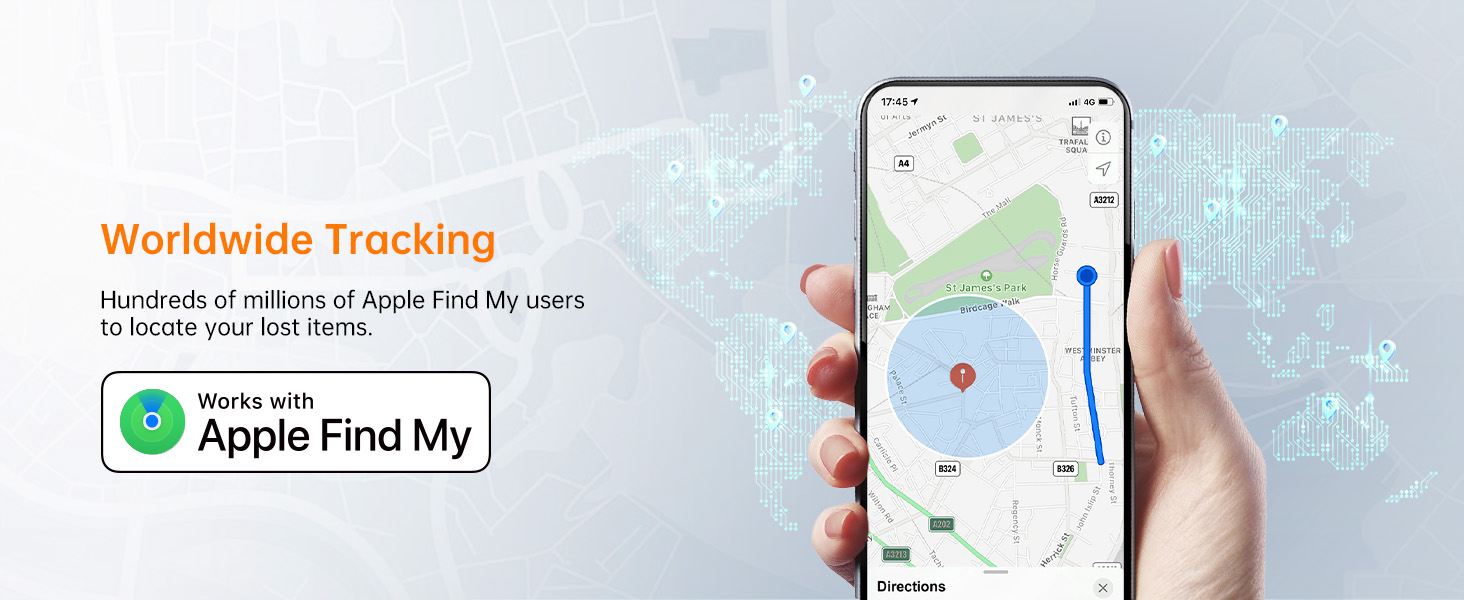
- View Ezagutzen den azken kokapena: If the tracker is out of Bluetooth range, the Find My app will display its last known location on a map, utilizing the vast Apple network.
- Lortu jarraibideak: You can get directions to the last known location of your item directly through the Find My app.
Video demonstrating the NOVOO SmartCard's tracking capabilities, including alerts for items left behind and playing a sound to locate them.
3.2 Smart Reminder Alerts
Your iPhone will notify you if the tracker moves out of Bluetooth range, helping to prevent items from being left behind.

3.3 Lost Mode
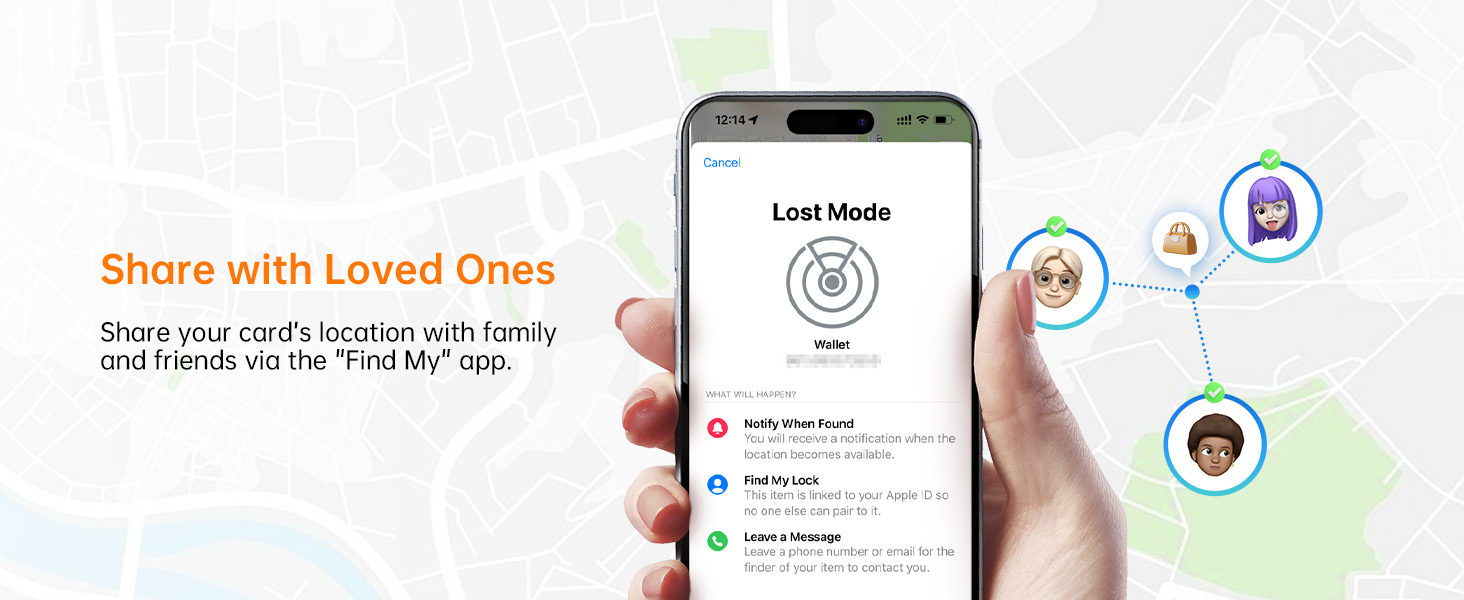
Activate Lost Mode in the Find My app to leverage Apple's network of devices. If your tracker is detected by another Apple device, you will automatically receive a notification of its location. You can also set contact details so a finder can reach you.
3.4 Kokapena partekatzea
You can share your card's location with up to 5 other devices via the Find My app, allowing family or friends to help track important items.

3.5 Pribatutasuna babestea
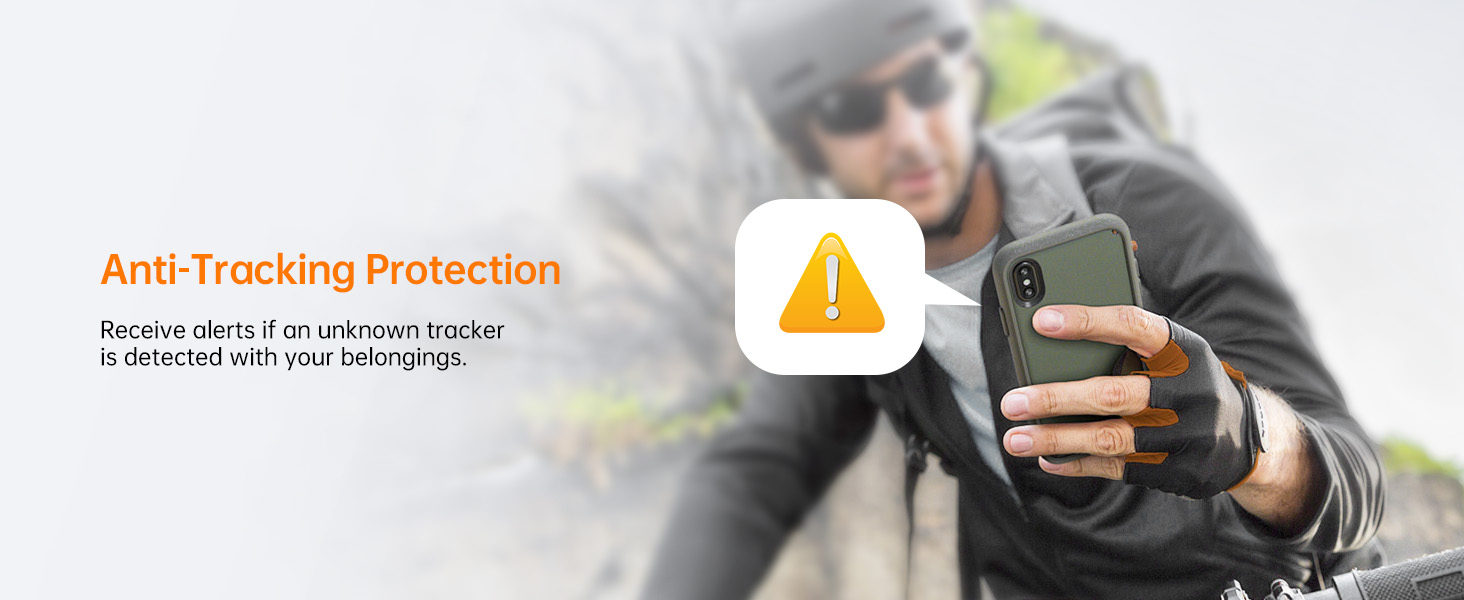
The NOVOO SmartCard uses AES-128 encryption to ensure your data remains secure. You will receive alerts if an unknown tracker is detected following you, enhancing your privacy and safety.


4. Mantentzea
4.1 Bateriaren iraupena
The NOVOO SmartCard features a 540mAh battery designed to last up to 6 years. The battery is non-rechargeable and non-replaceable. You will receive notifications on your smartphone when the battery level drops below 20%.

4.2 Urarekiko eta hautsarekiko erresistentzia
With an IP68 rating, the SmartCard is protected against dust ingress and can withstand immersion in water up to 1.5 meters (4.92 feet) for 30 minutes. This makes it suitable for various environments and accidental exposure to water.
5. Arazoak
- Gailua ez da pizten: If the device does not respond after pressing the power button, ensure you are pressing firmly in the center.
- Gailua ez da konektatzen/aurkitu da: If the SmartCard is not connecting to your iPhone or is not found in the Find My app, try resetting the device as described in Section 2.3. Ensure Bluetooth is enabled on your iOS device and the device is within range.
- Kokapen zehaztugabea: Location accuracy can be affected by environmental factors and obstacles. For precise location, ensure you are in an open area or close to the device.
6. Zehaztapenak
| Ezaugarri | Xehetasuna |
|---|---|
| Marka | NOVOO |
| Modelo zenbakia | NFC1-207C |
| Konektibitate Teknologia | Bluetootha |
| Onartutako aplikazioa | Aurkitu Nire |
| Erabilera espezifikoak | Personal use (wallet, luggage, personal items) |
| Materiala | Plastikoa |
| Bateriaren batez besteko bizitza | 6 urte |
| Gailu bateragarriak | iOS device Only |
| Bateria Edukiera | 540 milioiamp Orduak |
| Elementuaren neurriak | 3.37 x 0.07 x 2.13 hazbete |
| Elementuaren pisua | 12.82 gramo |
| Itxituraren Materiala | Plastikoa |
7. Bermea eta Laguntza
7.1 Bermearen informazioa
The NOVOO SmartCard Tracker Card comes with a 2-year limited warranty. Please retain your proof of purchase for warranty claims.
7.2 Bezeroarentzako laguntza
For further assistance, technical support, or warranty inquiries, please contact NOVOO customer service through the official NOVOO webgunea edo zure dendariaren laguntza-kanalak.
Ask a question about this manual
Ask about setup, troubleshooting, compatibility, parts, safety, or missing instructions. Manuals+ will review the question and use this page’s manual context to help answer it.