
Sarrera
Thank you for choosing the TCL 65Q6C 65-inch 4K QD-Mini LED Google TV. This manual provides essential information for the safe and efficient use of your television. Please read it thoroughly before operating the device and retain it for future reference.
Ezaugarri nagusiak
- QD-Mini LED Teknologia: Enhances color accuracy and contrast, improving overall display quality. Precise dimming reaches 512 zones, with over a billion shades of perfect vivid colors.
- High Brightness HDR: Enjoy unparalleled brightness with high HDR technology, offering deep contrast and stunning highlights for an immersive viewing experience. See every detail come to life with amazing clarity and vibrant colors.
- QLED pantaila: Features 93% DCI-P3 color gamut coverage, providing unparalleled color for stunning and vibrant visuals and enhanced color accuracy.
- 144Hz-ko freskatze-tasa natiboa: Experience ultra-smooth motion with a native 144Hz refresh rate, ideal for gaming and fast-paced scenes.
- Onkyo 2.1 Hi-Fi Audio System: Delivers rich and immersive sound for a complete home entertainment experience.

1. irudia: Aurrealdea view of the TCL 65Q6C 65-inch 4K QD-Mini LED Google TV.

Figure 2: Illustrates the advantages of QD-Mini LED technology over ordinary LED TVs, highlighting improvements in color, brightness, and contrast.

3. irudia: Gehiegizko batview of the key technologies and design elements integrated into the TCL 65Q6C TV.
Konfigurazioa
1. Desontziratzea eta ikuskatzea
Carefully remove the TV from its packaging. Inspect for any damage. Ensure all accessories are present: remote control, power cable, stand components, and screws.
2. Euskarri instalazioa (aukerakoa)
If using the TV stand, place the TV face down on a soft, flat surface. Attach the stand bases to the TV using the provided screws, ensuring they are securely fastened.
3. Horman muntatzea (aukerakoa)
For wall mounting, refer to the VESA mounting standard: 600 x 400 mm. Use a compatible wall mount bracket (sold separately) and follow its instructions carefully. Professional installation is recommended for safety.

4 irudia: Alboko aldeafile of the TV, illustrating its slim design and port locations.
4. Gailuak konektatzea
- Potentzia: Konektatu elikatze-kablea telebistara eta gero hormako entxufe batera.
- HDMI gailuak: Use HDMI cables to connect external devices like gaming consoles, Blu-ray players, or set-top boxes to the HDMI ports. This model supports HDMI connectivity.
- USB gailuak: Connect USB drives for media playback or other compatible devices to the USB ports. This model includes USB 3.0 ports.
- Audio Sistemak: For external audio, connect via HDMI (ARC/eARC) or Bluetooth. The TV features an Onkyo 2.1 Hi-Fi audio system with Dolby Atmos support.

5. Irudia: Atzealdea view of the TV, highlighting the VESA mounting points and various input/output connections.
5. Hasierako piztea eta Google TV konfigurazioa
After connecting power, press the power button on the remote control. Follow the on-screen instructions to complete the initial setup, including network connection, Google account login, and channel scanning.
Funtzionamendua
1. Urruneko kontrol funtzioak
The remote control allows you to navigate the Google TV interface, adjust volume, change channels, select inputs, and access smart features. Familiarize yourself with the button layout for optimal use.
2. Google TV interfazea
Your TV runs on Google TV, providing a personalized home screen with content recommendations, access to streaming apps, and Google Assistant voice control. Use the directional pad on your remote to navigate menus and select items.
3. Sarrera hautapena
To switch between connected devices (e.g., HDMI 1, USB), press the 'Input' button on your remote and select the desired source from the on-screen menu.
4. Ahots kontrola
Press the Google Assistant button on your remote and speak into the microphone to search for content, control smart home devices, get answers, and more.
5. Jokoen Ezaugarriak
The TCL 65Q6C is optimized for gaming with its 144Hz native refresh rate and Game Master mode. Ensure your gaming console is connected to an HDMI port that supports high refresh rates for the best experience.
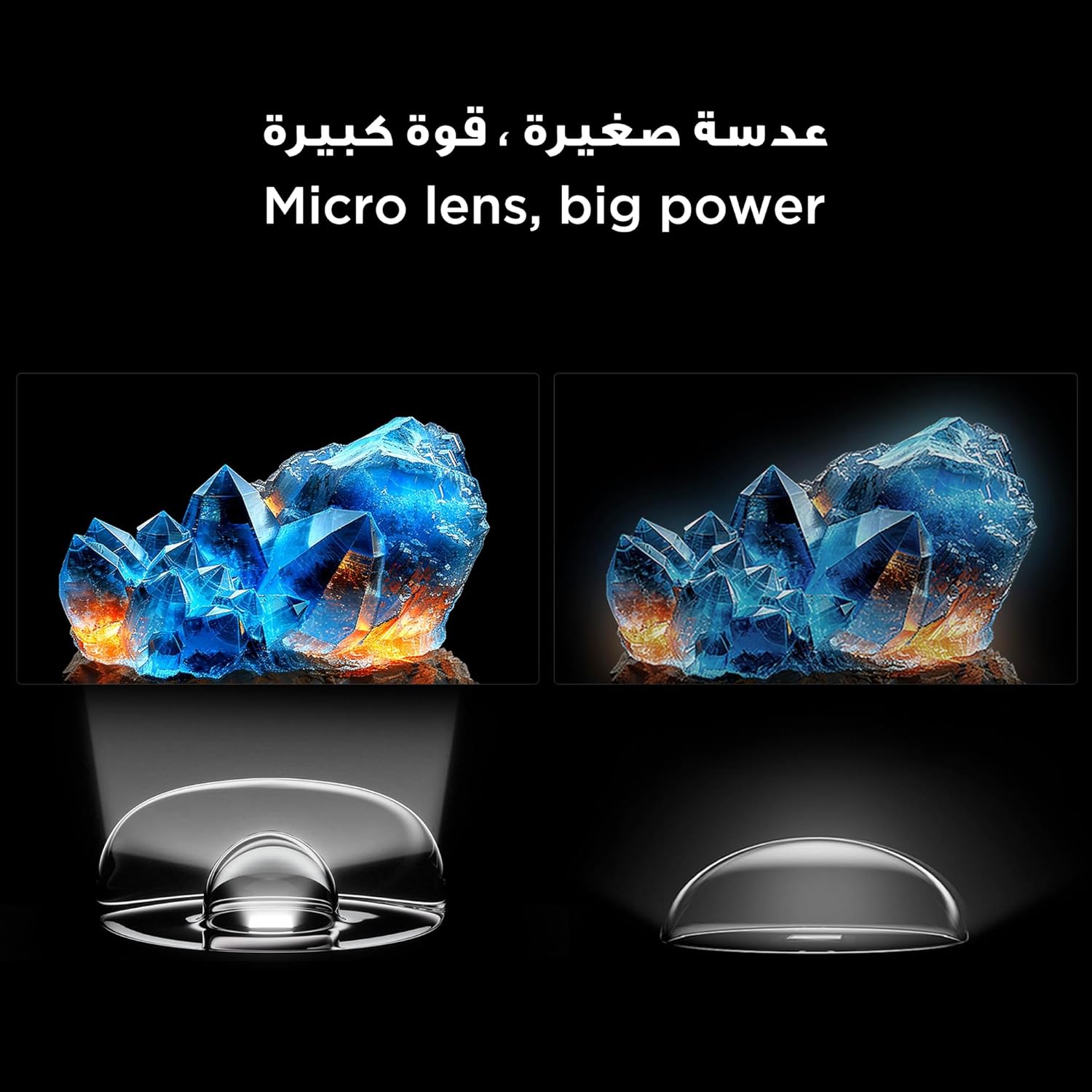
Figure 6: Demonstrates the smooth and clear motion provided by the 144Hz native refresh rate, ideal for fast-paced content and gaming.
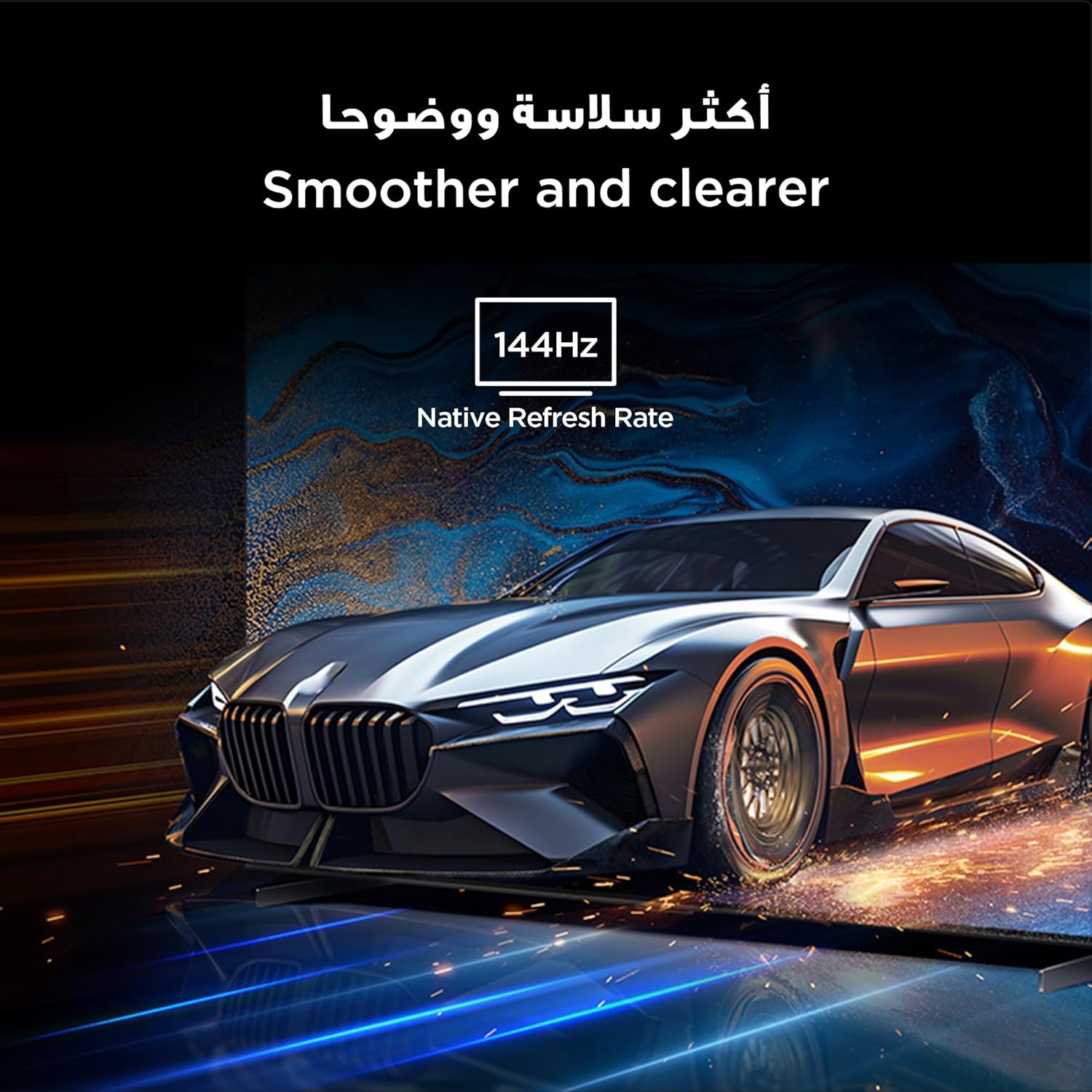
Figure 7: Highlights the immersive audio experience delivered by the integrated Onkyo 2.1 sound system, defining a new standard for home theater.
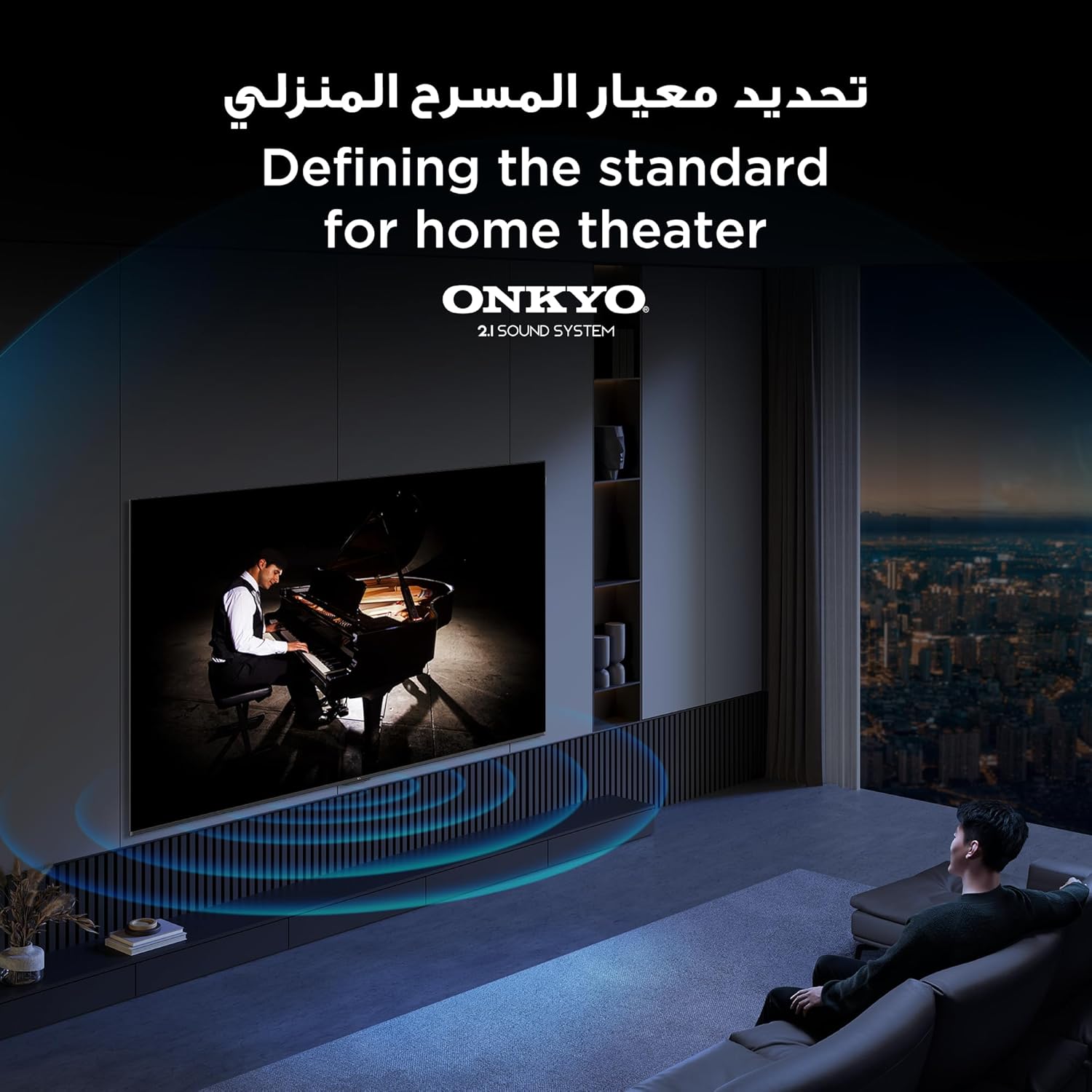
Figure 8: Visual representation of the AiPQ Pro Processor, which intelligently perceives, thinks, and produces optimized visuals and audio.

Figure 9: Illustrates the smart control capabilities of the TCL TV, allowing users to manage other TCL smart devices within their home.
Mantentzea
1. Pantaila garbitzea
Gently wipe the screen with a soft, lint-free cloth. For stubborn marks, use a screen-cleaning solution specifically designed for TVs, applied to the cloth, not directly to the screen.
2. Markoa garbitzea
Garbitu telebistaren markoa eta euskarria oihal leun eta lehor batekin. Saihestu garbitzaile edo disolbatzaile urratzaileak erabiltzea.
3. Software eguneraketak
Ensure your TV is connected to the internet to receive automatic software updates. These updates improve performance and add new features. You can also manually check for updates in the TV's settings menu.
4. Safe Handling
Avoid placing heavy objects on the TV. Do not block ventilation openings. Disconnect the power cable during lightning storms or when the TV will be unused for extended periods.
Arazoak konpontzea
This section addresses common issues you might encounter with your TCL 65Q6C TV.
Botererik ez
- Egiaztatu kablea telebistara eta hormako entxufera ondo konektatuta dagoen.
- Ziurtatu hormako entxufea funtzionatzen duela beste gailu bat konektatuz.
- Sakatu telebistako pizteko botoia bertan, ez bakarrik urrutiko agintearena, urrutiko agintearen arazo bat baztertzeko.
Irudirik ez / Irudi distortsionatua
- Egiaztatu sarrera-iturri zuzena hautatuta dagoela (adibidez, HDMI 1, HDMI 2).
- Egiaztatu kable-konexio guztiak (HDMI, antena) solteak edo kalteak dituzten.
- Try connecting a different device to the same HDMI port to see if the issue is with the source device.
- Doitu irudiaren ezarpenak (distira, kontrastea, kolorea) telebistaren menuan.
Soinurik ez / Soinu distortsionatua
- Ziurtatu bolumena ez dagoela isilarazita edo baxuegia ezarrita.
- Check audio output settings in the TV menu to ensure the correct output (e.g., TV speakers, external audio system) is selected.
- Kanpoko bozgorailuak erabiltzen badituzu, egiaztatu haien potentzia eta konexioak.
Urruneko kontrola ez dabil
- Ordeztu bateriak urrutiko agintean.
- Ziurtatu urrutiko agintearen eta telebistaren IR sentsorearen artean oztoporik ez dagoela.
- If it's a Bluetooth remote, try re-pairing it with the TV (refer to the TV's settings for pairing instructions).
Sareko konexio arazoak
- Berrabiarazi zure Wi-Fi bideratzailea eta modema.
- Haririk gabe konektatzen bazara, egiaztatu Wi-Fi pasahitza.
- If possible, try connecting the TV to the internet via an Ethernet cable.
- Go to the TV's network settings to diagnose the connection.
Fabrika berrezarri
If problems persist, a factory reset may resolve them. Be aware that this will erase all your settings and installed apps. Navigate to Settings > System > About > Reset > Factory data reset.
Zehaztapenak
| Ezaugarri | Deskribapena |
|---|---|
| Marka | TCL |
| Ereduaren izena | 65Q6C |
| Modelo zenbakia | 65Q6C |
| Eredu seriea | Q6C |
| Fabrikazio Urtea | 2025 |
| Pantailaren tamaina | 65 hazbete |
| Bistaratzeko Teknologia | Mini LED, LED |
| Ebazpena | 4K |
| Freskatze tasa | 144 Hz |
| Irudien kontraste-ratioa | Alta |
| HDR formatuaren euskarria | HDR10+ |
| Motion Enhancement Technology | Native 144Hz Refresh Rate |
| Image Quality Enhancement Technology | QD-Mini LED, QLED, HDR 10+ |
| Screen Backlight Technology | Mini LED |
| Sistema eragilea | Google TV |
| Onartutako Interneteko zerbitzuak | Google TV for Gaming |
| Konektibitate Teknologia | HDMI, USB, Bluetooth |
| Hardware interfazea | HDMI, USB, Bluetooth |
| HDMI portuak guztira | 1 |
| USB portuak guztira | 1 |
| Total USB 3.0 Ports | 1 |
| Haririk gabeko Komunikazio Teknologia | Bluetootha |
| Hizlariaren deskribapena | Onkyo 2.1 Channel Hi-Fi Speakers |
| Inguruko soinu-kanalaren konfigurazioa | 2.1 |
| Built-in Surround Sound Format | Dolby Atmos |
| Kontrol-metodoa | Urrunekoa |
| Muntatze Mota | Hormako Muntaia |
| VESA muntaketa estandarra | 600 x 400 mm |
| Elementuaren pisua | 24.2 kilogramo |
Bermea
This TCL television comes with a limited warranty. The specific terms and duration of the warranty may vary by region and retailer. Please refer to the warranty card included in your product packaging or visit the official TCL webwebgunea bermearen informazio zehatza lortzeko. Gorde erosketa-agiria erosketaren frogagiri gisa bermearen erreklamazioetarako.
Laguntza
Laguntza gehiago, euskarri teknikoa edo zerbitzu-kontsultak egiteko, erabili baliabide hauek:
- TCL Ofiziala Webgunea: Bisitatu www.tcl.com for product information, FAQs, and support contact details specific to your region.
- Bezeroarentzako arreta: Refer to the contact information provided in your warranty documentation or on the TCL webbezeroarentzako arreta zuzena emateko gunea.
- Sareko baliabideak: Many common issues can be resolved by consulting the online support sections or user forums available on the TCL webgunea.