
1. Sarrera
Thank you for choosing the Tuya Smart 1080P Video Doorbell Camera. This device provides enhanced home security with features such as high-definition video, two-way audio communication, PIR motion detection, and night vision. This manual will guide you through the installation, setup, and operation of your new smart doorbell, ensuring you get the most out of its capabilities.
2. Segurtasun informazioa
Mesedez, irakurri arretaz segurtasun-argibide guztiak produktua erabili aurretik. Gorde eskuliburu hau etorkizunean erreferentzia gisa.
- Ez jarri gailua tenperatura altuen, eguzki-argiaren eraginpean edo hezetasun gehiegizkoaren eraginpean.
- Use only the specified power adapter and cables provided with the device.
- Saihestu gailua kolpe gogorrak erortzea edo jasaten.
- Ez saiatu gailua zeuk desmuntatzen edo konpontzen. Jarri harremanetan zerbitzu-langile kualifikatuekin laguntza jasotzeko.
- Ensure the installation location is secure and stable to prevent the doorbell from falling.
3. Paketearen edukia
Egiaztatu behean zerrendatutako elementu guztiak zure paketean sartuta daudela:
- Tuya Smart Video Doorbell
- Rechargeable Batteries (2x)
- USB kargatzeko kablea
- Muntatzeko torlojuak eta hormako aingurak
- Erabiltzailearen eskuliburua
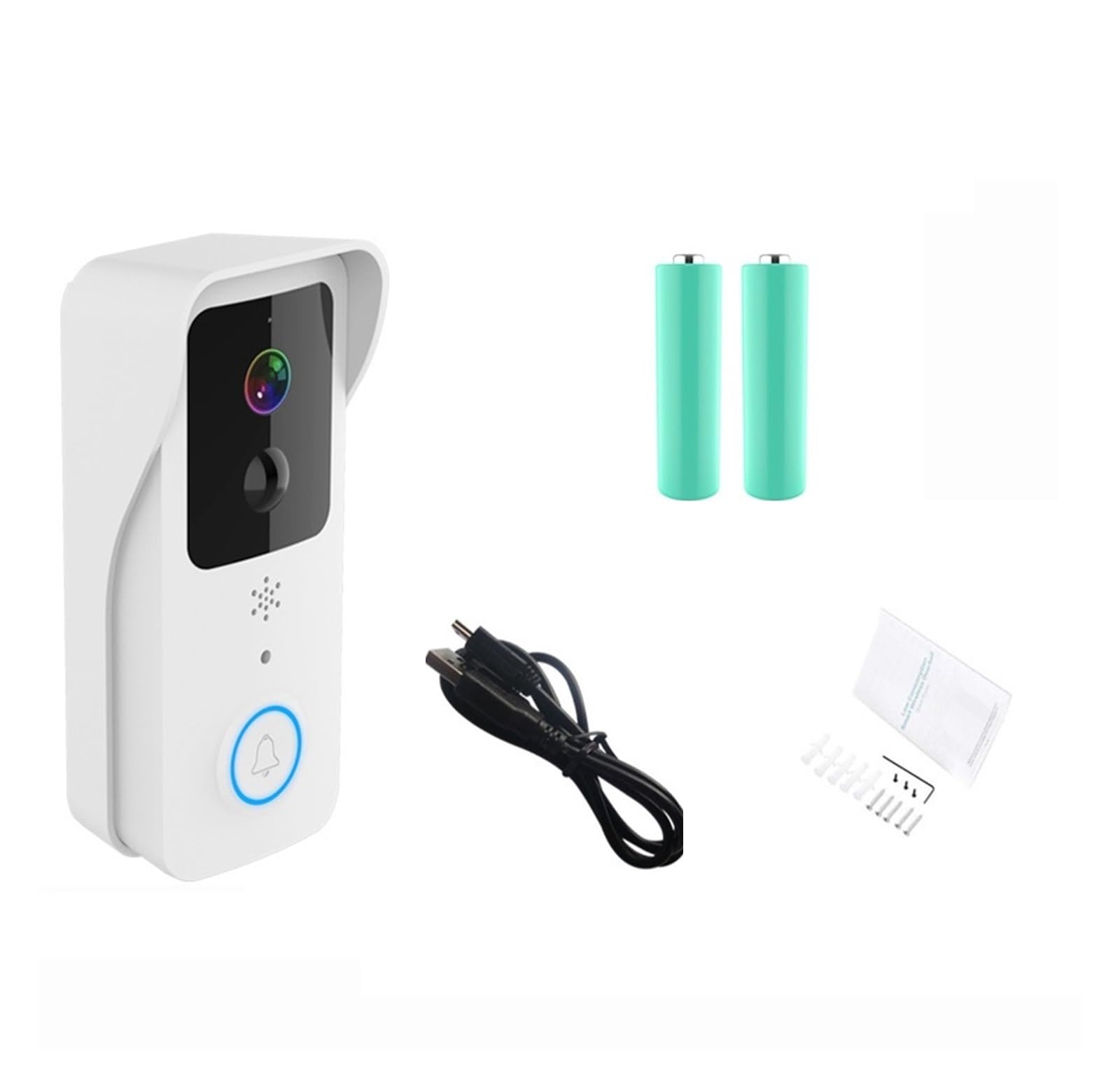
3.1. irudia: Contents of the product package, showing the doorbell unit, two batteries, a USB charging cable, and a bag of mounting screws with wall anchors.
4. Produktuaren ezaugarriak
The Tuya Smart Video Doorbell is equipped with advanced features for comprehensive home security:
- 1080P HD bideoa: Bideo argi eta zehatza ateratzen dutage.
- 2.4G/5G WiFi Support: Flexible connectivity options for stable network performance.
- PIR Mugimendu Detekzioa: Automatically detects human movement and sends alerts.
- Bi norabideko audioa: Built-in microphone and speaker for real-time communication with visitors.
- Gaueko ikuspegia: Provides clear visibility even in low-light conditions.
- Cloud Storage & SD Card Support: Options for recording and storing video activity.
- Tuya APParen integrazioa: Remote monitoring and control via the Tuya Smart application.

4.1. irudia: Amaituview of the doorbell's main functionalities.
5. Konfigurazioa
5.1 Bateriak kargatzea
Before first use, fully charge the provided rechargeable batteries. Insert the batteries into the doorbell unit and connect the USB charging cable to the doorbell and a standard USB power adapter (not included). The indicator light will show charging status.
5.2 Downloading the Tuya App
Bilatu 'Tuya Smart' in your mobile device's app store (App Store for iOS or Google Play Store for Android) and download the application. Register a new account or log in if you already have one.
5.3 Wi-Fira konektatzea
The doorbell supports both 2.4GHz and 5GHz Wi-Fi networks. For optimal performance, ensure your router is within range and configured correctly.
- Open the Tuya Smart app and tap 'Add Device' or the '+' icon.
- Select 'Security & Video Surveillance' > 'Smart Doorbell'.
- Follow the on-screen instructions to put the doorbell into pairing mode (usually by pressing and holding the reset button).
- Sartu zure Wi-Fi sarearen izena eta pasahitza.
- Scan the QR code generated by the app with the doorbell camera.
- Itxaron konexioa amaitu arte.
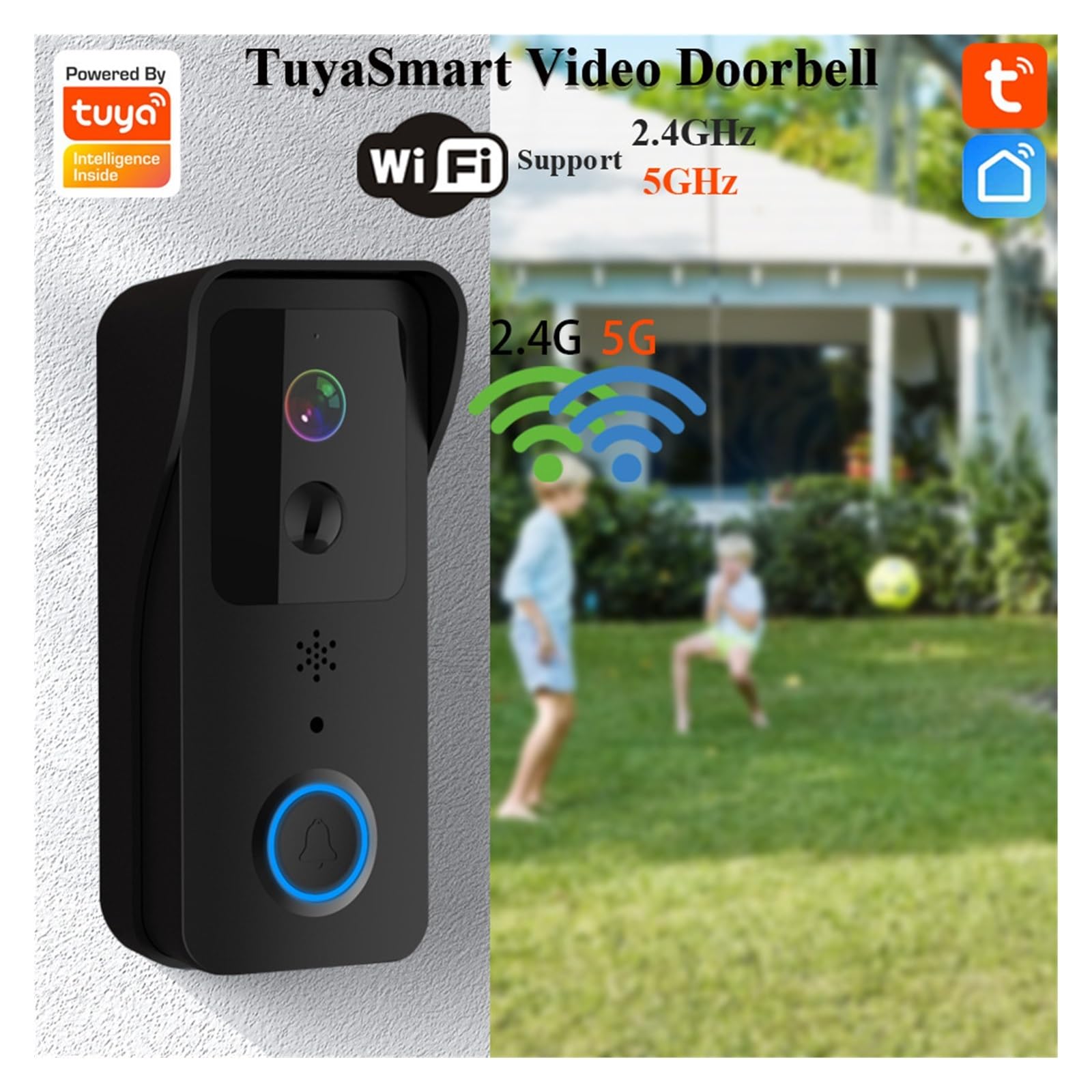
5.1. irudia: The doorbell supports dual-band Wi-Fi for flexible network integration.
5.4 Txirrina muntatzea
Aukeratu leku egoki bat zure atearen ondoan, argia bermatuz view eta Wi-Fi seinale ona.
- Mark the drilling spots using the mounting bracket as a template.
- Beharrezkoa bada, zuloak egin eta hormako aingurak sartu.
- Lotu muntatzeko euskarria horman torlojuekin.
- Lotu txirrinaren unitatea muntatzeko euskarriari.
6. Zure Txirrina Adimenduna Erabiltzea
6.1 Bizi View eta bi norabideko audioa
Access the live video feed and communicate with visitors directly from your smartphone.
- Open the Tuya Smart app and select your doorbell device.
- Sakatu zuzenekoa view to see what's happening at your door.
- Press the microphone icon to speak to your visitor, and release to listen.
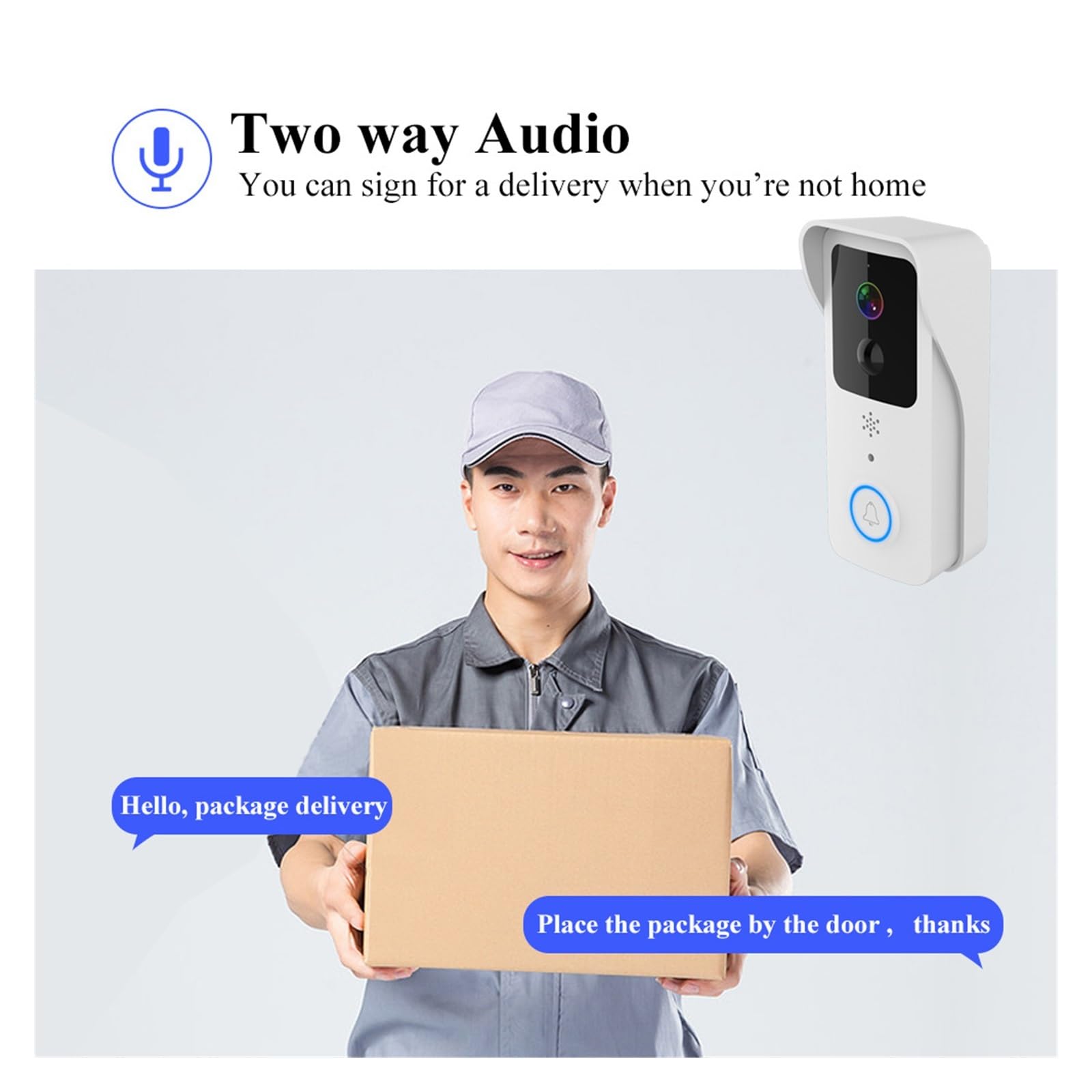
6.1. irudia: Two-way audio allows for direct communication with visitors.
6.2 Mugimenduaren detekzioa eta alertak
The doorbell's PIR sensor detects motion and sends instant notifications to your phone.
- Gaitu mugimendua hautematea aplikazioaren ezarpenetan.
- Alarma faltsuak gutxitzeko, egokitu sentikortasun mailak.
- Receive real-time alerts when motion is detected, allowing you to view the event live or review foo grabatuatage.
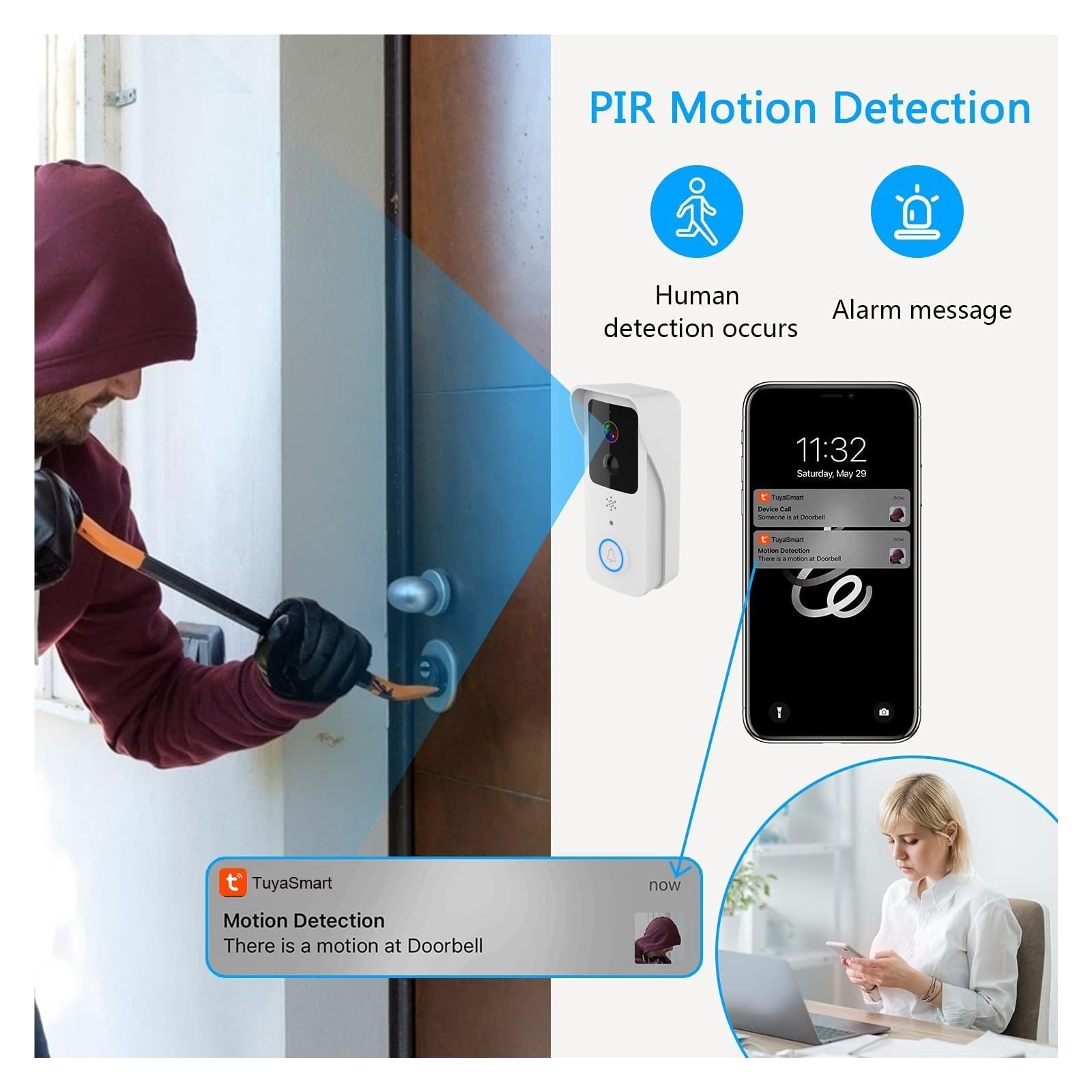
6.2. irudia: PIR motion detection provides immediate alerts for activity at your door.
6.3 Gaueko ikusmena
The doorbell automatically switches to night vision mode in low-light conditions, ensuring 24-hour monitoring.
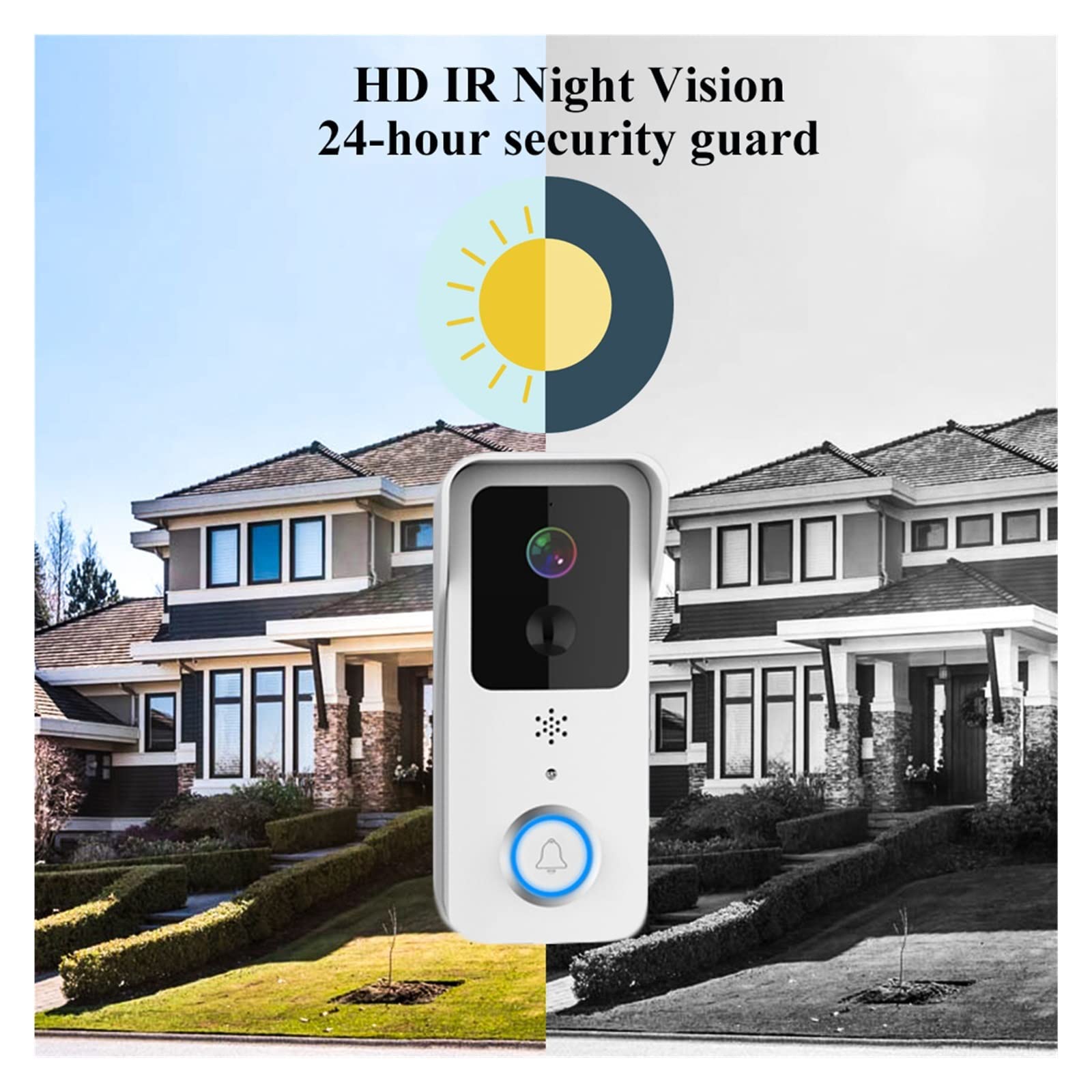
6.3. irudia: HD IR Night Vision ensures clear surveillance around the clock.
6.4 Cloud Storage and Local Storage
Your doorbell supports both cloud storage (subscription may be required) and local storage via an SD card (not included) for recording events.
- Insert a microSD card (up to 128GB, Class 10 recommended) into the designated slot for local storage.
- Activate cloud storage services through the Tuya Smart app for remote access to recorded footage.
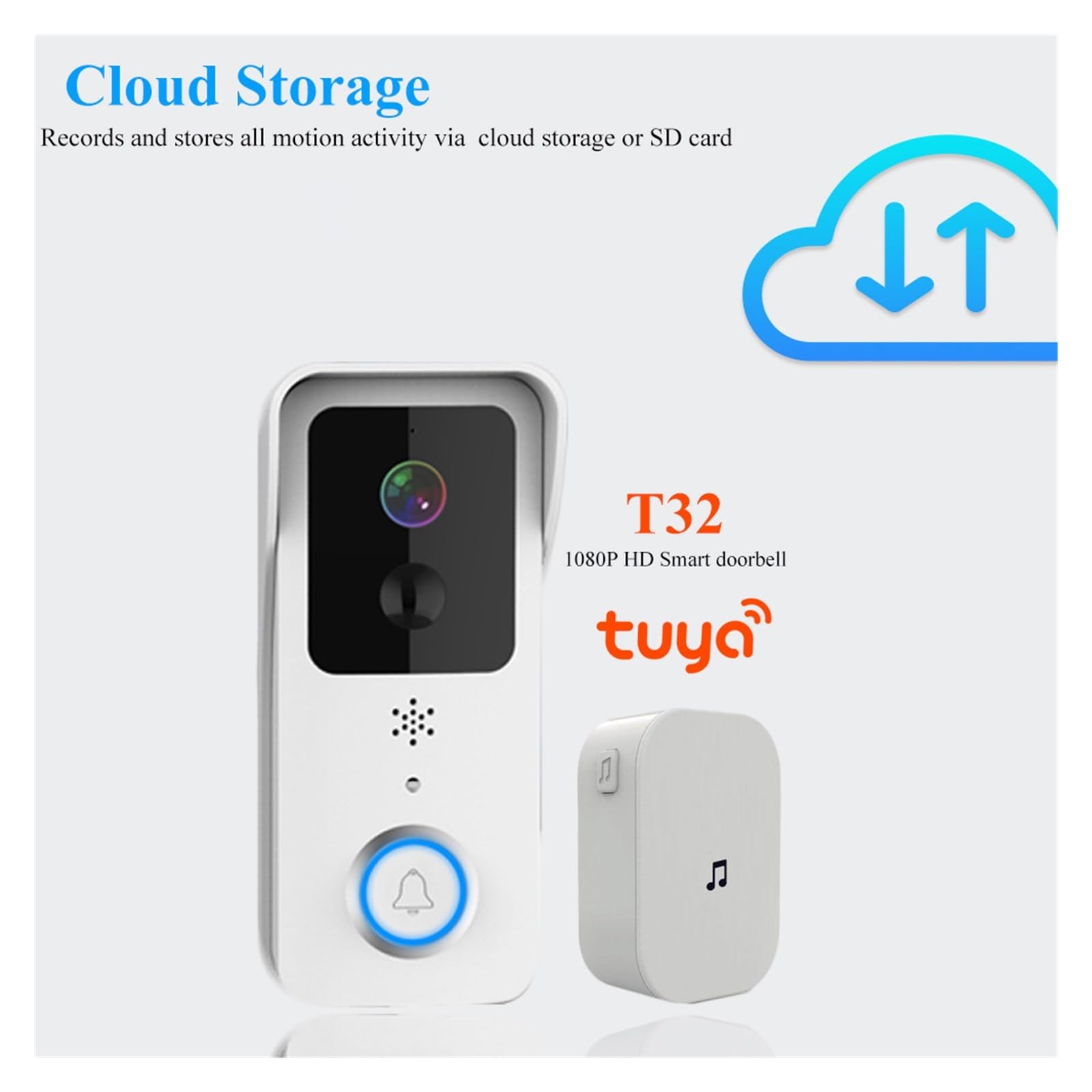
6.4. irudia: The doorbell offers flexible storage options for your video recordings.
7. Mantentzea
To ensure optimal performance and longevity of your doorbell, follow these maintenance guidelines:
- Garbiketa: Gently wipe the camera lens and doorbell surface with a soft, dry cloth. Do not use harsh chemicals or abrasive cleaners.
- Bateria zaintzea: Recharge batteries when the app indicates low power. Avoid fully draining the batteries frequently to prolong their lifespan.
- Firmware eguneraketak: Regularly check the Tuya Smart app for available firmware updates to ensure your doorbell has the latest features and security enhancements.
8. Arazoak
If you encounter issues with your doorbell, refer to the table below for common problems and solutions.
| Arazoa | Irtenbide posiblea |
|---|---|
| Txirrina ez da Wi-Fira konektatzen | Ensure your Wi-Fi password is correct. Check if the doorbell is within range of your router. Try restarting your router and the doorbell. Confirm you are connecting to a 2.4GHz or 5GHz network as supported. |
| Ez dago mugimenduak hautemateko alertarik | Verify motion detection is enabled in the app settings. Adjust sensitivity. Ensure there are no obstructions blocking the sensor. Check app notification settings on your phone. |
| Bideoaren kalitate eskasa | Check your Wi-Fi signal strength. A weak signal can affect video streaming. Clean the camera lens. Ensure adequate lighting for optimal image quality. |
| Bi norabideko audioa ez da funtzionatzen | Ensure microphone and speaker permissions are granted to the Tuya Smart app on your phone. Check the volume settings on your phone and within the app. |
| Doorbell not powering on | Ensure batteries are fully charged and correctly inserted. If using wired power, check the wiring connection. |
9. Zehaztapenak
| Ezaugarri | Xehetasuna |
|---|---|
| Eredua | T32 |
| Bideo Ebazpena | 1080P HD |
| Wi-Fi konexioa | 2.4 GHz / 5 GHz |
| Mugimendu-detekzioa | PIR (Infragorri Pasiboa) |
| Audioa | Bi norabideko audioa (mikrofono eta bozgorailu integratuak) |
| Gaueko Ikusmena | Infragorriak (IR) |
| Biltegiratze-aukerak | Cloud Storage, MicroSD Card (up to 128GB) |
| Energia iturria | Pilak kargagarriak |
| Funtzionamendu-tenperatura | Produktuaren ontzia kontsultatu gama zehatza ikusteko |
10. Bermea eta Laguntza
10.1 Bermearen informazioa
This product comes with a standard manufacturer's warranty. Please refer to the warranty card included in your package or contact your retailer for specific terms and conditions regarding warranty coverage and duration.
10.2 Bezeroarentzako laguntza
For technical assistance, troubleshooting, or any questions regarding your Tuya Smart Video Doorbell, please contact the seller or manufacturer's customer support. Contact information can typically be found on the product packaging or the retailer's webgunea.