
1. Sarrera
This manual provides essential information for setting up, operating, and maintaining your TCL 98Q7K 98-inch QLED 4K Google TV. This television features a stunning QLED 4K display with a 144 Hz panel for smooth motion, integrated Google TV for smart functionality, and advanced audio with Dolby Atmos. It also includes Google Assistant and Alexa compatibility for hands-free voice control, VisionHDR10+, and AiPQ™ processing for optimized picture quality.

2. Konfigurazioa
2.1 Kutxatik ateratzea eta hasierako ikuskapena
Carefully remove the television from its packaging. Inspect the TV and all included accessories for any signs of damage. Keep the packaging materials for future transport or service needs.
2.2 Standaren instalazioa
If you plan to use the TV with its included stand, follow these steps:
- Jarri telebistaren pantaila beherantz gainazal bigun eta lau batean, marradurak saihesteko.
- Lerrokatu euskarriaren osagaiak telebistaren behealdean dauden zirrikituekin.
- Secure the stand using the screws provided in the accessory kit. Ensure all screws are tightened firmly.

2.3 Horman muntatzea (aukerakoa)
For wall mounting, a compatible VESA wall mount (not included) is required. Due to the size and weight of the 98-inch television, professional installation is highly recommended to ensure safety and proper mounting. Refer to the wall mount manufacturer's instructions for specific installation details.
2.4 Periferikoak konektatzea
Connect your external devices such as Blu-ray players, gaming consoles, sound systems, and cable/satellite boxes to the appropriate ports on the TV. The TCL 98Q7K features 4 HDMI ports and 2 USB ports for versatile connectivity.
3. Funtzionamendu-argibideak
3.1 Piztu/Itzali
Connect the power cord to the TV and a power outlet. Press the power button on the remote control or on the TV itself to turn the television on or off.
3.2 Initial Setup with Google TV
Upon first power-on, the TV will guide you through the initial setup process for Google TV. This includes selecting your language, connecting to a Wi-Fi network, signing in with your Google account, and configuring basic settings. Follow the on-screen prompts.

3.3 Urruneko kontrolaren funtzioak
The included remote control allows you to navigate the TV's interface, adjust volume, change channels, and access smart features. It supports voice control via Google Assistant and Alexa. Insert the provided batteries into the remote control before use.
3.4 Ezaugarri adimendunak eta ahots-kontrola
- Google TV: Access a wide range of streaming apps, movies, and shows.
- Google Assistant & Alexa: Use voice commands for hands-free control of your TV, search for content, get information, and control smart home devices.
- Chromecast integratua: Igorri edukia zure gailu mugikor bateragarrietatik zuzenean telebistara.
3.5 Jokoen Ezaugarriak
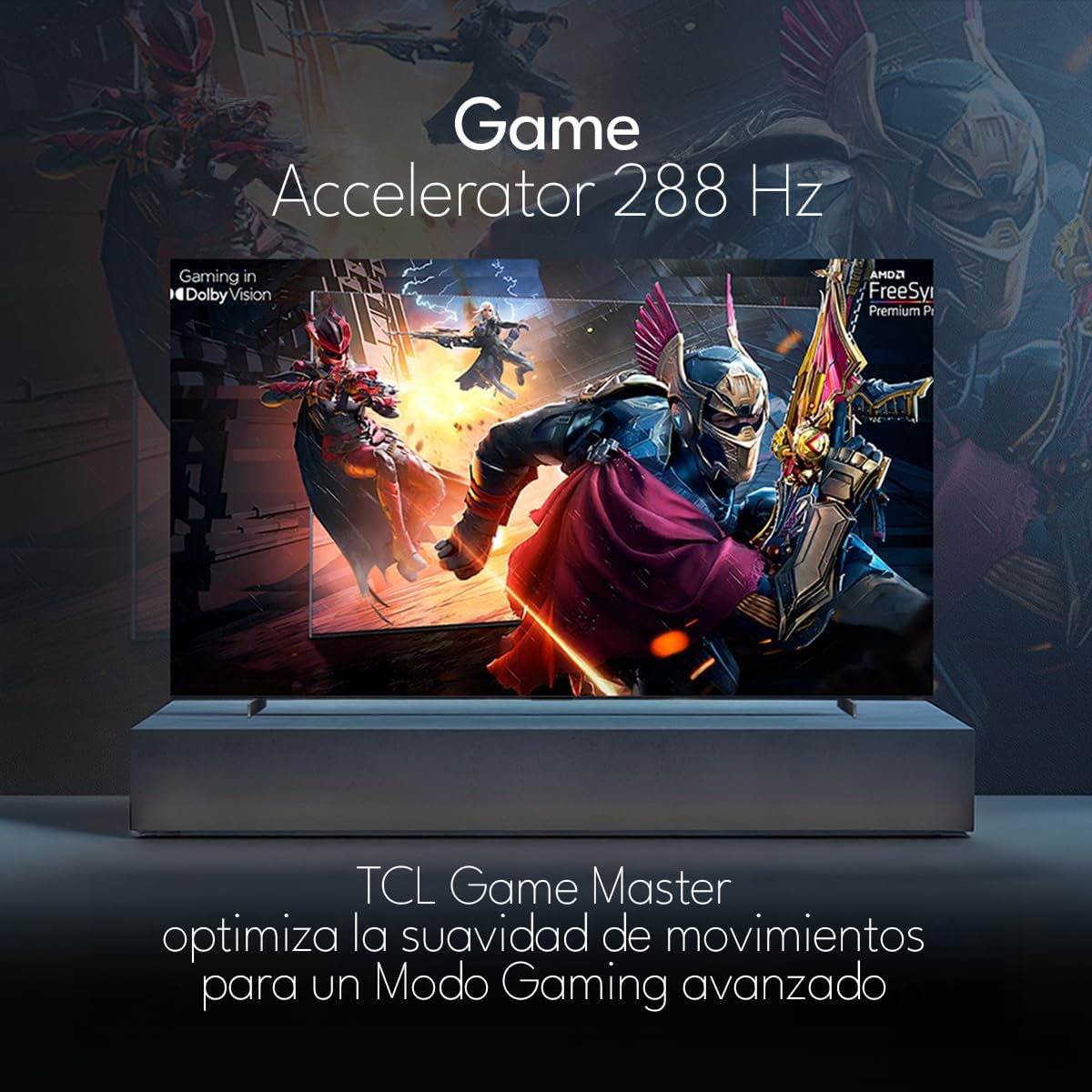
The TCL 98Q7K features a 144 Hz panel and Game Accelerator technology for an enhanced gaming experience with reduced latency and smoother motion.

3.6 Audio Ezaugarriak
Experience immersive sound with Dolby Atmos and the integrated ONKYO Hi-Fi System 2.1 Channels, providing clear vocals and deep bass.

3.7 Produktua gainditzeaview Bideoa
4. Mantentzea
4.1 Pantaila garbitzea
Pantaila garbitzeko, astiro-astiro zapi leun eta pelusik gabeko batekin garbitu. Orban egoskorrak izanez gero, astiro-astiro garbitu.ampGarbitu zapi bat urarekin edo pantaila-garbitzaile espezializatu batekin. Saihestu produktu kimiko gogorrak, material urratzaileak edo likidoak zuzenean pantailan ihinztatzea.
4.2 Telebistaren gorputza garbitzea
Wipe the TV body with a soft, dry cloth. Do not use liquid cleaners directly on the TV body.
4.3 Software eguneraketak
Your TCL Google TV may receive automatic software updates. To manually check for updates, navigate to the settings menu, then select System > About > System update. Ensure your TV is connected to the internet for updates.
5. Arazoak
Telebistarekin arazoak badituzu, jo ezazu ohiko irtenbide hauetara:
- Potentziarik gabe:
Ensure the power cord is securely plugged into both the TV and a working electrical outlet. Try plugging another device into the same outlet to confirm it has power. - Ez irudirik ez soinurik:
Verify that the correct input source is selected (e.g., HDMI 1, AV). Check all cable connections between the TV and external devices. Ensure the volume is not muted or set to minimum. - Urruneko kontrola ez dabil:
Ordeztu urrutiko agintearen pilak. Ziurtatu ez dagoela oztoporik urrutiko agintearen eta telebistaren IR sentsorearen artean. - Sareko konexio arazoak:
Check your Wi-Fi router and ensure it is powered on and functioning correctly. Restart the TV and your router. In the TV settings, verify the Wi-Fi connection status. - Picture Quality Issues (e.g., blurry, distorted):
Check the resolution settings of your input source. Ensure the cables are not damaged. Adjust picture settings (brightness, contrast, sharpness) in the TV menu.
For persistent issues, consult the full electronic manual available through the TV's help menu or contact TCL customer support.
6. Zehaztapenak
| Ezaugarri | Zehaztapena |
|---|---|
| Pantailaren tamaina | 98 hazbete |
| Bistaratzeko Teknologia | QLED |
| Ebazpena | 4K (3840 x 2160) |
| Freskatze tasa | 144 Hz |
| HDR formatuaren euskarria | Dolby Vision, HDR10, HDR10+, HLG |
| Distira gailurra | 450 NITS |
| Soinu Sistema | Dolby Atmos, Dolby Digital, ONKYO Hi-Fi System 2.1 Channels |
| Sistema eragilea | Google TV |
| Ahots kontrola | Google Laguntzailea, Alexa |
| Konektibitatea | Wi-Fi, Ethernet, 4x HDMI, 2x USB |
| Neurriak (euskarriarekin) | 217.8 x 128.5 x 42 cm |
| Neurriak (euskarririk gabe) | 0.06prof. x 2.18an. x 1.25alt. Meters (approx. 6 cm depth) |
| Eredu Urtea | 2025 |
| Dakarten osagaiak | Manual, Remote Control, Batteries |
7. Bermea eta Laguntza
7.1 Produktuaren bermea
The TCL 98Q7K television comes with a 2 urteko berme mugatua erosketa-datatik aurrera. Berme honek fabrikazio-akatsak eta erabilera normalaren ondoriozko matxurak estaltzen ditu. Gorde erosketaren egiaztagiria berme-erreklamazioetarako.
7.2 Bezeroarentzako laguntza
For technical assistance, troubleshooting beyond this manual, or warranty inquiries, please contact TCL customer support. Refer to the contact information provided in the separate warranty card or visit the official TCL webzure eskualderako gunea.