
1. Sarrera
This manual provides detailed instructions for the setup, operation, and maintenance of your Razer BlackShark V3 Pro Wireless ANC Gaming Headset. Designed for elite console and PC gamers, this headset offers advanced audio features and versatile connectivity. Please read this manual thoroughly to ensure optimal performance and longevity of your device.

Image 1.1: Razer BlackShark V3 Pro Wireless ANC Gaming Headset with its components.
2. Zer dago kutxan
Egiaztatu osagai hauek guztiak zure paketean sartuta daudela:
- Razer BlackShark V3 Pro Wireless ANC Gaming Headset
- Razer HyperSpeed Wireless Gen-2 Dongle
- Detachable Razer HyperClear Full Band 12mm Mic
- USB A motatik C motarako kablea
- 3.5mm TRRS Analog to USB-C Converter Cable
- Erabiltzailearen eskuliburua (dokumentu hau)

Image 2.1: Contents of the Razer BlackShark V3 Pro package.
3. Konfiguratzeko argibideak
3.1. Entzungailua kargatzea
Before first use, fully charge the headset using the provided USB Type A to Type C cable. Connect the USB-C end to the headset's charging port and the USB-A end to a powered USB port (e.g., computer, wall adapter).
3.2. Mikrofonoa konektatzea
Align the detachable Razer HyperClear Full Band 12mm Mic with the microphone port on the left earcup and push it firmly until it clicks into place.
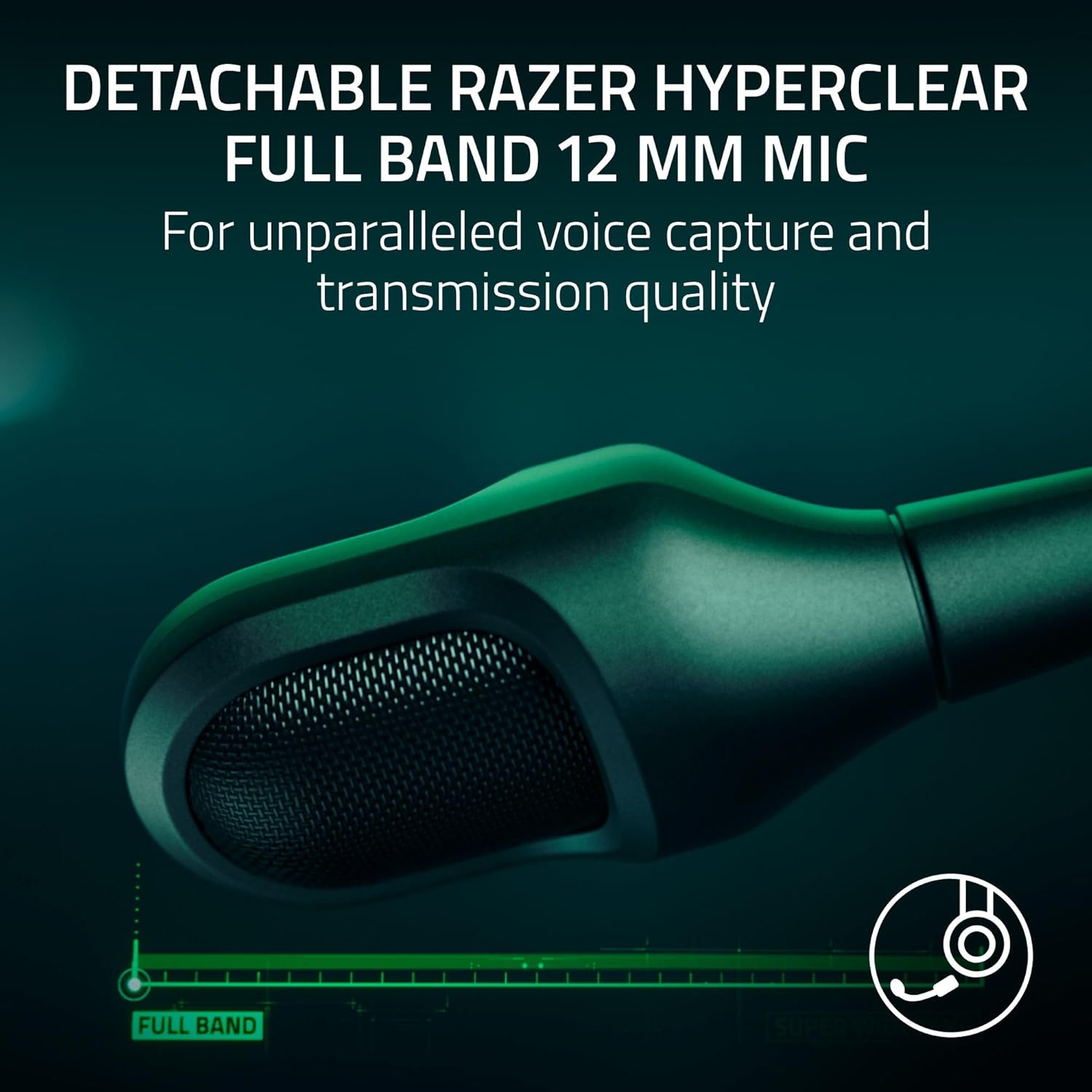
Image 3.1: Detachable microphone for clear voice capture.
3.3. Konektibitate-aukerak
The Razer BlackShark V3 Pro offers four primary connectivity modes:
- Razer HyperSpeed Wireless Gen-2 (2.4 GHz): For ultra-low latency wireless connection to PC, Mac, PS5, PS4, Xbox Series X|S, and Xbox One.
- Bluetootha: Haririk gabeko konexioa telefonoekin, tabletekin eta beste Bluetooth gailu batzuekin.
- USB-C: For wired connection and charging to compatible devices.
- 3.5mm Analog: For universal wired connection to devices with a 3.5mm audio jack, using the provided 3.5mm TRRS Analog to USB-C Converter Cable.
3.3.1. HyperSpeed Wireless Setup
- Plug the Razer HyperSpeed Wireless Gen-2 Dongle into an available USB port on your PC, Mac, or console.
- Power on your headset. The headset should automatically connect to the dongle. The LED indicator on the dongle will turn solid green when connected.

Image 3.2: Razer HyperSpeed Wireless Gen-2 Dongle.
3.3.2. Bluetooth konfigurazioa
- With the headset powered on, press and hold the Bluetooth button until the LED indicator blinks blue. This indicates pairing mode.
- On your device, enable Bluetooth and select "Razer BlackShark V3 Pro" from the list of available devices.
- The headset LED will turn solid blue when successfully paired.
3.3.3. Wired Connections (USB-C and 3.5mm)
- USB-C: Connect the USB Type A to Type C cable directly from your device to the headset's USB-C port.
- 3.5mm Analog: Connect the 3.5mm TRRS Analog to USB-C Converter Cable to the headset's USB-C port, then plug the 3.5mm jack into your device's audio port.
4. Funtzionamendu-argibideak
4.1. Entzungailuen kontrolak
Familiarize yourself with the controls located on the earcups:
- Pizteko botoia: Eduki sakatuta pizteko/itzaltzeko.
- Bolumen-gurpila: Rotate to adjust headset volume.
- Mikrofonoa isilarazteko botoia: Sakatu mikrofonoa isilarazteko/aktibatzeko.
- ANC/Giro Moduaren botoia: Press to cycle through Active Noise Cancellation (ANC), Ambient Mode, and ANC Off.
- SmartSwitch Button: Used for switching between 2.4 GHz and Bluetooth modes, and for managing calls in Bluetooth mode.
4.2. Zarata Ezabatze Aktiboa (ANC)
The Hybrid Active Noise Cancellation feature helps block out external distractions. Press the ANC button to activate or deactivate it. Ambient Mode allows you to hear your surroundings without removing the headset.
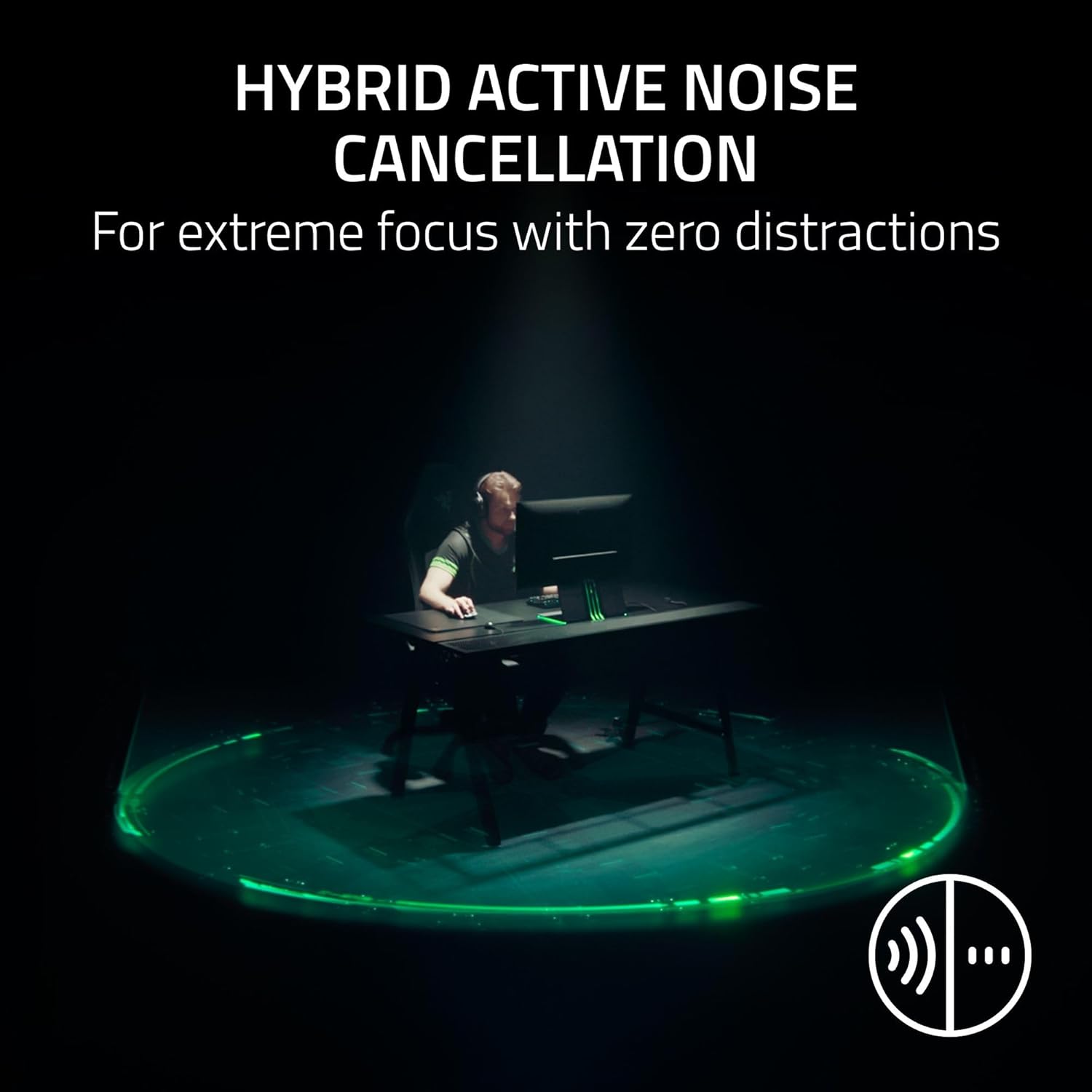
Image 4.1: Hybrid Active Noise Cancellation in action.
4.3. Audio Customization (Razer Synapse 4)
For PC users, download and install Razer Synapse 4 software to access advanced audio customization options, including:
- Pro-tuned FPS Profiles: Game-specific EQ settings optimized for competitive play.
- EQ pertsonalizagarria: Create and save your own equalizer settings.
- THX audio espaziala: Experience 7.1.4 surround sound for enhanced positional awareness.

Image 4.2: Razer Synapse 4 app interface for EQ and settings.
5. Ezaugarri nagusiak
5.1. Razer HyperSpeed Wireless Gen-2
This technology provides an ultra-low latency wireless connection, ensuring near-instantaneous audio transmission for competitive gaming.
5.2. Razer HyperClear Full Band 12mm Mic
The detachable microphone features a large 12mm capsule for clear voice capture and a unidirectional pick-up pattern to suppress background noise, crucial for team communication.
5.3. Razer TriForce Bio-Cellulose 50mm Drivers Gen-2
These 50mm drivers are engineered with a bio-cellulose diaphragm to deliver natural, powerful sound with improved clarity and positional accuracy, allowing you to hear subtle audio cues like footsteps.

Image 5.1: Razer TriForce Bio-Cellulose 50mm Drivers Gen-2.
5.4. Next-Gen Surround Sound
On Xbox, the headset supports Windows Sonic for an expanded competitive soundstage. On PC, it utilizes THX Spatial Audio for 7.1.4 surround sound, providing precise 3D positional audio.

Image 5.2: THX Spatial Audio representation.
6. Mantentzea
To maintain your Razer BlackShark V3 Pro headset in optimal condition:
- Garbiketa: Erabili zapi leun eta lehor bat entzungailuak eta buruko zinta garbitzeko. Saihestu produktu kimiko gogorrak edo material urratzaileak.
- Biltegiratzea: Gorde entzungailuak leku fresko eta lehor batean, eguzki-argitik eta muturreko tenperaturetatik babestuta.
- Bateria zaintzea: For long-term storage, charge the battery to approximately 50% every three months to prevent deep discharge.
- Mikrofonoa: Detach the microphone when not in use to prevent damage during transport or storage.
7. Arazoak
Aurikularrekin arazoak badituzu, jo ezazu honako arazo eta irtenbide ohikoenei:
| Arazoa | Irtenbidea |
|---|---|
| Aurikularretatik ez dago audiorik |
|
| Mikrofonoa ez dabil |
|
| Bluetooth-a parekatzeko arazoak |
|
| Tarteka haririk gabeko konexioa |
|
8. Zehaztapenak
| Ezaugarri | Xehetasuna |
|---|---|
| Ereduaren izena | BlackShark V3 Pro |
| Modelo zenbakia | RZ04-05400300-R3U1 |
| Konektibitate Teknologia | 3.5mm, Bluetooth, USB, Wireless (2.4 GHz) |
| Haririk gabeko komunikazioa | 2.4 GHz (HyperSpeed Gen-2), Bluetooth 5.3 |
| Zarata Kontrola | Zarata Ezeztatze Aktibo hibridoa |
| Audio kontrolatzaile mota | Dynamic Driver (TriForce Bio-Cellulose) |
| Audio kontrolatzailearen tamaina | 50 milimetro |
| Maiztasun Erantzuna | 28 KHz |
| Sentikortasuna | 108 dB |
| Mikrofonoa | Detachable Razer HyperClear Full Band 12mm Mic |
| Aurikularretarako Jack | 3.5 mm Jack |
| Gailu bateragarriak | Mac, Nintendo Switch, PC, PlayStation (PS4, PS5), Xbox (Series X|S, One X, One), Smartphones, Tablets |
| Elementuaren pisua | 2.28 kilo |
| Pilak | 1 litio ioizko bateria (barne) |
| UPC | 840272919521 |
9. Bermea eta Laguntza
Your Razer BlackShark V3 Pro Wireless ANC Gaming Headset comes with a limited manufacturer's warranty. For detailed warranty information, please refer to the warranty card included in your product packaging or visit the official Razer support webgunea.
Laguntza teknikoa, gidarien deskargak edo laguntza gehiago lortzeko, bisitatu Razer Support PageMaiz egiten diren galderen orriak eta komunitate foroak ere aurki ditzakezu bertan.