
FLEXISPOT 60x24" White Top + White Frame
FLEXISPOT pieza bakarreko mahai elektriko zutik jartzeko argibideen eskuliburua
Model: 60x24" White Top + White Frame
Marka: FLEXISPOT
Sarrera
This manual provides comprehensive instructions for the assembly, operation, maintenance, and troubleshooting of your FLEXISPOT One-Piece Electric Standing Desk. Please read this manual thoroughly before assembly and use to ensure proper function and safety.
Konfigurazioa eta Muntaketa
Your FLEXISPOT electric standing desk is designed for straightforward assembly. The desk ships in two separate boxes, which may arrive at different times. The main bracket and motor come pre-attached, simplifying the process. An electric drill may be required for some steps during assembly.
Funtzionamendu-argibideak
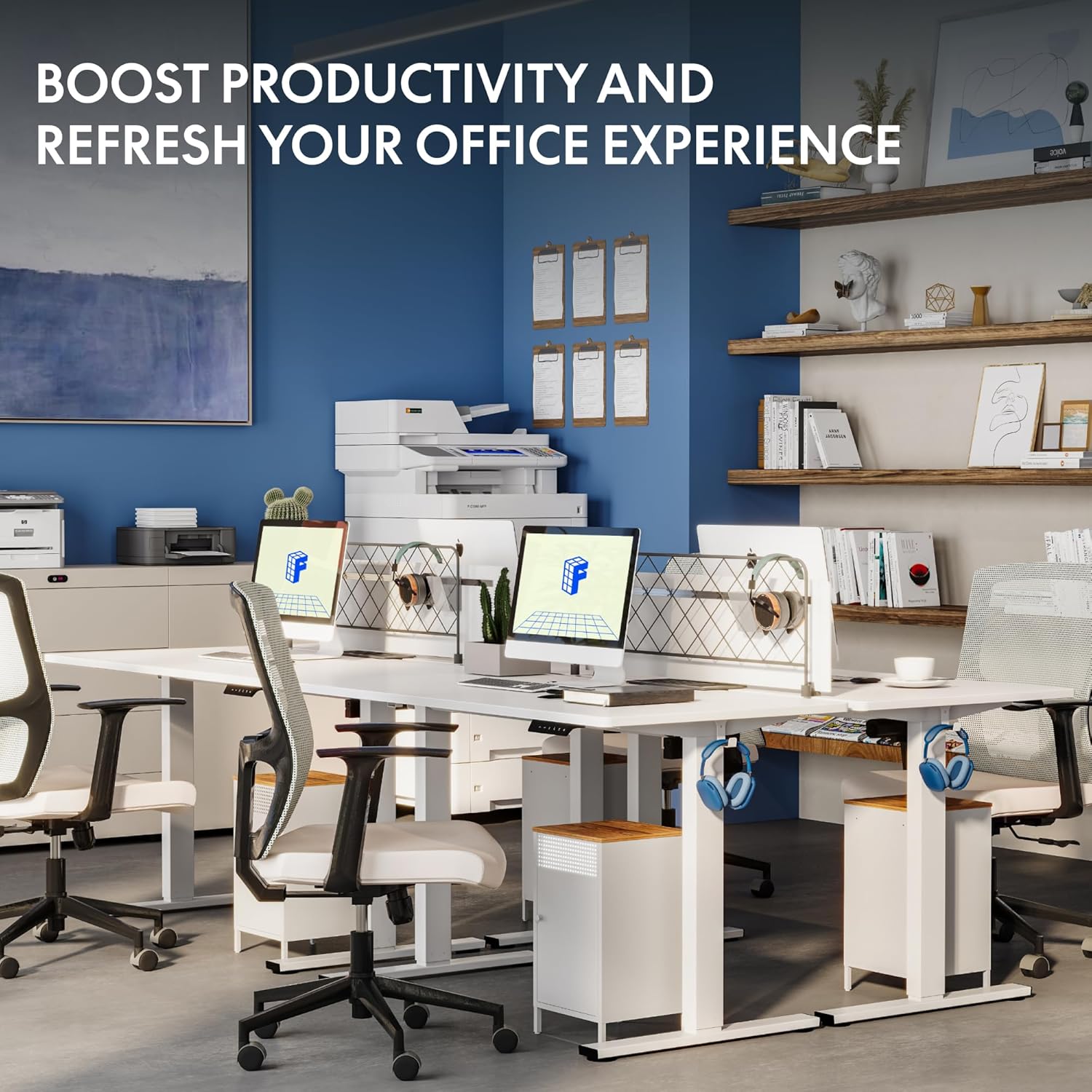
The FLEXISPOT electric standing desk offers effortless height adjustment to suit your ergonomic needs throughout the day.
Altuera doitzea
The desk's height can be adjusted electrically from a minimum of 28.1 inches to a maximum of 45.7 inches. Use the up and down arrows on the control panel for precise adjustments.
Kontrol panel adimenduna
The integrated smart control panel allows for easy operation. It features an LED display showing the current desk height, along with up/down arrows for manual adjustments. Four memory presets (1, 2, 3, 4) enable you to save and recall your preferred sitting and standing heights with a single touch.
Funtzionamendu Isila
The desk's motor operates at a low noise level, under 50 dB, ensuring a quiet and undisturbed work environment.

Ezaugarri nagusiak
The FLEXISPOT One-Piece Electric Standing Desk is designed with user convenience and durability in mind.
Seamless One-Piece Desktop
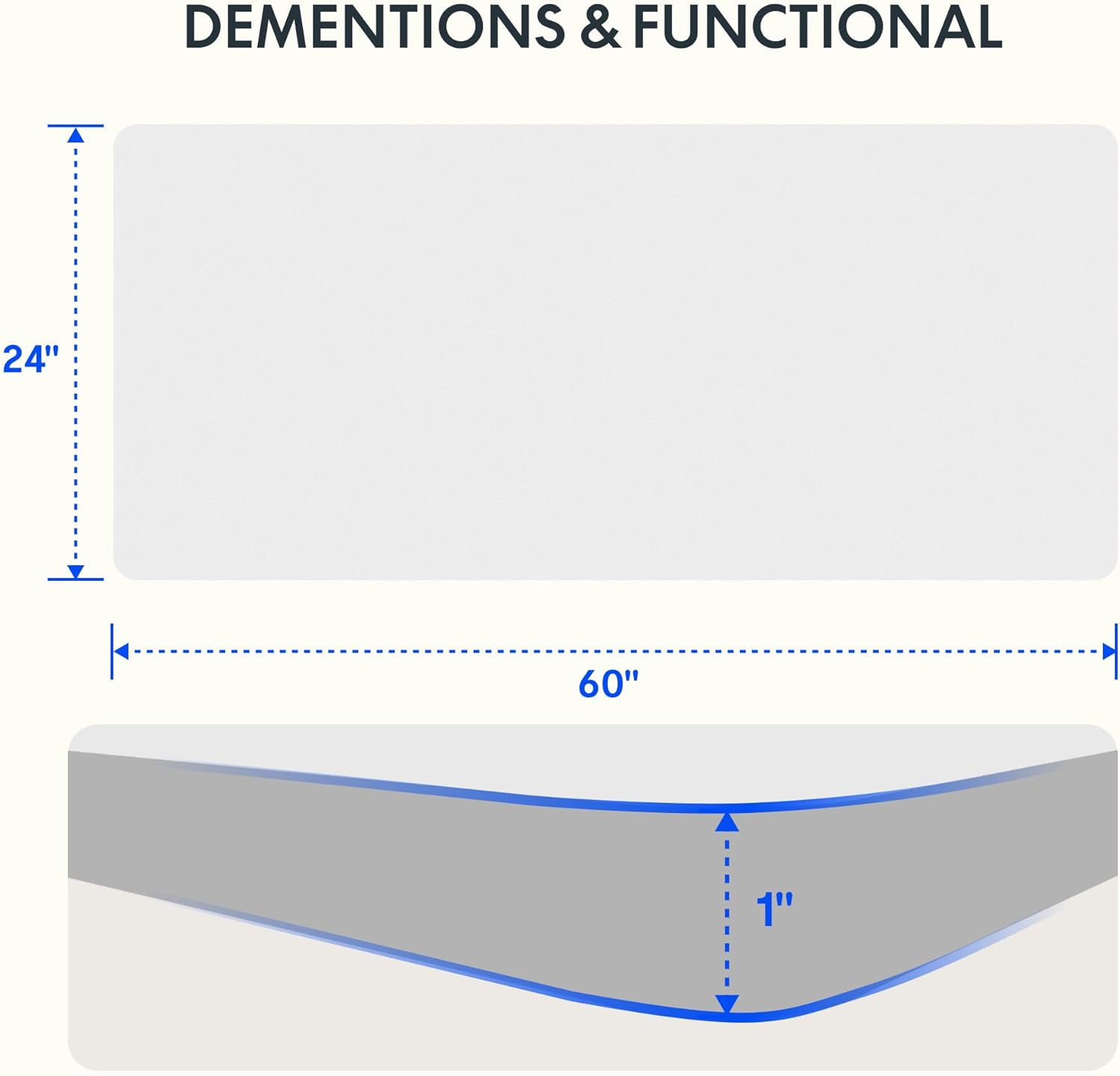
Enjoy a smooth, gap-free work surface. The 1-inch thick one-piece desktop is engineered for enhanced stability and durability compared to multi-piece alternatives.

Eraikuntza sendoa
The desk features a solid steel frame and a thick tabletop, built to support up to 176 lbs. This robust construction ensures stability for dual monitors, laptops, and other office essentials.

Convenient Headphone Hooks
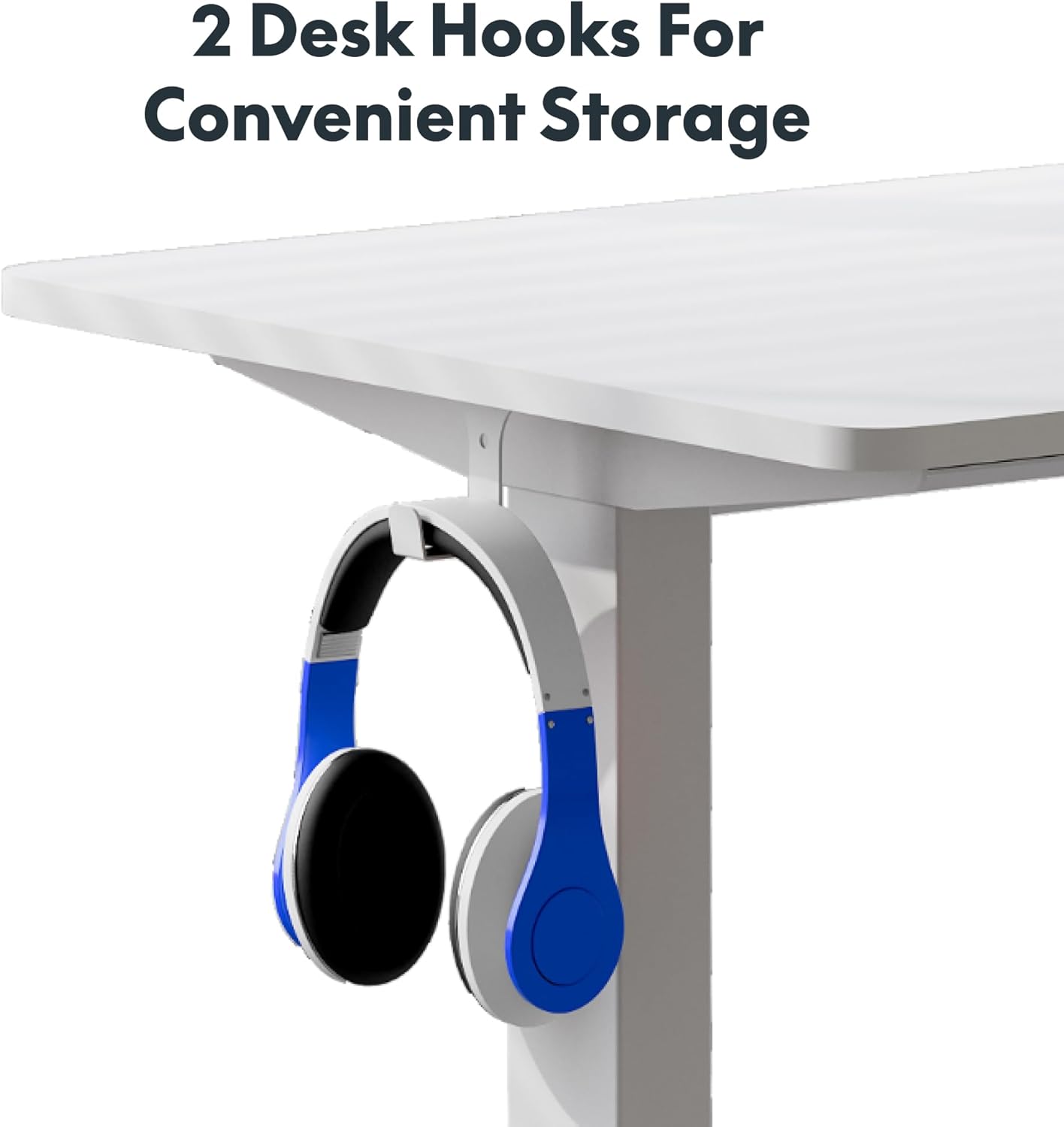
The desk includes two integrated hooks for convenient storage of headphones or other accessories, helping to keep your workspace tidy.

Mahaigainaren lodiera
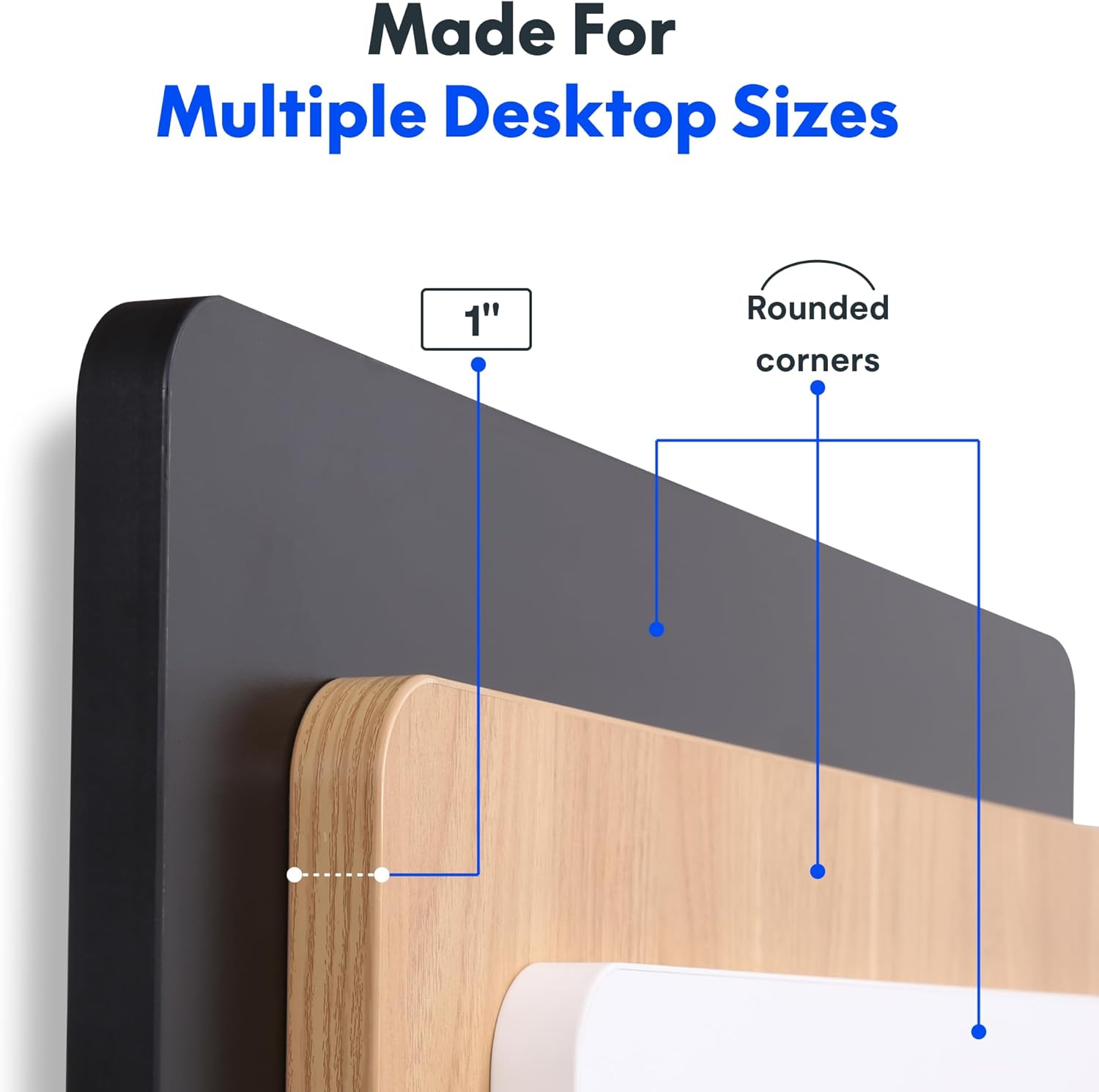
The desktop is 1 inch thick and features rounded corners for safety and aesthetics.
Mantentzea
To ensure the longevity and optimal performance of your FLEXISPOT standing desk, follow these maintenance guidelines:
- Garbitu mahaigainaren gainazala aldizka zapi leun eta lehor batekinamp oihal. Saihestu akabera kaltetu dezaketen produktu kimiko gogorrak edo garbitzaile urratzaileak erabiltzea.
- Aldian-aldian egiaztatu torloju eta konexio guztiak ondo estututa daudela ziurtatzeko. Behar izanez gero, estutu solte dauden loturak.
- Keep the motor and moving parts free from dust and obstructions. Do not allow liquids to spill into the motor housing.
- Avoid placing excessively heavy items on the desk, ensuring the weight does not exceed the maximum capacity of 176 lbs.
Arazoak konpontzea
If you encounter any issues with your FLEXISPOT electric standing desk, please refer to the following common troubleshooting steps:
- Desk Unresponsive: Check that the power cord is securely plugged into both the desk and a working electrical outlet.
- Errore-kodeak: If the LED display shows an error code, consult the full product manual (if provided separately) for specific code meanings and solutions. A common first step is to unplug the desk for 30 seconds and then plug it back in to reset the system.
- Mugimendu irregularra: Ensure the desk is placed on a flat, level surface. Check that no obstructions are impeding the legs' movement.
- Funtzionatzean zarata: While the motor is designed to be quiet, unusual noises may indicate an issue. Ensure the weight on the desk is evenly distributed and within the specified limit.
For persistent issues or problems not covered here, please contact FLEXISPOT customer support.
Zehaztapenak
| Ezaugarri | Xehetasuna |
|---|---|
| Marka | FLEXISPOT |
| Produktuaren neurriak | 24" L x 60" W x 29" H |
| Kolorea | Goiko aldea zuria + marko zuria |
| Oinarrizko materiala | Altzairu aleazioa |
| Goiko material mota | Ingeniaritza Egurra |
| Gehienezko pisuaren gomendioa | 176 kilo |
| Gutxieneko Altuera | 28 hazbete |
| Gehienezko Altuera | 45.7 hazbete |
| Mahaiaren lodiera | 1 hazbete |
| Ezaugarri Berezia | 1-inch Thick Standing Desk, 60x24" One-Piece Desktop, Headphone Hook |
| UPC | 840460459228 |
Bermea eta laguntza
The FLEXISPOT One-Piece Electric Standing Desk is backed by a comprehensive warranty:
- 5 urteko bermea: Covers the frame, motor, and mechanical parts.
- 2 urteko bermea: Covers electronic components.
For warranty claims, technical assistance, or any product-related inquiries, please visit the official FLEXISPOT website or contact their customer service department directly. Please have your purchase information and model details ready when contacting support.
Segurtasun informazio garrantzitsua
Please observe the following important safety information:
- This desk requires careful assembly, which may involve using an electric drill.
- Do not exceed the maximum weight limit of 176 pounds on the desktop.
- Be cautious when handling the desk as it ships in two separate boxes, which can be heavy.
- Ensure all cables are properly managed and secured to prevent tripping hazards or damage during height adjustments.
Ask a question about this manual
Ask about setup, troubleshooting, compatibility, parts, safety, or missing instructions. Manuals+ will review the question and use this page’s manual context to help answer it.