
KOORUI S2721XO 27-Inch QD-OLED Gaming Monitor User Manual
Modeloa: S2721XO
1. Sarrera
This manual provides instructions for the setup, operation, maintenance, and troubleshooting of your KOORUI S2721XO 27-inch QD-OLED Gaming Monitor. Please read this manual thoroughly before using the product to ensure proper function and safety.
The KOORUI S2721XO monitor features a 27-inch QD-OLED panel with QHD (2560x1440) resolution, a 240Hz refresh rate, and a 0.03ms (GtG) response time. It supports HDR True Black 400 and AdaptiveSync technology for a smooth visual experience. Connectivity options include HDMI 2.1 and DisplayPort 1.4.
2. Segurtasun informazioa
- Ziurtatu monitoreak gainazal egonkor eta lau batean jartzen duela, ustekabean erortzea saihesteko.
- Do not expose the monitor to rain or moisture to avoid electric shock.
- Mantendu aireztapen-zuloak garbi berotzea saihesteko.
- Use only the power adapter provided with the monitor.
- Ez ukitu pantaila objektu zorrotzekin.
- Deskonektatu elikadura-kablea entxufetik garbitu aurretik edo monitoreak denbora luzez erabili gabe utziko badu.
3. Konfigurazioa
3.1 Paketearen edukia
Egiaztatu osagai guztiak paketean daudela:
- KOORUI S2721XO Monitor
- Monitorearen euskarria (oinarria eta lepoa)
- Elikatze-kablea
- DisplayPort kablea (1.8 m)
- Erabiltzailearen eskuliburua (dokumentu hau)
3.2 Standa muntatzea
- Lotu euskarriaren lepoa monitorearen panelera. Ziurtatu ondo sartzen dela klik eginez.
- Lotu euskarriaren oinarria euskarriaren lepoari. Estutu torlojuak beharrezkoak direnean.
Alternatively, the monitor supports VESA 100x100mm mounting for compatible wall mounts or monitor arms.
3.2.1. Irudia: Atzealdea view of the monitor with VESA mount and stand attachment.

3.2.2. Irudia: Atzealdea view of the monitor with the stand assembled.
3.3 Gailu batera konektatzea
The monitor provides multiple input options:
- HDMI2.1: Connect to a PC or gaming console using an HDMI 2.1 cable. The monitor has two HDMI 2.1 ports.
- DisplayPort 1.4: Connect to a PC using a DisplayPort 1.4 cable. A DisplayPort cable is included.
- Audio irteera: Connect external speakers or headphones to the 3.5mm audio jack.

Figure 3.3.1: Monitor input ports.
After connecting the video cable, connect the power cable to the monitor and then to a power outlet.
4. Funtzionamendua
4.1 Piztu/Itzali
Press the power button (usually located on the back or bottom of the monitor) to turn the monitor on or off. The power indicator light will illuminate when the monitor is on.
4.2 Pantailan bistaratzeko (OSD) menua
The monitor features a joystick controller for navigating the OSD menu. This allows for easy adjustment of various settings.
- Sakatu joystick-a: OSD menua irekitzen du.
- Move joystick Up/Down: Menu aukeren artean nabigatzen du.
- Move joystick Left/Right: Balioak doitzen edo azpimenuetara sartzen da.
- Sakatu berriro: Confirms selection or exits a sub-menu.
4.3 Pantailaren ezarpenak
Adjust the following settings via the OSD menu for optimal performance:
- Ebazpena: Set to 2560x1440 (QHD) for the native display resolution.
- Freskatze-tasa: Select 240Hz for the smoothest motion.
- AdaptiveSync: Enable AdaptiveSync (FreeSync compatible) to eliminate screen tearing and stuttering during gaming.
- HDR True Black 400: Activate HDR for enhanced contrast and color depth in compatible content.
- Kolore gama: Adjust color settings, including DCI-P3 99% and sRGB 100% modes, for accurate color reproduction.
- Distira/Kontrastea: Fine-tune display brightness (average 280 nits) and contrast levels.
- Image Retention Refresh: This feature helps prevent burn-in on the OLED panel. It is recommended to keep this enabled.
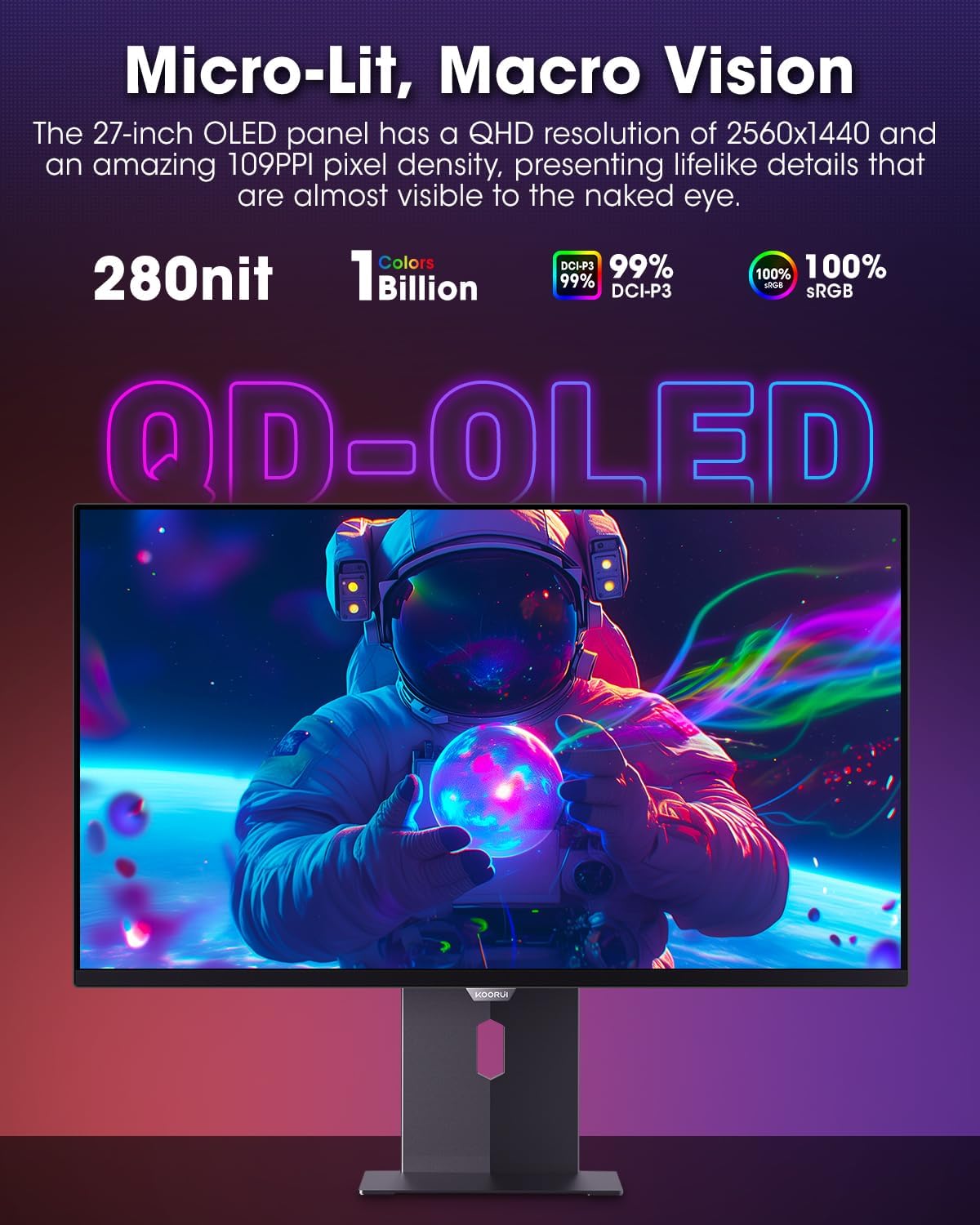
Figure 4.3.1: The QD-OLED panel delivers vivid colors and deep blacks.

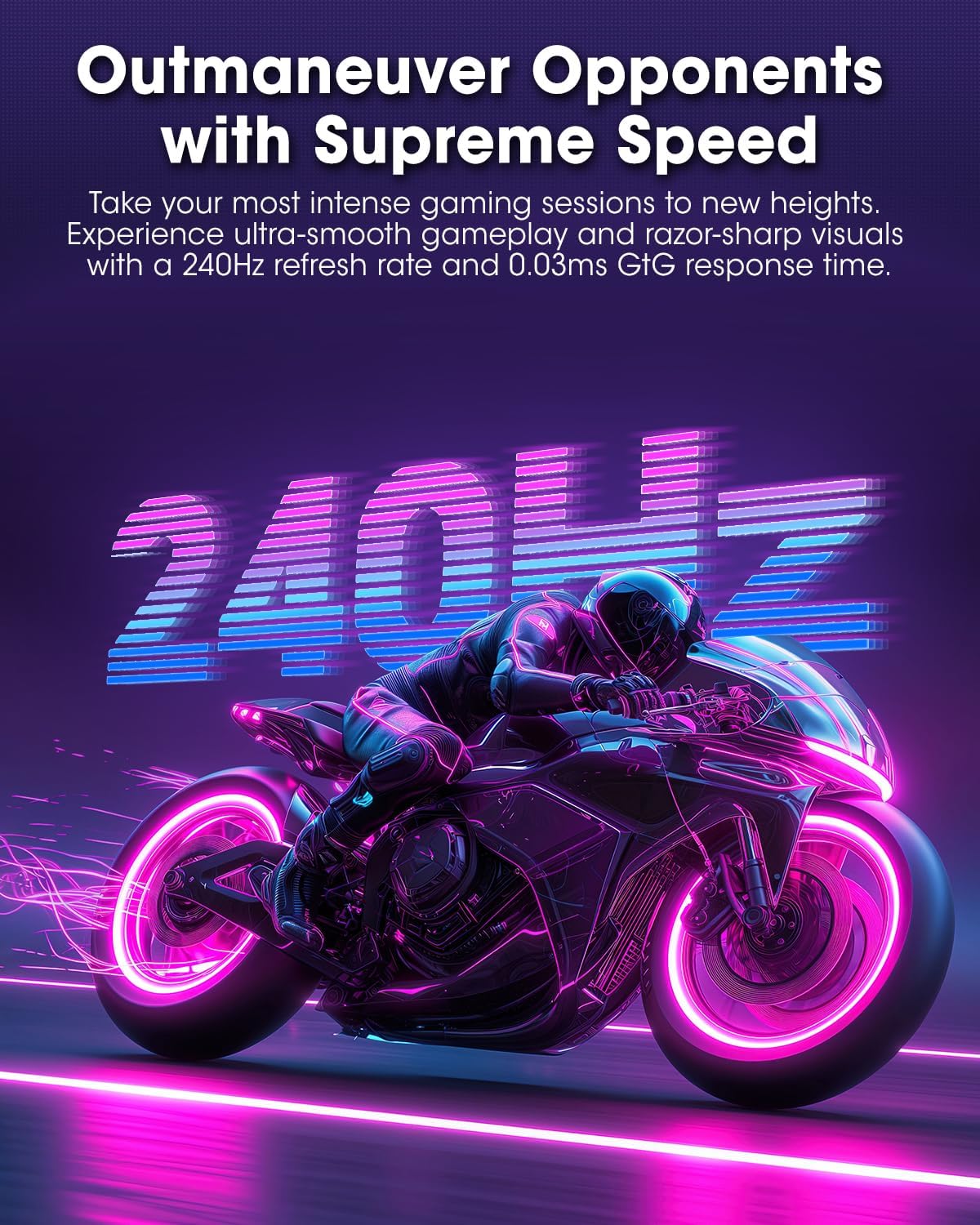
Figure 4.3.2: High refresh rate and low response time for smooth gaming.
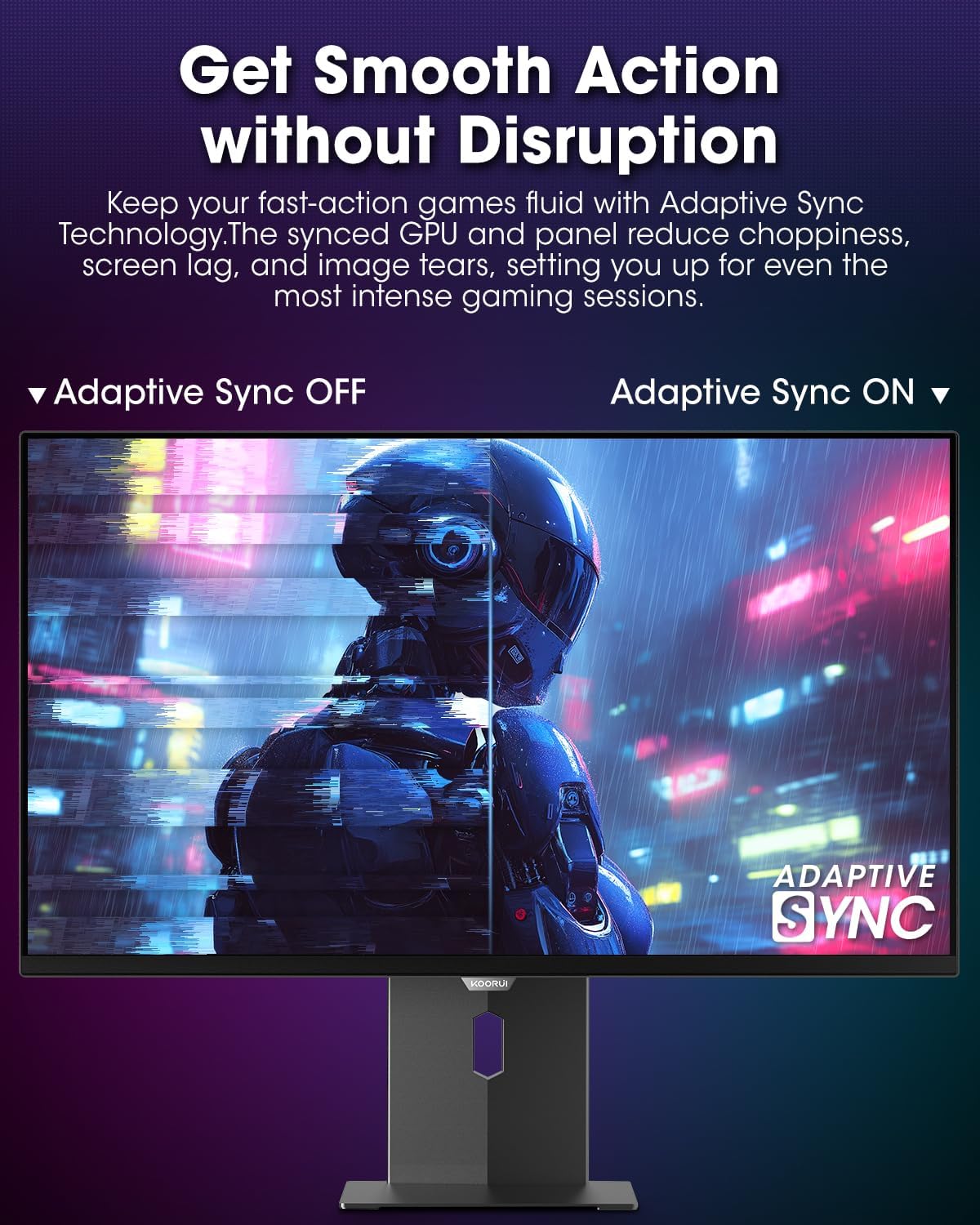
Figure 4.3.3: AdaptiveSync technology prevents screen tearing.
4.4 Doikuntza ergonomikoak
Monitorearen euskarriak hainbat doikuntza ahalbidetzen ditu hobetzeko viewerosotasuna:
- Altuera doitzea: Altxa edo jaitsi monitorearen mailara.
- okertu: Doitu pantailaren angelua aurrera edo atzera.
- Birakaria: Biratu monitore horizontalki.
- Pibota: Biratu monitorearen forma bertikala (erretratu moduan).

4.4.1. irudia: Monitorearen inklinazio doikuntza.

4.4.2. irudia: Monitorearen biraketa erretratu modura doitzea.
5. Mantentzea
- Pantaila garbitzea: Erabili lipurrik gabeko zapi leun bat dampUrarekin edo pantaila-garbitzaile batekin garbitu. Ez ihinztatu garbitzailea zuzenean pantailan.
- C garbiketaasing: Garbitu monitorearen casing with a soft, dry cloth. Avoid abrasive cleaners.
- Aireztapena: Ensure the monitor's ventilation holes are not blocked to prevent overheating.
- Itzali: Always turn off and unplug the monitor before cleaning.
6. Arazoak
| Arazoa | Kausa posiblea | Irtenbidea |
|---|---|---|
| Ez dago irudirik pantailan | Kable elektrikoa deskonektatuta; bideo-kablea deskonektatuta; sarrera-iturri okerra hautatuta. | Egiaztatu elikadura eta bideo kablearen konexioak; hautatu sarrera-iturri zuzena OSD menuaren bidez. |
| Irudia keinuka edo urratzea | AdaptiveSync not enabled; Graphics card driver issues. | Enable AdaptiveSync in OSD menu; Update graphics card drivers. |
| Koloreak oker agertzen dira | Color settings misconfigured; Faulty video cable. | Reset color settings in OSD menu; Try a different video cable. |
| Monitorea ez da pizten | Kable elektrikoa ez dago konektatuta; Entxufea ez dabil. | Ziurtatu kablea ondo konektatuta dagoela; probatu entxufea beste gailu batekin. |
7. Zehaztapenak
| Ezaugarri | Xehetasuna |
|---|---|
| Marka | KOORUI |
| Modelo zenbakia | S2721XO |
| Pantailaren tamaina | 27 hazbete |
| Bistaratzeko mota | QD-OLED |
| Ebazpena | QHD zabala 1440p (2560 x 1440 pixel) |
| Freskatze tasa | 240 Hz |
| Erantzun Denbora | 0.03 Milliseconds (GtG) |
| Kontraste-erlazioa | 20,000,000:1 |
| Distira | 350 candela_per_square_meter (average 280 nits) |
| Kolore gama | % 99 DCI-P3 |
| HDR euskarria | HDR True Black 400 |
| Sinkronizazio egokitzailea | FreeSync bateragarria |
| Konektibitatea | 2x HDMI 2.1, 1x DisplayPort 1.4, 1x Audio Out |
| Ergonomia | Tilt, Height, Swivel, Pivot Adjustment |
| VESA mendia | 100x100mm |
| Produktuaren neurriak | 21.58 x 61 x 51.2 cm; 8.96 kg |

7.1 irudia: Monitorearen neurriak.
8. Bermea eta Laguntza
8.1 Bermearen informazioa
The KOORUI S2721XO monitor comes with a 1 urteko berme mugatua. Please retain your proof of purchase for warranty claims. For detailed warranty terms and conditions, refer to the official KOORUI webwebgunean edo jarri harremanetan bezeroarentzako laguntzarekin.
8.2 Bezeroarentzako laguntza
For technical assistance, troubleshooting, or warranty inquiries, please contact KOORUI customer support. Refer to the contact information provided on the official KOORUI webgunea edo zure erosketa-dokumentazioa.
You can also find additional support resources and FAQs on the KOORUI brand store on Amazon: KOORUI Amazon Store
9. Produktuen bideoak
KOORUI 4K OLED Gaming Monitor 240Hz (Seller Video)
Bideo honek gaina ematen duview of the KOORUI OLED Gaming Monitor, highlighting its key features such as high refresh rate and OLED display technology. While the title mentions "4K", the video content is generally applicable to high-performance OLED gaming monitors from KOORUI, including the S2721XO model's features like 240Hz refresh rate and fast response time.