
Sarrera
Welcome to the user manual for your new Generic X10 MINI Smart Watch. This guide provides essential information on setting up, operating, and maintaining your device to ensure optimal performance. Please read this manual thoroughly before using your smartwatch.
Kutxan dagoena
Egiaztatu elementu guztiak zure produktuaren ontzian daudela:
- X10 MINI Smart Watch (with one pink band attached)
- Additional Pink Watch Band
- Haririk gabeko kargatzeko kablea
- Erabiltzailearen eskuliburua (dokumentu hau)

Image: The X10 MINI Smart Watch, an additional pink band, and the wireless charging cable as typically found in the box.
Produktua amaituview
The X10 MINI Smart Watch features a 2.19-inch display, wireless charging, and a sleek design. It is designed to help you stay connected and track your activities throughout the day.
- Pantaila: Large 2.19-inch touchscreen for clear visibility and easy navigation.
- Diseinua: Sleek smartwatch with a modern square face and comfortable pink band.
- Kargatzen: Convenient wireless charging capability.
- Konektibitatea: Advanced wireless technology for seamless synchronization with compatible devices.
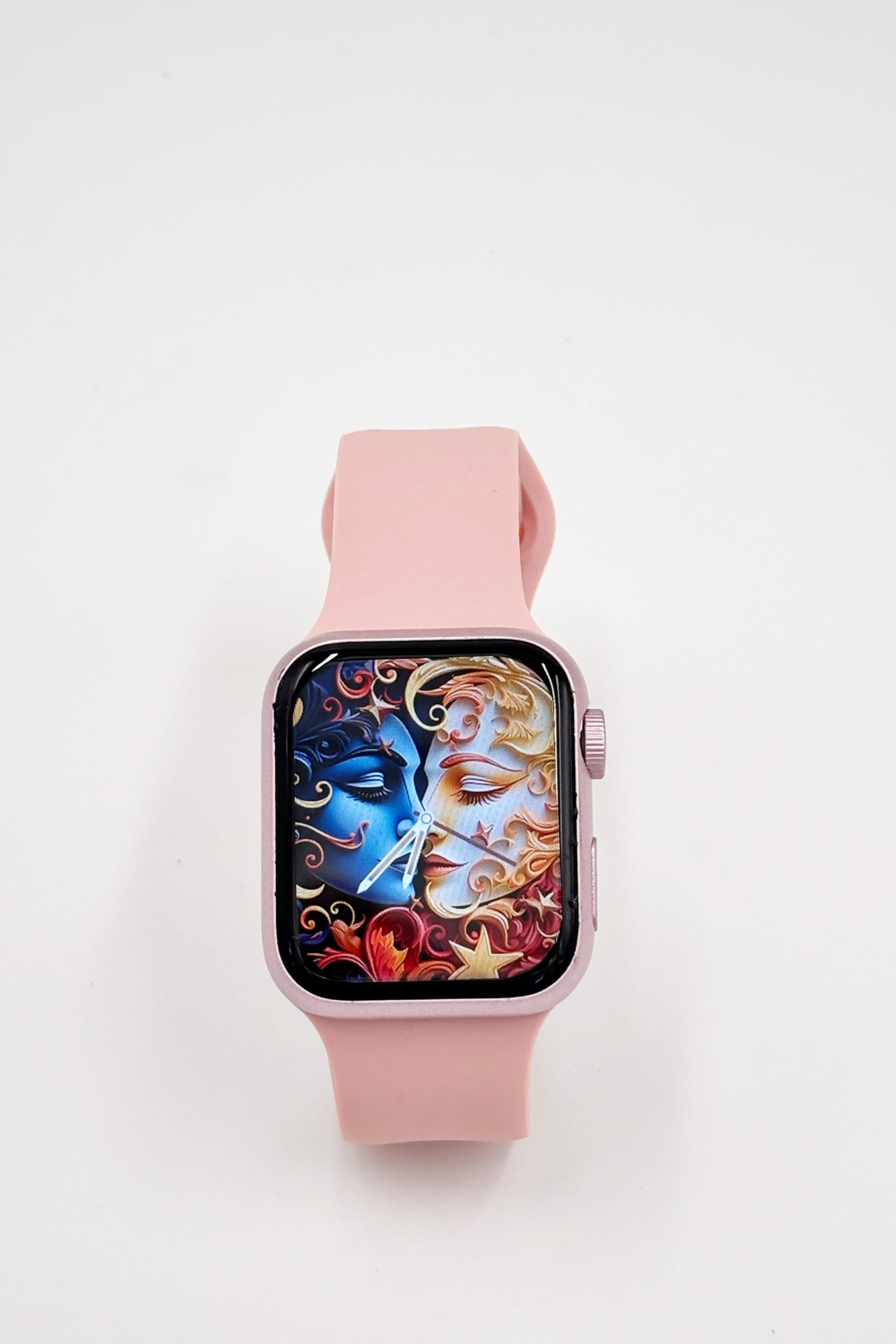
Image: A close-up of the X10 MINI Smart Watch, showcasing its 2.19-inch display and pink band.
Konfigurazioa
1. Hasierako kargatzea
Before first use, fully charge your smartwatch. Connect the wireless charging cable to a USB power source and place the back of the watch onto the charging pad. The watch display will indicate charging status.
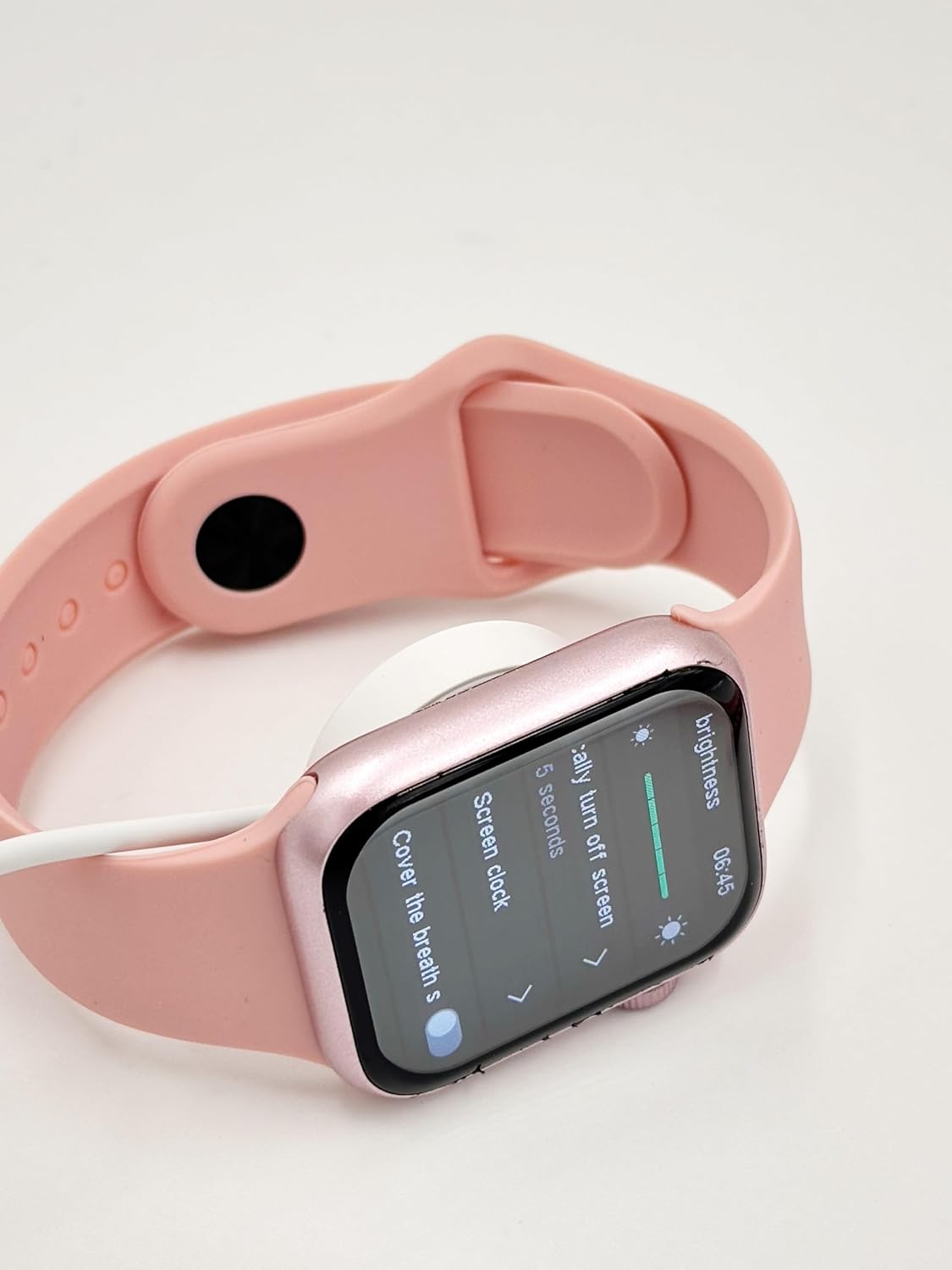
Image: The X10 MINI Smart Watch resting on its wireless charging pad, displaying the brightness settings.
2. Piztu/Itzaltzea
- Pizteko: Sakatu eta eutsi alboko botoiari pantaila piztu arte.
- Itzaltzeko: Sakatu eta eutsi alboko botoiari, eta ondoren hautatu 'Itzali' pantailan.
3. Aplikazioaren instalazioa eta parekatzea
To unlock full functionality, download the companion application on your smartphone. Refer to the 'Download APP' option in the watch's General settings for the correct application. Once installed, open the app and follow the on-screen instructions to pair your smartwatch via Bluetooth.

Image: The smartwatch display showing the 'General' settings menu, including options for Bluetooth, About, Language, and Download APP.
Funtzionamendu-argibideak
Nabigazioa
The X10 MINI Smart Watch features a responsive touchscreen. Swipe left, right, up, or down to navigate through menus and access different features. Press the side button to return to the home screen or wake the device.
Ezaugarri nagusiak
- Jakinarazpenak: Jaso deien, mezuen eta aplikazioen jakinarazpenen alertak zuzenean zure eskumuturrean.
- Jardueren jarraipena: Monitor your steps, distance, and calories burned throughout the day.
- Ahots-deia: Make and receive calls directly from your smartwatch when connected to your phone.
- Phone/Contacts: Access your call log and contacts list.

Image: The smartwatch display showing activity tracking metrics, including steps, distance, and calories burned.

Image: The smartwatch display showing the phone-related menu, with options for Phone, Call Log, and Contacts.
Kargatzen
The X10 MINI Smart Watch supports wireless charging. Use the provided wireless charging cable. Ensure the watch is properly aligned on the charging pad for efficient charging. A full charge typically takes approximately 2-3 hours and provides up to 48 hours of average use.
Mantentzea
Garbiketa
Wipe the watch screen and body with a soft, dry cloth. For the bands, use a slightly damp cloth and mild soap if necessary, then rinse and dry thoroughly. Avoid using harsh chemicals or abrasive materials.
Bandaren ordezkoa
The X10 MINI Smart Watch comes with dual bands, allowing for customization. To replace a band, locate the quick-release pins on the underside of the watch where the band connects. Slide the pin to detach the band, then align the new band and slide the pin back into place to secure it.
Arazoak konpontzea
- Erlojua ez da pizten: Ziurtatu erlojua guztiz kargatuta dagoela. Konektatu kargagailura gutxienez 30 minutuz.
- Ezin da telefonoarekin parekatu: Make sure Bluetooth is enabled on your phone and the watch. Restart both devices and try pairing again. Ensure the companion app is installed and running.
- Kargatzeko arazoak: Check if the charging cable is properly connected to a power source and the watch is correctly placed on the wireless charging pad.
- Jardueren jarraipen zehaztugabea: Ensure the watch is worn snugly on your wrist. Calibrate the activity tracker through the companion app if available.
Zehaztapenak
| Marka | Generikoa |
| Ereduaren izena | X10 MINI |
| Bistaratzeko tamaina | 2.19 hazbete |
| Bistaratzeko mota | LED |
| Sistema eragilea | Android (bateragarria) |
| Memoria Biltegiratzeko Ahalmena | 40 MB |
| Bateria Edukiera | 1200 milioiamp Orduak |
| Bateriaren batez besteko bizitza | 48 ordu |
| Haririk gabeko mota | 2.4 GHz irrati-maiztasuna |
| Konektore mota | Bluetootha |
| Ezaugarri bereziak | Activity Tracker, Notifications, Touchscreen, Voice Call, Wireless Charging |
| Gailu bateragarriak | Smartphone, Tablet |
| Elementuaren pisua | 200 g |
| Jatorrizko Herrialdea | Txina |
Bermea eta Laguntza
This product comes with a standard manufacturer's warranty. For specific warranty details, claims, or technical support, please refer to the documentation provided with your purchase or contact the retailer. Keep your proof of purchase for warranty purposes.