
1. Produktua amaitu daview
The BUGANI Luster Bluetooth Speaker is a portable wireless stereo speaker designed for high-quality audio output with dynamic colorful lighting. It features Bluetooth 5.3 connectivity, IPX6 waterproofing, and extended playtime, making it suitable for various indoor and outdoor environments.

Image: The BUGANI Luster Bluetooth Speaker, showcasing its design and the vibrant light effects, surrounded by water splashes to highlight its waterproof capabilities.
2. Zer dago kutxan
- BUGANI Luster Bluetooth Speaker
- USB-C kargatzeko kablea
- AUX-en sartzeko kablea
- Hasierako gida azkarra
- Korrila desmuntagarria
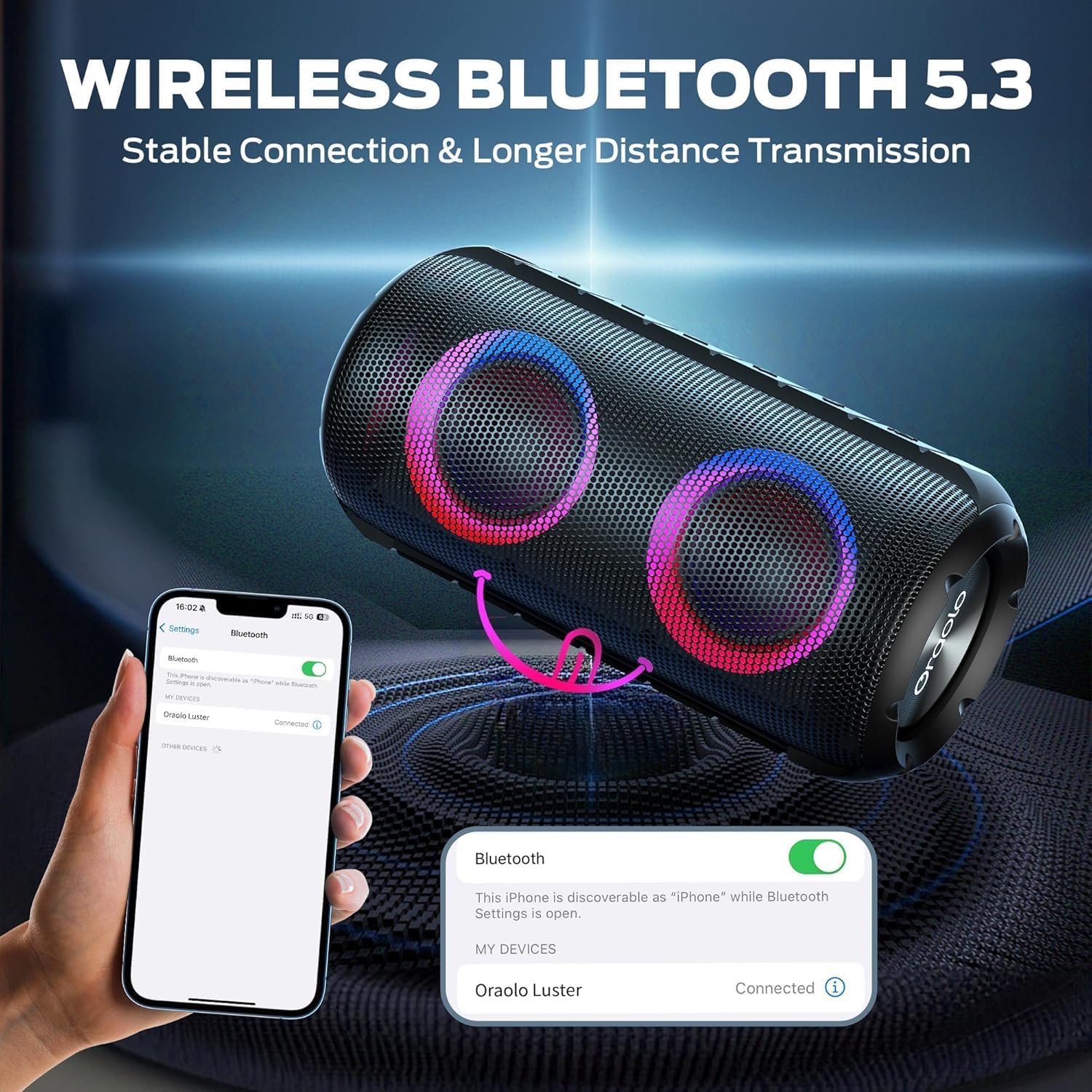
Image: The BUGANI Luster Bluetooth Speaker with its detachable lanyard, illustrating its portability and ease of carrying.
3. Konfigurazioa
3.1 Hasierako karga
Before first use, fully charge the speaker. Connect the provided USB-C cable to the speaker's charging port and the other end to a USB power adapter (not included) or a computer's USB port. The charging indicator light will show the charging status.
3.2 Piztu/Itzali
- Piztu: Eduki sakatuta pizteko botoia (⏻) for 2-3 seconds until you hear an audible prompt and the lights illuminate.
- Itzali: Eduki sakatuta pizteko botoia (⏻) for 2-3 seconds until you hear an audible prompt and the lights turn off.
3.3 Bluetooth parekatzea
- Ziurtatu bozgorailua piztuta dagoela eta Bluetooth parekatze moduan dagoela (argi urdin keinukari batek adierazten du).
- Zure gailuan (smartphone-an, tabletan, etab.), gaitu Bluetooth-a eta bilatu eskuragarri dauden gailuak.
- Select "BUGANI Luster" from the list of devices.
- Once connected, you will hear a confirmation sound, and the Bluetooth indicator light will become solid blue.
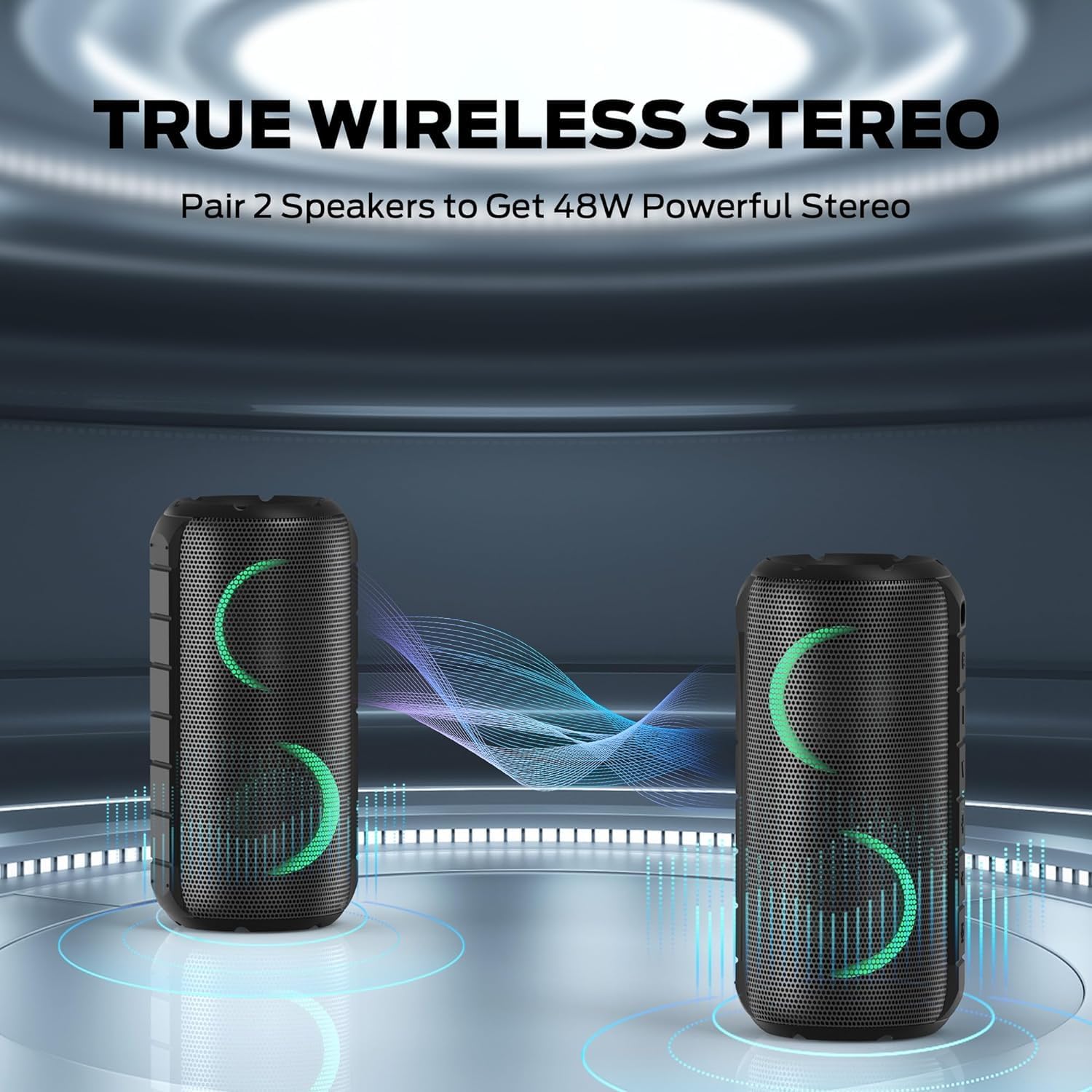
Image: A smartphone displaying its Bluetooth settings, showing a successful connection to the "Oraolo Luster" (BUGANI Luster) speaker, demonstrating the ease of Bluetooth 5.3 pairing.
3.4 Benetako Haririk gabeko Estereoa (TWS) Parekatzea
To achieve a more immersive stereo sound, you can pair two BUGANI Luster speakers together.
- Ziurtatu bi bozgorailuak piztuta daudela eta ez daudela Bluetooth gailu batera konektatuta.
- On one speaker (this will be the primary speaker), press the TWS button (often indicated by two interlocking circles or a dedicated TWS icon). The speaker will enter TWS pairing mode.
- The primary speaker will automatically search for the secondary speaker. Once connected, you will hear a confirmation sound, and the lights on both speakers will synchronize.
- Orain, konektatu zure gailua bozgorailu nagusira Bluetooth bidez, 3.3 atalean azaltzen den bezala. Audioa bi bozgorailuetatik erreproduzituko da estereoan.

Image: Two BUGANI Luster speakers positioned to illustrate their True Wireless Stereo (TWS) pairing capability, creating a wider soundstage.
3.5 AUX-in Connection
For non-Bluetooth devices, use the provided 3.5mm AUX-in cable.
- Connect one end of the 3.5mm AUX-in cable to the speaker's AUX-in port.
- Konektatu beste muturra zure gailuaren audio irteerako konektorera.
- The speaker will automatically switch to AUX-in mode.
4. Funtzionamendu-argibideak
4.1 Botoien funtzioak

Irudia: Gertutik view of the BUGANI Luster speaker's top panel, clearly showing the control buttons for various functions.
| Botoia | Funtzioa (Sakatu labur) | Funtzioa (sakatu luzea) |
|---|---|---|
| ⏻ (Boterea) | N/A | Piztu/Itzali |
| + (Bolumena igo) | Bolumena igo | Hurrengo Pista |
| - (Bolumena jaitsi) | Bolumena jaitsi | Aurreko Pista |
| ▶‖ (Erreproduzitu/Pausatu) | Erreproduzitu/Pausatu; Deia erantzun/amaitu | Reject Call; Activate Voice Assistant |
| 💡 (Light Mode) | Cycle through Light Modes | Piztu/Itzali Argiak |
| TWS (TWS Pairing) | N/A | Sartu TWS parekatzeko moduan |
4.2 Colorful Light Show
The speaker features a dynamic RGB light system with 7 colors and 5 light modes. Press the Light Mode button (💡) to cycle through the available modes. Long press the button to turn the lights on or off.

Image: The BUGANI Luster speaker showcasing its vibrant and dynamic colorful light patterns, which enhance the listening experience.
4.3 Eskurik gabeko deiak
Bluetooth bidez konektatuta dagoenean, bozgorailuak barneratutako mikrofonoari esker, esku libreko deiak egin daitezke.
- Deia erantzun/amaitu: Short press the Play/Pause button (▶‖).
- Deia baztertu: Sakatu luze Erreproduzitu/Pausatu botoia (▶‖).
4.4 Ahots-laguntzailearen aktibazioa
Sakatu luze Erreproduzitu/Pausatu botoia (▶‖) to activate your phone's voice assistant (e.g., Siri, Google Assistant).
5. Mantentzea
5.1 Garbiketa
Garbitu bozgorailua leun batekin, damp oihalik. Ez erabili garbitzaile urratzailerik, alkoholik edo disolbatzaile kimikorik, gainazala edo barneko osagaiak kaltetu baititzakete.
5.2 Iragazgaitza Zaintzea (IPX6)
The speaker has an IPX6 waterproof rating, meaning it is protected against powerful water jets. It is suitable for use in rainy conditions or near water bodies like pools and beaches. However, it is ez designed for submersion in water. Ensure the charging port cover is securely closed before exposing the speaker to water.
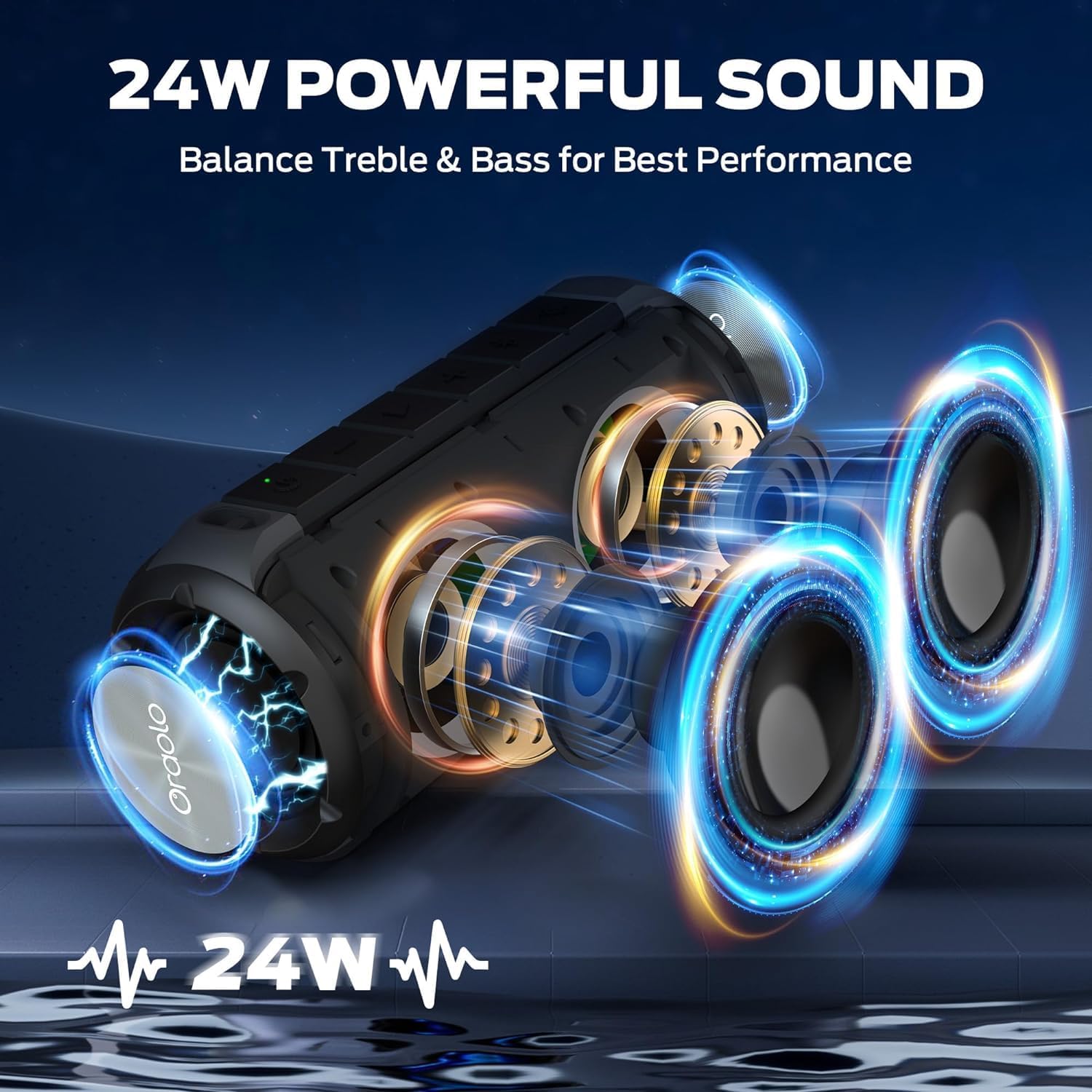
Image: The BUGANI Luster speaker resting on a wet rock with water droplets, visually confirming its IPX6 waterproof rating for outdoor use.
5.3 Biltegiratzea
Gorde bozgorailua leku fresko eta lehor batean, eguzki-argitik eta muturreko tenperaturetatik babestuta. Denbora luzez gordetzen baduzu, kargatu bateria % 50 inguru hilabete batzuk igaro ondoren bateriaren osasuna mantentzeko.
6. Arazoak
6.1 Potentziarik gabe
- Ziurtatu bozgorailua guztiz kargatuta dagoela.
- Press and hold the Power button for 2-3 seconds.
6.2 Soinurik ez
- Egiaztatu bozgorailuaren eta konektatutako gailuaren bolumen-maila.
- Ensure the speaker is correctly paired via Bluetooth or the AUX-in cable is securely connected.
- If using Bluetooth, try disconnecting and re-pairing the device.
6.3 Bluetooth parekatze arazoak
- Ensure the speaker is within the effective range (up to 33 feet/10 meters) of your device.
- Clear the Bluetooth pairing history on your device and try pairing again.
- Itzali eta piztu bozgorailua eta gailua.
- Ziurtatu beste Bluetooth gailurik ez dagoela interferentziarik egiten.
6.4 TWS Pairing Fails
- Ziurtatu bi bozgorailuak guztiz kargatuta daudela eta ez daudela beste Bluetooth gailu batera konektatuta.
- Place the speakers close to each other during the TWS pairing process.
- Follow the TWS pairing steps precisely as described in section 3.4.
7. Zehaztapenak
| Ezaugarri | Xehetasuna |
|---|---|
| Marka | BUGANI |
| Ereduaren izena | M166 |
| Hizlari mota | Bozgorailu estereo eramangarria |
| Bozgorailuaren irteera-potentzia maximoa | 24 Watt |
| Konektibitate Teknologia | Bluetooth 5.3, Auxiliary (3.5mm AUX-in) |
| Iragazgaitzaren balorazioa | IPX6 |
| Jolas-ordua | Up to 24 hours (at 50% volume, lights off) |
| Produktuaren neurriak | 4" L x 8" W x 4" H |
| Elementuaren pisua | 1.34 libra (0.61 kilogramo) |
| Pilak | 1 AA bateria behar da (barne) |
8. Bermea eta Laguntza
BUGANI products are manufactured to high-quality standards. For specific warranty information and support, please refer to the warranty card included with your product or visit the official BUGANI webgunea. Gorde erosketa-agiria erosketaren frogagiri gisa berme-erreklamazioetarako.
For technical assistance or customer service inquiries, please contact BUGANI customer support through their official channels.