
Sarrera
This manual provides detailed instructions for the setup, operation, and maintenance of your EasySMX Switch 2 Joy-Con Charger Dock. Please read this manual thoroughly before use to ensure proper functionality and safety.
Paketearen edukia
Egiaztatu behean zerrendatutako elementu guztiak zure paketean sartuta daudela:
- EasySMX Switch 2 Joy-Con Charger Dock
- USB motako C kargatzeko kablea
- Erabiltzailearen eskuliburua

Image: The EasySMX Switch 2 Joy-Con Charger Dock, a USB Type-C cable, and the user manual laid out on a surface.
Bateragarritasuna
This charging dock is specifically designed for Switch 2 Joy-Con-ak. It is not compatible with Switch 1, Switch OLED, or Switch Lite Joy-Cons.
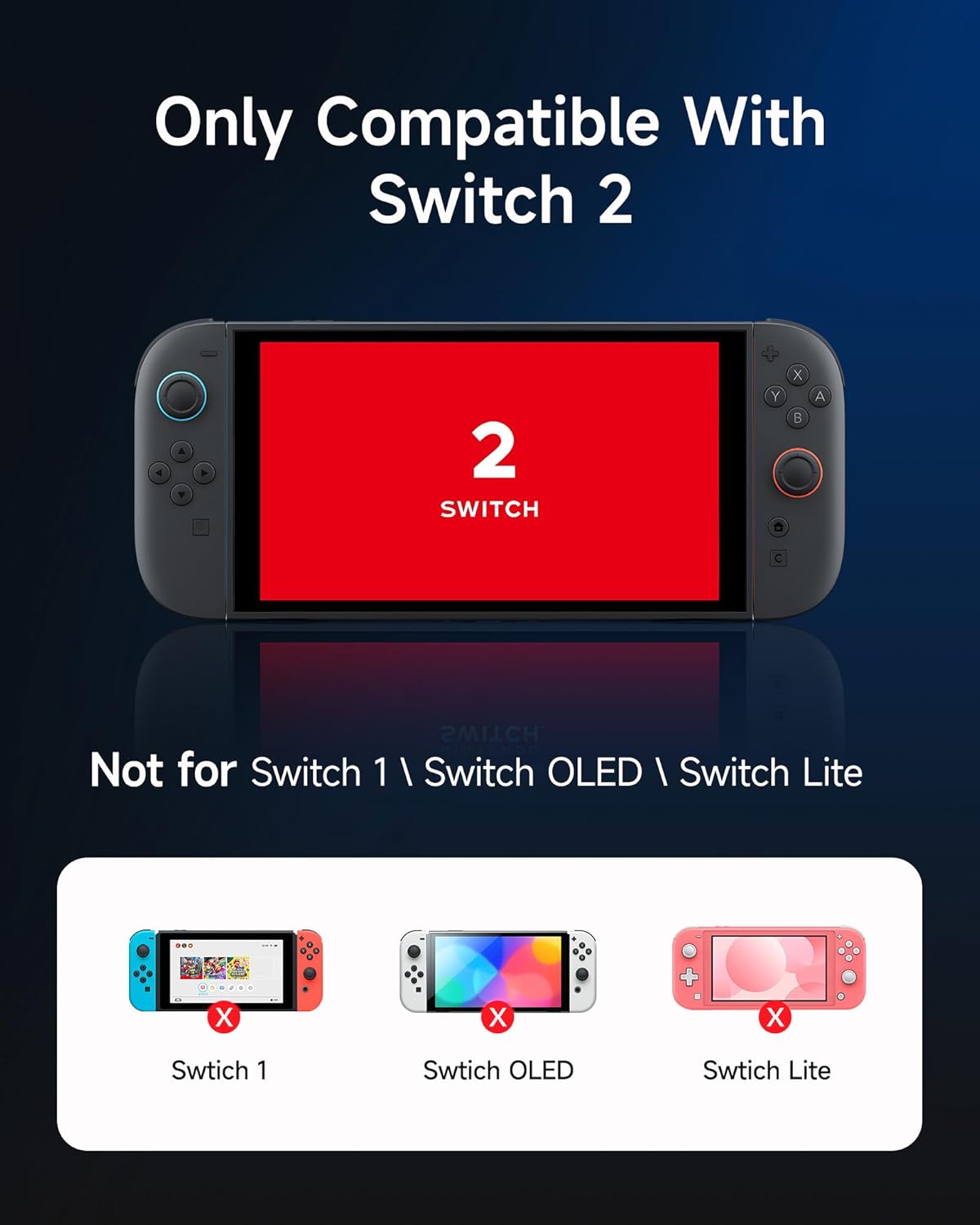
Image: A graphic illustrating that the charger is compatible only with Switch 2 Joy-Cons, explicitly showing "Not for Switch 1 \ Switch OLED \ Switch Lite" with corresponding images of those consoles marked with an 'X'.
Product Layout and Interfaces
Familiarize yourself with the various components and connection points of the charging dock.

Image: A multi-view diagram of the charging dock, highlighting the LED indicators (Red/Green), USB Type-C Input (Top), Right Joy-Con Charging Slot, Left Joy-Con Charging Slot, and USB Type-C Input (Back).
- LED adierazleak: Red for charging, Green for fully charged.
- USB Type-C Input (Top/Back): Konektatu kargatzeko kablea hemen.
- Joy-Con Charging Slots: Insert Joy-Cons for charging.
Konfigurazio Argibideak
- Konektatu energia: Use the provided USB Type-C cable to connect the charging dock to a power source (e.g., a USB wall adapter, console, or PC USB port). The dock features dual USB-C ports for flexible placement.
- Kokalekua: The dock includes an extra kickstand, allowing for various placements while charging.

Image: The charging dock with a USB Type-C cable connected, demonstrating how the dual ports support different placement options, including using the kickstand.
Funtzionamendu-argibideak
- Insert Joy-Cons: Carefully slide your Switch 2 Joy-Cons into the designated charging slots on the dock. Ensure they are securely seated.
- Kontrolatu karga-egoera: Observe the LED indicators on the front of the dock.
- A LED gorria indicates that the Joy-Con is currently charging.
- A LED berdea indicates that the Joy-Con is fully charged.
- Kargatzeko denbora: The dock is designed for fast charging, typically reaching a full charge in approximately 1.5 hours.
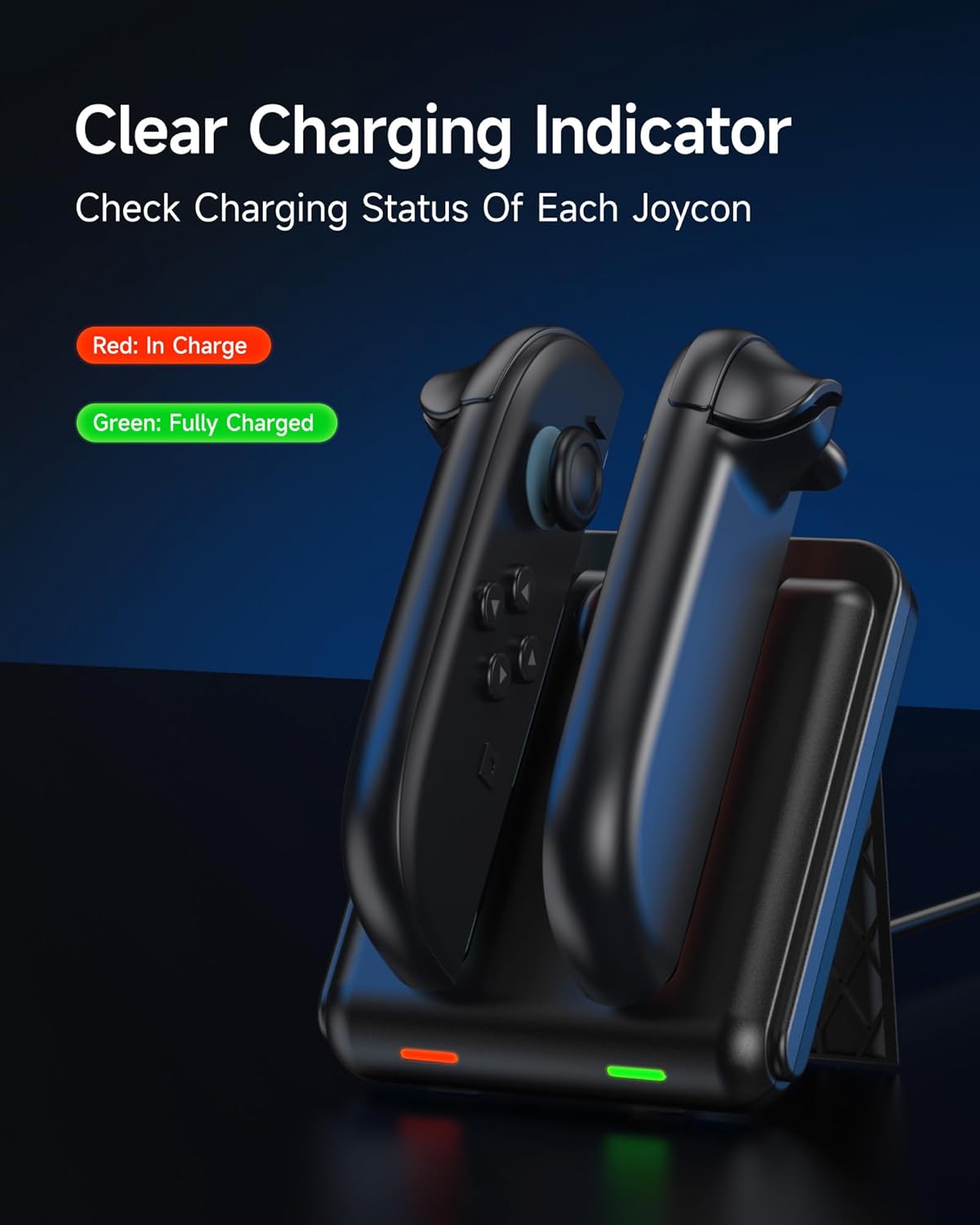
Image: The charging dock with two Joy-Cons inserted, displaying a red LED for a Joy-Con in charge and a green LED for a fully charged Joy-Con.
Bideoa: Amaiera batview of the EasySMX Switch 2 Charger Dock, demonstrating its features and how to use it. This video shows the clear charging indicators and how to insert Joy-Cons.
Segurtasun eta Babes Ezaugarriak
The EasySMX Charger Dock incorporates advanced safety features to protect your Joy-Cons and the charging station:
- Gainberotzearen babesa: Prevents the device from reaching excessive temperatures during charging.
- Zirkuitu laburren babesa: Labur-labur elektrikoen aurkako babes-neurriak.
- Gainkorrontearen babesa: Regulates current flow to prevent damage.
- Battery Lifespan Protection: Designed to extend the overall life of your Joy-Con batteries.
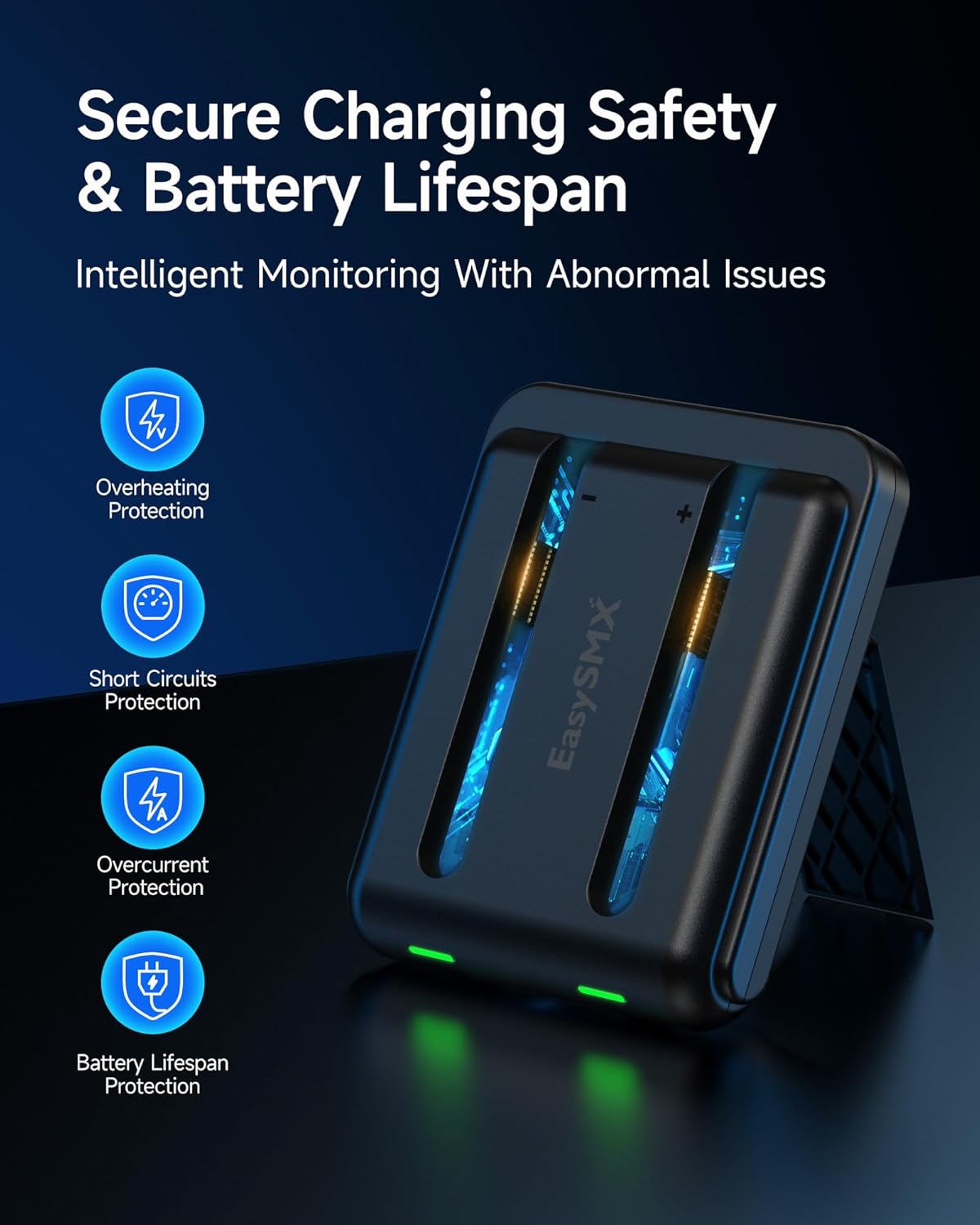
Image: A visual representation of the secure charging safety and battery lifespan features, including icons for overheating protection, short circuits protection, overcurrent protection, and battery lifespan protection.
Mantentzea eta zaintzea
- Keep the charging dock clean and free from dust. Use a soft, dry cloth for cleaning.
- Saihestu gailua uretan edo gehiegizko hezetasunean jartzea.
- Ez saiatu unitatea zeuk desmuntatzen edo konpontzen. Jarri harremanetan bezeroarentzako arreta-zerbitzuarekin laguntza jasotzeko.
- Store the dock in a cool, dry place when not in use.
Arazoak konpontzea
If you encounter issues with your EasySMX Charger Dock, please refer to the following common solutions:
- Joy-Cons not charging:
- Ensure the USB Type-C cable is securely connected to both the dock and the power source.
- Verify that the power source is active and providing sufficient power (5V input).
- Confirm that the Joy-Cons are correctly inserted into the charging slots.
- Check if the LED indicators are showing red (charging) or green (fully charged). If no light, try a different cable or power source.
- Karga motela:
- Ensure you are using a compatible power adapter that can deliver adequate current.
- Avoid charging in extremely hot environments, as this can affect charging efficiency.
Zehaztapenak
| Ezaugarri | Xehetasuna |
|---|---|
| Modelo zenbakia | B0F9L55TX2 |
| Marka | EasySMX |
| Gailu bateragarriak | Switch 2 Joy-Con-ak |
| Konektore mota | USB C mota |
| Portu kopurua | 2 |
| Sarrera boltage | 5 Volt |
| Kolorea | Beltza |
| Pisua | Gutxi gorabehera. 107 g (0.24 lb) |
| Neurriak (gutxi gorabehera) | 9.7cm (3.82in) x 8cm (3.15in) x 2.1cm (0.83in) |

Image: A diagram showing the dimensions (length, width, height) and weight of the lightweight and portable charging dock.
Bermearen informazioa
Produktu hau a 2 urteko fabrikatzailearen bermea. Please retain your proof of purchase for warranty claims. For warranty service, contact EasySMX customer support.
Bezeroarentzako Arreta
For further assistance, technical support, or inquiries, please visit the official EasySMX website or contact their customer service department. You can also refer to the product's Amazon page for additional resources: EasySMX Switch 2 Charger Dock on Amazon.