
1. Sarrera
This manual provides essential information for setting up, operating, and maintaining your Huidun Hibook 6 Laptop. Please read it thoroughly to ensure proper use and to maximize the lifespan of your device.
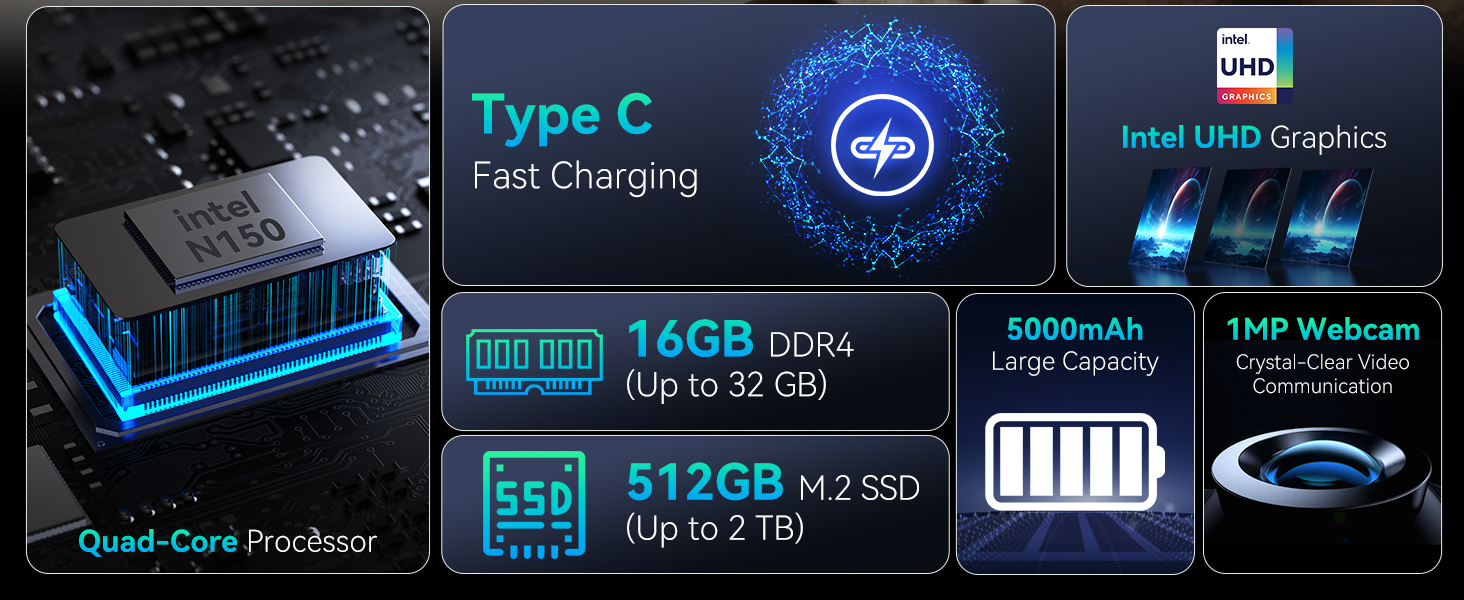
The Huidun Hibook 6 is a 15.6-inch laptop designed for productivity and entertainment, featuring an Intel N150 processor, 16GB DDR4 RAM, and a 512GB SSD. It comes pre-installed with Windows 11 Home.
2. Konfigurazioa
2.1 Kutxatik ateratzea eta hasierako ikuskapena
Carefully remove all components from the packaging. Verify that all items listed in the 'What's in the Box' section are present and undamaged. If any items are missing or damaged, contact customer support immediately.
Bideoa: Unboxing the Huidun Hibook 6 Laptop. This video demonstrates the unboxing process and shows the included accessories.

Irudia: The Huidun Hibook 6 Laptop displayed with its accompanying Type-C charger, wireless mouse, and protective laptop bag.
2.2 Charging the Laptop
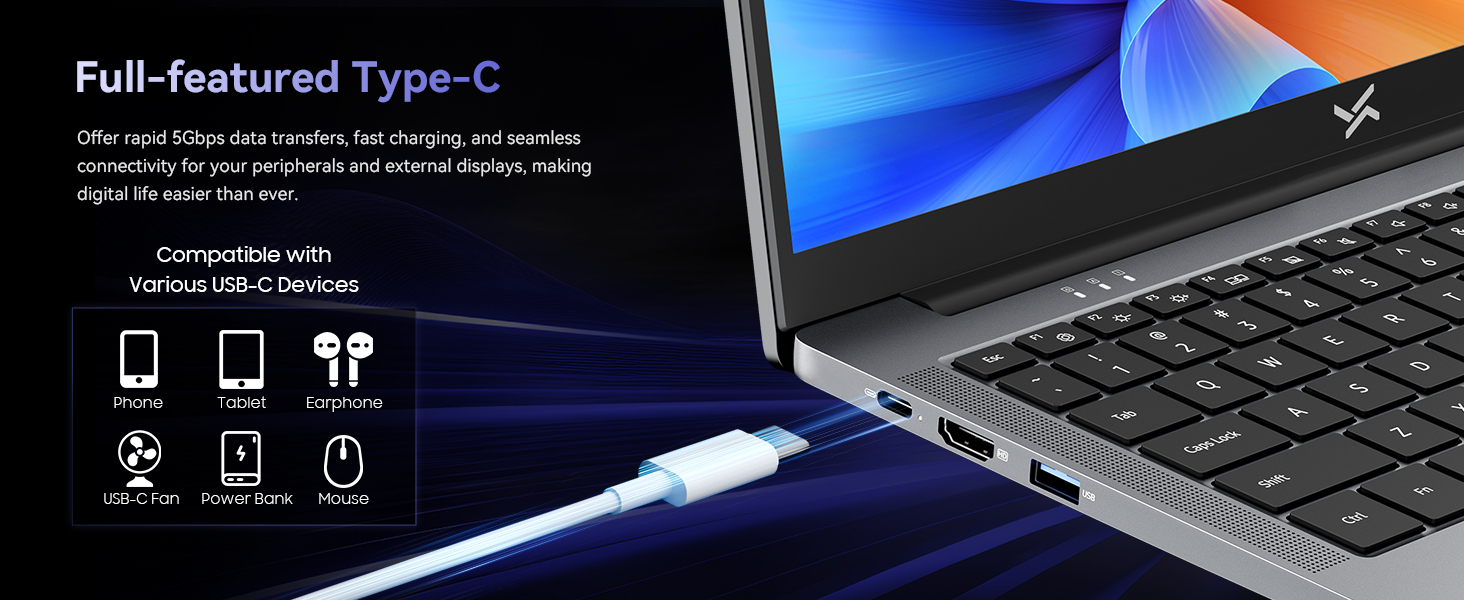
Before first use, connect the provided Type-C PD charger to the laptop's Type-C port and a power outlet. The battery indicator light will show charging status. Allow the laptop to charge fully before initial use.
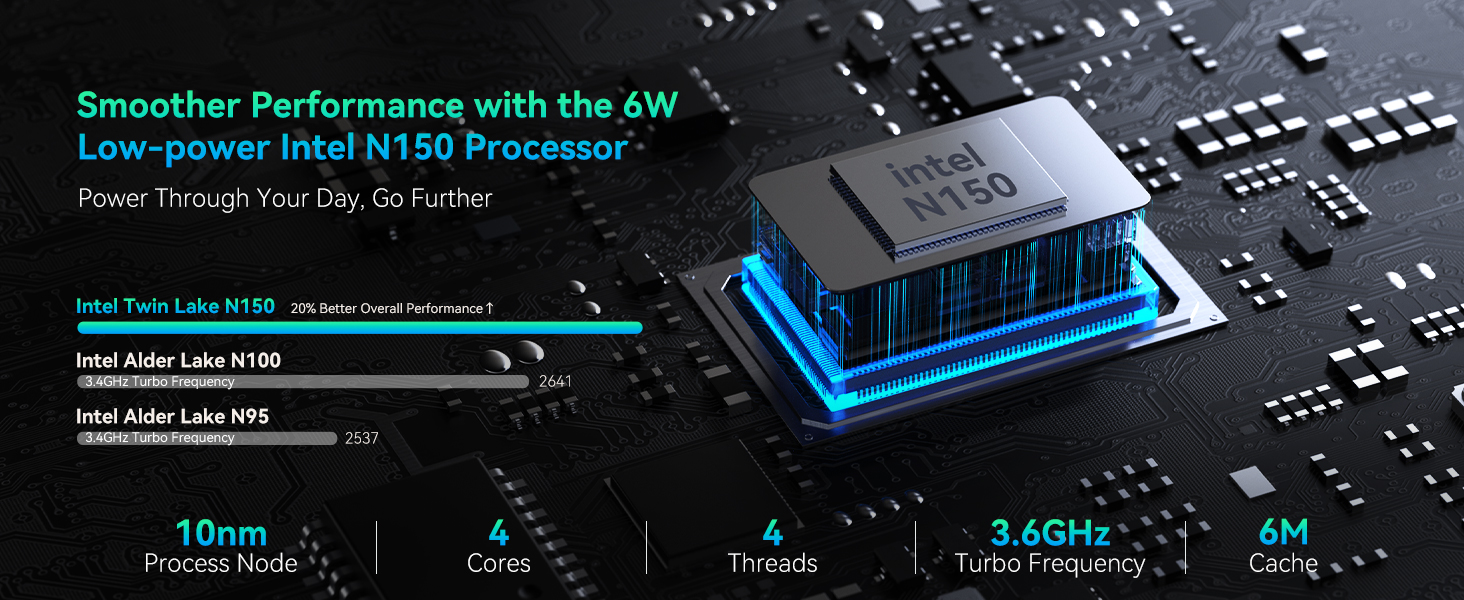
Irudia: Demonstrates connecting the Type-C charger to the laptop for fast charging.
2.3 Piztea
Press the power button located on the top right of the keyboard to turn on the laptop. Follow the on-screen instructions to complete the initial Windows 11 setup, including language selection, network connection, and user account creation.
3. Funtzionamendu-argibideak
3.1 Errendimendua
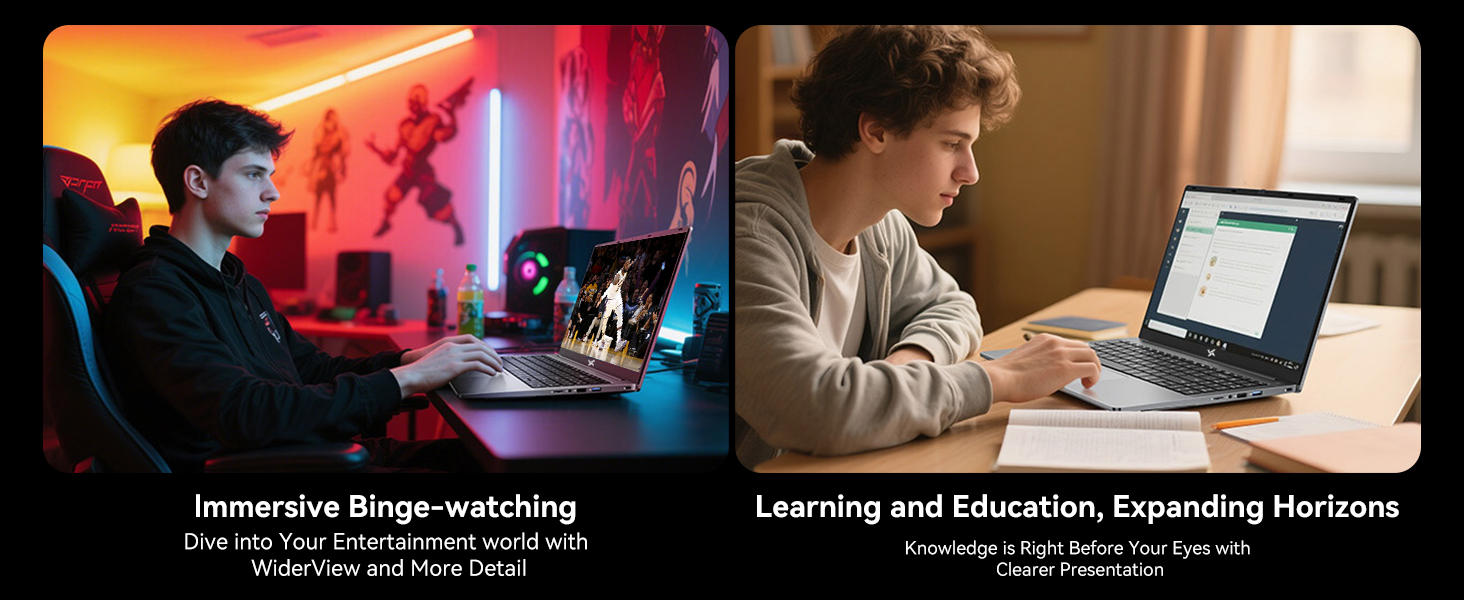
The Huidun Hibook 6 is equipped with an Intel N150 Quad-Core processor (up to 3.6GHz) and 16GB DDR4 RAM, providing efficient performance for daily tasks, multitasking, and multimedia. The 512GB M.2 SSD ensures fast boot times and quick application loading.

Irudia: Xehetasuna view of the Intel N150 CPU architecture and performance metrics.
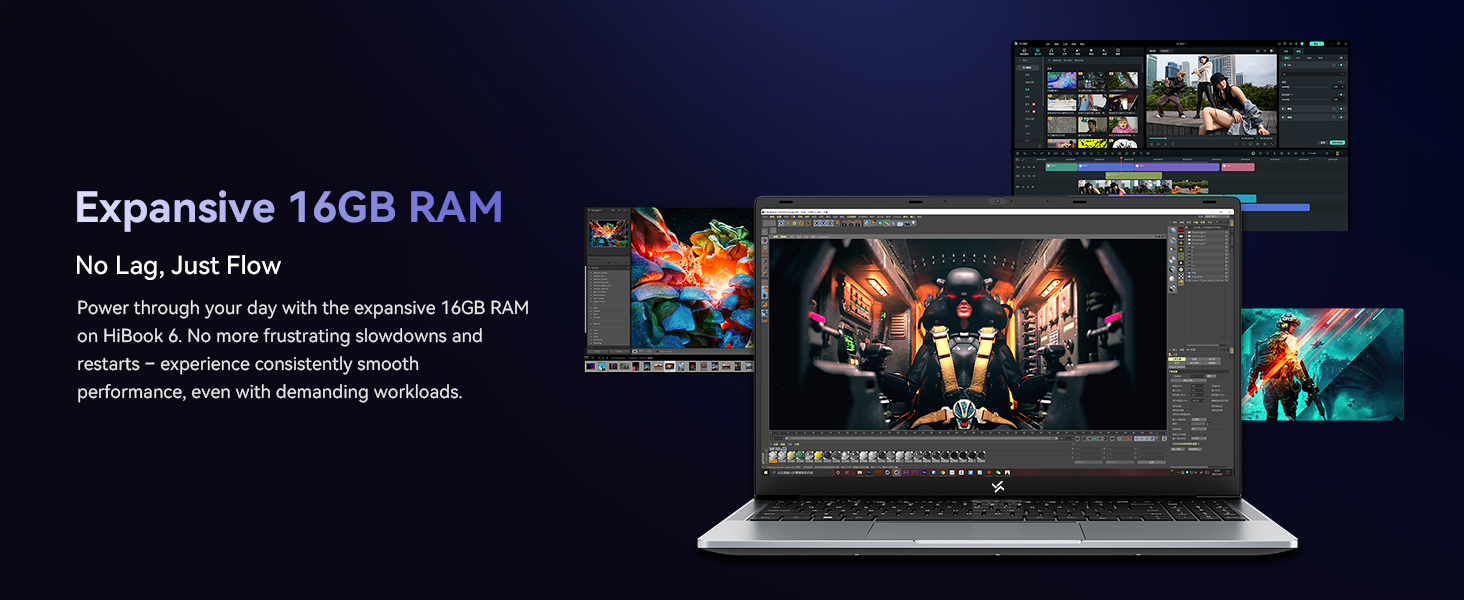
Irudia: Visual representation of the laptop's 16GB RAM handling multiple tasks efficiently.
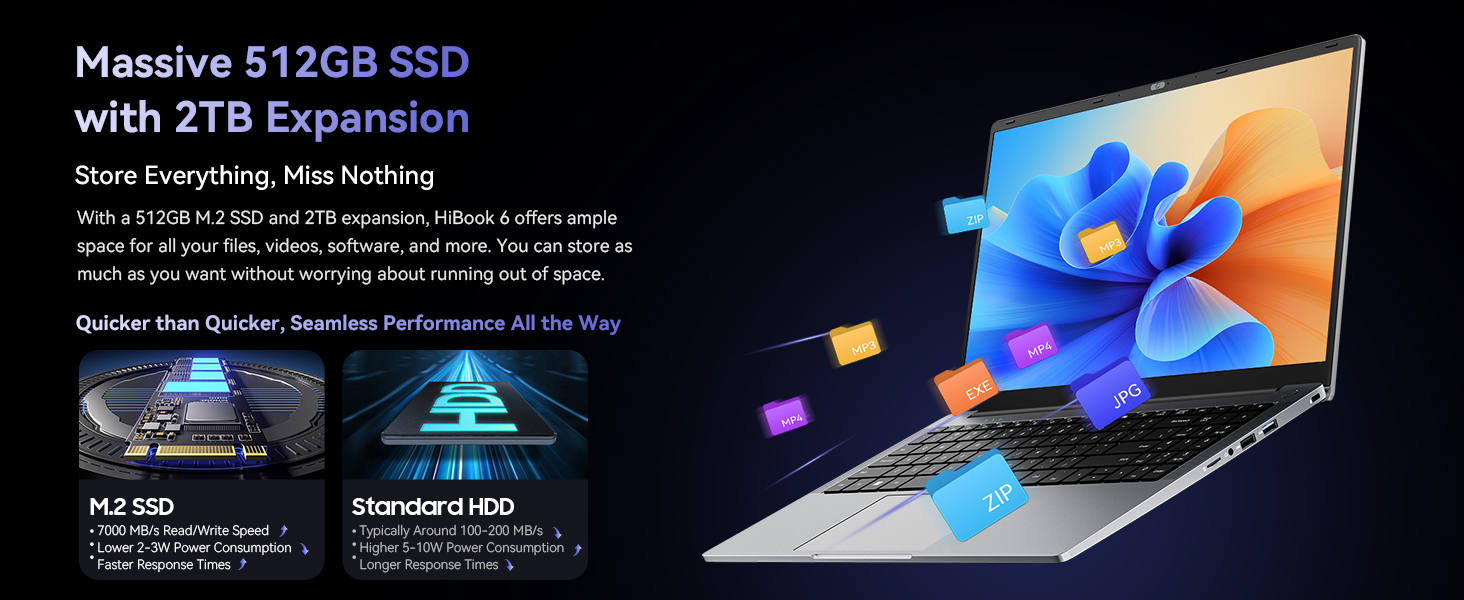
Irudia: Illustrates the 512GB SSD and its expandability for storing files.
3.2 Bistaratzea
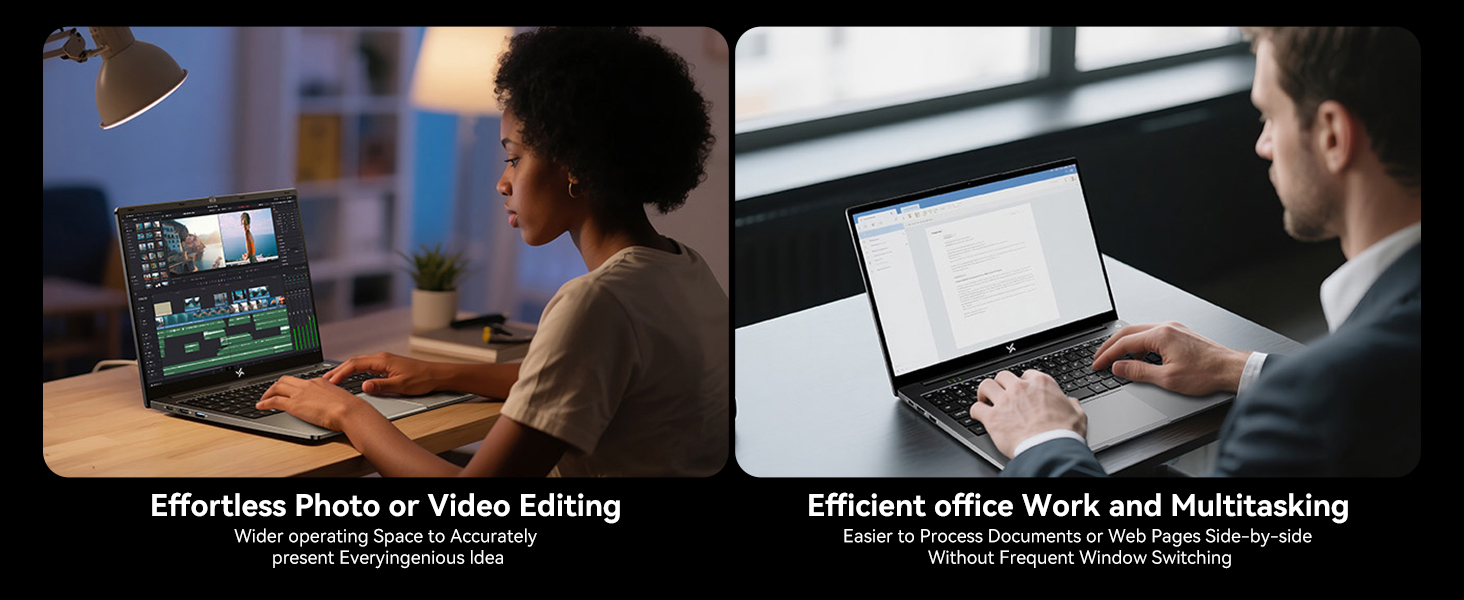
The 15.6-inch Full HD IPS display (1920x1080) offers clear visuals and an 84% screen-to-body ratio. It features low blue light technology to reduce eye strain during extended use. The 180° lay-flat hinge allows for flexible viewegitea eta partekatzea.
Irudia: The laptop's 15.6-inch Full HD IPS screen with TÜV Rheinland Low Blue Light Certification.
Irudia: Illustration of the 180° rotatable hinge for enhanced flexibility.
3.3 Bateria eta karga
The laptop features a 5000mAh (38Whr) battery and supports 45W Type-C fast charging (PD 3.0 compliant, with 100W fast charging support). This allows for quick power-ups, reaching 60% charge in approximately 45 minutes.
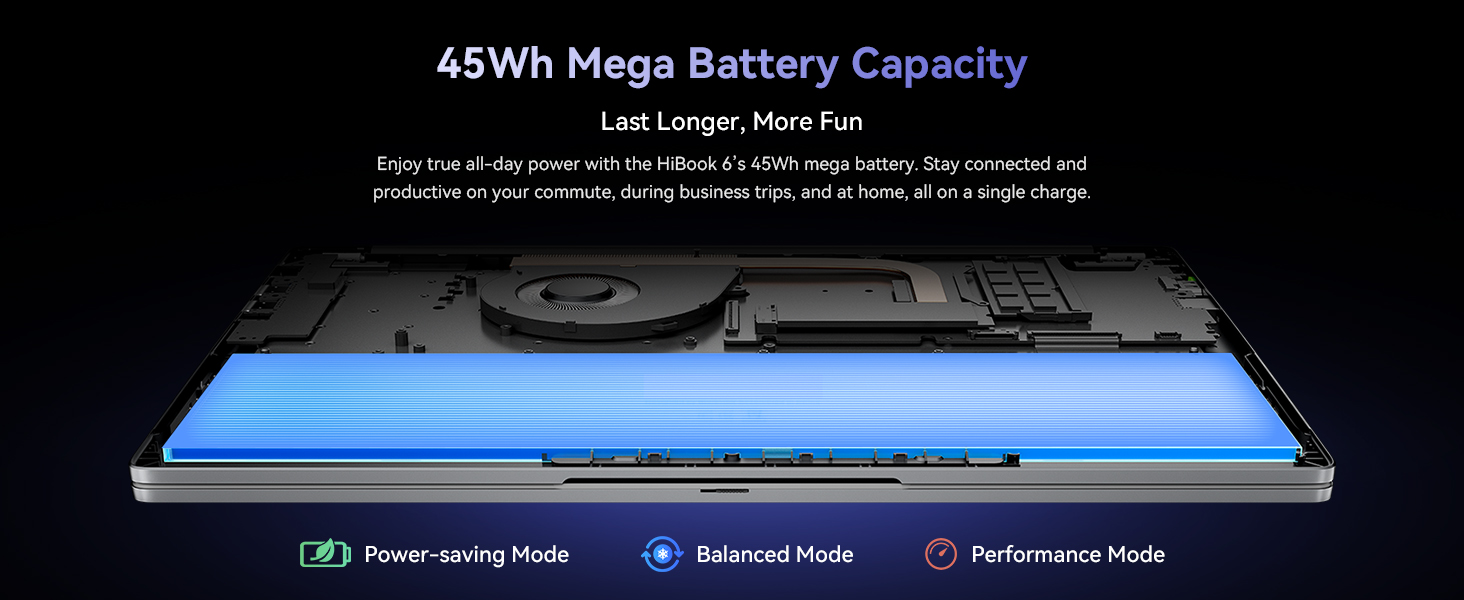
Irudia: Visual of the laptop's battery and power management modes.
3.4 Konektibitatea
The Hibook 6 offers a range of ports for versatile connectivity:
- 1x Full-featured Type-C (PD 3.0, DisplayPort 1.4)
- 2x USB 3.2 Gen1 ports
- 1x USB 2.0 ataka
- 1x HDMI 2.0 port (supports 4K output)
- 1x 3.5 mm-ko audio-konexioa
- 1x TF txartelaren zirrikitua
It also includes Dual-band Wi-Fi and Bluetooth 5.0 for wireless connections.
Irudia: Amaituview of the laptop's various input/output ports.
3.5 Eramangarritasuna
Weighing 1.7kg (3.74 lbs) and featuring a slim 19.5mm profile, the Hibook 6 is designed for easy portability, making it suitable for on-the-go use.
Irudia: The slim and lightweight design of the Hibook 6 laptop.
3.6 Zenbakizko teklatua
The laptop includes an independent numeric keypad, enhancing productivity for data entry and financial tasks.
Irudia: The integrated numeric keypad on the laptop.
4. Mantentzea
4.1 Garbiketa
Erabili zapi leun eta lihorik gabeko bat pantaila eta kanpoko gainazalak garbitzeko. Orban egoskorren kasuan, dampen the cloth slightly with water or a screen-safe cleaner. Avoid harsh chemicals or abrasive materials.
4.2 Hozte-sistema
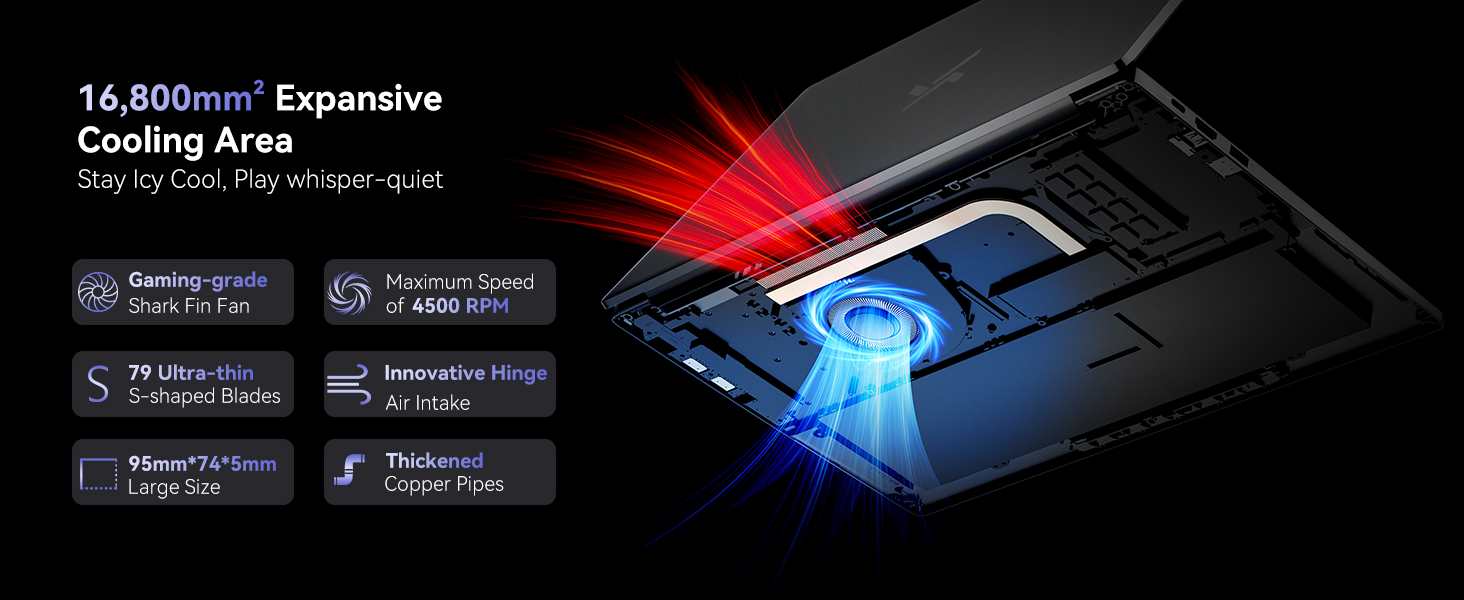
The laptop features a dual copper tube and fan cooling system to maintain optimal operating temperatures. Ensure that the air vents are not obstructed to allow for proper airflow. Regularly clean dust from the vents using compressed air.
Irudia: Diagram of the laptop's cooling system, showing the fan and copper pipes.
4.3 Bateria zaintzea
Bateriaren iraupena luzatzeko, saihestu bateria guztiz deskargatzea maiz. Gomendagarria da bateriaren karga % 20 eta % 80 artean mantentzea ahal den guztietan. Gorde ordenagailu eramangarria leku fresko eta lehor batean denbora luzez erabiltzen ez duzunean.
5. Arazoak
5.1 Ordenagailu eramangarria ez da pizten
- Ensure the laptop is connected to the charger and the charger is plugged into a working power outlet.
- Check if the power adapter is securely connected to both the laptop and the wall socket.
- Try pressing and holding the power button for 10-15 seconds to perform a hard reset.
5.2 Screen Remains Blank
- If an external monitor is connected, disconnect it to see if the internal display activates.
- Doitu pantailaren distira funtzio-teklak erabiliz (adibidez, Fn + F2/F3).
- Berrabiarazi ordenagailu eramangarria.
5.3 Errendimendu motela
- Itxi atzeko planoan exekutatzen ari diren beharrezkoak ez diren aplikazioak.
- Begiratu eta instalatu zain dauden Windows eguneratzeak.
- Ziurtatu SSDan nahikoa leku libre dagoela.
- Birusen eskaneatzea exekutatu malwarea dagoen egiaztatzeko.
5.4 Wi-Fi konexio arazoak
- Ziurtatu Wi-Fi gaituta dagoela Windows ezarpenetan.
- Berrabiarazi zure bideratzailea eta modema.
- Update your Wi-Fi adapter drivers.
For further assistance, refer to the Warranty & Support section.
6. Zehaztapenak
| Ezaugarri | Xehetasuna |
|---|---|
| Ereduaren izena | Hibook 6 |
| Prozesadorea | Intel N150 Quad-Core (up to 3.6GHz) |
| RAM | 16 GB DDR4 |
| Biltegiratzea | 512GB M.2 SSD (expandable up to 2TB) |
| Bistaratzea | 15.6-inch Full HD IPS (1920x1080 pixels, 220 nits, 45% NTSC) |
| Grafikoak | Intel UHD grafikoak |
| Sistema eragilea | Windows 11 Home |
| Bateria | 5000mAh (38Whr) Lithium Ion |
| Kargatzen | 45W Type-C PD (supports 100W fast charging) |
| Portuak | 1x Type-C (PD 3.0), 2x USB 3.2 Gen1, 1x USB 2.0, 1x HDMI 2.0, 1x 3.5mm Audio, 1x TF Card Slot |
| Haririk gabeko konexioa | Dual-band Wi-Fi, Bluetooth 5.0 |
| Neurriak (LxWxH) | 14.07 x 9 x 0.66 hazbete (35.7 x 22.9 x 1.68 cm) |
| Pisua | 3.74 libra (1.7 kg) |
| Kolorea | Espazio Grisa |
7. Bermea eta Laguntza
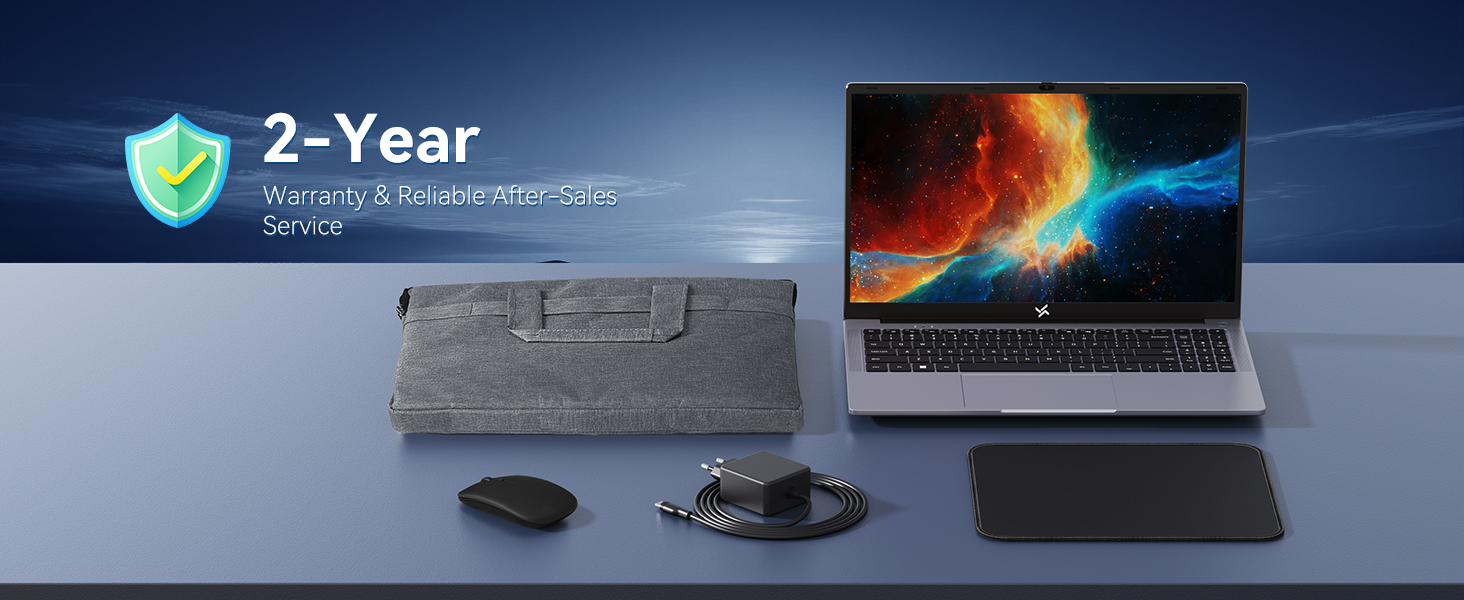
The Huidun Hibook 6 Laptop comes with a 24-month repair warranty covering manufacturer defects. Huidun also provides lifetime technical support for its products.

Irudia: Huidun Care details, including warranty and support information.
7.1 Laguntzarekin harremanetan jartzea
For setup guidance, troubleshooting, or any other technical inquiries, please contact Huidun customer support. Support is available Monday through Saturday, with responses typically provided within 24 hours.
You may also find helpful resources and FAQs on the official Huidun website or by scanning the QR code provided with your laptop for direct assistance.