
1. Sarrera
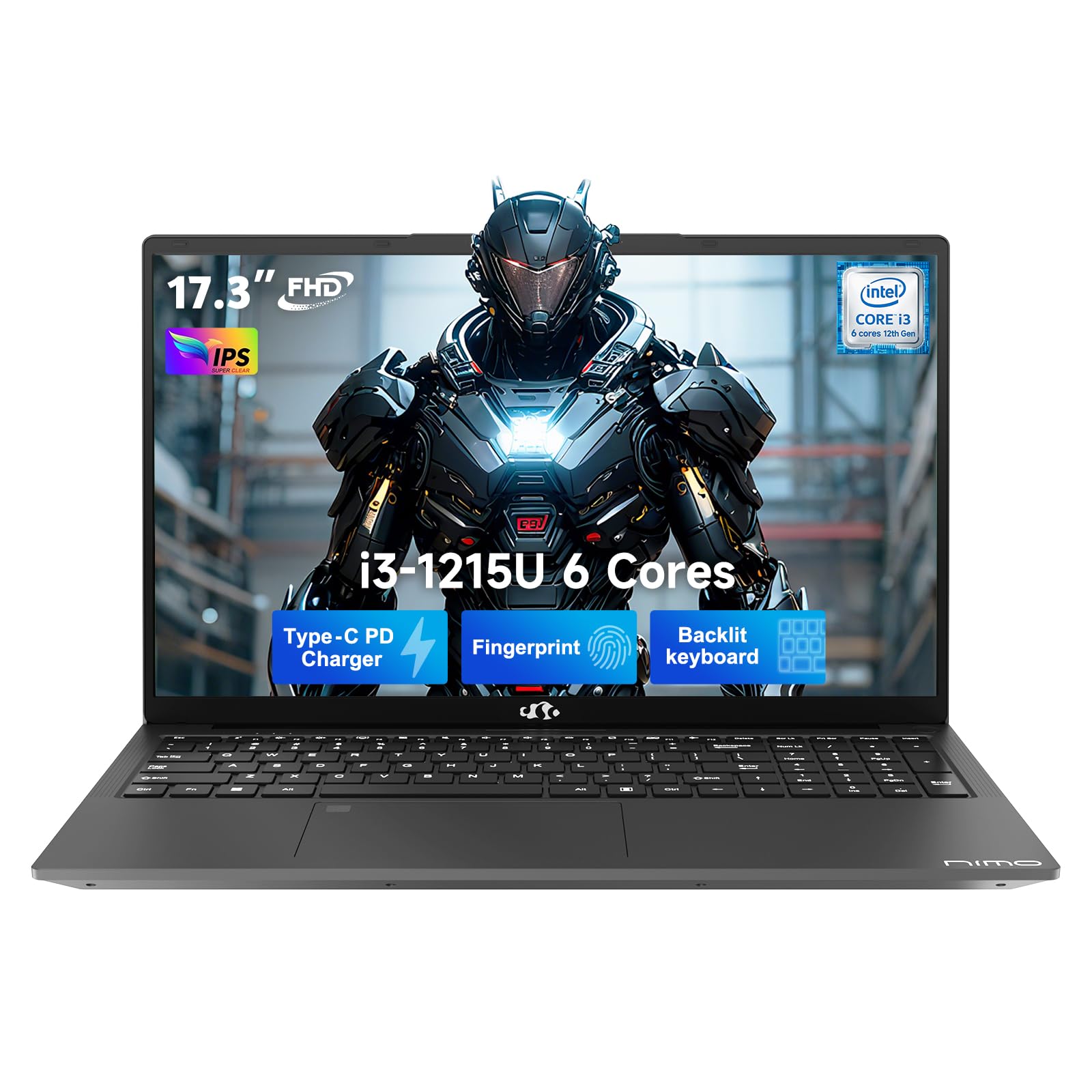
This manual provides essential information for setting up, operating, and maintaining your NIMO 17.3" FHD IPS Laptop. Please read this guide thoroughly before using your device to ensure proper function and longevity. This laptop features an Intel Core i3-1215U processor, 16GB RAM, and a 512GB SSD, designed for efficient everyday computing.
2. Zer dago kutxan
- 1 x NIMO N171 Laptop
- 1 x Type-C 65W PD Fast Charger
- 1 x Erabiltzailearen eskuliburua (dokumentu hau)
- Windows 11 Home (pre-installed)
3. Konfigurazio gida
3.1 Hasierako piztea
- Deskonprimitu ordenagailu eramangarria: Kontu handiz atera ordenagailu eramangarria eta osagarri guztiak paketetik.
- Konektatu energia: Plug the Type-C 65W PD Fast Charger into the laptop's USB-C port and then into a power outlet.
- Piztu: Open the laptop lid and press the power button, usually located on the top right of the keyboard or side.
- Windows konfigurazioa: Follow the on-screen instructions to complete the Windows 11 Home initial setup, including language, region, network connection, and user account creation.
3.2 Fingerprint Sensor Setup
For enhanced security and quick access, set up the integrated fingerprint sensor:
- Nabigatu Ezarpenak > Kontuak > Saioa hasteko aukerak Windows 11-n.
- Locate the "Fingerprint recognition (Windows Hello)" option and click Konfiguratu.
- Follow the on-screen prompts to register your fingerprint.

4. Funtzionamendu-argibideak
4.1 Teklatua eta ukipen-panela
- Atzeko argiztatutako teklatua: The full-size keyboard includes a numeric keypad and backlighting for use in low-light conditions. The backlight can typically be toggled using a function key combination (e.g., Fn + F5 or similar, refer to keyboard icons).
- Ukipen-panela: The integrated touchpad supports multi-touch gestures for navigation.

4.2 WebPribatutasun-obturagailua duen kamera
The laptop features a 2MP HD camera with a physical privacy shutter. To ensure privacy, slide the shutter to cover the camera lens when not in use. Slide it open to activate the camera for video calls or other applications.

5. Ezaugarri nagusiak
5.1 Errendimendua
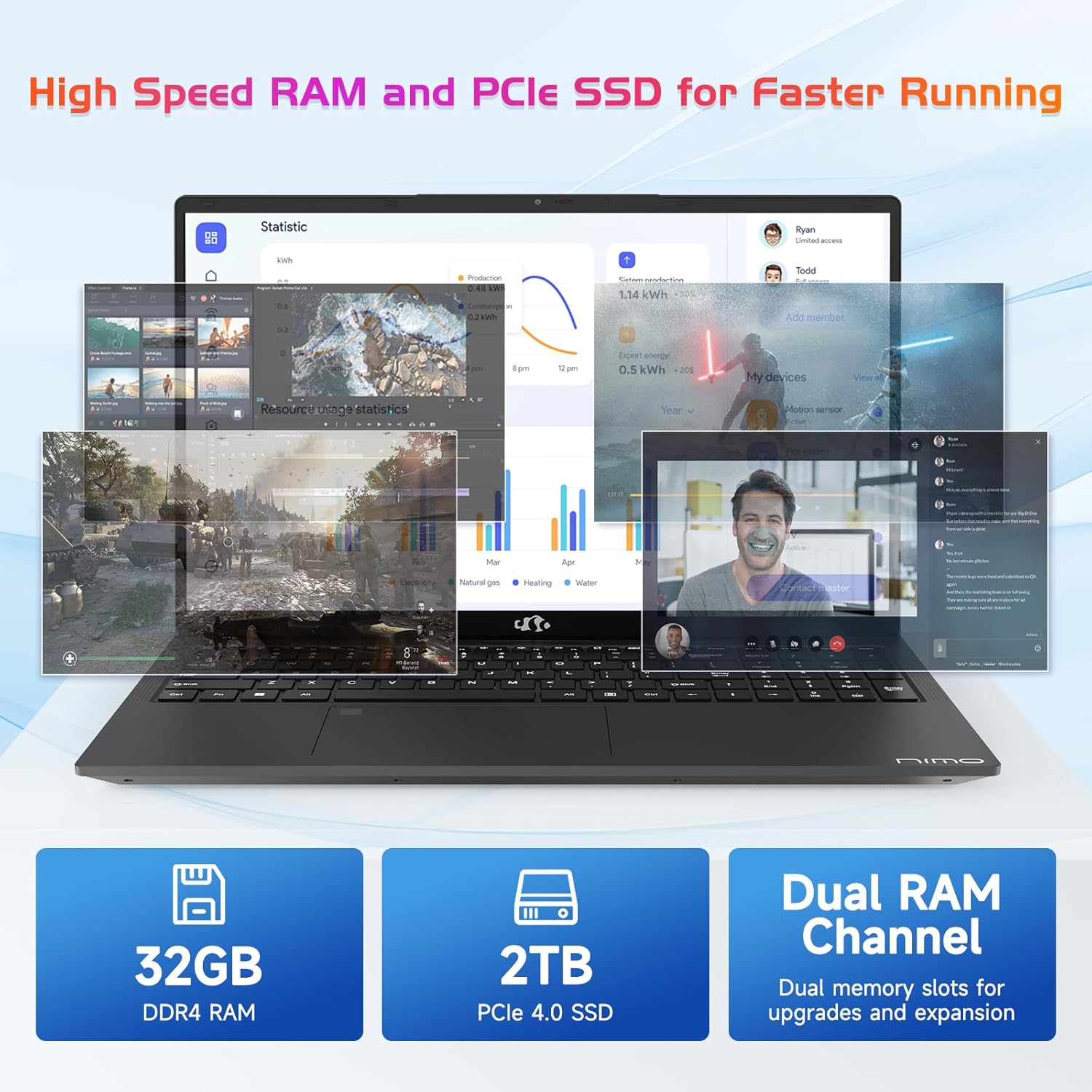
The NIMO N171 laptop is equipped with a 12th Gen Intel Core i3-1215U processor (6 Cores, up to 4.40 GHz), 16GB DDR4 RAM, and a 512GB SSD. This configuration provides responsive performance for multitasking, web browsing, and various applications.

5.2 Bistaratzea
The laptop features a 17.3-inch Full HD (1920x1080) IPS display, offering a wide viewing experience with clear visuals and reduced eye strain. The screen-to-body ratio is approximately 85%.

5.3 Konektibitatea
The NIMO N171 supports Wi-Fi 6 for fast and stable wireless internet connectivity and Bluetooth 5.2 for pairing with wireless peripherals.
The laptop includes multiple ports for versatile connectivity:
- USB 3.2 Gen1 ports (x2)
- USB 2.0 ataka (x1)
- USB Type-C 3.2 Gen1 port (x1)
- USB Type-C Gen1 port (Charge Only) (x1)
- Standard HDMI 1.4 port (x1)
- Audio Jack (x1)
- Micro SD card slot (x1)
- Kensington lock slot (x1)

5.4 Bateria eta karga
The laptop is powered by a 53.58Wh battery, providing up to 9 hours of average battery life. It supports 65W PD Fast Charge via USB-C, allowing for quick recharging.


6. Mantentzea
- Garbiketa: Erabili zapi leun eta lihorik gabeko bat pantaila eta kanpoaldea garbitzeko. Saihestu produktu kimiko gogorrak.
- Bateria zaintzea: Bateriaren iraupena luzatzeko, saihestu bateria maiz erabat deskargatzea. Gorde ordenagailu eramangarria leku fresko eta lehor batean.
- Software eguneraketak: Eguneratu aldizka zure Windows sistema eragilea eta kontrolatzaileak errendimendu eta segurtasun optimoa bermatzeko.
- Biltegiratzea: Keep the SSD from becoming completely full to maintain performance. Utilize the Micro SD card slot for additional storage if needed.
7. Arazoak
| Gaia | Kausa posiblea | Irtenbidea |
|---|---|---|
| Ordenagailu eramangarria ez da pizten | Low battery or power adapter issue | Ensure the charger is properly connected and the power outlet is functional. Allow the laptop to charge for at least 30 minutes before attempting to power on again. |
| Pantaila hutsik edo beltzez dago | Display settings, external monitor connection, or system crash | Sakatu Fn + F7 (or the key with a display icon) to cycle through display modes. Disconnect any external monitors. Perform a hard reset by holding the power button for 10-15 seconds. |
| Wi-Fi konexio arazoak | Wi-Fi adapter disabled, incorrect password, or router problem | Check if Wi-Fi is enabled in Windows settings. Verify the Wi-Fi password. Restart your router and modem. |
| Hatz-marken sentsorea ez dabil | Unregistered fingerprint, dirty sensor, or software glitch | Ensure your fingerprint is registered correctly. Clean the sensor with a soft cloth. Restart the laptop. |
8. Zehaztapenak
| Ezaugarri | Xehetasuna |
|---|---|
| Marka | NIMO |
| Ereduaren izena | NIMO N171 |
| Pantailaren tamaina | 17.3 hazbete |
| Pantailaren bereizmena | 1920 x 1080 pixel (FHD) |
| Prozesadorea | Intel Core i3-1215U (6 nukleo, 4.4 GHz arte) |
| RAM | 16 GB DDR4 (3200 MHz) |
| Disko gogorra | 512 GB-ko SSDa (egoera solidoa) |
| Koprozesadore grafikoa | Grafiko integratuak (Intel) |
| Sistema eragilea | Windows 11 Home |
| Haririk gabeko mota | Wi-Fi 6 (802.11a/b/g/n/ac) |
| Bluetootha | Bluetooth 5.2 |
| USB 2.0 Portuak | 1 |
| USB 3.0 Portuak | 3 (includes USB 3.2 Gen1) |
| USB C motako atakak | 2 (1x 3.2 Gen1, 1x Gen1 Charge Only) |
| HDMI ataka | 1 (Standard HDMI 1.4) |
| Audio Jack | 1 (Combo Jack) |
| Mikro SD txartelaren zirrikitua | Bai |
| Atzekoa Webkamaren ebazpena | 2 MP |
| Bateriaren iraupena (batez bestekoa) | 9 ordu |
| Bateria Edukiera | 53.58 Wh |
| Energia iturria | Battery Powered (65W PD Fast Charger) |
| Elementuaren pisua | 4.6 kilo |
| Produktuaren neurriak (LxWxH) | 15.61 x 9.84 x 0.76 hazbete |
| Ezaugarri bereziak | Fingerprint Reader, HD Audio, Memory Card Slot, Numeric Keypad, Backlit Keyboard, Privacy Shutter |
9. Bermea eta Laguntza
NIMO provides a 2 urteko bermea produktu honetarako. Gainera, 90-day hassle-free return policy is offered. For technical assistance, warranty claims, or product-related inquiries, please contact NIMO customer support.
- Berme Epea: 2 Urte
- Itzultzeko politika: 90 Days (hassle-free)
- Harremanetarako: Refer to the official NIMO website or product page for current contact information.


10. Produktuaren bideoaview
Bideo honek ikuspegi orokorra eskaintzen duview of the NIMO 17.3" FHD Intel i3-1215U Laptop, showcasing its design, features, and various usage scenarios.