
NIMO Nimo N155
NIMO 15.6-inch FHD Laptop Nimo N155 User Manual
Model: Nimo N155
1. Sarrera
This manual provides essential information for setting up, operating, and maintaining your NIMO 15.6-inch FHD Laptop Nimo N155. Please read this manual thoroughly before using your device to ensure proper function and longevity.

Figure 1: NIMO 15.6-inch FHD Laptop Nimo N155 Overview
The NIMO N155 laptop is equipped with an AMD Ryzen 7 6800H processor, 32GB DDR5 RAM, and a 1TB PCIe 4.0 SSD, designed for efficient performance in various computing tasks. It features a 15.6-inch Full HD IPS anti-glare display, a backlit keyboard, and an integrated fingerprint sensor for enhanced security and user experience.
2. Zer dago kutxan
Egiaztatu elementu guztiak paketean daudela:
- 1 x Nimo N155 Laptop
- 1 x Type-C 100W PD Fast Charger
- 1 x Erabiltzailearen eskuliburua (dokumentu hau)
- Windows 11 Home Operating System (pre-installed)
3. Hasierako konfigurazioa
3.1. Charging the Laptop
Before first use, connect the laptop to the power adapter and charge it fully. The Type-C 100W PD Fast Charger provides rapid charging capabilities.
- Connect the Type-C charger to a power outlet.
- Plug the Type-C connector into one of the Type-C ports on your laptop.
- The charge LED indicator will illuminate, indicating that the laptop is charging.

Figure 2: Connecting the Type-C 100W PD Fast Charger
3.2. Piztea
Press the power button located on the keyboard to turn on the laptop. Follow the on-screen instructions to complete the initial Windows 11 setup, including language selection, network connection, and user account creation.
4. Laptop Components and Ports
Familiarize yourself with the various components and ports of your NIMO N155 laptop.

Figure 3: Laptop Ports and Connectors
4.1. Ezkerreko atakak
- USB 2.0 ataka: USB gailu zaharragoak konektatzeko.
- USB 3.0 ataka: Abiadura handiko USB gailuak konektatzeko.
- Mikro SD txartelaren zirrikitua: Mikro SD txarteletan irakurtzeko eta idazteko.
- Aurikularrak Jack: Entzungailuak edo kanpoko bozgorailuak konektatzeko.
- Kensington blokeoaren zirrikitua: Zure ordenagailu eramangarria giltzarrapo bateragarri batekin babesteko.
4.2. Eskuineko atakak
- Karga LED: Kargatzearen egoera adierazten du.
- Type-C (PD/Charging) Port: Primarily for power delivery and charging.
- Type-C (Multifunction) Port: Supports data transfer and display output.
- USB 3.0 portuak (x2): Abiadura handiko USB gailuak konektatzeko.
- HDMI ataka: Kanpoko pantailetara edo proiektoreetara konektatzeko.
4.3. Barne osagaiak
- Prozesadorea: AMD Ryzen 7 6800H (8 Cores, 16 Threads, up to 4.7 GHz).
- Grafikoak: Integrated AMD Radeon 680M GPU.
- RAM: 32GB DDR5 (upgradeable).
- Biltegiratzea: 1TB PCIe 4.0 SSD (upgradeable).
- Pantaila: 15.6-inch FHD (1920x1080) IPS Anti-Glare Display.
- Webkamera: 2.0 MP with privacy shield.
- Haririk gabekoa: 802.11a/b/g/n/ac (Wi-Fi 5) and Bluetooth 5.2.

Figure 4: AMD Ryzen 7 6800H Processor Details

Figure 5: High-Speed RAM and PCIe SSD
5. Zure ordenagailu eramangarria erabiltzea
5.1. Pantaila
The 15.6-inch Full HD IPS display offers a resolution of 1920x1080 pixels. Adjust brightness and display settings through Windows settings (Right-click on desktop > Display settings).
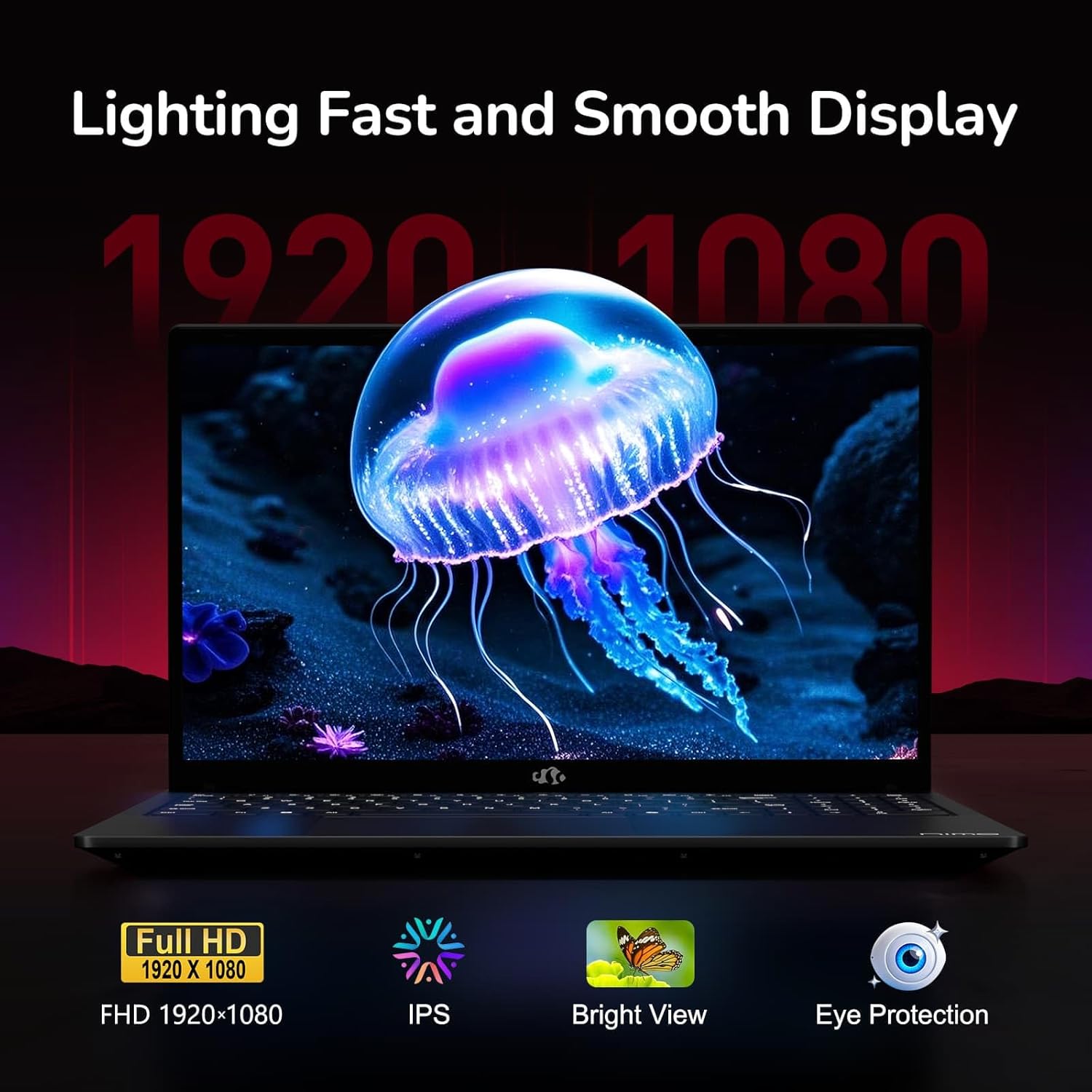
Figure 6: Laptop Display Features
5.2. Teklatua eta ukipen-panela
The laptop features a backlit keyboard and a responsive touchpad with multi-touch gesture support. The integrated fingerprint sensor is located on the touchpad for secure login.
- Atzeko argiztatutako teklatua: Sakatu Fn + Fx (where Fx is the backlight key, typically F3 or F4) to adjust keyboard backlight brightness.
- Hatz-marka sentsorea: Enroll your fingerprints via Windows Settings > Accounts > Sign-in options for quick and secure access.
- Webkameraren pribatutasun-ezkutua: Slide the physical cover over the webcam for privacy when not in use.

Figure 7: Keyboard and Input Features

Figure 8: Seamless Security Integration (Fingerprint and Webcam Shield)
5.3. Energiaren kudeaketa
The laptop is equipped with a 4700mAh (53.58Wh) Lithium Polymer battery. Battery life can vary based on usage. To optimize battery life, adjust power settings in Windows and close unnecessary applications.

9. irudia: Bateriaren zehaztapenak
6. Mantentzea eta Zainketa
6.1. Garbiketa
- Erabili zapi leun eta lihorik gabeko bat pantaila eta kanpoaldea garbitzeko.
- Marka egoskorretarako, dampGarbitu zapi bat urarekin edo pantaila-garbitzaile batekin. Saihestu produktu kimiko gogorrak.
- Ziurtatu ordenagailu eramangarria itzalita eta deskonektatuta dagoela garbitu aurretik.
6.2. Biltegiratzea eta manipulazioa
- Gorde ordenagailu eramangarria leku fresko eta lehor batean, eguzki-argitik eta muturreko tenperaturetatik babestuta.
- Saihestu objektu astunak ordenagailu eramangarriaren gainean jartzea.
- Do not expose the laptop to liquids.
6.3. Upgrades
The NIMO N155 laptop supports detachable RAM and SSD, allowing for user upgrades. Refer to the official NIMO support website or contact customer service for detailed upgrade instructions to avoid voiding your warranty.
7. Arazoak
This section addresses common issues you might encounter with your NIMO N155 laptop.
| Arazoa | Irtenbide posiblea |
|---|---|
| Ordenagailu eramangarria ez da pizten. | Ensure the charger is properly connected and the battery has sufficient charge. Try a different power outlet. |
| Pantaila hutsik dago. | Check if the laptop is powered on. Adjust screen brightness. Connect to an external monitor to check if the issue is with the laptop's display. |
| Wi-Fi konexio arazoak. | Ensure Wi-Fi is enabled in Windows settings. Restart your router and the laptop. Update Wi-Fi drivers. |
| Teklatuaren atzeko argia ez dabil. | Press the Fn key combined with the appropriate function key (e.g., F3 or F4) to toggle or adjust the backlight. |
| Fingerprint sensor not responding. | Ensure your finger is clean and dry. Re-enroll your fingerprints in Windows settings. Update fingerprint sensor drivers. |
If you encounter issues not listed here or require further assistance, please contact NIMO customer support.
8. Zehaztapen Teknikoak
| Ezaugarri | Zehaztapena |
|---|---|
| Ereduaren izena | Nimo N155 |
| Bistaratzea | 15.6-inch FHD (1920x1080) IPS Anti-Glare |
| Prozesadorea | AMD Ryzen 7 6800H (8 Cores, 16 Threads, up to 4.7 GHz) |
| Grafikoak | AMD Radeon 680M integratua |
| RAM | 32GB DDR5 4800 MHz (Dual-channel, upgradeable) |
| Biltegiratzea | 1TB PCIe 4.0 SSD (upgradeable) |
| Sistema eragilea | Windows 11 Home |
| Haririk gabeko konexioa | Wi-Fi 5 (802.11a/b/g/n/ac), Bluetooth 5.2 |
| Portuak | 1x USB 2.0, 3x USB 3.0, 2x Type-C (1x PD, 1x Multifunction), 1x HDMI, 1x Micro SD, 1x Headphone Jack, 1x Kensington Lock |
| Webkamara | 2.0 MP (with privacy shield) |
| Bateria | 4700mAh / 53.58Wh Lithium Polymer |
| Elikatze-moldagailua | Type-C 100W PD Fast Charger |
| Neurriak (LxWxH) | 14.07 x 8.98 x 0.76 hazbete (357.4 x 228 x 19.2 mm) |
| Pisua | 3.8 libra (1.7 kg) |
| Ezaugarri bereziak | Backlit Keyboard, Fingerprint Reader, HD Audio, Numeric Keypad |
9. Bermea eta Laguntza
9.1. Fabrikatzailearen bermea
Your NIMO N155 laptop comes with a 2 urteko fabrikatzailearen bermeaBerme honek materialen eta fabrikazioaren akatsak estaltzen ditu erabilera normalaren pean. Gorde erosketaren egiaztagiria bermearen erreklamazioak egiteko.
9.2. Itzulketa politika
NIMO offers a 90-day hassle-free return policy from the date of purchase. For details on eligibility and the return process, please refer to your purchase documentation or contact customer support.
9.3. Bezeroarentzako arreta
For technical assistance, warranty claims, or any other inquiries, please visit the official NIMO support website or contact their customer service team. Contact information can typically be found on the NIMO brand store page or included documentation.
NIMO Brand Store: Visit NIMO Store on Amazon
Ask a question about this manual
Ask about setup, troubleshooting, compatibility, parts, safety, or missing instructions. Manuals+ will review the question and use this page’s manual context to help answer it.