1. Sarrera
Thank you for choosing the TECKNET TK-MS024 Wireless Bluetooth Mouse. This manual provides detailed instructions for setting up, operating, and maintaining your new mouse. Please read this guide thoroughly to ensure optimal performance and longevity of your device.
2. Produktua amaitu daview
The TECKNET TK-MS024 is a versatile wireless mouse designed for comfort and efficiency. It features multiple connectivity options, adjustable DPI, and an ergonomic design suitable for various computing tasks.
Ezaugarri nagusiak:
- Three-Mode Wireless Connection: Supports Bluetooth 5.0, Bluetooth 3.0, and 2.4 GHz wireless via USB-A receiver.
- 4 norabideko gurpila: Enables both vertical and horizontal scrolling for enhanced navigation.
- DPI erregulagarria: Six sensitivity levels (800/1200/1600/2400/3200/4800 DPI) with an indicator light.
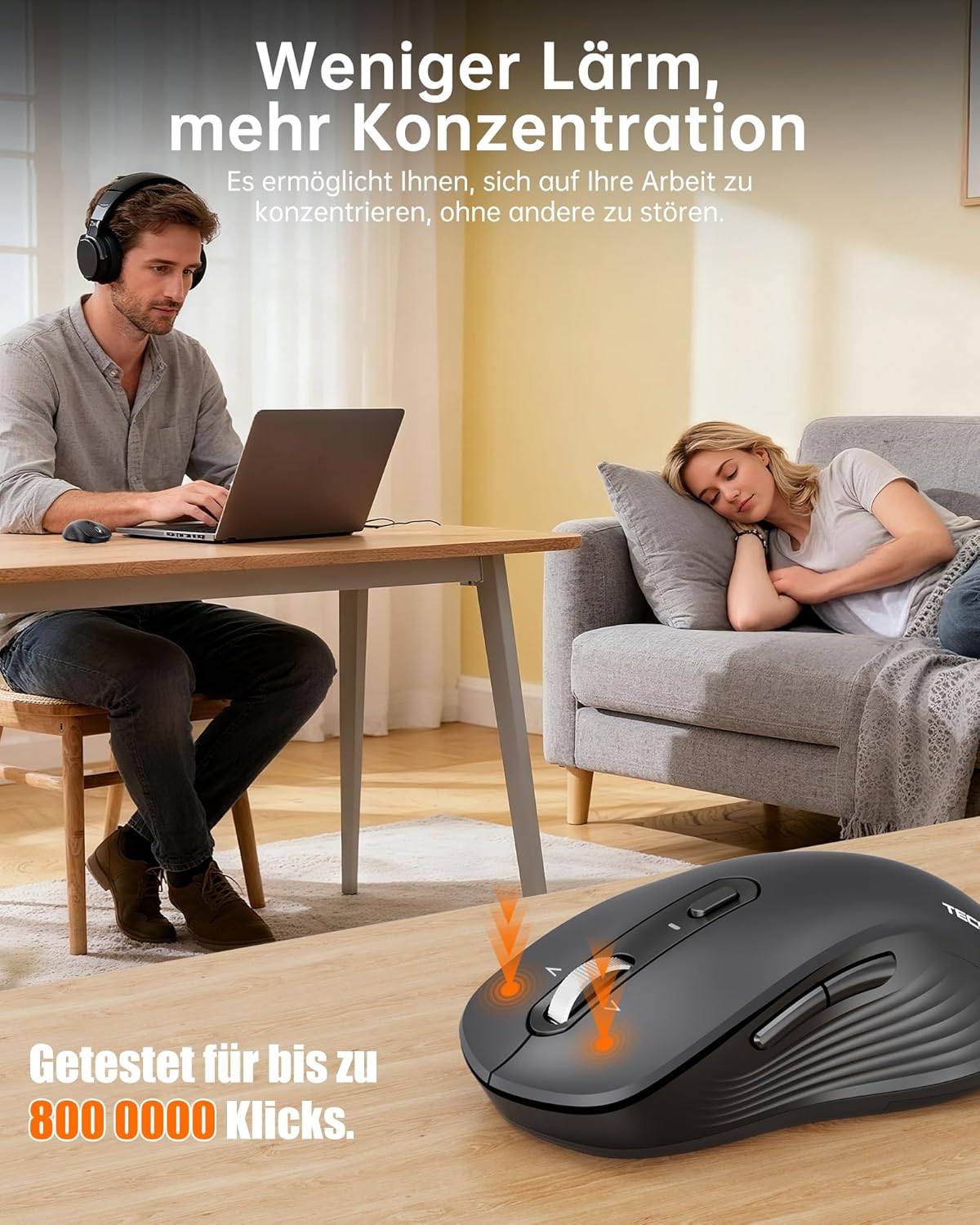
- Funtzionamendu isila: Up to 90% quieter clicks compared to conventional mice.
- Diseinu ergonomikoa: Full-size shape with natural curvature for reduced wrist strain and comfort.
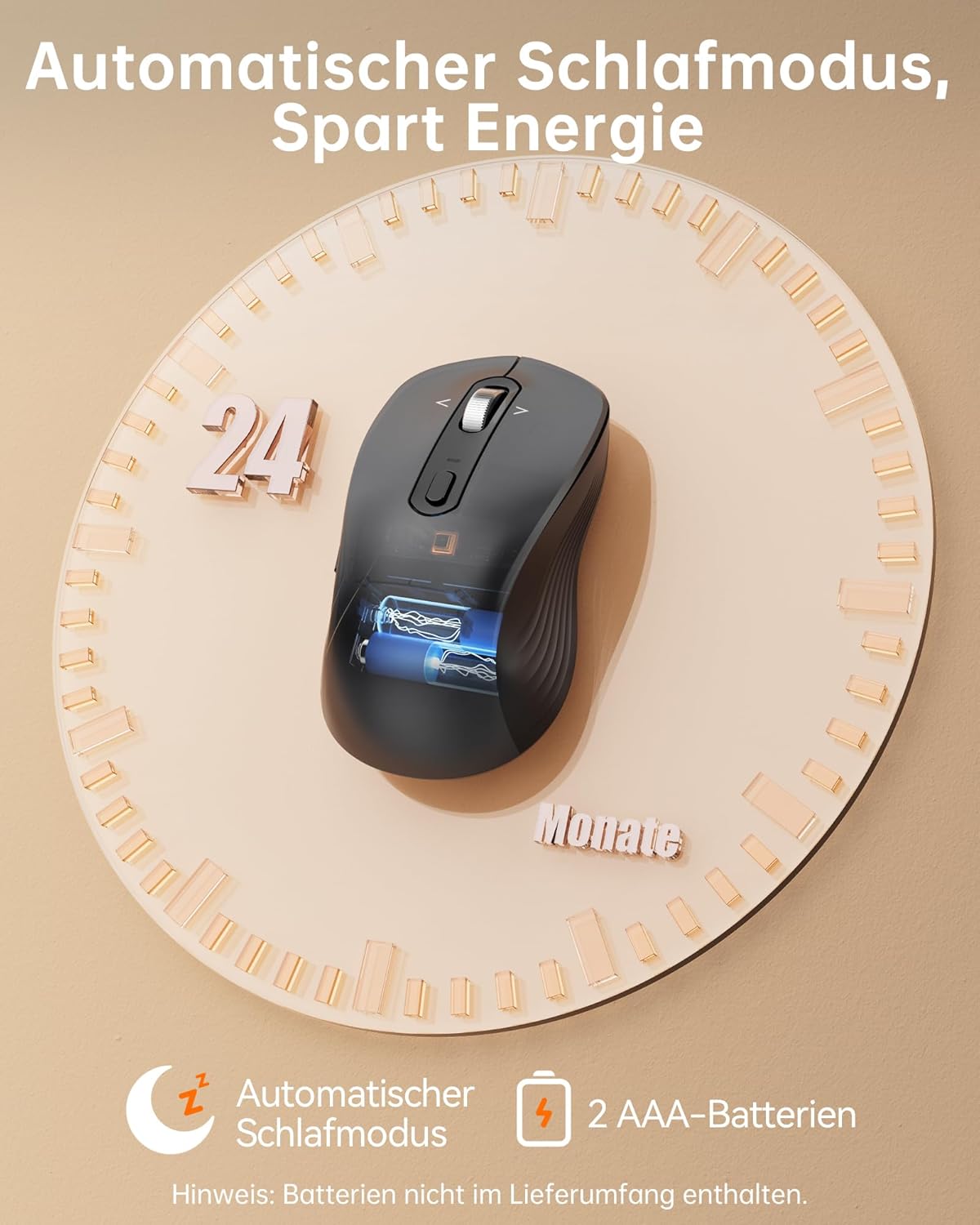
- Bateriaren iraupen luzea: Up to 24 months with intelligent auto-sleep mode.
The mouse features an ergonomic, full-size design with a natural curvature and integrated wrist rest, suitable for both left and right-handed users, ensuring comfort during long work sessions.

Designed for quiet operation, the mouse's silent clicks reduce noise by up to 90%, promoting better concentration in various environments.
3. Konfigurazioa
3.1 Bateriaren instalazioa
- Ireki saguaren azpialdean dagoen bateriaren konpartimentuaren estalkia.
- Insert two AAA batteries (not included) according to the polarity indicators (+/-).
- Itxi bateriaren konpartimenduaren estalkia ondo.

This image shows the mouse's automatic sleep mode feature, which conserves battery life, and indicates that it requires 2 AAA batteries (not included).
3.2 Konexio moduak
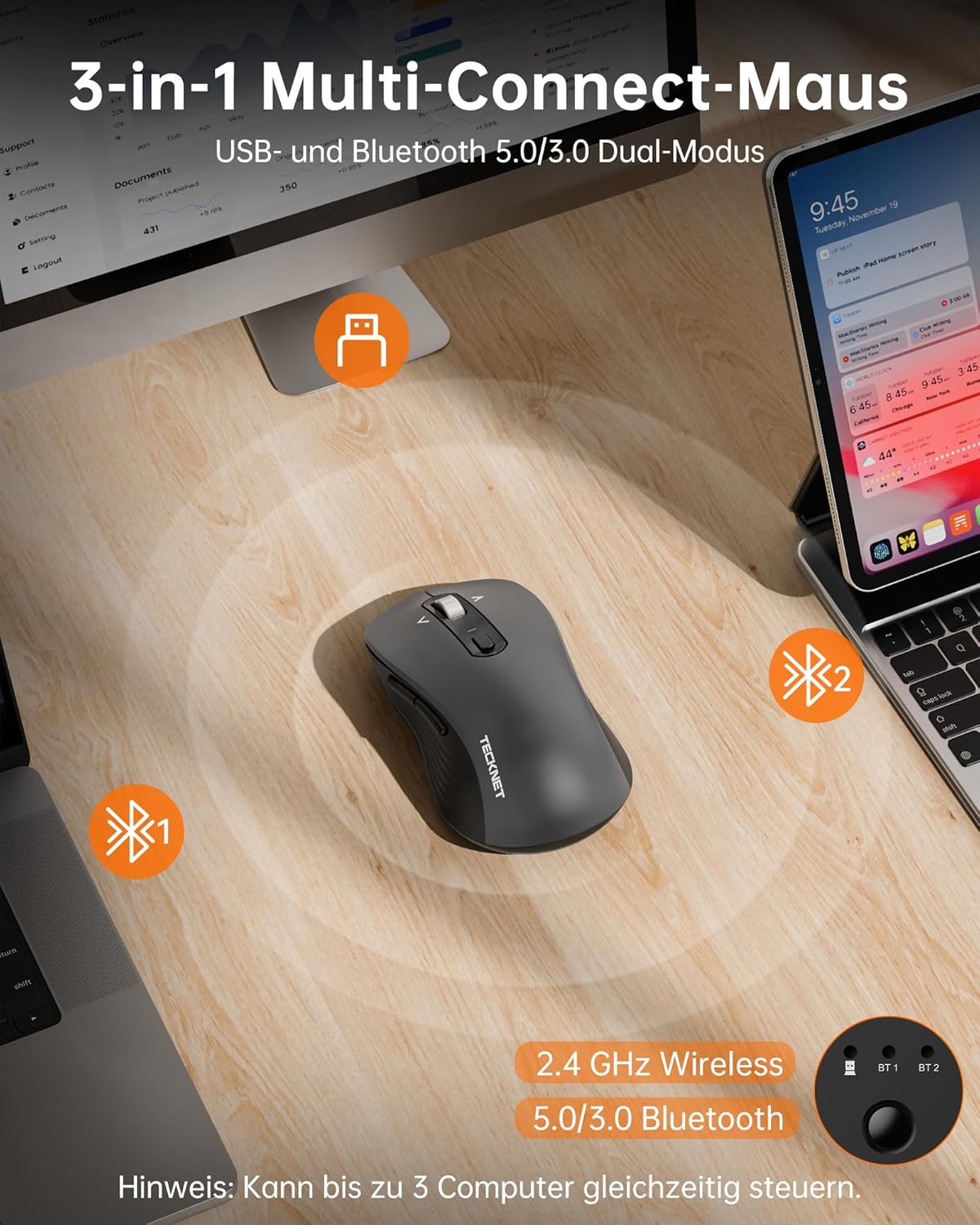
The mouse supports three connection modes: 2.4 GHz wireless (via USB receiver), Bluetooth 5.0, and Bluetooth 3.0. You can connect to up to three devices simultaneously and switch between them.
2.4 GHz-ko haririk gabeko konexioa:
- Locate the USB-A receiver stored in the battery compartment of the mouse.
- Konektatu USB-A hartzailea ordenagailuko USB ataka libre batera.
- Piztu sagua. Sagua automatikoki konektatu beharko litzateke.
Bluetooth konexioa (BT 5.0 / BT 3.0):
- Piztu sagua.
- Press the mode switch button on the underside of the mouse to select either BT1 or BT2 mode. The corresponding indicator light will flash.
- On your device (laptop, PC, Mac, tablet), go to Bluetooth settings and search for new devices.
- Select "TECKNET Mouse" from the list of available devices to pair.
- Once paired, the indicator light will stop flashing and remain solid for a few seconds.
The mouse offers versatile connectivity with 2.4 GHz wireless, Bluetooth 5.0, and Bluetooth 3.0 modes, allowing connection to up to three devices simultaneously.
4. Funtzionamendu-argibideak
4.1 DPI doikuntza
The mouse features 6 adjustable DPI levels to suit various tasks and preferences. Press the DPI button, located behind the scroll wheel, to cycle through the settings:
- 800 DPI
- 1200 DPI
- 1600 DPI
- 2400 DPI
- 3200 DPI
- 4800 DPI
An indicator light will signal the current DPI level. The mouse includes a memory function that saves your last DPI setting.
This image illustrates the mouse's intelligent sensitivity with 6 adjustable DPI levels (800, 1200, 1600, 2400, 3200, 4800) for precise control, indicated by an LED.
4.2 4-Way Scrolling
The intelligent metal scroll wheel allows for both vertical and horizontal scrolling. Tilt the scroll wheel left or right to perform horizontal scrolling, which is particularly useful for navigating wide spreadsheets or large artboards.

The mouse features an intelligent metal scroll wheel that supports both vertical and horizontal scrolling, enhancing navigation in wide documents and spreadsheets.
4.3 Gailu Anitzeko Kommutazioa
To switch between connected devices (2.4G, BT1, BT2), simply press the mode switch button on the underside of the mouse. The corresponding indicator light will illuminate to show the active connection.
5. Mantentzea
- Garbiketa: Erabili zapi leun eta lehor bat sagua garbitzeko. Zikinkeria egoskorra bada, garbitu zapi pixka bat.amp oihal bat erabil daiteke, baina ziurtatu hezetasunik ez sartzen gailuan.
- Bateria ordezkatzea: Replace AAA batteries when the mouse's performance degrades or the low battery indicator (if present) illuminates.
- Biltegiratzea: When not in use for extended periods, remove the batteries to prevent leakage. Store the mouse in a cool, dry place.
6. Arazoak
Saguak ez du erantzuten:
- Ziurtatu sagua piztuta dagoela.
- Egiaztatu bateriaren maila eta ordeztu behar izanez gero.
- 2.4 GHz-ko konexiorako, ziurtatu USB hargailua ondo konektatuta dagoela funtzionatzen duen USB ataka batera. Saiatu beste USB ataka batekin.
- For Bluetooth connection, ensure Bluetooth is enabled on your device and the mouse is correctly paired. Try re-pairing the mouse.
- Ziurtatu sagua funtzionamendu-eremu eraginkorrean dagoela (15 metro arte).
Etengabeko konexioa:
- Hurbildu sagua zure gailura.
- Saihestu sagua gainazal metalikoetan erabiltzea, haririk gabeko seinaleak oztopatu baitezakete.
- Minimize interference from other wireless devices operating on the same frequency.
Cursor Movement is Erratic:
- Garbitu saguaren azpialdeko sentsore optikoa.
- Erabili sagua gainazal garbi eta islatzailerik gabeko batean edo sagu-alfonbra batean.
- Adjust the DPI setting to a lower level if the cursor is too sensitive.
7. Zehaztapenak
| Marka | TECKNET |
| Modelo zenbakia | TK-MS024 |
| Konektibitate Teknologia | Bluetooth 5.0, Bluetooth 3.0, 2.4 GHz Wireless (USB-A) |
| DPI mailak | 800, 1200, 1600, 2400, 3200, 4800 |
| Botoi kopurua | 6 |
| Mugimenduak detektatzeko teknologia | Optikoa |
| Ezaugarri bereziak | 4-Way Scrolling, Ergonomic Design, LED Lights, Soundless Clicks, Wireless |
| Gailu bateragarriak | Desktop, Laptop, Mac, Tablet |
| Sistema eragileen bateragarritasuna | Windows XP/7/8/10/11, macOS 10.4+, Linux, Android, Chrome OS |
| Energia iturria | 2 x AAA bateria (ez daude barne) |
| Bateriaren batez besteko iraupena | Gehienez 24 hilabete |
| Produktuaren neurriak | 11.8 x 6.6 x 0.1 cm |
| Elementuaren pisua | 100 g |
8. Bermea eta Laguntza
TECKNETek eskaintzen du 36 hilabeteko bermea for registered users of this product. If you encounter any issues or have questions regarding your TECKNET TK-MS024 Wireless Bluetooth Mouse, please contact TECKNET customer service for assistance. Please refer to the official TECKNET website or your purchase documentation for specific contact details and warranty registration information.