
Sarrera
The GOBOULT W60 True Wireless Earbuds provide a high-quality audio experience with advanced features designed for daily use, gaming, and communication. This manual provides instructions for setup, operation, maintenance, and troubleshooting to ensure optimal performance of your device.
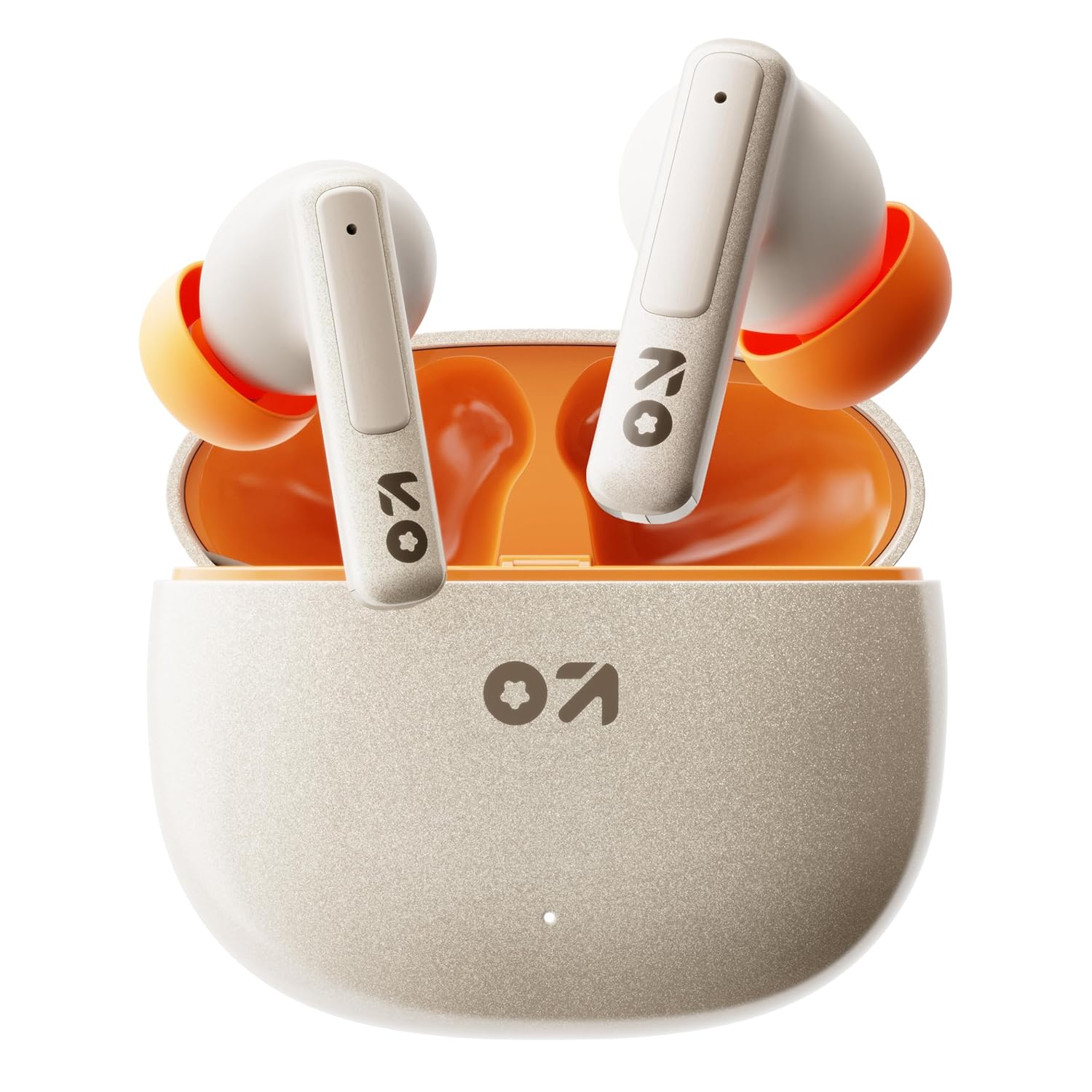
Image: GOBOULT W60 True Wireless Earbuds in their charging case.
Kutxan dagoena
- GOBOULT W60 True Wireless Earbuds
- Haririk gabeko kargatzeko kaxa
- Belarri-punta pare gehigarria
- C motako kargatzeko kable azkarra
- Erabiltzailearen eskuliburua
- Berme Txartela
Konfigurazioa
1. Entzungailuak eta zorroa kargatzea
Before first use, fully charge the GOBOULT W60 earbuds and their charging case.
- Connect the provided Type-C charging cable to the charging port on the case and to a compatible USB power source.
- The indicator light on the case will show charging status. Once fully charged, the indicator will change or turn off.
- Jarri entzungailuak kargatzeko zorroan. Automatikoki kargatzen hasiko dira.
A 10-minute charge provides approximately 4 hours of playtime. The case offers up to 60 hours of total playtime for the earbuds.
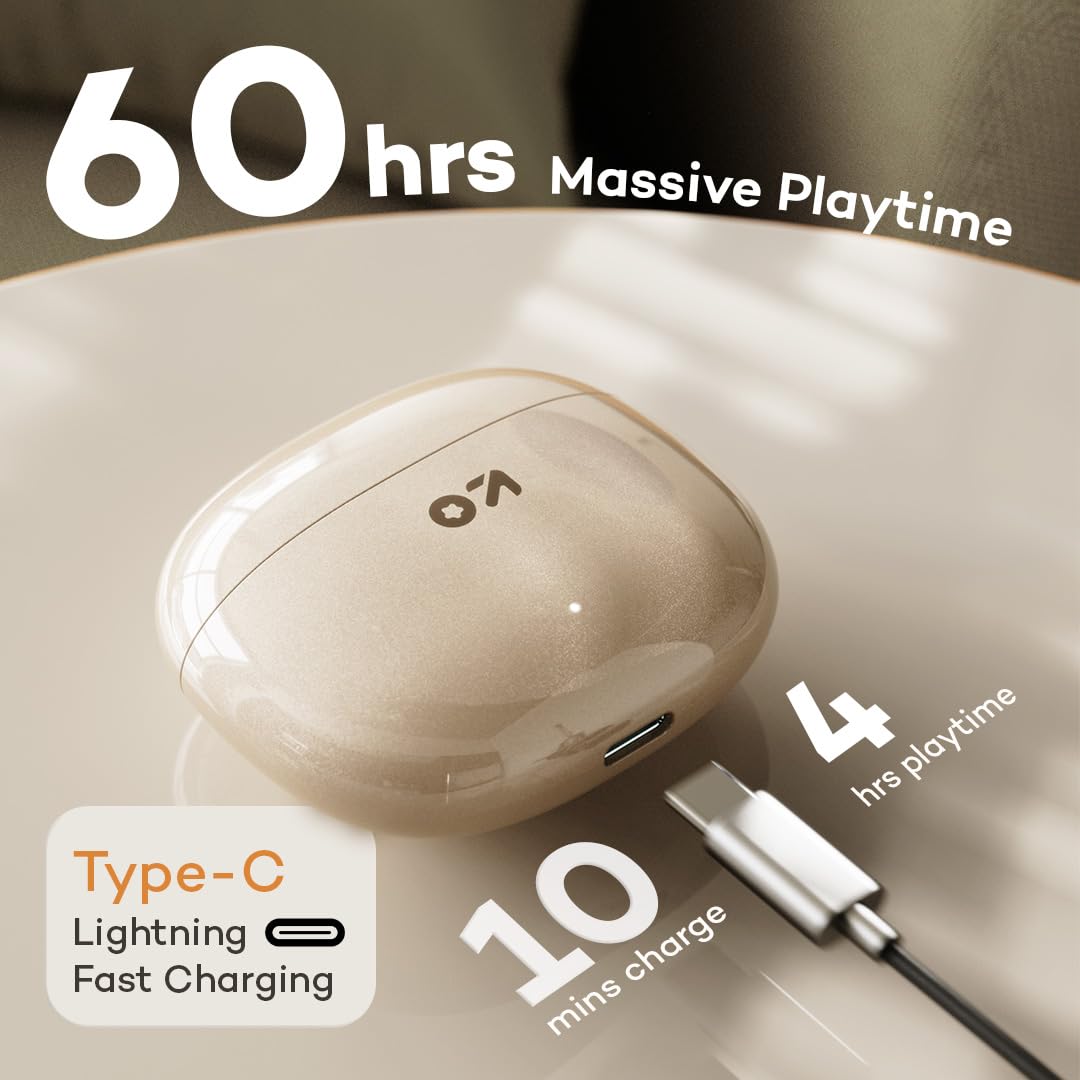
Image: GOBOULT W60 charging case with Type-C cable, highlighting fast charging capabilities.
2. Gailu batekin parekatzea
The GOBOULT W60 earbuds utilize Bluetooth 5.4 for a fast and stable connection.
- Ireki kargatzeko zorroa. Aurikularrak automatikoki sartuko dira parekatze moduan.
- Zure gailuan (telefono adimenduna, tableta, ordenagailu eramangarria), gaitu Bluetooth-a.
- Bilatu available Bluetooth devices and select "GOBOULT W60" from the list.
- Behin konektatuta, audio-abisu bat entzungo duzu, eta entzungailuak erabiltzeko prest egongo dira.
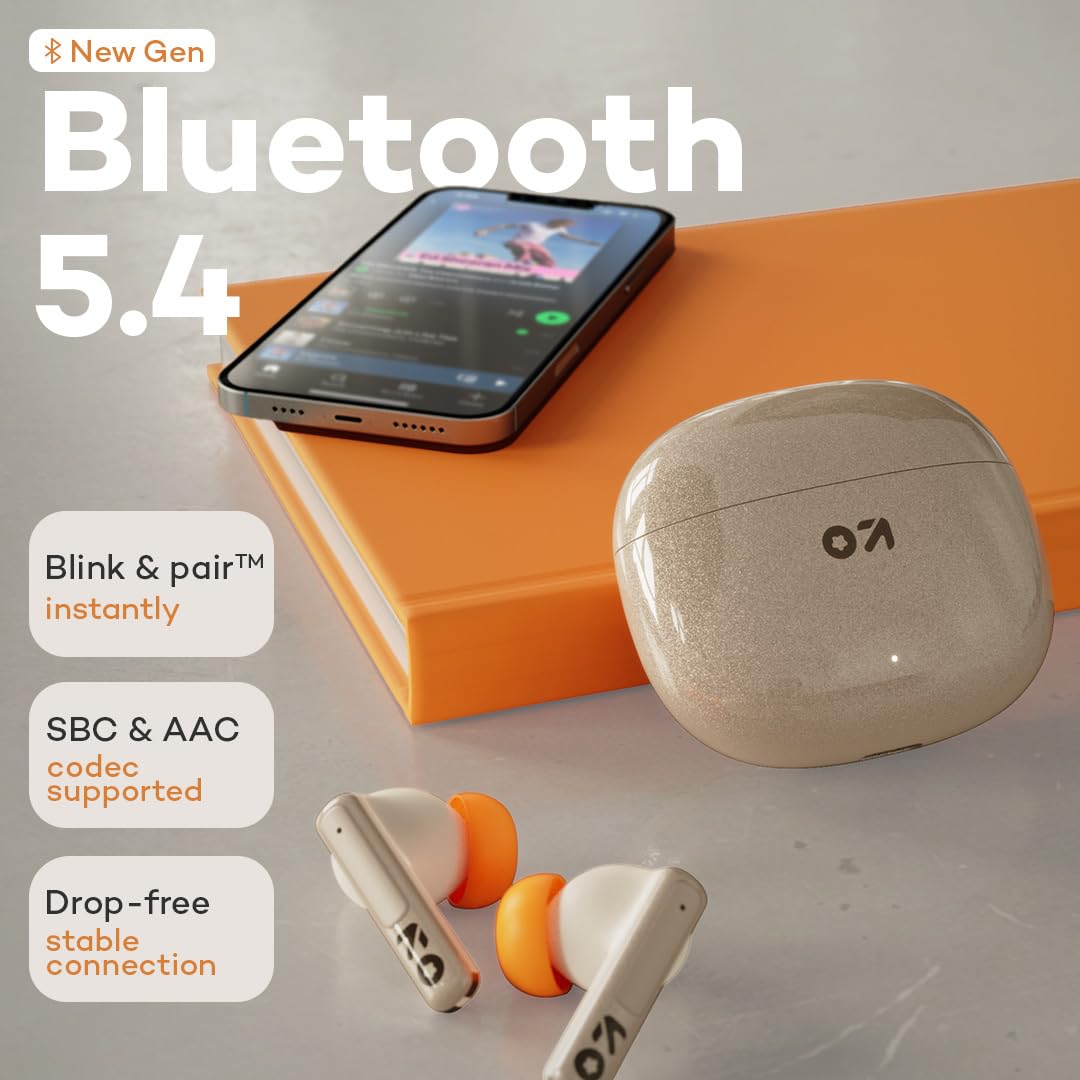
Image: GOBOULT W60 earbuds demonstrating Bluetooth 5.4 connectivity.
Funtzionamendu-argibideak
Ukitu Kontrolak
The GOBOULT W60 earbuds feature intuitive touch controls for managing audio playback, calls, and voice assistant activation.

Image: GOBOULT W60 earbuds highlighting touch control areas.
- Erreproduzitu/Pausatu: Sakatu bakar batean entzungailu batean.
- Hurrengo ibilbidea: Sakatu birritan eskuineko entzungailuan.
- Aurreko pista: Sakatu bi aldiz ezkerreko entzungailuan.
- Deia erantzun/amaitu: Sakatu bakar batean entzungailu batean.
- Deia baztertu: Sakatu luze entzungailuetako edozeinetan.
- Aktibatu Ahots Laguntzailea: Triple tap on either earbud (supports Google Assistant and Siri).
- Bolumen kontrola: Long press the right earbud to increase volume, long press the left earbud to decrease volume.
Deitzeko funtzionalitatea
Equipped with ZEN Quad Mic ENC (Environmental Noise Cancellation), the W60 earbuds ensure clear communication by filtering out background noise during calls.
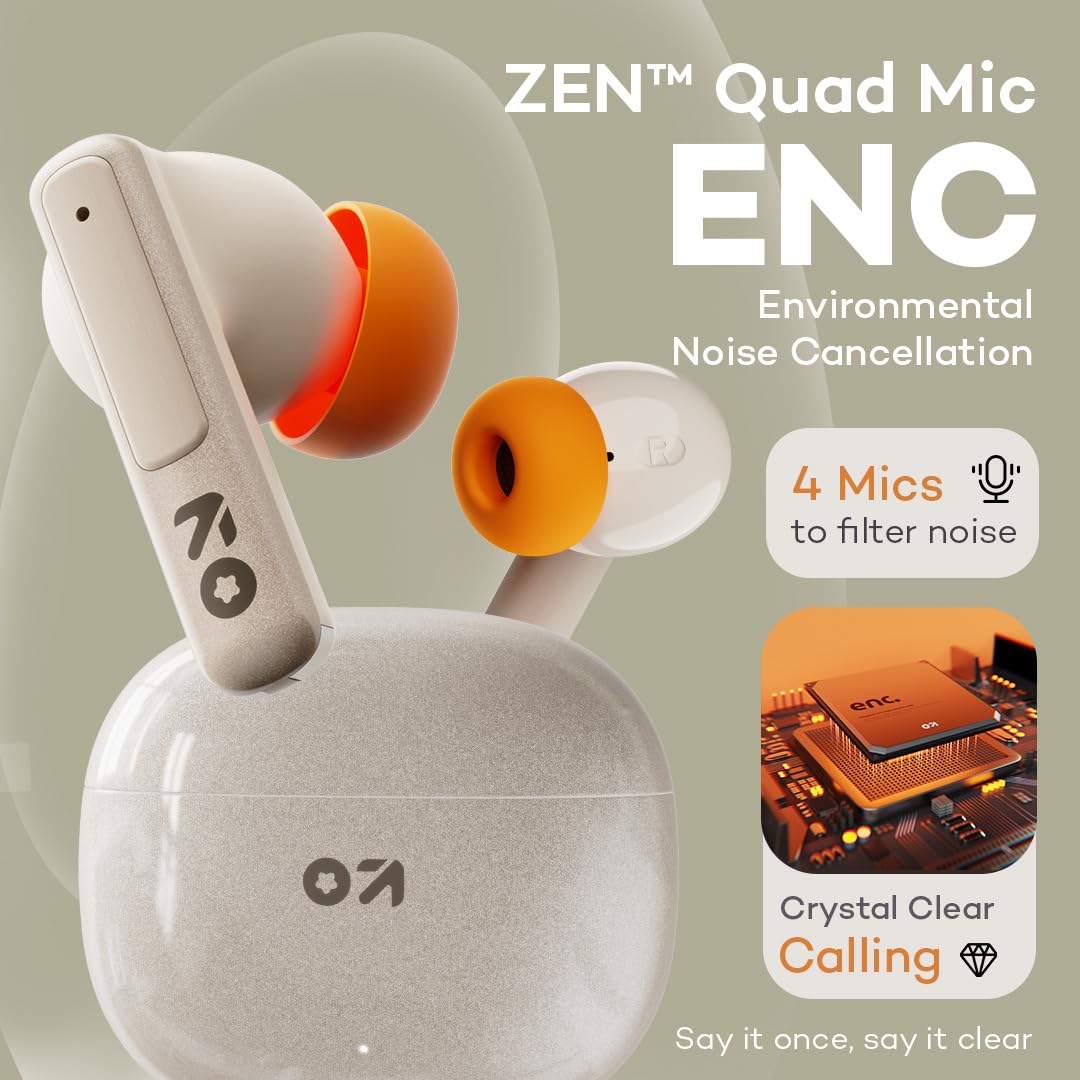
Image: GOBOULT W60 earbuds showcasing ZEN Quad Mic ENC for crystal-clear calls.
Joko modua
Activate the Combat Gaming mode for an ultra-low latency experience of 50ms, providing synchronized audio during gaming or video playback.
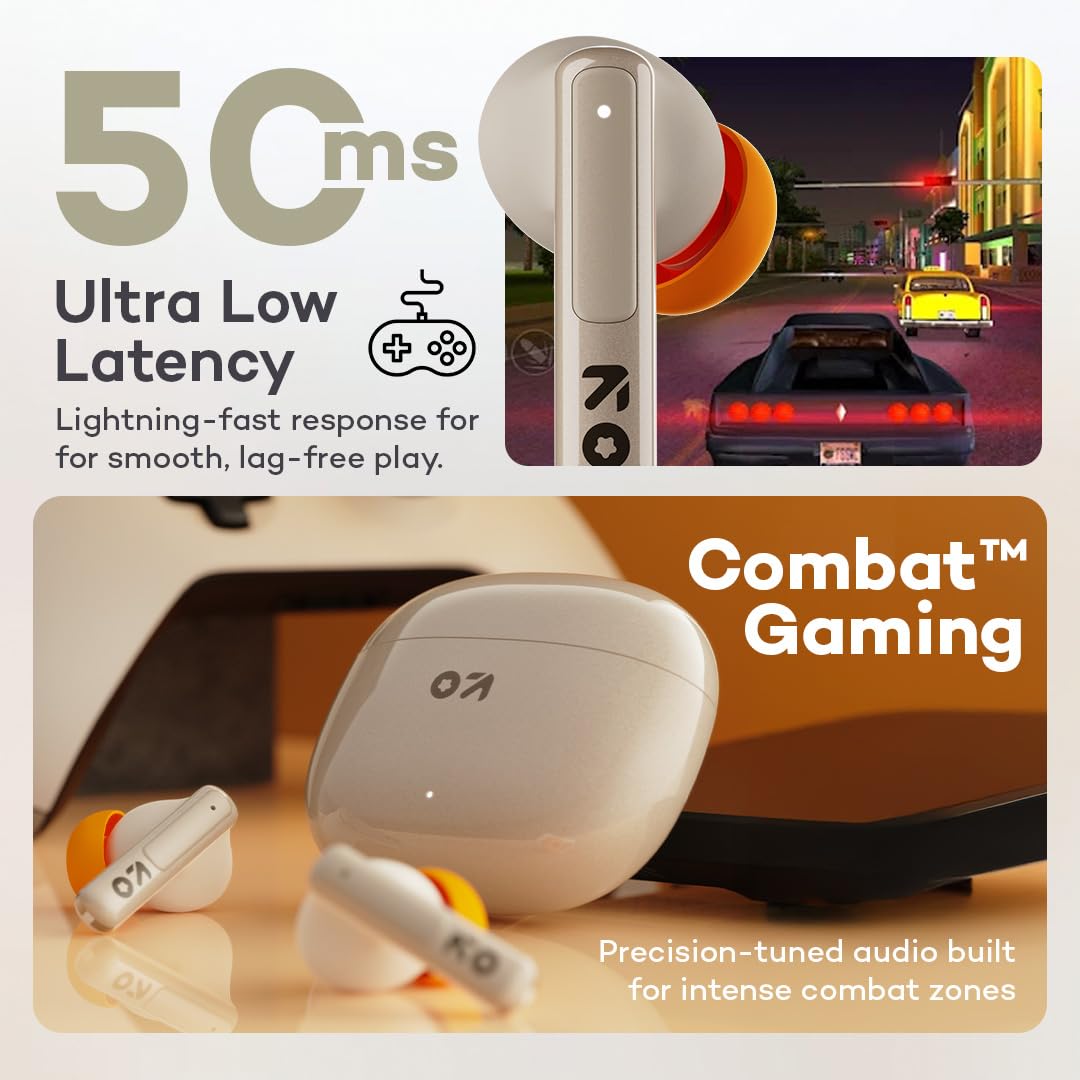
Image: GOBOULT W60 earbuds illustrating low latency for gaming.
Audio Errendimendua
The W60 earbuds feature 13mm dynamic drivers with BoomX technology, delivering supreme bass and immersive sound for an enhanced listening experience.

Image: GOBOULT W60 earbuds highlighting 13mm punchy bass drivers.
Mantentzea
Garbiketa eta Zainketa
- Garbitu aldizka entzungailuak eta kargatzeko zorroa oihal leun, lehor eta lihorik gabeko batekin.
- Saihestu material urratzaileak, disolbatzaileak edo aerosolak erabiltzea.
- Ziurtatu entzungailuen eta zorroaren kargatzeko kontaktuak garbi eta hondakinik gabe daudela.
Uraren Erresistentzia
The GOBOULT W60 earbuds are IPX5 water resistant, meaning they are protected against sweat and splashes. They are not designed for submersion in water.

Image: GOBOULT W60 earbuds demonstrating IPX5 water resistance.
Arazoak konpontzea
If you encounter issues with your GOBOULT W60 earbuds, refer to the following common solutions:
- Soinurik ez: Ziurtatu entzungailuak kargatuta daudela, behar bezala parekatuta daudela eta bolumena doituta dagoela bai entzungailuetan bai konektatutako gailuan.
- Parekatzeko arazoak: Turn off Bluetooth on your device, place earbuds back in the case, close and reopen the case, then try pairing again. Ensure no other devices are actively connected to the earbuds.
- Aurikular batek ez du funtzionatzen: Place both earbuds in the charging case, close the lid, wait a few seconds, then open the lid and try reconnecting. Check for debris on charging contacts.
- Kargatzeko arazoak: Verify the Type-C cable and power adapter are working correctly. Ensure the charging contacts on the earbuds and case are clean.
- Deien kalitate eskasa: Ensure the microphones are not obstructed. Check your network signal.
If problems persist, consult the support section or contact customer service.
Zehaztapenak
| Ezaugarri | Xehetasuna |
|---|---|
| Ereduaren izena | W60 (AirBass) |
| Konektibitate Teknologia | Bluetooth 5.4, Haririk gabekoa |
| Bluetooth barrutia | 10 metro |
| Audio kontrolatzailearen tamaina | 13 mm-ko gidari dinamikoa |
| Zarata Kontrola | ZEN Quad Mic ENC (Environmental Noise Cancellation) |
| Audio latentzia | 50 milisegundo (joko modua) |
| Jolas-ordua (aurikularra) | Gehienez 60 ordu (kargatzeko zorroarekin) |
| Kargatzeko Denbora | 10 Minutes for 4 Hours Playtime |
| Kargatzeko ataka | C motakoa |
| Uraren Erresistentzia Maila | IPX5 (Izerdiarekiko eta zipriztinekiko erresistentea) |
| Kontrol mota | Touch Controls, Voice Assistant (Google Assistant, Siri) |
| Elementuaren pisua | 51.6 gramo |
| Jatorrizko Herrialdea | India |
Bermea eta Laguntza
Your GOBOULT W60 True Wireless Earbuds come with a warranty. Please refer to the included Warranty Card for details regarding coverage and terms. For further assistance, technical support, or warranty claims, please visit the official GOBOULT store or contact customer service.
GOBOULT Store: Visit GOBOULT Store on Amazon.in