
Sarrera
Thank you for choosing the Rii RK211 Wireless Keyboard and Mouse Combo. This product provides a reliable 2.4G wireless connection for your computer, laptop, or other compatible devices. This manual will guide you through the setup, operation, maintenance, and troubleshooting of your new wireless keyboard and mouse.
Konfigurazio Argibideak
Follow these steps to set up your Rii RK211 Wireless Keyboard and Mouse Combo:
- Instalatu bateriak: The keyboard requires 1 AAA battery, and the mouse requires 1 AA battery. Open the battery compartments on both devices and insert the batteries, ensuring correct polarity.
- Aurkitu USB hargailua: The tiny nano USB receiver is stored in the compartment next to the mouse battery slot. Open the mouse battery cover to find it.
- Konektatu hargailua: Konektatu USB hargailua zure ordenagailuko edo ordenagailu eramangarriko USB ataka erabilgarri batean.
- Piztu: Turn on the mouse using the ON/OFF switch located on its underside. The keyboard does not have a separate power switch and will activate upon battery installation and key press.
- Konexio automatikoa: The keyboard and mouse will automatically connect to your device. No additional drivers are required for most operating systems.
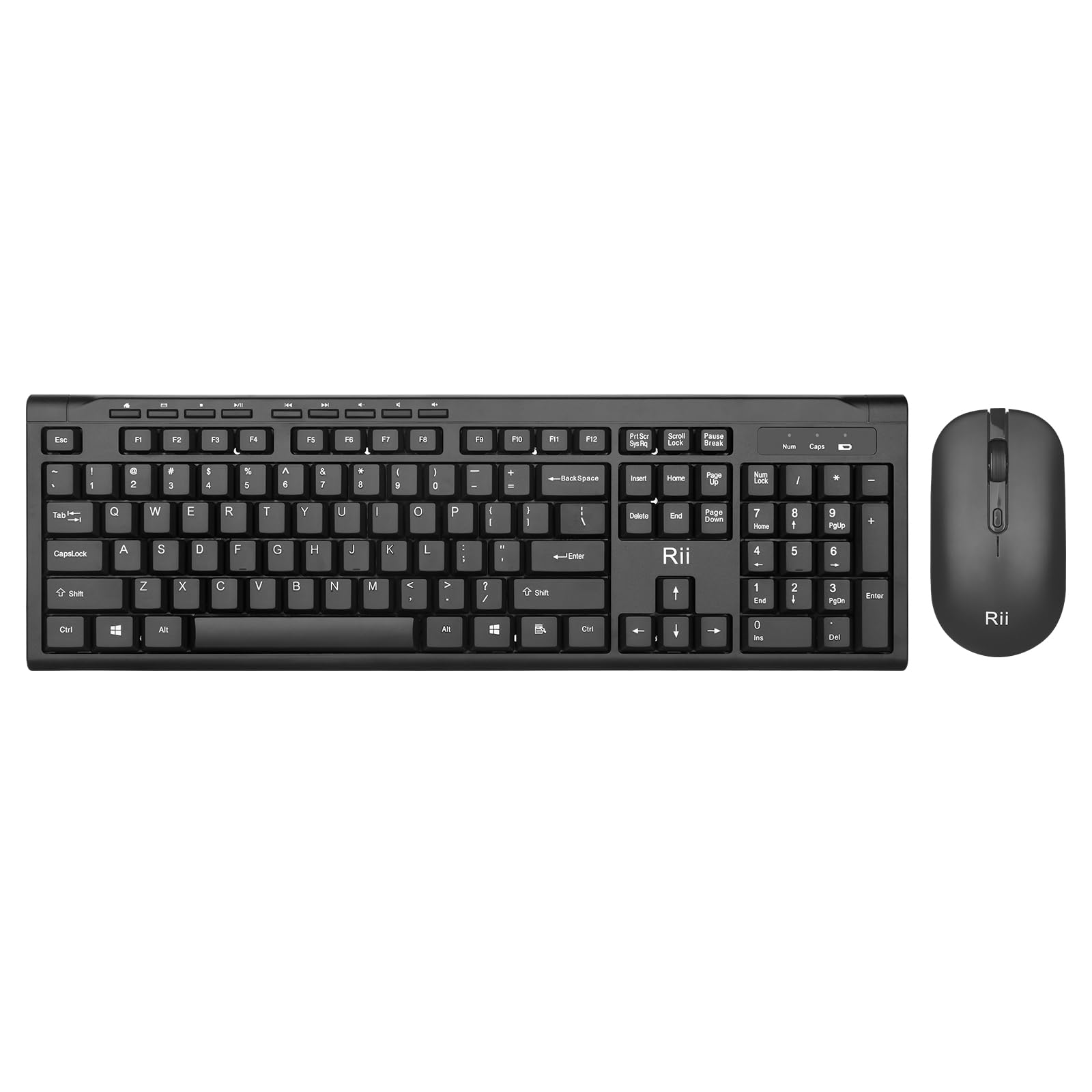
Image: The Rii RK211 wireless keyboard and mouse connected to a laptop using a single unifying nano receiver for plug-and-play functionality.

Image: The USB receiver is conveniently stored inside the mouse's battery compartment for safekeeping.
Funtzionamendu-argibideak
This section details the usage of your Rii RK211 Wireless Keyboard and Mouse Combo.
Teklatuaren Ezaugarriak:
- Full-Sized Layout: The keyboard features a standard US QWERTY layout with a numeric keypad for efficient typing.
- Inklinazio angelu erregulagarria: Utilize the adjustable legs on the underside of the keyboard to set a comfortable typing position and reduce wrist fatigue.
- Multimedia laster-teklak: Access 9 dedicated multimedia hotkeys for quick control over media playback, email, internet browser, volume, and more. Note: These shortcuts may have limited compatibility with Mac operating systems.

Image: The keyboard features an ergonomic design with adjustable legs to enhance typing comfort.
Saguaren ezaugarriak:
- Diseinu ergonomikoa: The mouse is contoured to fit comfortably in your hand, supporting extended use.
- DPI erregulagarria: Cycle through DPI settings of 800, 1000, 1200, and 1600 to adjust cursor sensitivity and precision on various surfaces. The DPI button is typically located near the scroll wheel.

Image: The mouse features an ergonomic design for comfortable use.
Mantentzea
Proper maintenance ensures the longevity and optimal performance of your wireless combo.
- Bateria ordezkatzea: Replace batteries when performance degrades. The keyboard uses 1 AAA battery, and the mouse uses 1 AA battery.
- Garbiketa: Erabili zapi leun eta lehor bat teklatuaren eta saguaren gainazalak garbitzeko. Zikinkeria egoskorra bada, garbitu zapi pixka bat.amp cloth can be used, ensuring no moisture enters the internal components. Avoid harsh chemicals.
- Biltegiratzea: Denbora luzez erabiltzen ez duzunean, itzali sagua bateriaren iraupena aurrezteko. Gorde USB hargailua saguaren bateriaren konpartimentuan galtzea saihesteko.
- Energia aurrezteko automatikoa: Both devices feature an automatic sleep function. If inactive for more than 10 minutes, they will enter sleep mode. To reactivate, simply click any mouse button or press any key on the keyboard.
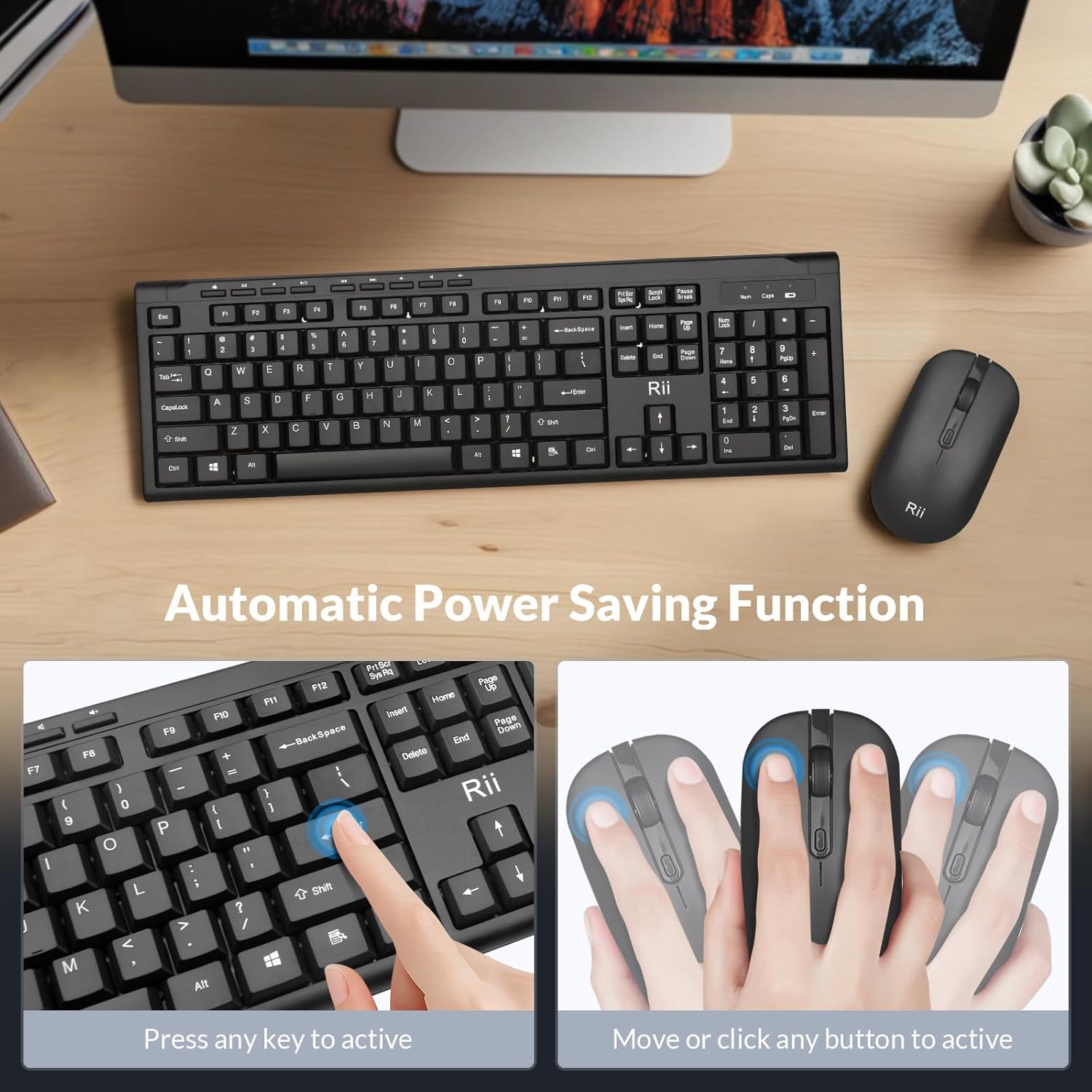
Image: The keyboard and mouse feature an automatic power saving function, activated by pressing any key or moving/clicking the mouse.
Arazoak konpontzea
If you encounter issues, refer to the following troubleshooting tips:
- Konexiorik ez/Atzerapena:
- Ziurtatu USB hartzailea ondo konektatuta dagoela funtzionatzen duen USB ataka batera.
- Egiaztatu sagua piztuta dagoen.
- Ordeztu bateriak bai teklatuan bai saguarenean.
- Move the devices closer to the USB receiver to rule out range issues (max 33 ft).
- Saiatu USB hargailua ordenagailuko beste USB ataka batera konektatzen.
- Mouse Cursor Jumps/Inaccurate:
- Change the DPI setting using the DPI button on the mouse.
- Ziurtatu sagua gainazal egoki batean erabiltzen dela (ez oso islatzailea edo gardena).
- Garbitu saguaren azpialdeko sentsore optikoa.
- Keyboard Not Typing:
- Sakatu edozein tekla tekla lo modutik esnatzeko.
- Replace the AAA battery in the keyboard.
- Ensure the USB receiver is connected.
- Multimedia Keys Not Working on Mac:
- Some multimedia shortcuts may not be fully compatible with Mac OS. This is expected behavior.
Zehaztapenak
| Marka | ikusi |
| Modelo zenbakia | RK211 |
| Kolorea | Beltza |
| Konektibitate Teknologia | 2.4G Haririk gabekoa |
| Ezaugarri Berezia | Diseinu Ergonomikoa |
| Gailu bateragarriak | Laptop, Desktop, PC, Chromebook, Notebook (Windows 11/10/8/7/Vista/XP, Chrome OS, Linux, Mac OS) |
| Beharrezko bateriak | Yes (1 AAA for keyboard, 1 AA for mouse - Not Included) |
| Elementuaren pisua | 0.7 kilogramo |
| Teklatuaren deskribapena | Multimedia |
| Saguaren DPI ezarpenak | 800-1000-1200-1600 DPI |

Image: Detailed dimensions of the Rii RK211 keyboard and mouse.
Bermearen informazioa
The Rii RK211 Wireless Keyboard and Mouse Combo comes with a 365 eguneko bermea erosketa-datatik aurrera. Berme honek fabrikazio-akatsak estaltzen ditu eta produktuak erabilera normalaren pean behar bezala funtzionatzen duela bermatzen du. Gorde erosketaren egiaztagiria berme-erreklamazioetarako.
Laguntza
For further assistance, technical support, or warranty inquiries, please refer to the contact information provided with your product packaging or visit the official Rii webgunea. Era berean, bisitatu dezakezu Rii Store on Amazon informazio gehiago eta produktuen baliabideak lortzeko.