
Sarrera
This manual provides detailed instructions for the TOOBUR DR05 Smart Watch. Please read this manual carefully before using your device to ensure proper operation and to maximize its features. The TOOBUR DR05 is designed to enhance your daily life with fitness tracking, health monitoring, and smart communication capabilities.
Kutxan dagoena
Upon opening your TOOBUR DR05 Smart Watch package, you should find the following items:
- TOOBUR DR05 Smart Watch (Rose Gold with mesh metal band)
- Kargatzeko kablea
- Erabiltzailearen Gida
- Additional Silicone Sports Band

Image: Packaging details showing the TOOBUR DR05 Smart Watch, charging cable, user guide, and an additional silicone band.
Konfigurazioa
1. Hasierako kargatzea
Before first use, charge the TOOBUR DR05 Smart Watch for at least 1 hour. If the battery is completely drained, charge for at least 30 minutes before attempting to power it on.

Image: The TOOBUR DR05 Smart Watch connected to its magnetic charging cable, illustrating the charging process.
2. App Installation and Bluetooth Connection
- Download the "Veryfit App" from your smartphone's app store (compatible with Android 8.0+ and iOS 13.0+).
- Open the Veryfit App and follow the on-screen instructions to pair your TOOBUR DR05 Smart Watch via Bluetooth 5.3.
- Ensure the Veryfit App is running in the background and Bluetooth is connected on both your phone and the watch to receive phone notifications and sync activity data.
- For answering and making calls, a separate Bluetooth connection to the phone is required. Follow the app's instructions to enable this feature.
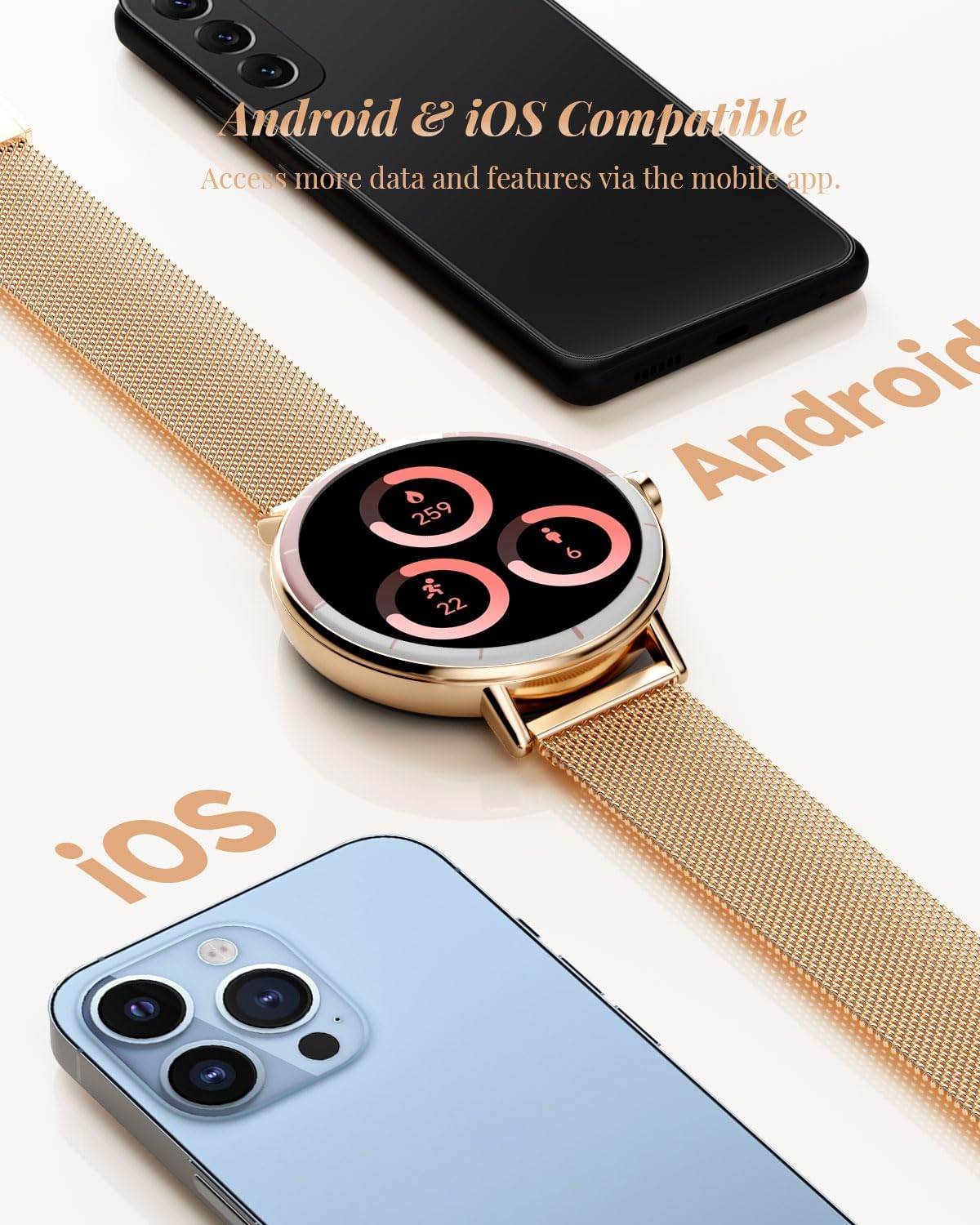
Image: The TOOBUR DR05 Smart Watch positioned between an Android smartphone and an iPhone, demonstrating its compatibility with both Android and iOS devices.
Funtzionamendu-argibideak
Nabigazioa eta bistaratzea
The TOOBUR DR05 features a 1.27-inch HD touchscreen display (450 nits brightness, 401 ppi). Swipe across the screen to navigate through various functions and menus. Press the side button to return to the home screen or access specific features.
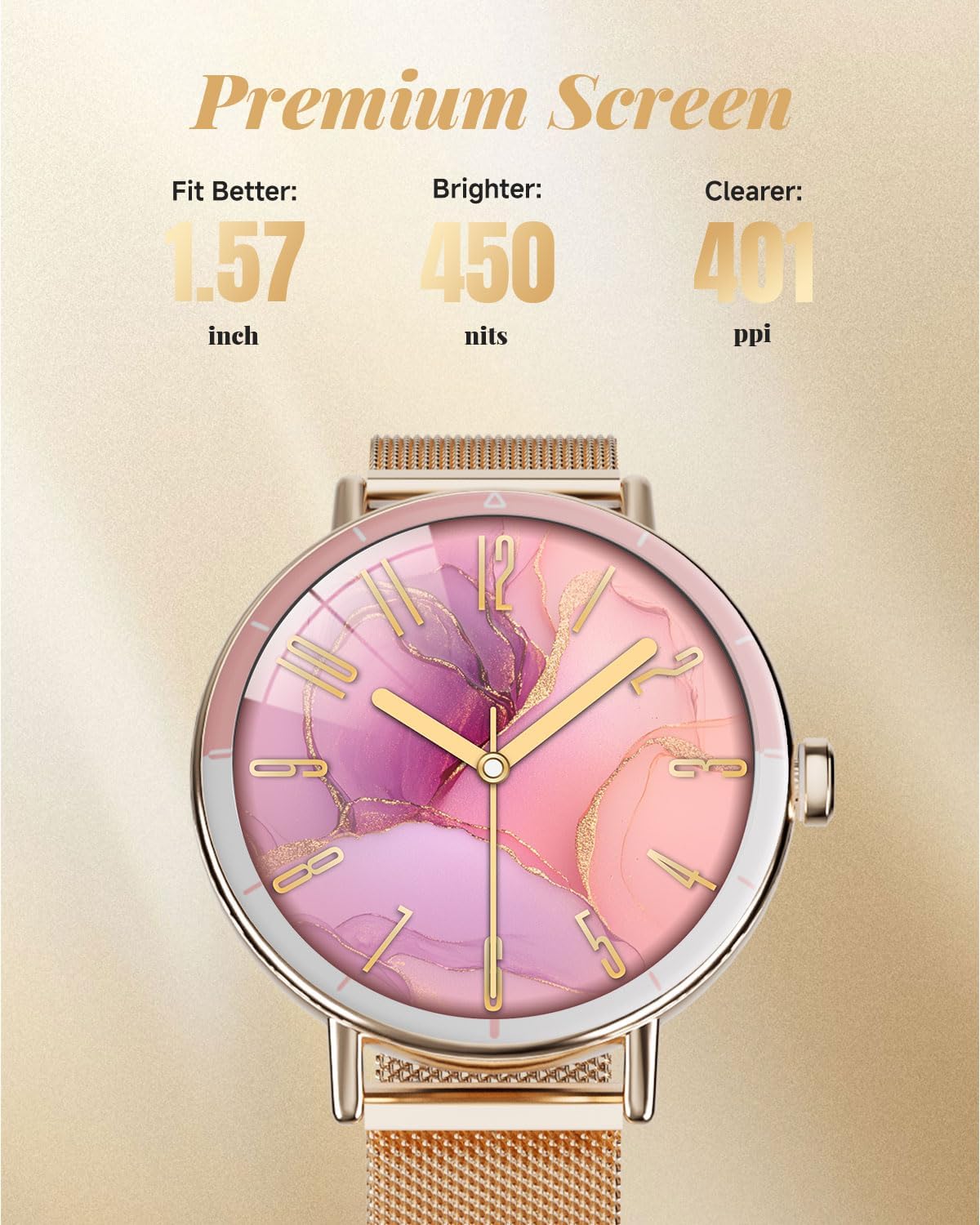
Irudia: Xehetasun zehatza view of the TOOBUR DR05 Smart Watch's premium HD screen, highlighting its clarity and vibrant display.
Komunikazio Ezaugarriak
- Deiak erantzun/egin: Once connected via Bluetooth, you can answer incoming calls directly from your watch or dial out using the watch interface.
- Mezuen jakinarazpenak: Receive notifications from popular apps directly on your watch screen. Ensure the Veryfit App is running in the background for this feature.

Image: A user wearing the TOOBUR DR05 Smart Watch while driving, demonstrating the ability to receive and manage calls hands-free.
Osasunaren Jarraipena
- Bihotz taupadaren jarraipena: The watch continuously monitors your heart rate, providing data to help you manage your workout intensity and overall health.
- Odol-oxigenoaren (SpO2) monitorizazioa: Real-time SpO2 monitoring assists in optimizing your workout pace and understanding your body's oxygen levels.
- Loaren jarraipena: Records your entire sleep process, including light sleep, deep sleep, REM, and awake times, with detailed data and charts in the app to help improve sleep quality.
- Estresaren jarraipena: Egun osoan zehar zure estres mailak kontrolatzen ditu.
- Female Period Management: Provides features to track and predict menstrual cycles for smarter health management.
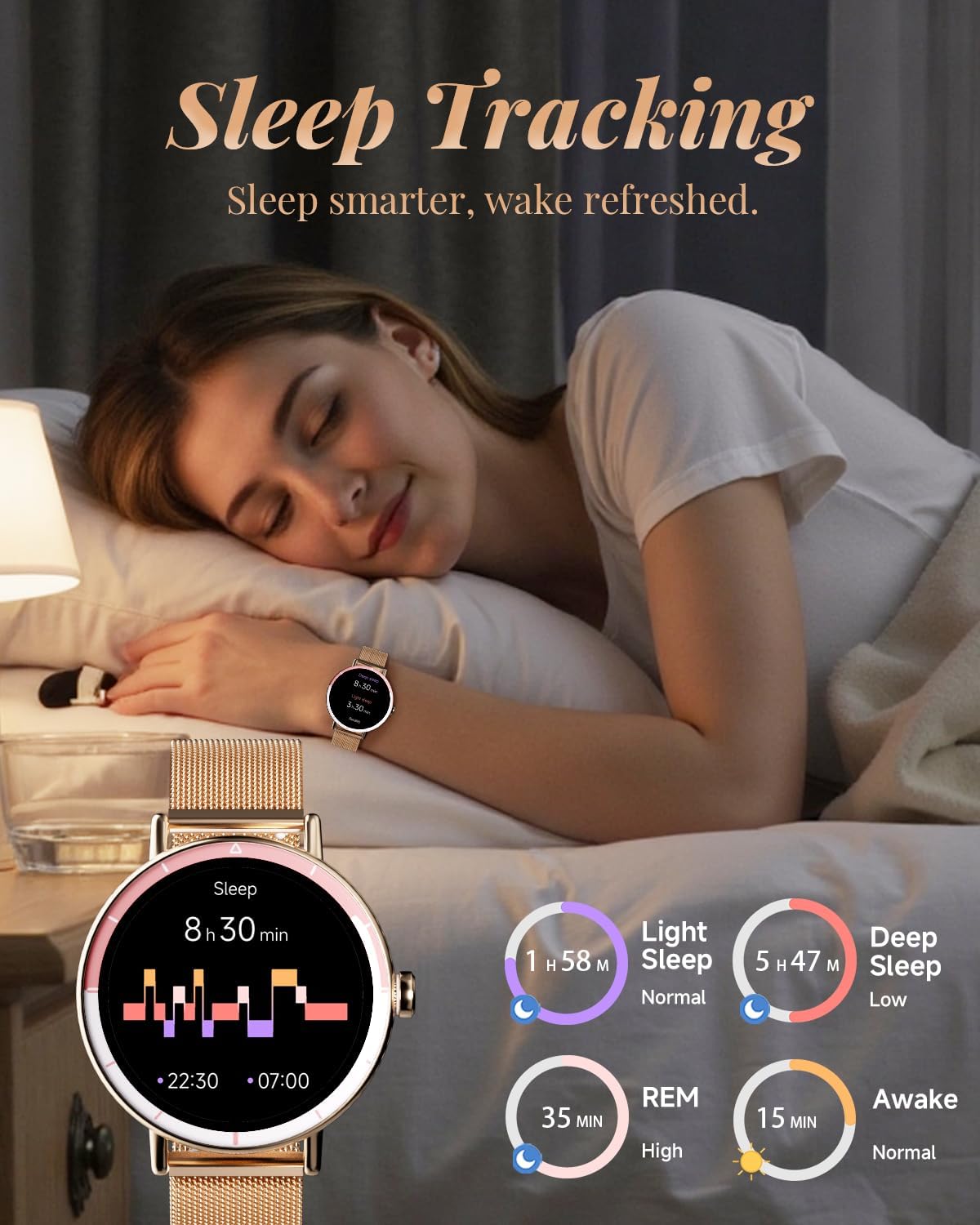
Image: The TOOBUR DR05 Smart Watch displaying sleep tracking data, illustrating its capability to monitor sleep patterns.
Fitness Jarraipena
- 100 kirol modu baino gehiago: Built-in tracking for a wide variety of sports activities. Select your activity to record specific metrics.
- Daily Activity Monitoring: Meticulously records steps, calories burned, and exercise time.
- Running Training Courses: Access built-in running programs to guide your workouts and improve performance.

Image: A woman engaged in tennis, wearing the TOOBUR DR05 Smart Watch, which shows various fitness tracking metrics.
Beste Ezaugarri batzuk
The TOOBUR DR05 Smart Watch includes additional functionalities for convenience:
- Eguraldiaren eguneraketak
- Musika kontrola
- Urruneko kameraren kontrola
- Iratzargailua
- Tenporizadorea
- Egutegia
- Kalkulagailua
- Arnasketa ariketak
- Mini games
Pertsonalizazioa
Choose from over 100 watch faces available to personalize your device. You can also customize the watch face with your own photos or images via the Veryfit App.
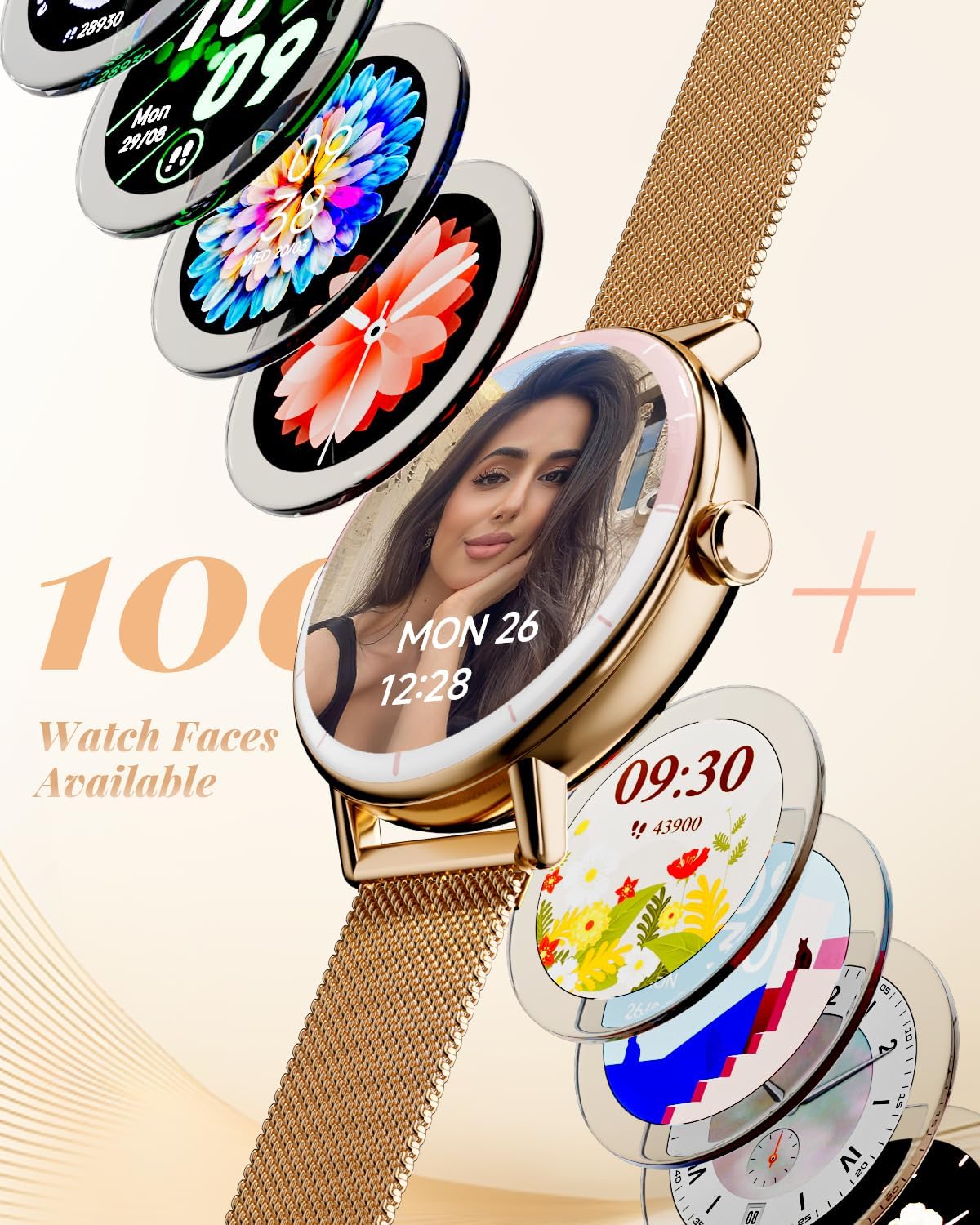
Image: A visual representation of the 100+ watch faces available for the TOOBUR DR05 Smart Watch, highlighting customization.
Mantentzea
Bateriaren iraupena eta kargatzea
The TOOBUR DR05 Smart Watch is equipped with a high-capacity battery, offering up to 7-10 days of standard battery life. A full charge typically takes 2 hours. Battery life may vary based on usage habits and settings.
Uraren Erresistentzia
The watch has an IP68 waterproof rating, meaning it can handle daily water resistance and sports-grade waterproofing. It is suitable for activities like hand washing, rain, and shallow water sports. However, it is not recommended for swimming or diving, especially in hot water or steam environments, as this may affect its waterproof integrity.
Arazoak konpontzea
- Bluetooth konexio-arazoak: If the connection repeatedly disconnects, try restarting the watch and your phone's Bluetooth.
- Jaso ez diren jakinarazpenak: Ensure the Veryfit App is running in the background on your phone and that Bluetooth is actively connected between the watch and the app. Check your phone's notification settings to ensure the app has necessary permissions.
- Matxura orokorrak: For detailed function introductions and precautions, refer to the documents available within the Veryfit App. If issues persist, contact customer support.
Zehaztapenak
| Ezaugarri | Xehetasuna |
|---|---|
| Modelo zenbakia | DR05 |
| Produktuaren neurriak | 9.65 x 1.42 x 0.35 hazbete |
| Elementuaren pisua | 2.12 ontza (60 gramo) |
| Pantailaren tamaina | 1.27 hazbete |
| Bistaratzeko mota | HD ukipen-pantaila |
| Bateria Edukiera | 290 milioiamp Orduak (Litio Ioia) |
| Bateriaren iraupena | Up to 7-10 days (standard use) |
| Konektibitatea | Bluetooth 5.3 |
| Sistema eragileen bateragarritasuna | Android 8.0+ / iOS 13.0+ |
| Iragazgaitzaren balorazioa | IP68 |
| Memoria Biltegiratzeko Ahalmena | 150 MB |
| RAM memoria instalatuaren tamaina | 150 MB |
| Ezaugarri bereziak | Bluetooth Make/Answer Calls, iOS & Android Compatible, Display Notifications, Heart Rate Monitoring, Sleep Tracker, Step/Calorie Counter, Activity Tracker, 100 Sport Modes, IP68 Waterproof, Find My Phone, Stress Monitoring, Female Period Management. |
Bermea eta Laguntza
For information regarding product warranty, returns, or technical support, please refer to the official TOOBUR website or contact the seller directly. Specific warranty details are typically provided with your purchase documentation.