
1. Sarrera
This manual provides essential information for the setup, operation, maintenance, and troubleshooting of your NIMO 17.3-inch FHD IPS Laptop, model Nimo N176. Please read this guide thoroughly to ensure proper use and to maximize the lifespan of your device.

Image 1.1: The NIMO 17.3-inch FHD IPS Laptop, model Nimo N176, showcasinbere pantaila osoa eta teklatua.
2. Paketearen edukia
Egiaztatu behean zerrendatutako elementu guztiak zure produktuaren ontzian daudela:
- 1 x Nimo N176 Laptop
- 1 x Type-C 65W PD Fast Charger
- 1 x Erabiltzailearen eskuliburua (dokumentu hau)
- Windows 11 Home Operating System (pre-installed)
3. Konfigurazioa
3.1 Hasierako piztea
- Unpack the laptop and charger from the box.
- Connect the Type-C 65W PD Fast Charger to the laptop's Type-C port and a power outlet.
- Open the laptop lid. The laptop may power on automatically, or you may need to press the power button located on the keyboard.
- Jarraitu pantailan agertzen diren argibideei hasierako Windows 11 konfigurazioa osatzeko, hizkuntza, eskualdea, sareko konexioa eta erabiltzaile kontua sortzea barne.
3.2 Charging the Laptop
The NIMO laptop includes a Type-C 65W PD fast charger and a 6.56ft USB-C to USB-C cable. This charger supports Power Delivery (PD) for efficient charging.
- Connect the charger to the laptop's Type-C port.
- A full charge provides approximately 5 hours of average battery life.
- The charger can also be used to charge other compatible USB-C devices such as tablets and smartphones.

Image 3.2: The included Type-C 65W PD Fast Charger and USB-C cable, capable of charging the laptop and other compatible devices.
3.3 Hatz-marken irakurgailuaren konfigurazioa
The laptop features a built-in fingerprint sensor on the touchpad for secure and quick login.
- Joan Windows Ezarpenak > Kontuak > Saioa hasteko aukerak atalera.
- Locate the 'Fingerprint recognition (Windows Hello)' section.
- Follow the on-screen prompts to register your fingerprint. You may need to set up a PIN first.
- Once registered, you can use your fingerprint to unlock the laptop.
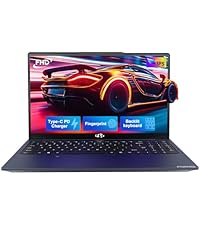
Image 3.3: Close-up of the touchpad showing the integrated fingerprint sensor for one-touch secure login.
4. Funtzionamendu-argibideak
4.1 Keyboard Backlight
The NIMO N176 laptop is equipped with a backlit keyboard for improved visibility in low-light conditions.
- To toggle the backlight on/off or adjust its brightness, use the dedicated function keys (usually Fn + Fx, where Fx is a specific function key with a backlight icon). Refer to the keyboard layout for the exact key combination.
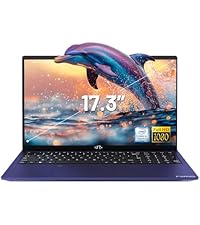
Image 4.1: The backlit keyboard illuminated, demonstrating its utility for typing in dim environments.
4.2 Webcam Privacy Switch
For enhanced privacy, the laptop features a physical switch to disable the webkamara.
- Locate the small physical switch next to the webcam lens at the top of the display.
- Slide the switch to cover the lens for privacy. Slide it back to uncover the lens and enable the webkamara.

Image 4.2: The laptop's integrated webcam with its physical privacy switch, shown in both open and closed positions.
4.3 Konexio-ataka
The Nimo N176 laptop offers various ports for connecting external devices:
- USB 2.0 ataka: 1 port, typically for peripherals like mice or keyboards.
- USB 3.0 portuak: 3 ports, for high-speed data transfer with compatible devices.
- Type-C Port (PD Charge Only): For power input using the provided charger.
- Type-C Port (Multifunction): Supports data transfer and potentially video output (check specific model capabilities).
- HDMI ataka: Kanpoko pantailetara edo proiektoreetara konektatzeko.
- Aurikularrak Jack: Audio irteera entzungailuetara edo kanpoko bozgorailuetara bidaltzeko.
- Mikro SD txartelaren zirrikitua: For expanding storage or transferring data from memory cards.
- Kensington blokeoaren zirrikitua: For physical security of the laptop.

Image 4.3: Diagram illustrating the various connectivity ports available on the NIMO N176 laptop, including USB, HDMI, and Type-C ports.
5. Mantentzea
5.1 RAM and SSD Upgrade
The NIMO N176 laptop is designed to support user-upgradable RAM and SSD components.
- Abisua: Opening the laptop to perform upgrades may void your warranty if not done correctly or if damage occurs. Consult professional assistance if you are unsure.
- Ensure the laptop is powered off and disconnected from the charger before attempting any internal modifications.
- Refer to the detailed service manual (if available) or contact NIMO support for specific instructions on accessing and replacing RAM and SSD modules.
5.1 irudia: Barnekoa view of the NIMO laptop, highlighting the locations of the RAM and SSD for potential upgrades.
5.2 Ordenagailu eramangarria garbitzea
Regular cleaning helps maintain the laptop's appearance and performance.
- Pantaila: Erabili elektronikarako bereziki diseinatutako oihal leun eta lihorik gabeko bat. Dampen it slightly with water or a screen cleaner. Avoid harsh chemicals.
- Teklatua eta txasisa: Erabili zapi leun bat. Zikinkeria egoskorra bada, ukitu apur batampened cloth with mild soap solution can be used, ensuring no liquid enters openings. Compressed air can remove dust from between keys.
- Always power off the laptop and disconnect it from power before cleaning.
6. Arazoak
This section addresses common issues you might encounter with your NIMO N176 laptop.
- Ordenagailu eramangarria ez da pizten: Ensure the charger is properly connected and the power outlet is functional. Try a different outlet. If the battery is completely drained, it may take a few minutes of charging before the laptop responds.
- Pantaila hutsik dago: Check if the laptop is powered on. Try connecting an external monitor to see if there's a display output. Adjust screen brightness using function keys.
- Wi-Fi konexio arazoak: Ensure Wi-Fi is enabled in Windows settings. Restart your router and the laptop. Check for updated network drivers.
- Errendimendu motela: Close unnecessary applications. Check for sufficient free space on the SSD. Run a virus scan. Consider upgrading RAM or SSD if performance remains consistently low.
- Teklatuak edo ukipen-panelak ez du erantzuten: Restart the laptop. Check for updated drivers in Device Manager. Ensure the touchpad hasn't been accidentally disabled via a function key.
For more complex issues or if the problem persists, please refer to the Warranty and Support section for contact information.
7. Zehaztapenak
Detailed technical specifications for the NIMO N176 laptop:
| Ezaugarri | Zehaztapena |
|---|---|
| Marka | NIMO |
| Ereduaren izena | Nimo N176 |
| Pantailaren tamaina | 17.3 hazbete |
| Pantailaren bereizmena | 1920 x 1080 pixel (FHD IPS) |
| Prozesadorea | Intel Pentium N100 (4 Cores, up to 3.4GHz) |
| RAM | 8 GB DDR4 (3200 MHz) |
| Disko gogorra | 512 GB-ko SSDa (PCIe) |
| Koprozesadore grafikoa | Grafiko integratuak (Intel) |
| Sistema eragilea | Windows 11 Home |
| Haririk gabeko mota | Wi-Fi 6 (802.11a/b/g/n/ac), Bluetooth 5.2 |
| USB atakak | 1x USB 2.0, 3x USB 3.0 |
| Beste Portu batzuk | HDMI, Type-C (PD Charge Only), Type-C (Multifunction), Headphone Jack, Micro SD Slot |
| Webkamara | 2 MP Atzekoa Webcam Resolution (Note: Front webcam is typically 720p HD) |
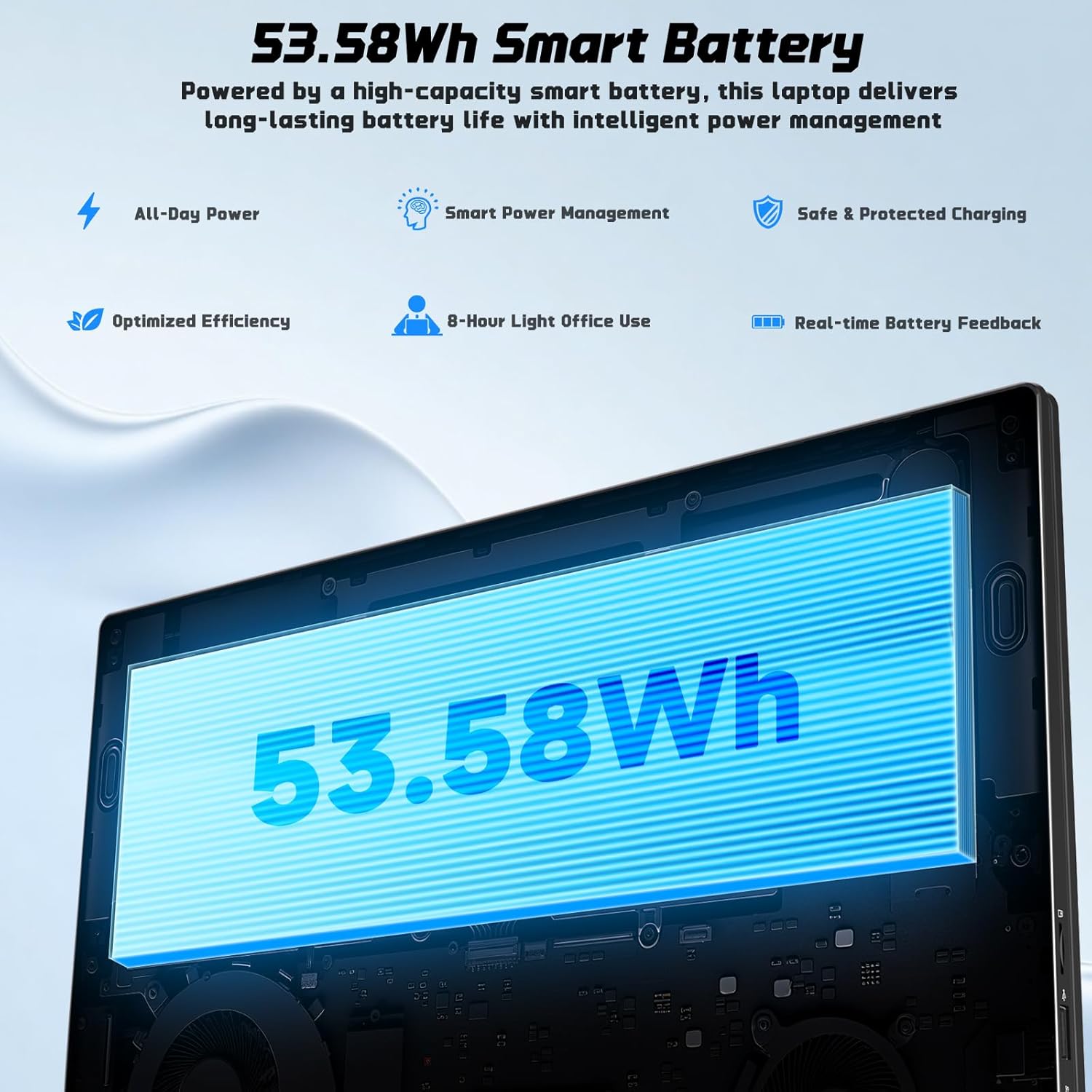
| Bateriaren iraupena | Approx. 5 Hours (53.58Wh Lithium Polymer) |
| Elementuaren pisua | 3.84 kilo |
| Produktuaren neurriak | 15.66 x 9.99 x 0.74 hazbete |
| Ezaugarri bereziak | Backlit Keyboard, Fingerprint Reader, HD Audio, Memory Card Slot, Numeric Keypad |

Image 7.1: The NIMO laptop's 17.3-inch FHD IPS display, highlighting its visual clarity and anti-glare properties.

Image 7.2: Visual representation of the Intel N100 processor, indicating its performance capabilities.

Image 7.3: Diagram illustrating the 53.58Wh smart battery, emphasizing its capacity and power management features.
8. Bermea eta Laguntza
NIMO provides comprehensive support for your product.
- Fabrikatzailearen bermea: Your NIMO N176 laptop is covered by a 2-year manufacturer's warranty. This warranty covers defects in materials and workmanship under normal use.
- Itzulketen politika: A 90-day hassle-free return and exchange service is offered by NIMO Direct Inc.
- Bezeroarentzako laguntza: For any concerns, technical assistance, or warranty claims, please contact NIMO's dedicated support team. Refer to the contact information provided on the NIMO official webgunean edo zure erosketa-dokumentazioan.
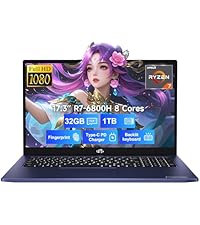
Image 8.1: Visual representation of NIMO's after-sales service, including domestic assembly, 90-day returns, and 2-year support.