
Sarrera
Welcome to your new Samsung UN43U8000F 43-inch Crystal UHD 4K Smart TV. This manual provides essential information for setting up, operating, and maintaining your television. Featuring a Crystal Processor 4K, vibrant colors, and smart TV capabilities, this model offers an enhanced viewing experience. Please read this manual thoroughly to ensure proper use and to maximize your enjoyment of the product.
Kutxan dagoena
Carefully unpack your television and check for the following items:
- Samsung Crystal UHD U8000F 4K telebista adimenduna (2025)
- Remote Control (MODEL: IR SIMPLE REMOTE TM2240A)
- Elikatze-kablea
- Erabiltzailearen eskuliburua (dokumentu hau)
- Limited Protection documentation
Note: Additional accessories such as HDMI cables or home theater guides may be included as part of a bundle, but are not standard TV components.
Konfigurazioa
1. Deskargatzea
Remove the TV from its packaging. It is recommended to have two people for safe handling due to the size and weight of the television.
2. Euskarria lotzea (aukerakoa)
If you plan to place the TV on a surface, attach the included plastic feet to the designated slots on the bottom of the TV. Ensure they are securely fastened.
3. Horman muntatzea (aukerakoa)
The Samsung UN43U8000F is VESA mount compatible. If you choose to wall mount, ensure you use a compatible VESA bracket and follow the bracket manufacturer's instructions for installation. The TV features screw holes on the back for easy wall mounting.
4. Periferikoak konektatzea
Konektatu kanpoko gailuak telebistara eskuragarri dauden atakak erabiliz:
- HDMI: Connect Blu-ray players, gaming consoles, soundbars, etc. The TV includes multiple HDMI inputs.
- USBa: USB biltegiratze gailuak konektatzeko.
- Ethernet (LAN): Interneteko kable bidezko konexio baterako.
- Antena/Kablea: Antena edo kable bidezko telebista konektatzeko.
- Audio-irteera optikoa: Kanpoko audio sistemetara konektatzeko.
5. Initial Power On & Smart Setup
Plug the power cable into the TV and a wall outlet. The TV will guide you through the initial setup process, which includes:
- Wi-Fi konexioa: Konektatu zure etxeko haririk gabeko sarera.
- Samsung kontua: Create or log in to your Samsung account to access smart features and apps.
- Ahots laguntzailea: Set up Bixby or Amazon Alexa for voice control.
- App Linking: Select and link your preferred streaming applications.
Telebista funtzionatzea
1. Urruneko kontrola
The included remote control (TM2240A) provides intuitive navigation. It features dedicated buttons for volume, channel, home, and quick access to popular streaming services. The remote also includes a solar panel for recharging and a USB-C port for alternative charging.
2. Smart Hub / Operating System
The Samsung Smart Hub provides access to a wide range of content and features. Navigate using the remote to browse apps, live TV, and connected devices. You can create multiple user profiles for personalized content recommendations.
3. Irudiaren ezarpenak
Your TV features advanced picture technologies:
- Kristalezko prozesadorea 4K: Enhances color and contrast for a lifelike 4K experience.
- 4K eskalatzea: Automatically upgrades lower-resolution content to near 4K quality.
- Motion Xcelerator 60Hz: Improves motion clarity for fast-paced content like sports and games.
- HDR (Barruti Dinamiko Handia): Expands contrast for enhanced visual detail and a wider spectrum of colors.
- Kolore-indartzailea: Optimizes color expression for vibrant and intense hues.
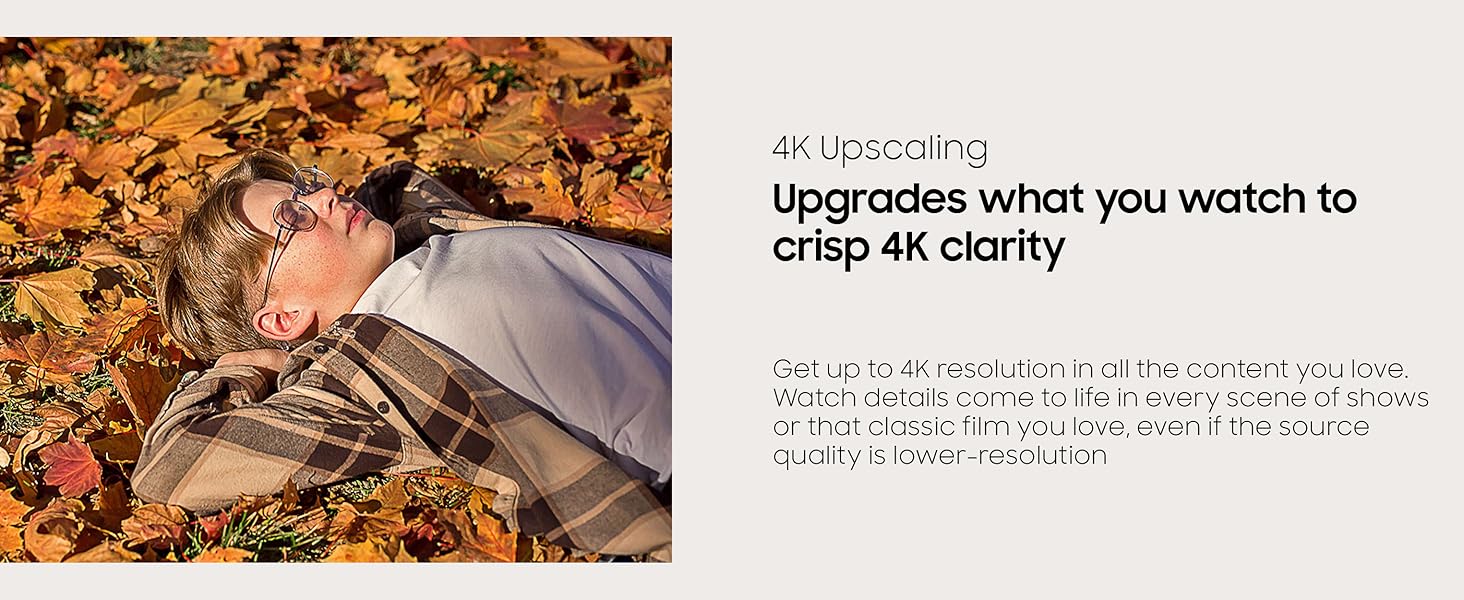
Figure 1: Visual representation of 4K Upscaling enhancing image clarity.
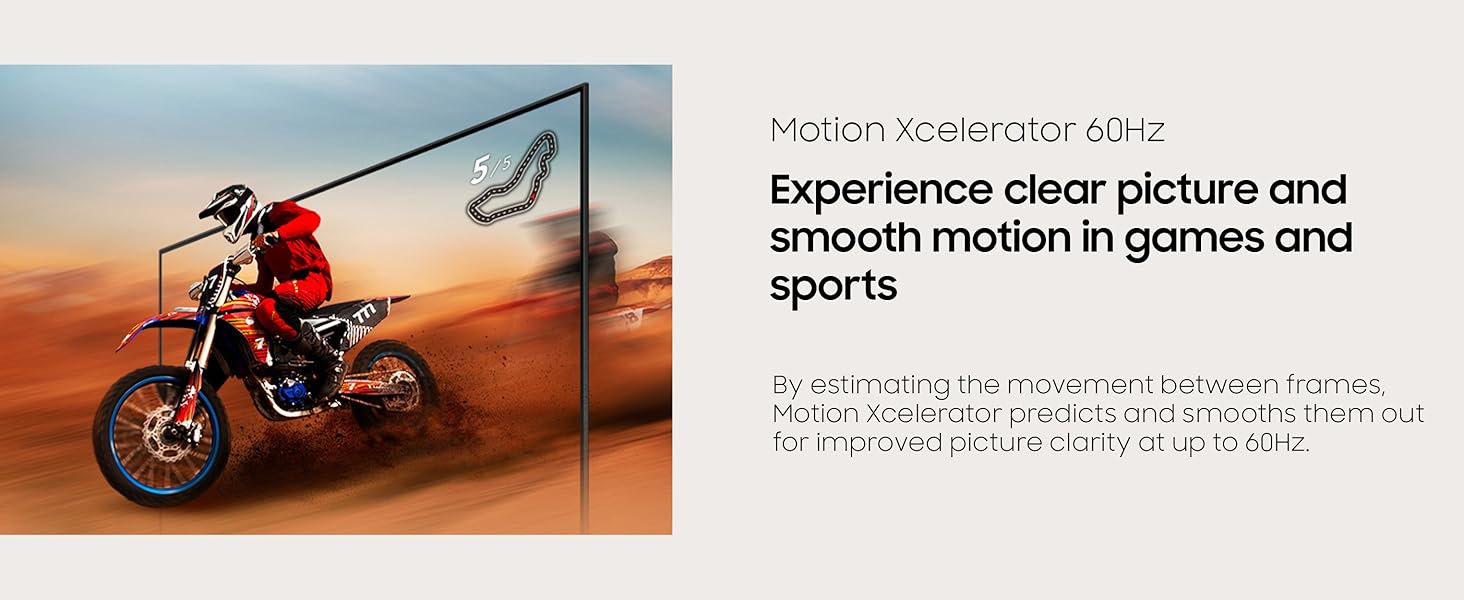
Figure 2: Motion Xcelerator 60Hz provides clear and smooth motion for dynamic content.
4. Soinu ezarpenak
Q-Sinfonia: When connected to a compatible Samsung soundbar, Q-Symphony allows the TV and soundbar speakers to work simultaneously for a richer audio experience.
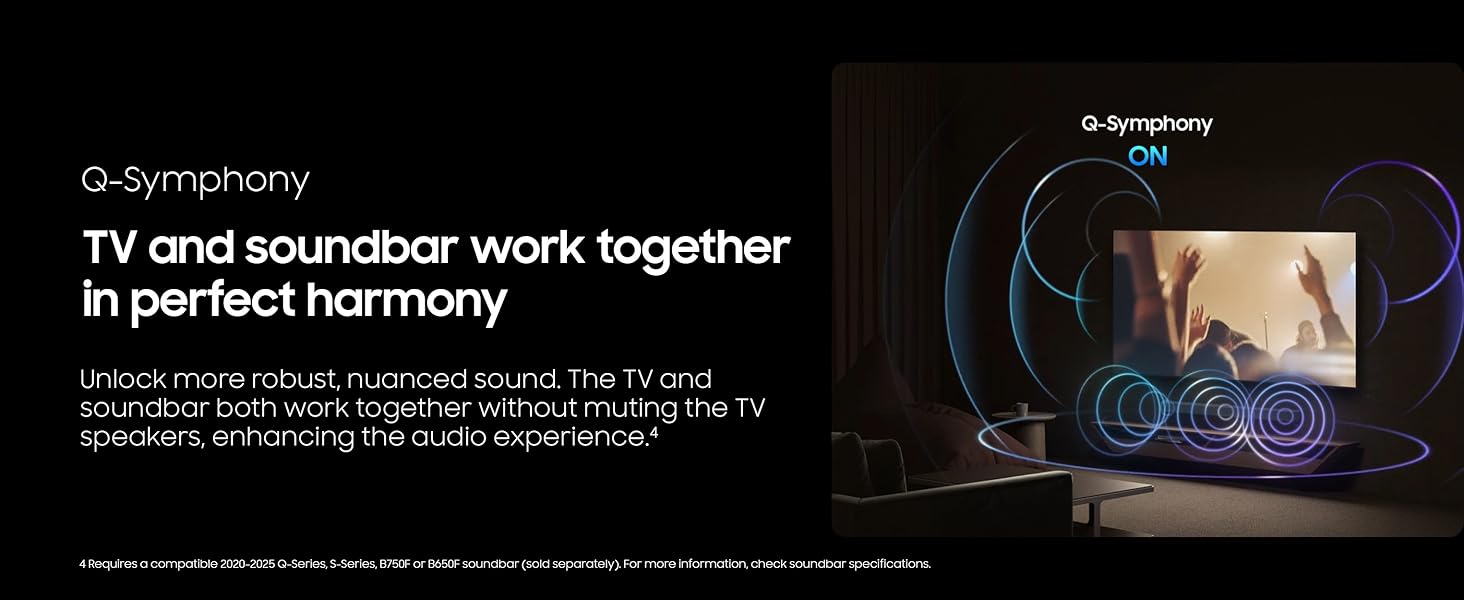
Figure 3: Q-Symphony technology synchronizes TV and soundbar audio for immersive sound.
5. Jokoen Ezaugarriak
The TV offers several features to enhance your gaming experience:
- Joko modua: Automatically optimizes screen settings for gaming.
- Joko Barra: A quick access menu for gaming-related settings.
- Helburu Puntu Birtuala: Provides an on-screen crosshair for improved aiming.
- Minimap Zoom: Automatically recognizes and zooms in on in-game minimaps.
- Joko Mugimendua Plus: Enhances motion clarity during gameplay.
- HDR Gaming: Supports HDR10 for compatible games.
Note: This TV supports up to 4K 60Hz. It does not support 120Hz refresh rates or Variable Refresh Rate (VRR).
6. Multi-View / Screen Mirroring
Erabili Multi-View to display content from multiple sources simultaneously. You can mirror content from a Samsung phone (Smart View), a PC, or a camera.
7. Art Mode / Screen Saver
Transform your TV into a piece of art or a screen saver when not in use. Access the Samsung Art Store for high-definition artwork or display your own photos.
8. Daily+ / SmartThings
Connect your TV to the SmartThings app to control compatible smart home devices and manage your daily routines.
9. Workspace
The Workspace feature allows you to connect to various external devices and services:
- Remote PC: Access your Windows or Mac computer remotely.
- Kontrol anitzekoa: Control connected Samsung screens and Galaxy devices with a keyboard and mouse.
- Samsung DeX: Connect compatible Samsung devices for a desktop-like experience.
Mantentzea
1. Garbiketa
Pantaila garbitzeko, astiro-astiro garbitu mikrofibra zapi leun eta lehor batekin. Telebistaren markoarentzat eta euskarriarentzat, erabili zapi leun eta lehor batekin.amp oihal. Saihestu produktu kimiko gogorrak edo material urratzaileak erabiltzea.
2. Software eguneraketak
Ensure your TV's software is up to date for optimal performance and security. You can usually find update options in the TV's settings menu under 'Support' or 'Software Update'.
Arazoak konpontzea
Telebistarekin arazoak badituzu, saiatu arazoak konpontzeko oinarrizko urrats hauekin:
- Potentziarik gabe: Check the power cable connection and the wall outlet.
- Irudi/soinurik ez: Verify all HDMI and audio connections. Ensure the correct input source is selected.
- Urrunekoa ez dabil: Check the remote's battery level (if applicable) or ensure it's charged via solar panel/USB-C.
- Interneteko konexio arazoak: Restart your router and modem. Reconnect the TV to your Wi-Fi network.
- Lagging Interface: Ensure your internet connection is stable. Close unused apps.
For more complex issues, refer to the TV's on-screen user guide or contact Samsung support.
Zehaztapenak
| Ezaugarri | Zehaztapena |
|---|---|
| Marka | Samsung |
| Modelo zenbakia | UN43U8000F (E1SAMUN43U8000F) |
| Pantailaren tamaina | 42.6 hazbete (43 hazbeteko klasea) |
| Bistaratzeko Teknologia | LCDa |
| Ebazpena | 4K UHD |
| Freskatze tasa | 60 Hz |
| Konektibitate Teknologia | Bluetooth konexioa, Wi-Fi |
| Produktuaren neurriak | 6.2" L x 37.7" W x 24" H |
| Elementuaren pisua | 14.6 kilo |
| Ezaugarri bereziak | Crystal Processor 4K, Endless Free Content, MetalStream Design, Motion Xcelerator 60Hz, Samsung Knox Security |
Bermea eta laguntza
Your Samsung UN43U8000F 43-inch Crystal UHD 4K Smart TV (2025) includes a limited manufacturer's protection. Additionally, this product comes with a 26-month extended protection plan as part of the bundle.
For technical support, warranty claims, or further assistance, please refer to the contact information provided in your product's limited protection documentation or visit the official Samsung support webgunea.