
F08

Loshall Smart Finder User Manual
Model: F08 | Brand: Generic
1. Introduction to Your Loshall Smart Finder
The Loshall Smart Finder is a certified key finder and item tracker designed for Android devices. It integrates seamlessly with the 'Find My Device' application on Android phones (Android 9 or higher). This device helps you locate frequently misplaced items such as keys, wallets, bags, luggage, and more.

Image 1.1: The Loshall Smart Finder and its packaging, highlighting its Android compatibility.
Key features include accurate proximity finding, global tracking capabilities, and a loud audible alert to help pinpoint items within range. The device is designed for ease of connection and ensures data security through an encrypted and anonymous network. It also boasts an IP67 rating for water resistance and features a replaceable battery for extended use.

Image 1.2: Various applications of the Loshall Smart Finder, including tracking keys, backpacks, bicycles, and luggage.
2. Konfigurazioa eta hasierako parekatzea
Before using your Loshall Smart Finder, ensure your Android device is running Android 9 or higher. This device is not compatible with iOS devices.
2.1. Bateragarritasuna
The Loshall Smart Finder is designed to work exclusively with Android phones running Android 9 (Pie) or a newer version. It leverages Google's 'Find My Device' application for tracking and management.
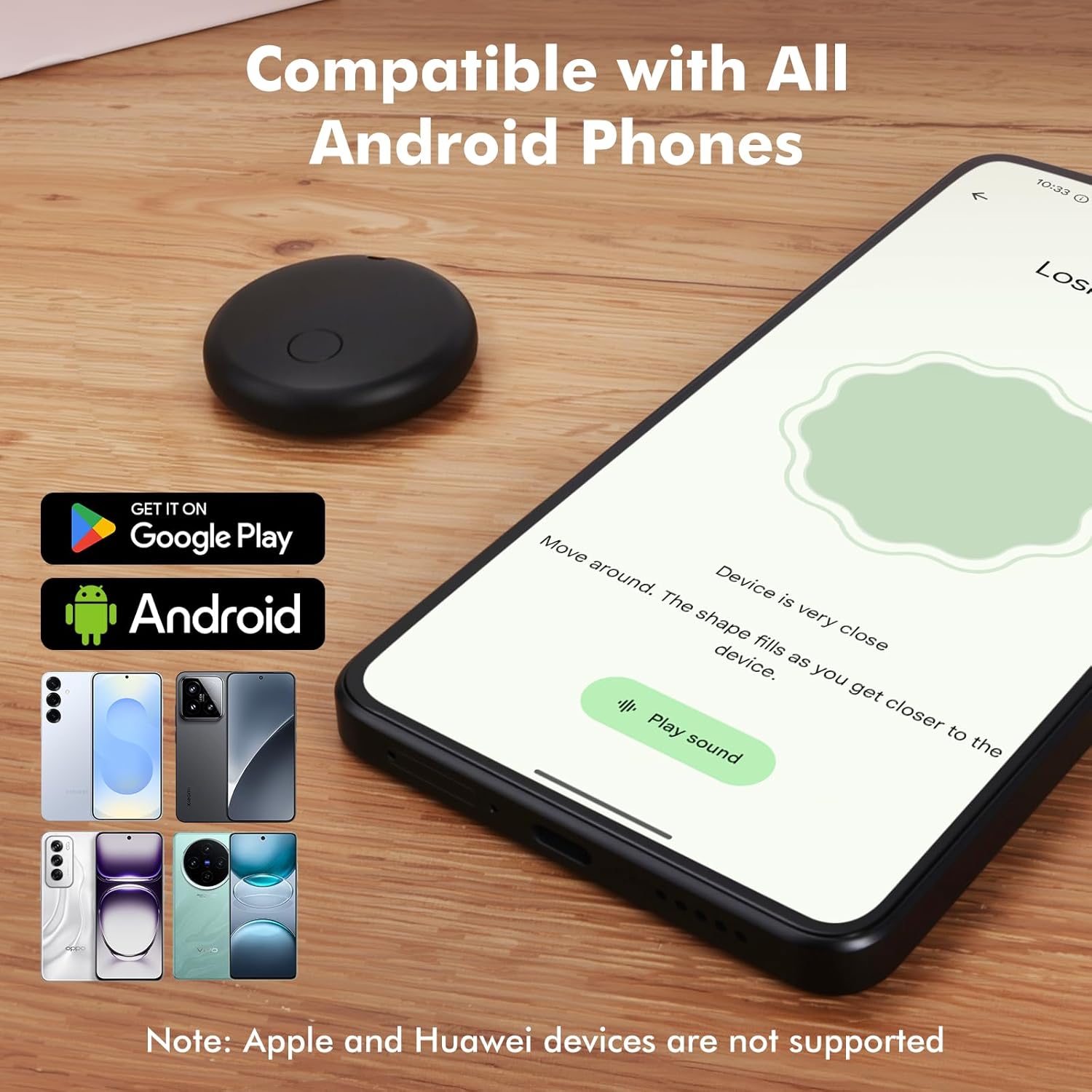
Image 2.1: Visual representation of the Loshall Smart Finder's compatibility with Android devices and the Google Play Store.
2.2. Parekatzeko jarraibideak
- Ziurtatu zure Android telefonoaren Bluetooth-a gaituta dagoela.
- Turn on your Loshall Smart Finder.
- Place the Smart Finder near your Android phone.
- A pairing window should automatically pop up on your phone's screen. Follow the on-screen prompts to complete the pairing process.
- If the pairing window does not appear, open the 'Find My Device' app manually and look for an option to add a new device.
3. Operating Your Loshall Smart Finder
3.1. Accurate Proximity Finding
When your item is nearby, use the 'Find My Device' app to accurately locate it. The app provides a real-time proximity display, showing the distance to your item. A ripple effect visual cue helps guide you closer to the item.
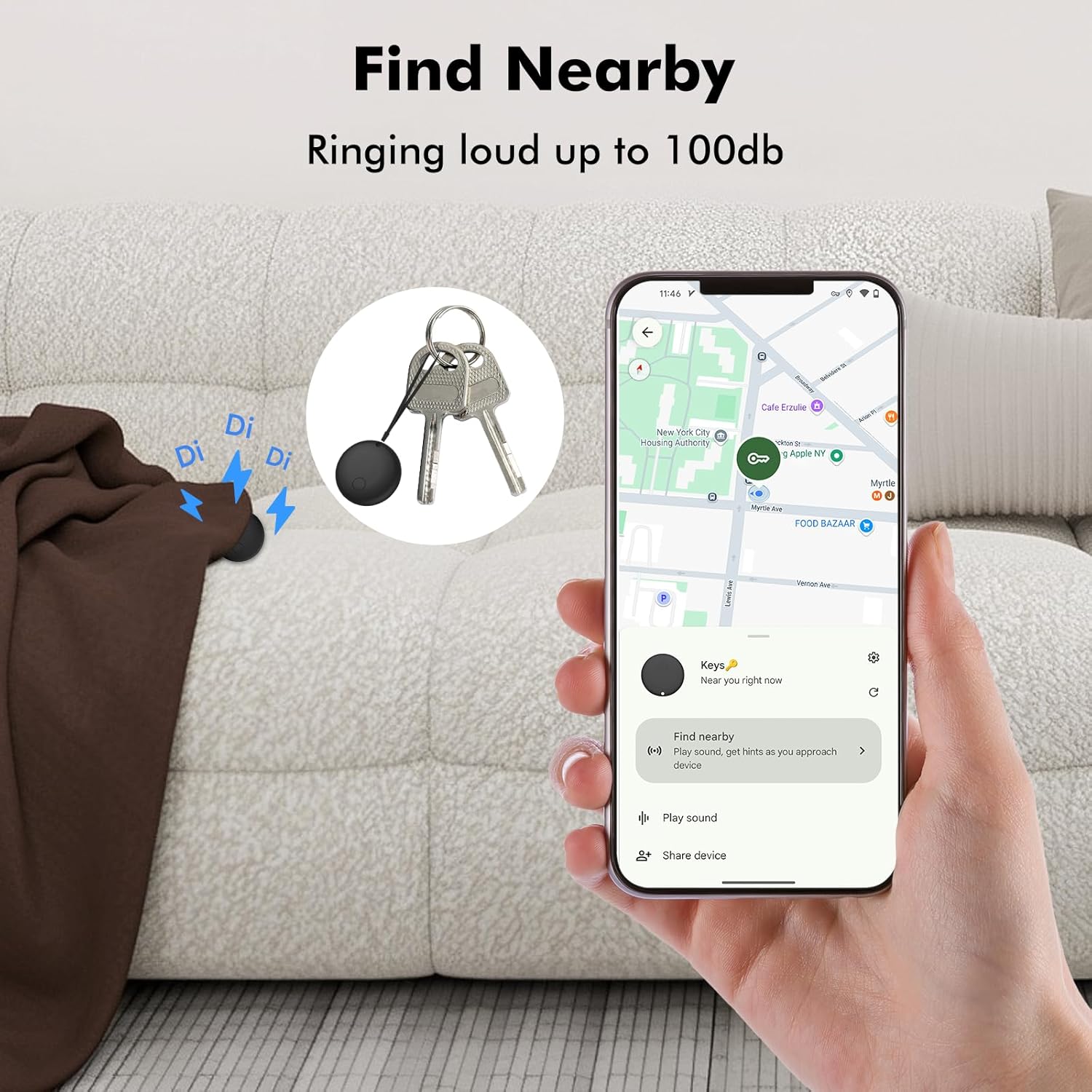
Image 3.1: Using the 'Find Nearby' feature to locate items within close range, with an option to play a loud sound.
3.2. Global Tracking and Map Directions
If your item is out of Bluetooth range (approximately 150 meters or 500 feet), you can view its last known location on a map within the 'Find My Device' app. The app provides precise map directions to help you retrieve your item. Location updates are fast, typically taking 2-3 minutes in crowded areas.

Image 3.2: Locating items from a distance using precise map directions provided by the 'Find My Device' app.

Image 3.3: The Loshall Smart Finder offers worldwide tracking, allowing you to locate your items globally.
3.3. Activating the Sound Alert
Within the 150-meter (500-foot) range, you can activate a loud ringtone on your Smart Finder. This can be done via the 'Find My Device' app or through voice commands, helping you quickly locate your item by sound.
3.4. Sharing Item Locations
The 'Find My Device' app allows you to share the location of your tracked items with trusted contacts, providing peace of mind for shared belongings or family use.
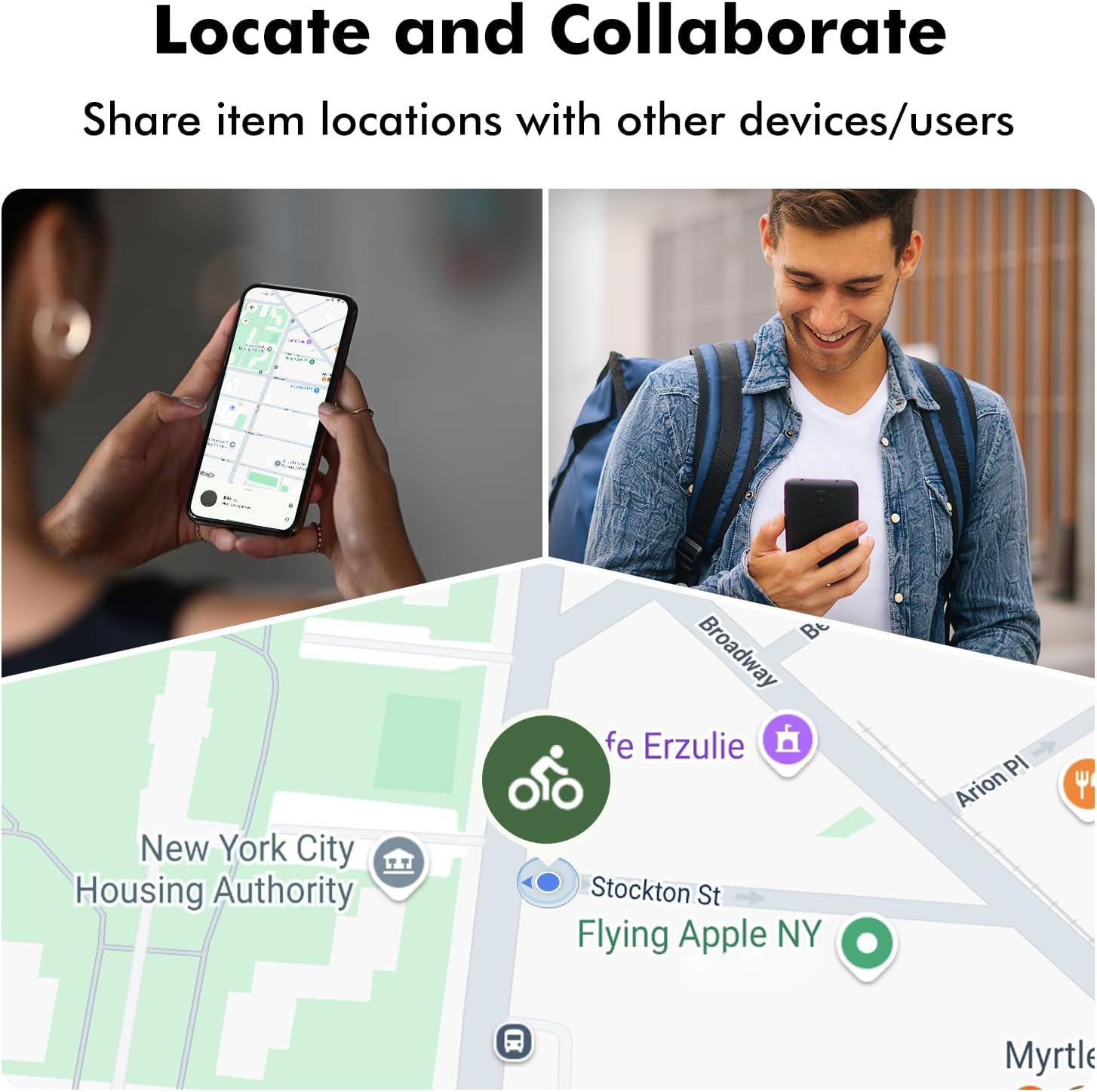
Image 3.4: The ability to share item locations with other users or devices for collaborative tracking.
4. Mantentzea
4.1. Urarekiko erresistentzia (IP67)
The Loshall Smart Finder has an IP67 rating, meaning it is protected from dust and can withstand immersion in water up to 1 meter for up to 30 minutes. It is safe for use in conditions involving splashing water, rain, or short immersion. However, it is not recommended for prolonged submersion or use during swimming.
4.2. Bateria ordezkatzea
The Smart Finder uses a replaceable battery, offering a battery life of approximately 8-12 months, depending on usage frequency and environmental temperature. When the battery is low, the 'Find My Device' app may notify you. To replace the battery:
- Kokatu bateriaren konpartimendua gailuan.
- Carefully open the compartment using a small tool if necessary.
- Kendu bateria zaharra.
- Insert a new compatible battery, ensuring correct polarity.
- Itxi ondo bateriaren konpartimendua.
5. Arazoak
If you encounter issues with your Loshall Smart Finder, please refer to the following common solutions:
- Gailua ez da konektatzen: Ensure Bluetooth is enabled on your Android phone. Make sure the Smart Finder is powered on and within range. Try restarting both your phone and the Smart Finder.
- Location Not Updating: Verify that your phone has an active internet connection (Wi-Fi or mobile data). Ensure location services are enabled for the 'Find My Device' app.
- Sound Alert Not Working: Check the volume settings on your phone. Ensure the Smart Finder's battery is not critically low.
- Bateriaren iraupena espero baino laburragoa: Battery life can vary based on usage frequency and environmental conditions. Ensure you are using a fresh, compatible battery.
- Parekatzeko arazoak: If the automatic pairing window does not appear, try manually adding the device through the 'Find My Device' app settings. Ensure your Android OS is version 9 or higher.
For persistent issues, consult the 'Find My Device' app's help section or contact customer support.
6. Zehaztapenak
| Ezaugarri | Xehetasuna |
|---|---|
| Eredua | F08 |
| Marka | Generikoa |
| Sistema bateragarria | Android 9 or later (Not for iOS devices) |
| Materiala | ABS |
| Kolorea | Black/White (options may vary) |
| Uraren Erresistentzia | IP67 (Splash, rain, and short immersion resistant) |
| Bateria mota | Replaceable Lithium Metal (1 Product Specific battery included) |
| Bateriaren iraupena estimatua | 8-12 months (varies with usage) |
| Barrutia | Up to 150 meters / 500 feet (line of sight) |
| Paketearen neurriak | 9 x 6.4 x 1.5 cm |
| Pisua | 26 g |
| Fabrikatzailea | Kasongde |
| ASIN | B0FJLTY5PV |
| Eskuragarri dagoen lehen data | 22ko uztailaren 2025a |
7. Bermea eta Laguntza
For warranty information or technical support, please refer to the documentation provided with your purchase or contact the manufacturer, Kasongde, directly. You may also find assistance through the 'Find My Device' application's support resources.